
To maximize clicks, place your key links within the thumb zone, especially in the lower half of the mobile screen where your thumb naturally rests. Avoid the corners and top areas, which require awkward stretches. Focus on easy-to-reach spots that feel comfortable and intuitive, making navigation effortless. If you want to optimize your design further and guarantee better engagement, there’s more to discover below.
Key Takeaways
- Place key links within the lower half of the screen where thumbs naturally rest for easy access.
- Avoid positioning important controls in corners or upper sections that require stretching.
- Focus on the middle and bottom zones aligned with typical thumb resting and movement areas.
- Use larger, contrasting touch targets in the thumb zone to encourage taps and improve usability.
- Test and iterate link placement based on user interactions to ensure optimal thumb reachability and comfort.
What Is the Thumb Zone and Why Does It Matter?

Have you ever noticed how your thumb naturally reaches for certain areas on your phone screen? That’s because of the thumb zone, the area where your thumb moves comfortably without stretching or straining. Understanding this zone is vital for thumb comfort and creating an ergonomic design. When buttons or links fall within this natural reach, you reduce fatigue and make navigation easier. If you place important controls outside this zone, you force your thumb into awkward stretches, leading to discomfort over time. Designing with the thumb zone in mind helps make your device more user-friendly. It also aligns with ergonomic principles that prioritize comfort and efficiency in user interactions. Incorporating adaptive interfaces that respond to how users hold their devices can further enhance accessibility. Considering the natural movement of the thumb can help anticipate user behavior and improve overall usability. Recognizing user behavior patterns can guide better placement decisions and create a more intuitive experience. Additionally, consistent layout helps users develop muscle memory, making navigation smoother over time. It guarantees that users can interact effortlessly, minimizing strain and maximizing efficiency. Ultimately, considering the thumb zone enhances the overall experience, making your app or website more accessible and enjoyable to use.
How to Find Resting Areas for Thumbs on Your Devices
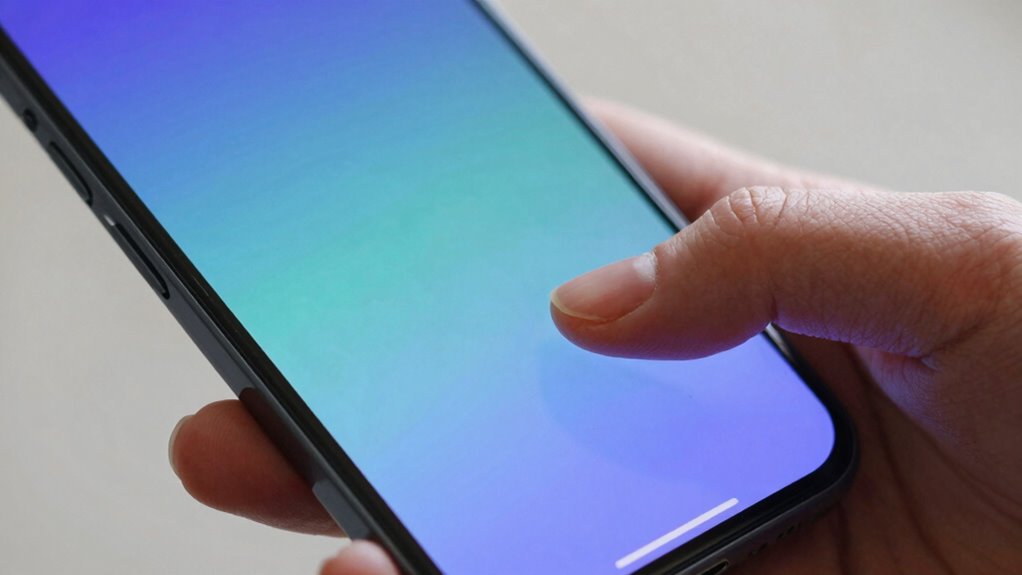
To find resting areas for your thumbs on your devices, start by holding your phone or tablet in a natural, comfortable position. Pay attention to where your thumbs naturally settle when you’re not actively using the screen. These zones indicate thumb reachability and finger comfort, helping you identify excellent resting spots. Use this table as a guide:
| Top Left | Top Center | Top Right |
|---|---|---|
| Middle Left | Middle Center | Middle Right |
| Bottom Left | Bottom Center | Bottom Right |
Focus on areas where your thumbs rest effortlessly without stretching or straining your fingers. These comfortable zones are ideal for placing important links or buttons, ensuring smooth thumb movement and reducing fatigue during extended use. Recognizing these resting areas boosts overall thumb reachability.
Tips for Placing Links in the Thumb Zone to Boost Clicks

Placing links within your thumb zone guarantees users can tap effortlessly without stretching or adjusting their grip. Focus on the gesture zones where the thumb naturally reaches without strain, typically the lower half of the screen. Position important links and buttons within this thumb reach area to encourage interaction and boost clicks. Avoid placing clickable elements in the corners or upper sections, which are harder to reach comfortably. Use visual cues like size and contrast to draw attention to links in the thumb zone, making them more inviting to tap. Remember, the goal is to create a seamless user experience by aligning your design with natural thumb movement. Prioritizing touch target size ensures buttons are large enough to improve accessibility and user satisfaction. Understanding and applying thumb-friendly design principles can further optimize your layout for mobile users, making your site or app more intuitive and engaging.
Common Mistakes to Avoid When Designing for Thumb Accessibility
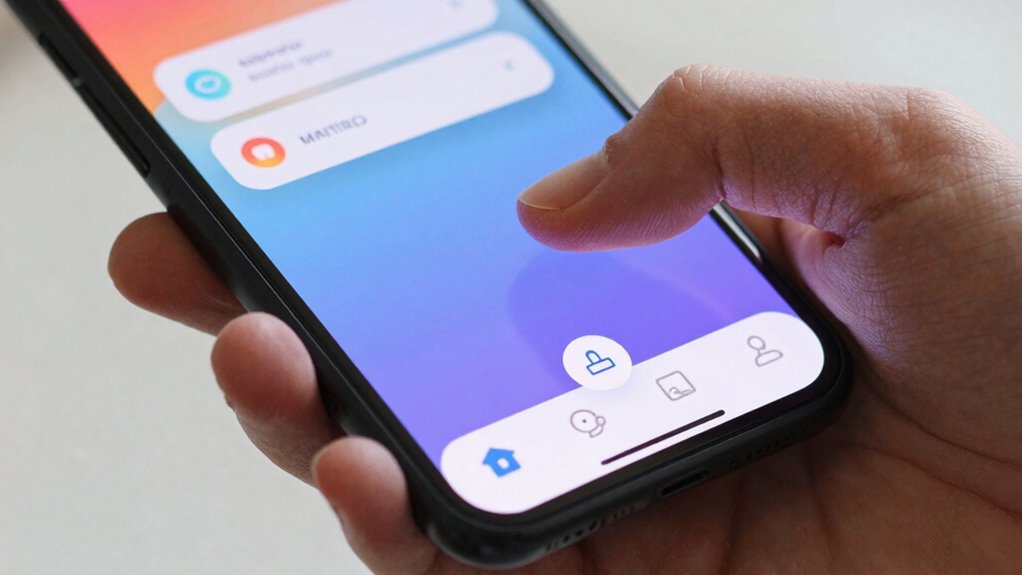
Neglecting thumb reach when designing your interface can lead to frustrating user experiences and lower engagement. One common mistake is placing important links outside the thumb zone, forcing users to stretch or use two hands, which increases gesture fatigue. Overloading this area can also cause accidental taps, frustrating users and leading to missed interactions. Additionally, ignoring the natural motion of the thumb can result in awkward navigation, making it harder for users to access key features quickly. Failing to consider thumb comfort causes users to abandon your app or website altogether. To avoid these pitfalls, prioritize placing essential elements within the most accessible areas, minimizing the need for stretching or excessive movement. Keep thumb comfort in mind to create a seamless, engaging experience that encourages interaction. Incorporating thumb zone principles into your design can significantly improve user satisfaction and retention, especially when considering ergonomic design practices. Understanding natural thumb motion can help you optimize layout for maximum accessibility and ease of use. Recognizing the impact of user ergonomics on interface placement is crucial for creating intuitive and comfortable interactions. Additionally, considering piercing care and hygiene can inform ergonomic design decisions that promote user well-being.
How to Test and Improve Your Link Placement for Better Engagement

Testing and refining your link placement is vital to guarantee users can navigate comfortably and engage more effectively. To do this, focus on improving user experience by conducting accessibility testing on your mobile layout. Use tools like screen readers and touch simulation to identify any awkward or hard-to-reach links. Observe how users interact with your design, paying attention to thumb reach zones and common navigation patterns. Gather feedback directly from users or run usability tests to pinpoint areas needing adjustment. Experiment with repositioning links within the thumb zone, then reassess performance. Continuously testing and iterating ensures your link placement feels natural, accessible, and encourages more clicks. Remember, small improvements in placement can greatly boost engagement and overall user satisfaction. Additionally, understanding StyleGuru.org options can inspire you to create more appealing and functional layouts for your content.
Frequently Asked Questions
How Does Thumb Size Vary Across Different Device Models?
Your thumb size varies across different device models due to device variation, affecting how comfortably you can reach screen areas. Larger phones like phablets have bigger thumb zones, making it easier to tap links at the edges, while smaller phones require more precise movements. Understanding these differences helps you optimize app layouts and button placement, ensuring a seamless experience regardless of your device’s thumb size.
What Are the Latest Tools for Testing Thumb Zone Accessibility?
Think of thumb-zone accessibility testing like charting a map for a smooth journey. You can use tools like Google’s Accessibility Insights, Axe, or Mobile-Friendly Test to evaluate gesture control and reachability. These tools help you identify areas where users struggle, ensuring your links are within easy thumb reach. Regular accessibility testing lets you optimize your mobile interface, making navigation effortless and inclusive for everyone.
How Do Cultural Differences Influence Thumb Zone Design Preferences?
Cultural differences substantially influence thumb zone design preferences, as cultural usability impacts how users interact with mobile interfaces. You should consider regional preferences, such as hand dominance and device usage habits, which vary across cultures. By understanding these differences, you can optimize link placement to match users’ behaviors, ensuring that your mobile design feels intuitive and accessible, ultimately increasing engagement and click-through rates.
What Role Does Screen Orientation Play in Thumb Zone Optimization?
Screen orientation profoundly impacts thumb zone optimization by altering hand placement and ergonomic considerations. When you hold your device in portrait mode, keep important links within the lower or central thumb zones for easier access. In landscape, adjust your grip to maintain comfort, placing key links within natural thumb reach. Always consider hand movement and ergonomics to reduce strain, ensuring a seamless and efficient user experience across orientations.
Can Adaptive Design Techniques Personalize Thumb Zone Layouts?
Over 70% of users prefer gesture-based navigation, making adaptive design techniques essential. You can customize thumb zone layouts by using these techniques, creating interfaces that adjust based on user behavior. This guarantees links and controls are within easy reach, improving engagement. Personalized user interfaces cater to individual habits, making navigation smoother and more intuitive. Adaptive design truly enhances user experience by dynamically optimizing thumb zones for each user’s preferences.
Conclusion
By placing links within the thumb zone, you can substantially boost user engagement—studies show that 49% of mobile users tap where their thumb naturally rests. So, optimize your design by considering thumb reach, avoid common mistakes, and test your layout regularly. When you make it easier for users to click, you create a smoother experience that encourages more interaction and keeps visitors coming back. Prioritize thumb-friendly design to maximize your mobile success.