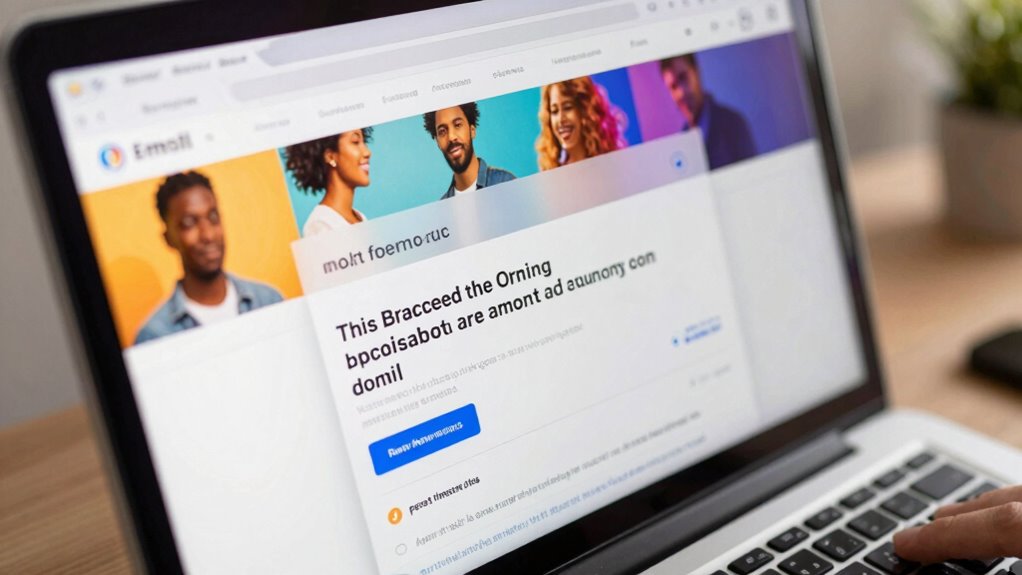

Since many email clients block images by default, you need to design your emails so they communicate clearly without visuals. Use descriptive alt text, organize content with clear headings, and include prominent text-based calls-to-action. Test your emails across platforms to see how they appear without images and adjust accordingly. If you want your emails to remain effective even when images are blocked, learn how to optimize your message for all scenarios.

Get business pricing on office and shipping supplies
- Business-only prices and quantity discounts
- Tax-exempt purchasing
- Multiple users, one account, clear invoices
Key Takeaways
- Use descriptive, concise alt text to convey essential message when images are blocked.
- Design a clear, logical email layout with headings and prominent calls-to-action for easy navigation.
- Balance text and visuals, emphasizing strong contrast and hierarchy for readability without images.
- Regularly test emails across platforms, disabling images to verify alt text effectiveness and overall clarity.
- Keep content simple, focusing on core messages to ensure understanding even when images do not display.
As an affiliate, we earn on qualifying purchases.
Why Do Email Images Get Blocked, and How Does It Affect Your Campaigns?

Email images often get blocked because email providers use filters to protect users from spam, malware, and malicious content. These spam filters automatically restrict images to prevent harmful or unwanted content from reaching your inbox. Additionally, user preferences play a role; many users choose to block images by default to speed up email loading times or to avoid potential tracking pixels. When images are blocked, your message’s visual impact diminishes, making it harder for recipients to engage with your content. This can lead to lower click-through rates and reduced campaign effectiveness. To combat this, you need to design emails that still communicate clearly without relying solely on images, respecting both spam filters and user preferences. Incorporating accessible design practices ensures your message remains effective even when images are blocked. Moreover, understanding email client behaviors can help you optimize your email layout to accommodate these restrictions. Being aware of content rendering issues can further enhance how your emails appear across different platforms and devices. Recognizing email security protocols is also essential, as they can influence how images are displayed or blocked in different email environments. Additionally, designing with fallback content can help maintain your message’s clarity when images don’t load.
email testing tools for mobile and desktop
As an affiliate, we earn on qualifying purchases.
As an affiliate, we earn on qualifying purchases.
How to Detect When Your Email Images Are Blocked
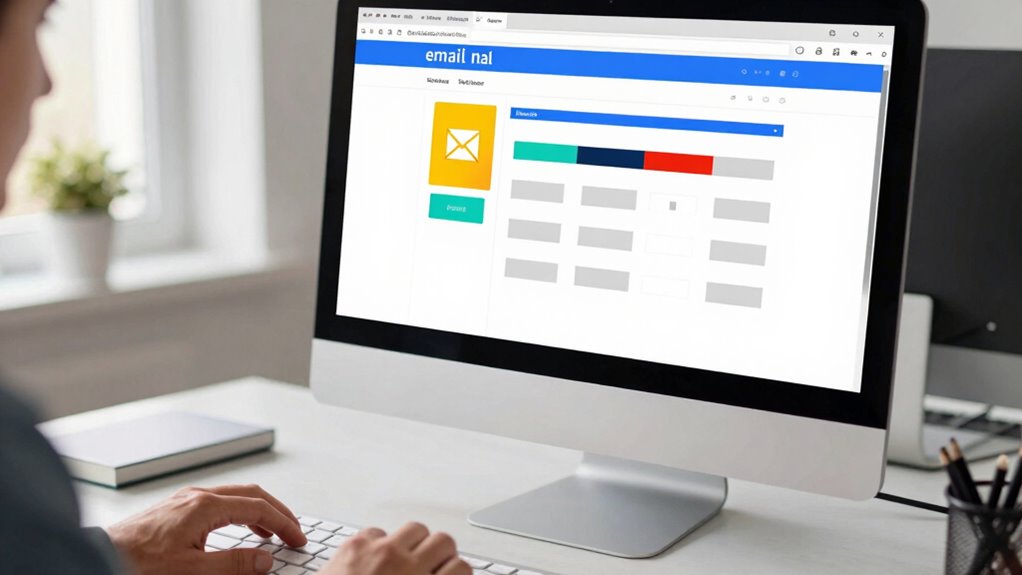
To find out if your email images are blocked, start by checking the image loading status in your email client. Keep an eye on display errors or missing images, which can indicate a problem. Additionally, use email preview tools to see how your message appears across different platforms and identify any blocked visuals.
Check Image Loading Status
Since images in emails can sometimes fail to load, it’s important to know how to tell if your images are being blocked. One way is to look for missing visual elements or broken image icons, which indicate blocking. You can also include a small, descriptive alt text that appears when images don’t load, giving recipients context and maintaining email clarity. This approach supports email personalization, ensuring your message still makes sense even if images are hidden. Additionally, spam filters might block images to protect users from potential threats. Monitoring whether your images load properly helps you identify if spam filters or email client settings are causing issues. Being aware of these signs enables you to optimize your design and keep your emails engaging, regardless of image loading problems. Understanding email client behavior can further help you anticipate and address image blocking issues effectively.
Monitor Image Display Errors
When images don’t load as expected, you can spot the issue by paying close attention to specific visual cues. Often, image blocking results from email client quirks or user privacy settings that restrict image display. Look for placeholders or broken image icons instead of your visuals. If your email shows blank spaces where images should be, it’s a sign that images might be obstructed. Some email clients, like Outlook or Apple Mail, have default settings that prevent images from loading automatically. Additionally, user privacy settings can restrict image downloads to protect personal data. Regularly testing your emails across different platforms helps you identify these issues early. Recognizing these cues allows you to adapt your design and ensure your message still makes sense, even when images are blocked. Understanding the role of AI ethics in technology can also help you stay informed about privacy considerations affecting email content.
Use Email Preview Tools
Using email preview tools is an effective way to detect if your images are being blocked before you send your campaign. By viewing your email in an email preview, you can see how it appears in various inbox displays, helping you identify if images aren’t displaying properly. These tools simulate different email clients and devices, revealing potential issues with image blocking. You’ll quickly notice if important visuals are missing or if the layout breaks when images are hidden. This enables you to make adjustments, such as including alt text or restructuring content, ensuring your message still makes sense. Incorporating Free Floating elements can also help your email maintain a cohesive design even when images are blocked. Regularly testing with email preview tools helps you create more reliable, engaging emails that communicate effectively—even when images are blocked. Additionally, understanding the limitations of image display can guide you in designing emails that are visually appealing regardless of image loading issues. Implementing fallback content strategies further ensures your message remains clear when images fail to load. Being aware of email client variations can help you anticipate different behaviors across platforms and optimize your design accordingly.
email template design for blocked images
As an affiliate, we earn on qualifying purchases.
As an affiliate, we earn on qualifying purchases.
Designing Emails That Still Communicate Without Images
Even if images don’t load, your email can still deliver its message clearly. To do this, focus on designing emails that communicate without relying solely on visuals. First, use compelling alternative text so recipients understand the message even if images are blocked. Second, implement responsive design to ensure your email looks good on any device, making text and layout adaptable. Third, keep your message concise with clear headings and calls-to-action, so the core message stands out. Fourth, balance text and visual cues to guide readers naturally through your content. Additionally, incorporating content accessibility principles can enhance the inclusivity and effectiveness of your message. Incorporating semantic HTML can further improve how screen readers interpret your email, making it more accessible. Moreover, selecting Suprem fabric for your email design elements can offer enhanced durability and flexibility in digital templates, ensuring your message remains clear across platforms. Furthermore, understanding cultural nuances in your audience can help tailor your message to resonate better and avoid misinterpretation. By emphasizing these elements, you guarantee your email remains effective, engaging, and accessible, regardless of image loading issues.
As an affiliate, we earn on qualifying purchases.
How to Use Alt Text Effectively to Convey Your Message

You need to craft descriptive alt text that clearly explains the image’s purpose. Keep your alt text concise so it doesn’t overwhelm or confuse your audience. When done right, your message comes through even when images are blocked. Incorporating simple systems into your design can help maintain clarity and ensure your message is accessible regardless of image display. Additionally, understanding the science behind at-home beauty devices can guide you in creating more effective and relevant alt descriptions for related images. A focus on quality assessment principles can also enhance your ability to craft accurate and meaningful alt text for diverse visual content. Recognizing that floating on water is a common scenario for beach-related images can aid in providing contextually appropriate descriptions, further improving accessibility and user experience. Applying these practices, including safe installation practices, can further improve accessibility and user confidence across your communications.
Craft Descriptive Alt Text
Crafting descriptive alt text is essential for ensuring that all users can understand your images, especially when they can’t be seen. A well-crafted alt text supports image accessibility and strengthens your alt text strategy. To do this effectively, focus on:
- Clearly describing the main purpose or message of the image.
- Using simple, straightforward language that’s easy to understand.
- Including relevant details without overloading with unnecessary information.
- Thinking about what a user needs to know if the image doesn’t load.
Keep Alt Text Concise
To use alt text effectively, focus on keeping it concise so that it quickly conveys the image’s main message without overwhelming the user. A clear alt text strategy enhances image accessibility by providing essential context in just a few words. Avoid stuffing too much detail or irrelevant information; instead, highlight the core purpose of the image. Remember, many users rely solely on alt text when images are blocked, so your message must be direct and meaningful. Use simple language and focus on the most important details. Well-crafted, concise alt text ensures your audience understands your message, regardless of whether images load. Additionally, aligning your alt text with passive voice detection principles from KellerKunst can further improve how your images communicate their intended message. Incorporating accessible design practices helps ensure your content remains inclusive and user-friendly for all audiences. This approach improves overall accessibility and keeps your email content straightforward and user-friendly.
Structuring Your Email for Clarity When Images Fail
- Use a logical layout so essential information is positioned prominently, even without images.
- Prioritize important content with headings and subheadings that guide the reader’s eye.
- Keep calls-to-action (CTAs) text clear and direct, making them stand out without relying on visuals.
- Incorporate descriptive, concise alt text that complements your text hierarchy and clarifies image intent.
Visual Design Tips That Work Without Images
Even when images are blocked, your email’s visual appeal still matters. To maintain engagement, focus on strong color contrast and clear font hierarchy. Use contrasting colors to make key messages stand out, ensuring readability even without images. Organize text with varying font sizes and weights to guide your reader naturally through your content. Here’s a quick visual inspiration:
| Message Focus | Design Tip |
|---|---|
| Headline | Bold, large font for emphasis |
| Call-to-Action | Bright color contrast to attract attention |
| Subheadings | Slightly smaller, distinct font style |
| Body Text | Clear, readable font with ample spacing |
| Important Details | Use color contrast to highlight |
Prioritize font hierarchy and contrasting colors to evoke emotion and clarity, regardless of image display.
Testing Your Emails for Image Blocking Before Sending
Before hitting send, it’s crucial to test your emails for image blocking to guarantee your message still comes across effectively. This helps ensure your email remains accessible, even if images don’t load. Here are four key steps:
- Preview in multiple email clients to see how images and alt text appear.
- Disable images manually to check if your alt text clearly conveys your message.
- Use tools or inbox testing platforms to simulate image blocking scenarios.
- Review your alt text strategies—make sure they’re descriptive enough to replace images effectively.
Best Practices & Tools to Optimize for Image Blocking
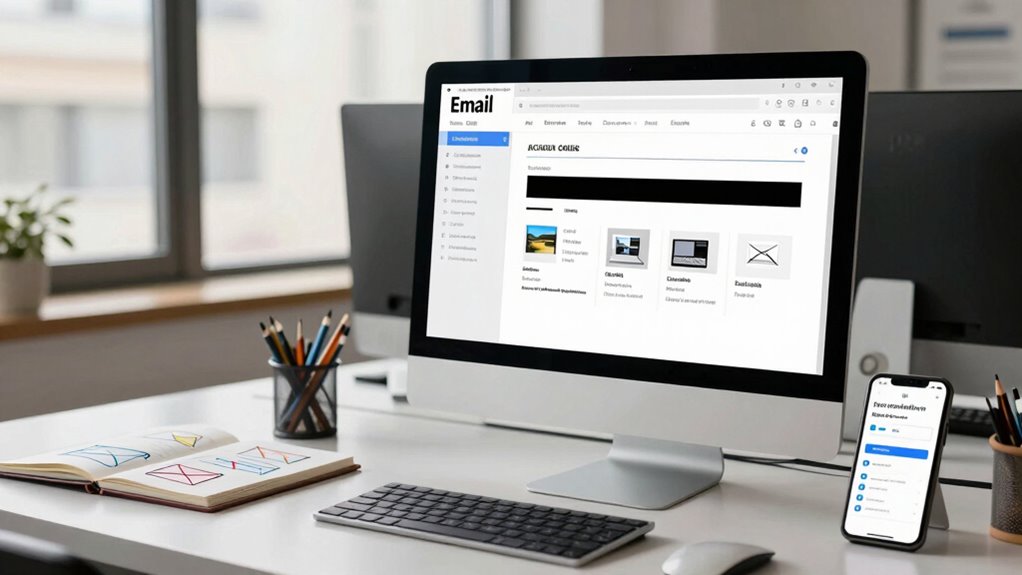
Optimizing your emails for image blocking involves implementing best practices and leveraging effective tools to guarantee your message stays impactful. Start with personalization strategies that adapt content based on recipient preferences, ensuring relevance even if images are blocked. Use descriptive alt text for all images, so your message remains clear without visuals. Incorporate text-based calls to action and clear headlines to maintain engagement metrics regardless of image display. Employ email testing tools that simulate different email clients and blocking scenarios, giving you insights to refine your design. Focus on a balanced layout that emphasizes text and visuals equally. By combining personalization strategies with robust tools, you ensure your emails communicate effectively, keeping engagement high despite image blocking.
Frequently Asked Questions
Are There Specific Email Clients More Prone to Blocking Images?
Certain email clients, like Outlook and some versions of Yahoo Mail, are more prone to blocking images due to their email client preferences and image rendering quirks. You’ll notice these clients often disable images by default, so it’s essential to craft emails that still convey your message without images. Use descriptive alt text and focus on clear, concise copy to ensure your email makes sense even when images are blocked.
How Does Mobile Device Usage Influence Image Blocking Issues?
Mobile device usage makes image blocking more noticeable because people often view emails on smaller screens with limited bandwidth. To combat this, you should prioritize mobile adaptation and responsive design, ensuring your emails look good even when images are blocked. Use descriptive alt text and simple layouts so your message remains clear, no matter the device. This way, your emails stay effective and engaging across all platforms.
Can Personalization Increase the Likelihood of Images Being Blocked?
Personalization can boost the effectiveness of your emails, but it doesn’t necessarily decrease image blocking. When you use dynamic content, you enhance engagement, yet some email clients may still block images regardless of personalization efforts. To improve your chances, include descriptive alt text and rely on engaging copy that makes sense even without images. Personalization helps, but it’s not a foolproof way to prevent image blocking.
What Legal Considerations Exist When Designing Image-Free Emails?
Did you know that over 75% of emails are opened on mobile devices? When designing image-free emails, you must consider legal compliance and intellectual property rights. Make certain your content respects copyright laws and avoids unauthorized use of images. Use clear, descriptive alt text for accessibility and legal protection. Staying informed about these legal considerations helps you create effective, compliant emails that still communicate your message clearly, even without images.
How Can Analytics Help Improve Email Design for Blocked Images?
Analytics help you improve email design for blocked images by revealing how recipients engage visually, even without images. You can track open rates, click-through actions, and which links perform best to refine your visual engagement strategies. Use this data to craft compelling alt text, clear call-to-actions, and effective layout choices that encourage clicks, ensuring your message resonates regardless of image display. This approach boosts overall click-through strategies and keeps your emails effective.
Conclusion
Remember, designing emails that communicate without relying solely on images is like building a sturdy bridge—your message should stand strong even when visuals fall silent. By using clear structure, effective alt text, and thorough testing, you guarantee your message remains accessible no matter what. Embrace these strategies, and you’ll keep your campaigns resilient, turning potential roadblocks into stepping stones toward better engagement. After all, a well-crafted email is a message that speaks loud and clear, beyond just the visuals.
Halloween Picks
halloween
As an affiliate, we earn on qualifying purchases.