Event triggers turn customer actions, like browsing or cart abandonment, into timely, personalized emails that boost engagement and conversions. By setting up automated workflows based on specific behaviors, you can send relevant messages exactly when your audience is most receptive. These triggers help you better understand customer activity and tailor your approach. Keep exploring, and you’ll discover how to optimize these strategies for even better results.
Key Takeaways
- Event triggers automate personalized emails based on customer actions like browsing, cart abandonment, or purchases.
- They enable timely messaging by responding instantly to real-time customer behaviors.
- Proper trigger setup ensures relevant communication, increasing engagement and conversion rates.
- Behavioral insights help tailor messages to customer journey stages for better resonance.
- Continuous analysis and testing optimize trigger performance, enhancing overall campaign effectiveness.
What Are Event Triggers and Why Do They Matter in Email Marketing
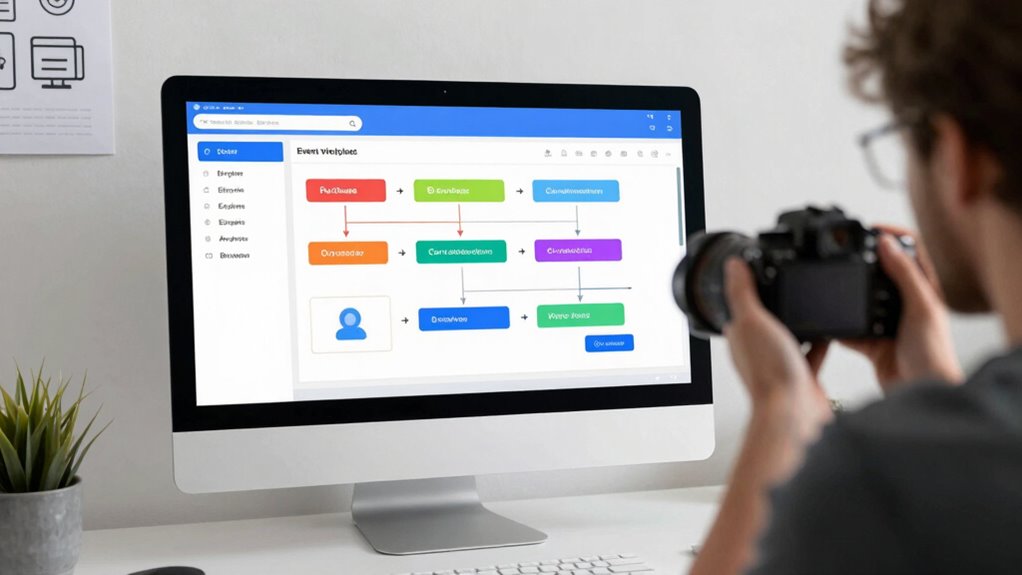
Have you ever wondered how some emails seem to arrive exactly when you need them? That’s the power of event triggers in email marketing. These are automated actions based on customer behavior—like browsing a product or abandoning a cart. By leveraging event triggers, you create highly personalized experiences, sending relevant messages at just the right moment. This boosts engagement because your emails resonate with what your customers are doing in real time. Instead of generic blasts, you deliver targeted content tailored to their actions. Event triggers help you understand customer behavior better and turn it into meaningful interactions. Understanding behavioral data also plays a role in how personalized content is delivered, ensuring that your messaging complies with privacy standards. As a result, your campaigns become more effective, increasing conversions and building stronger relationships. In short, they’re essential tools for smart, responsive email marketing.
How Do Triggered Emails Work in Campaign Automation
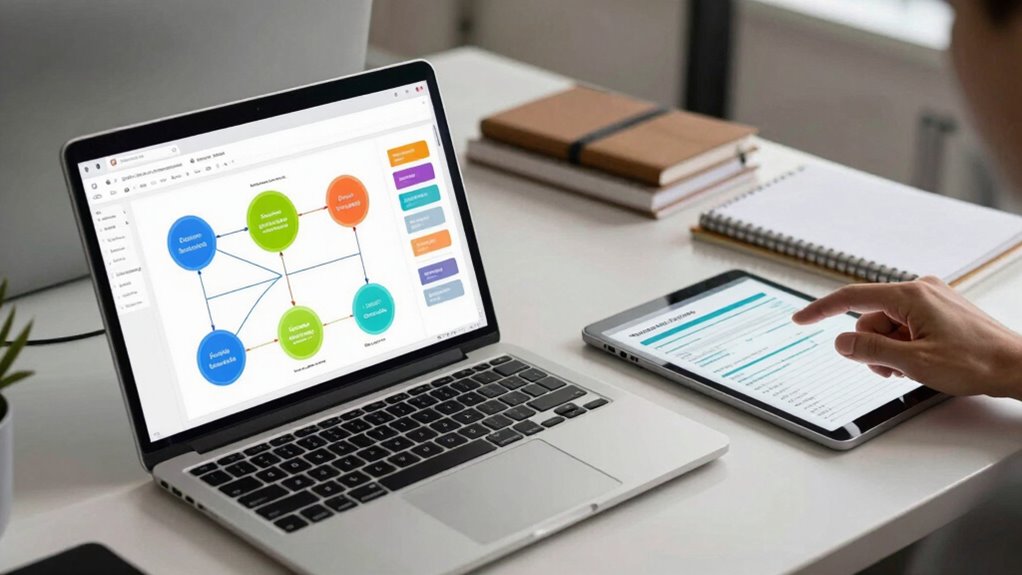
When you set up a trigger event, you specify the action that starts your automation, like a customer signing up or making a purchase. Once that happens, your automation workflow activates, sending targeted emails based on the event. You can personalize these messages and time them perfectly to improve engagement and conversions. Recognizing the importance of customer data ensures that your emails are relevant and timely, increasing the likelihood of a positive response. Incorporating automated workflows can streamline your marketing efforts and enhance customer experience. Additionally, leveraging European cloud servers can provide increased security and compliance, making your triggered campaigns even more trustworthy and effective. Understanding privacy policies related to data handling helps maintain transparency and build trust with your audience.
Trigger Event Setup
Trigger event setup is the foundation of effective campaign automation, as it determines exactly when your triggered emails will send. To do this, you need a clear trigger setup that aligns with your goals. Start by identifying the key event—like a purchase, sign-up, or website visit—that signals a customer’s interest or action. This event identification guides your automation flow and ensures your emails are timely and relevant. When setting up the trigger, specify the exact conditions that qualify as the event, such as a form submission or product view. Accurate trigger setup helps prevent missed opportunities or unwanted messages. By carefully defining your trigger events, you ensure your emails are sent precisely when your audience is most receptive, boosting engagement and conversions.
Automation Workflow Activation
Once the trigger event occurs, automation workflows activate instantly, guiding your system to send targeted emails without delay. This seamless activation guarantees your customer’s journey stays smooth, delivering relevant messages at the right moment. Behavioral analytics play a vital role by providing insights into user actions, allowing your automation to respond accurately. When a customer completes a specific action, like making a purchase or abandoning a cart, the workflow detects this immediately. As a result, the system triggers the appropriate email sequence, aligning with the customer’s current stage in their journey. This real-time activation enhances engagement, increases conversions, and creates a more personalized experience—making sure your messages reach customers exactly when they’re most receptive. content analysis also helps refine your strategy by identifying which triggers generate the best results. Incorporating support breakfast concepts can further optimize your automation by aligning messaging with customer needs and preferences. Additionally, leveraging Behavioral analytics can help you better understand customer behaviors and improve your trigger accuracy. Implementing trigger accuracy ensures your automation responds precisely to customer actions, boosting overall effectiveness.
Personalization and Timing
Personalization and timing are key to making triggered emails effective in campaign automation. By tailoring messages based on behavioral insights, you can align emails with the customer journey, increasing engagement. Timing guarantees your message reaches prospects when they’re most receptive, boosting conversion chances. Understanding their actions allows you to craft relevant content and deliver it at ideal moments. Use the table below to see how different factors influence personalization and timing:
| Customer Action | Behavioral Insight | Timing Strategy |
|---|---|---|
| Abandoned cart | Interest level, hesitation | Send reminder within hours |
| Browsed product pages | Preferences, browsing habits | Trigger email shortly after |
| Past purchases | Loyalty, purchasing patterns | Offer discounts or updates |
This approach helps turn behavior into helpful emails that guide prospects through their journey. Additionally, recognizing specific dog breed traits can help customize messaging to resonate with pet owners’ preferences and needs. Research indicates that understanding emotional responses associated with certain triggers can further optimize email timing.
Examples of Key User Actions That Trigger Emails
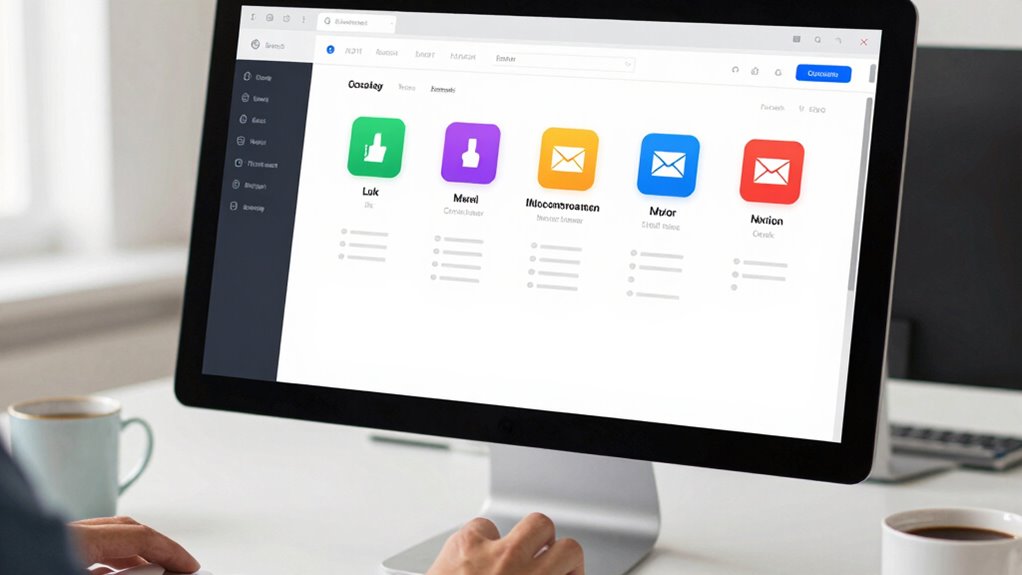
Several key user actions can prompt automatic email responses, ensuring timely communication and engagement. These actions are crucial for boosting user engagement and providing relevant updates. For example, when a user registers for an event or signs up for a newsletter, an immediate confirmation email recognizes their interest. If someone abandons a shopping cart, an automated reminder can encourage completion. Additionally, new content uploads or product launches can trigger notifications to interested users. Event analytics help identify these behaviors, revealing which actions most effectively drive engagement. Recognizing these key triggers allows you to set up targeted emails that respond directly to user activity, fostering a more personalized experience. Understanding user behavior patterns can further enhance your ability to tailor communications about health and wellness topics. By focusing on these actions, you can improve user retention and encourage ongoing interaction.
How to Personalize Triggered Emails for Better Engagement
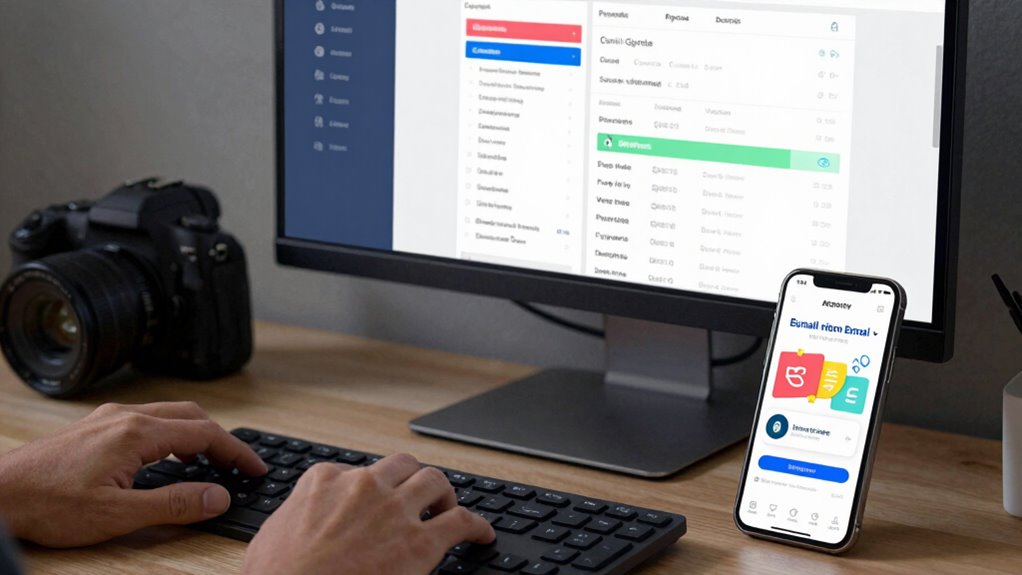
To boost engagement, you should start by segmenting your audience based on their actions, so your messages feel more relevant. Using personalization tokens can make each email feel tailored to the recipient, increasing their interest. Also, pay attention to timing and frequency to send your emails when your audience is most receptive without overwhelming them. Incorporating content personalization can further improve your triggered email campaigns by aligning messages with individual preferences and behaviors. Additionally, understanding the customer journey allows you to craft more timely and effective messages that resonate with recipients at different stages. Leveraging insights from Vetted electric bike conversion kits can help you better target segments interested in eco-friendly transportation options, enhancing your overall campaign effectiveness. Recognizing Vetted – Floating on Water as a context can inspire innovative ways to create engaging, water-themed campaigns that stand out. Incorporating essential oil benefits into your content can also subtly enhance your messaging by associating your brand with wellness and positivity.
Segment Based on Actions
Have you ever noticed how emails that respond directly to your recent actions feel more relevant? That’s the power of segmenting based on actions. By analyzing behavior segmentation, you can craft triggered emails that align with where someone is in their user journey. This approach allows you to send targeted messages, increasing engagement and conversions. Incorporating Energetic Alignment principles can further optimize your messaging strategy for better results. Additionally, understanding how to leverage digital tools such as the Études Architect App can streamline this process, making your campaigns more effective.
Consider these key points:
- Recognize different stages in the user journey
- Tailor messages to specific actions taken
- Use behavior data to trigger timely emails
- Address individual needs based on recent activity
- Enhance overall experience through personalized communication
Segmenting based on actions helps you deliver the right message at the right time, making your emails feel more helpful and less generic. It’s a direct way to turn behavior into meaningful engagement.
Use Personalization Tokens
Personalization tokens are a powerful way to make your triggered emails feel more relevant and engaging. By inserting tokens like the recipient’s name, recent purchase, or location, you create a personalized experience that resonates with your audience. This boosts user engagement because your emails feel tailored specifically to each individual. When you use content relevance through personalization, your message becomes more compelling and less generic. Personalization tokens help you address your subscribers directly, making the communication more natural and trustworthy. This simple technique can considerably improve open rates, click-throughs, and overall response. Implementing these tokens ensures that your triggered emails aren’t just automated messages, but helpful, relevant interactions that foster stronger connections with your audience.
Timing and Frequency
Timing and frequency are essential factors in making your triggered emails more effective and engaging. Getting the right balance ensures your messages resonate without overwhelming your audience. Using smart timing strategies helps deliver emails when your recipients are most receptive. Consider these key points:
- Adjust email frequency based on user engagement levels
- Send follow-ups shortly after a user action for relevance
- Use data to identify ideal times for opens and clicks
- Avoid bombarding contacts with too many messages in a short period
- Personalize timing to match individual behaviors and preferences
- Understanding tableware misconceptions ensures your messaging is clear and relevant to your audience.
How to Measure and Optimize Your Triggered Campaigns
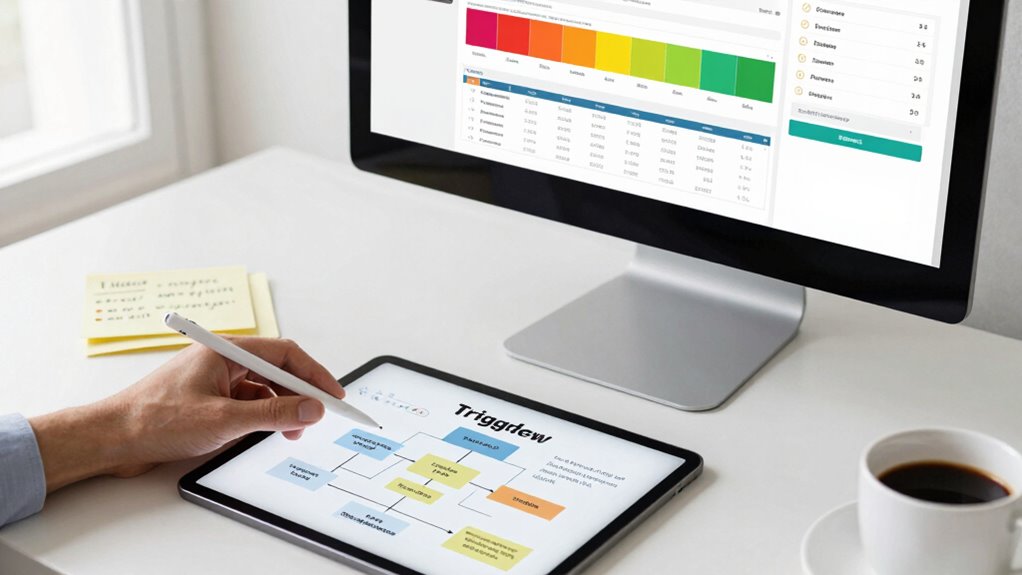
Measuring and optimizing your triggered campaigns is essential to guarantee they deliver the desired results. Start by analyzing engagement metrics such as open rates, click-through rates, and conversion rates to understand how recipients respond. These metrics reveal which messages resonate and where improvements are needed. Customer feedback is equally valuable; listen to what your audience says about your emails to identify pain points or preferences. Use this data to refine your triggers, messaging, and timing. Consistent monitoring allows you to spot trends and adjust your strategies proactively. By tracking both engagement metrics and customer feedback, you make certain your campaigns remain relevant and effective, ultimately turning behavior into meaningful interactions that drive results.
Troubleshooting Common Trigger Issues in Email Automation
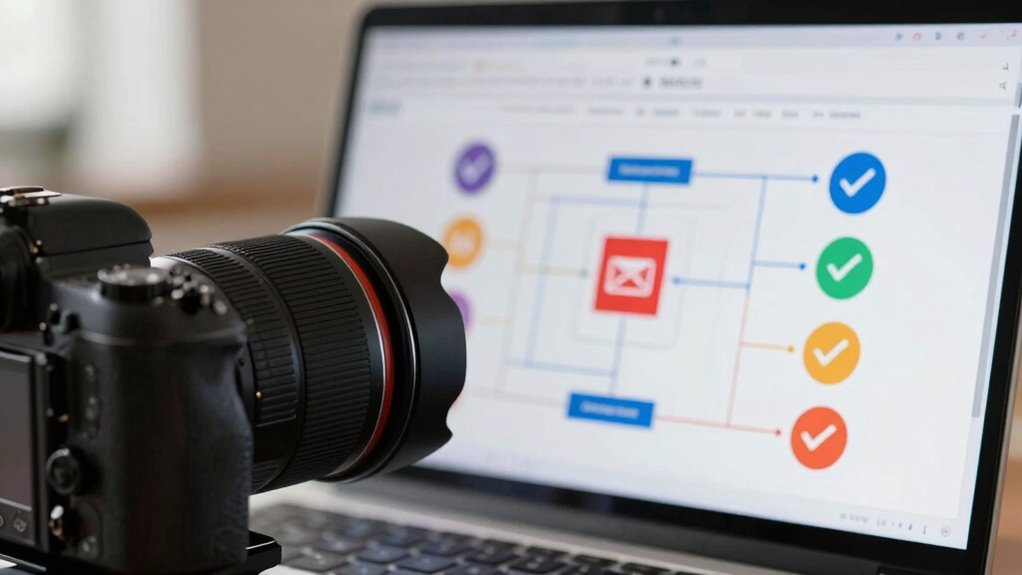
Ever wonder why your email triggers fire unexpectedly or not at all? Trigger errors and delay issues are common culprits. To troubleshoot effectively, consider these points:
- Check if the trigger conditions are correctly set and match user actions.
- Review system logs for error messages indicating trigger errors.
- Ensure your automation platform isn’t experiencing delays or outages.
- Confirm that data syncs in real-time to prevent delay issues.
- Test triggers with different scenarios to identify inconsistencies.
Addressing trigger errors often involves fixing misconfigured conditions, while delay issues might stem from server lag or network problems. By systematically inspecting these areas, you can reduce unexpected trigger fires or missed opportunities, ensuring your email automation runs smoothly and reliably.
Future Trends: How AI and Automation Are Transforming Triggered Emails
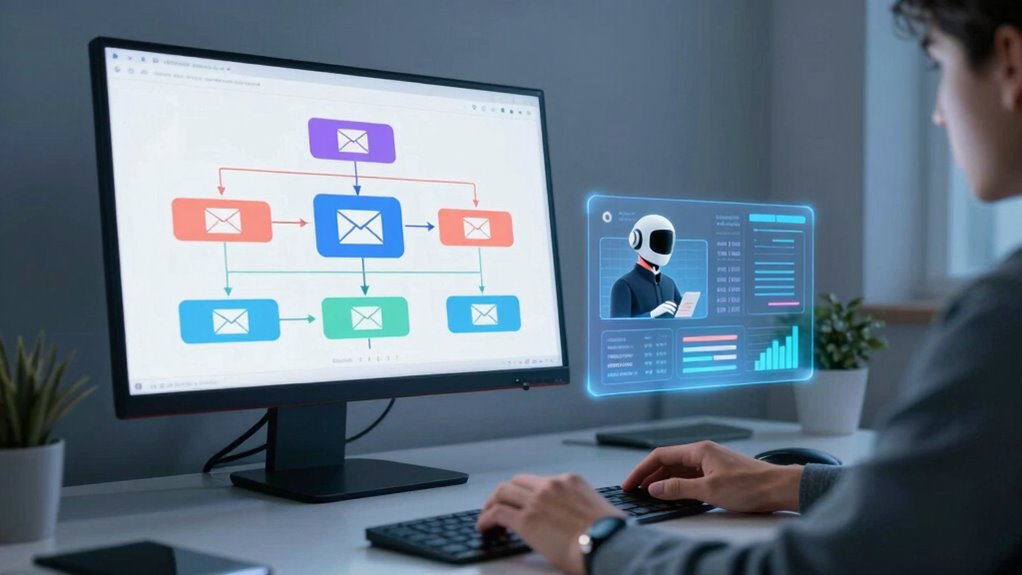
Advancements in AI and automation are revolutionizing how triggered emails operate, making them more personalized and responsive than ever before. With AI-driven insights, you can craft highly tailored messages that respond instantly to user actions, improving engagement. Creative automation allows you to design complex workflows that adapt dynamically, enhancing customer experience. However, as you leverage these technologies, AI ethics become essential—ensuring algorithms remain transparent, unbiased, and respectful of user privacy. Future trends suggest AI will further refine triggered emails, enabling predictive personalization that anticipates needs before users even act. This evolution empowers you to deliver timely, relevant messages while maintaining trust. Embracing these innovations will transform your email marketing, making automation smarter, more ethical, and ultimately more effective.
Frequently Asked Questions
How Can I Prevent My Triggered Emails From Being Marked as Spam?
To prevent your triggered emails from being marked as spam, focus on passing spam filters and ensuring email authentication. Use a clear, recognizable sender name and avoid spammy language. Set up proper authentication protocols like SPF, DKIM, and DMARC to verify your identity. Keep your email list clean by removing inactive addresses, and include an easy way for recipients to unsubscribe. These steps help improve deliverability and reduce the chance of spam filtering.
What Are the Best Practices for Timing Triggered Email Sends?
To optimize your triggered email timing, use automation tools to send messages promptly after user actions, ensuring relevance and engagement. Incorporate personalization strategies, like referencing recent activity or preferences, to make your emails more compelling. Avoid sending too soon or too late; testing different intervals helps find the best timing. By combining automation tools with personalization, you increase open rates and foster stronger customer relationships.
How Do I Segment Audiences for More Effective Triggered Campaigns?
Sure, because everyone loves being lumped together, right? To make triggered campaigns more effective, you should focus on behavior segmentation and customer profiling. By analyzing purchase history, browsing habits, and engagement levels, you can create precise audience segments. This way, your emails feel personalized and relevant, boosting response rates. Don’t just blast everyone—use behavior insights to tailor messages that truly resonate with each customer’s unique journey.
Can Triggered Emails Be Used for Post-Purchase Follow-Up?
Yes, triggered emails work great for post-purchase follow-up. You can use them as part of your post-purchase strategies to thank customers, ask for feedback, or suggest related products. These timely messages help boost customer retention by showing you care about their experience and encouraging repeat business. By automating these emails, you guarantee consistent communication that builds loyalty and keeps your brand top of mind after each purchase.
What Metrics Indicate Success for Triggered Email Campaigns?
You measure success for triggered email campaigns through open rates and click-through rates. High open rates show your subject lines and timing resonate with your audience, while strong click-through rates indicate your content compels action. You want to see consistent increases in both metrics, signaling your messages effectively engage recipients, prompt responses, and drive conversions. Monitoring these metrics helps refine your triggers, making each campaign more successful and impactful.
Conclusion
Think of event triggers as the compass guiding your email ship through the vast sea of your audience’s actions. When you understand and harness these signals, you steer your campaigns toward success with precision and confidence. By personalizing and optimizing your triggered emails, you turn each interaction into a treasure chest of engagement. Keep steering this evolving landscape, and watch your email marketing journey transform into a voyage of continuous growth and discovery.