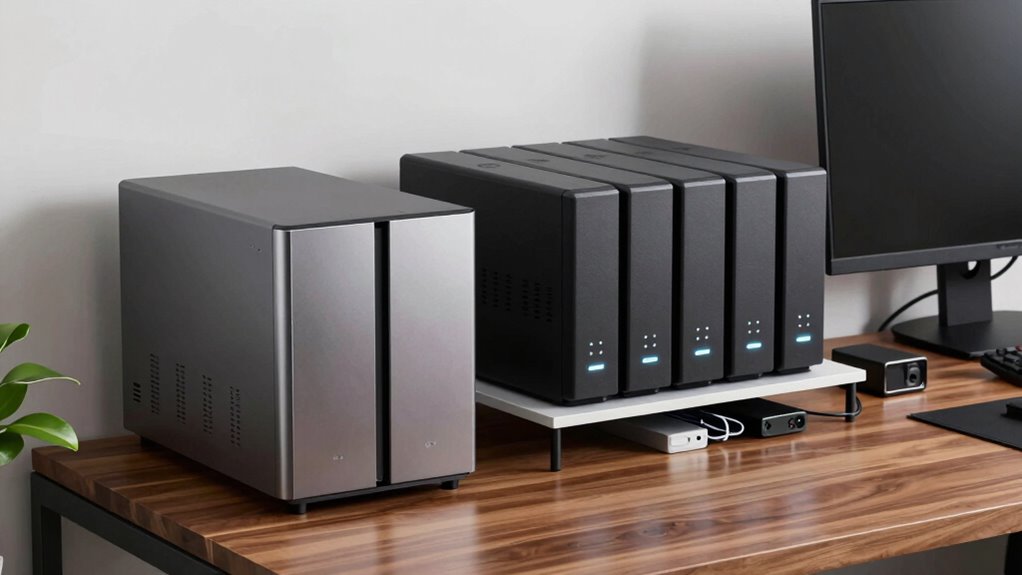

Choosing between a 2-bay and 4-bay NAS greatly impacts your data security and office stability. A 2-bay model supports basic redundancy with RAID 1, suitable for small setups, but offers limited growth. A 4-bay NAS provides more flexibility with advanced RAID options like RAID 5 or 10, reducing the risk of data loss during drive failures. Investing in the right setup now can prevent costly disasters later, and exploring these options further can help you make a smarter choice.
Key Takeaways
- 4-bay NAS offers higher storage capacity and better scalability to prevent data shortages during office growth.
- Multiple RAID options in 4-bay models provide enhanced data protection against hardware failures.
- Larger NAS devices support more advanced cloud integration for remote access and disaster recovery.
- 4-bay NAS reduces risk of data loss through redundancy, unlike 2-bay models limited to RAID 1.
- Investing in a 4-bay NAS future-proofs your office data management and minimizes preventable disasters.
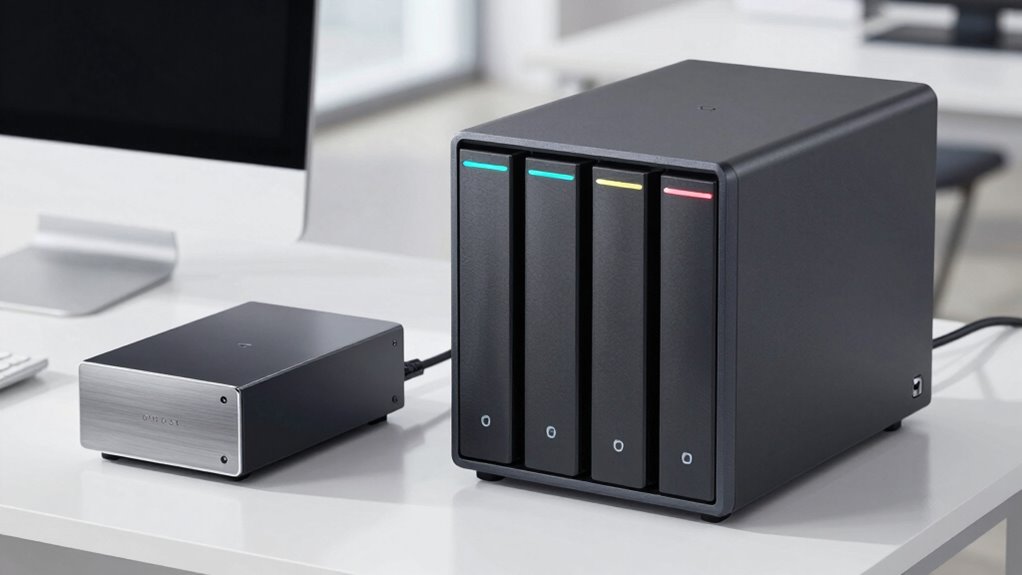
When choosing a Network-Attached Storage (NAS) device, understanding the differences between 2-bay and 4-bay models is essential. Your decision impacts not only storage capacity but also how well your office can safeguard critical data. A 2-bay NAS typically offers a straightforward setup, making it ideal for small teams or personal use. It usually supports RAID configurations like RAID 1, which provides data redundancy—if one drive fails, your data remains safe on the other. However, limited bays mean less room for expansion, which can be a concern as your data grows. Larger offices may find a 2-bay model restrictive, especially if they need more storage or want to implement advanced features like cloud integration for remote access. Cloud integration allows you to synchronize your NAS with cloud services, giving your team seamless access to files from anywhere. This setup not only boosts productivity but also adds an extra layer of data protection, as your files are stored both locally and in the cloud.
On the other hand, a 4-bay NAS offers more flexibility and scalability. With four drive slots, you can configure multiple RAID levels, such as RAID 5 or RAID 10, which combine data redundancy with increased performance. This setup considerably reduces the risk of data loss, protecting your business from potential disasters caused by hardware failure. Plus, having more bays means you can expand your storage capacity without needing to replace your device prematurely. As your data needs grow, you can add drives or replace smaller ones with larger capacity drives, ensuring your system keeps pace with your business. The additional bays also support more advanced cloud integration options, enabling larger datasets to be synchronized efficiently. This is especially valuable for offices that handle large files or require frequent remote access, as cloud integration ensures data is accessible and protected across multiple platforms. Additionally, a 4-bay NAS is better suited for future scalability, allowing your infrastructure to evolve alongside your growing needs. Furthermore, understanding the various RAID configurations available helps in making an informed decision tailored to your data protection requirements. Recognizing the importance of data redundancy can make all the difference in preventing catastrophic data loss. Moreover, considering the cost of different NAS models can help ensure you select a solution that fits your budget while meeting your needs. Incorporating knowledge of networking principles can further optimize your NAS deployment for security and efficiency.
As an affiliate, we earn on qualifying purchases.
Frequently Asked Questions
How Does RAID Configuration Differ Between 2-Bay and 4-Bay NAS?
RAID configuration differs mainly in flexibility and options. With a 2-bay NAS, you typically get simpler setups like RAID 1 for data redundancy, but limited options. A 4-bay NAS lets you configure multiple RAID levels, such as RAID 5 or RAID 10, providing better data redundancy and performance. You should check drive compatibility, ensuring all drives work well together, to avoid issues and maximize your data protection.
What Are the Cost Differences for Maintenance and Upgrades?
You’ll find that 2-Bay NAS systems usually cost less for maintenance and upgrades because they’re simpler and have fewer components. However, a 4-Bay NAS offers better cost efficiency in the long run, especially with larger storage needs, despite higher initial upgrade complexity. You might spend more upfront, but the ability to expand and maintain becomes more streamlined, reducing overall expenses over time.
Can a 2-Bay NAS Handle Enterprise-Level Data Security?
A 2-bay NAS isn’t ideal for enterprise-level data security, especially with cloud integration and remote access in mind. It lacks the advanced security features and scalability needed for larger organizations. While it can handle basic security, for enterprise needs, you should consider a 4-bay or higher NAS that offers better redundancy, encryption, and remote management options to protect sensitive data effectively.
How Does Power Consumption Compare Between the Two NAS Types?
Think of your NAS as a car engine—more bays mean more power consumption. A 2-Bay NAS generally uses less energy, making it more energy-efficient, especially with smart power management. A 4-Bay NAS consumes more, but modern models optimize power management, reducing unnecessary energy use. If you’re focused on saving energy and reducing costs, the 2-Bay offers a smarter, eco-friendly choice, while still meeting your storage needs.
Are There Specific Industries That Prefer 4-Bay Over 2-Bay NAS?
You’ll find industries like media production, data centers, and large-scale businesses often prefer 4-bay NAS due to its better scalability and higher storage capacity. These sectors face scalability concerns and need more robust data management solutions, making 4-bay models more suitable. They prioritize growth potential and data redundancy, which helps prevent disasters and guarantees smooth operations, unlike smaller 2-bay systems that might fall short for their expanding needs.
As an affiliate, we earn on qualifying purchases.
Conclusion
Choosing between a 2-bay and 4-bay NAS is like picking the right ship to navigate stormy seas—one offers simplicity, while the other provides a sturdy fortress. Don’t let your data drift into a digital abyss; opt for the setup that fits your needs now and scales with you later. Think of it as planting a sturdy tree today—tomorrow, it’ll shelter your office from the storms of data disaster. Make the smarter choice and safeguard your digital future.
As an affiliate, we earn on qualifying purchases.
As an affiliate, we earn on qualifying purchases.