
To craft an appointment reminder email that cuts down no-shows, keep your message clear, personalized, and easy to respond to. Use the recipient’s name, specify details like date, time, and location, and include a prominent call-to-action such as a confirmation button or link. Simplify the process by embedding response options or calendar links. With straightforward language and gentle reminders, you’ll encourage prompt confirmations. Continue to see how you can optimize your reminders for better attendance.
Key Takeaways
- Include a clear, prominent call-to-action button or link for immediate appointment confirmation.
- Personalize reminders with the recipient’s name and specific appointment details.
- Keep the message concise, friendly, and stress the importance of the appointment.
- Add easy-to-use tools like calendar links or embedded response options for quick confirmation.
- Use visual cues and gentle language to reduce anxiety and encourage prompt responses.

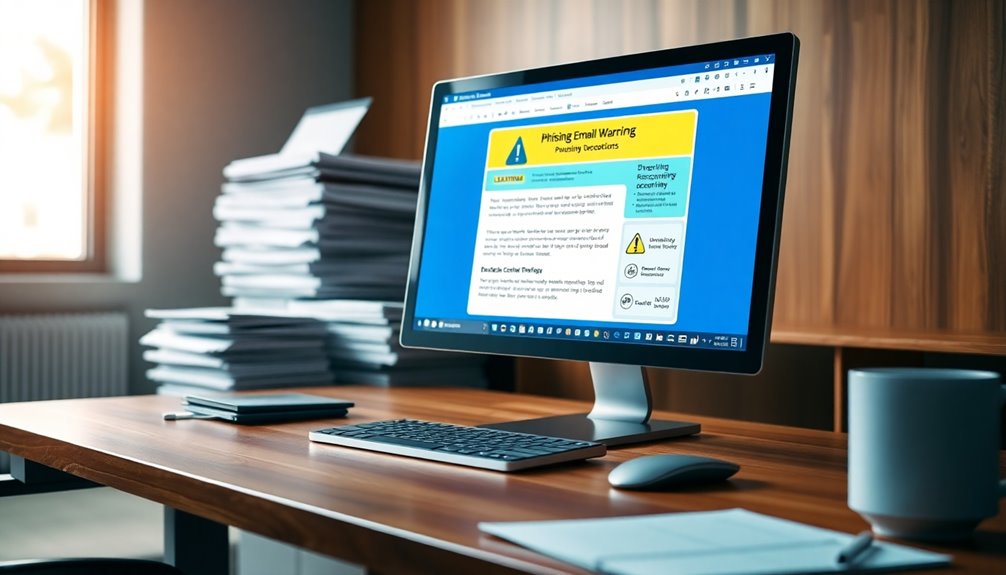
An appointment reminder email template is a valuable tool to guarantee your clients or customers remember their scheduled appointments. One of the most effective ways to increase the likelihood of attendance is by employing solid confirmation strategies. These strategies involve clear, direct communication that prompts recipients to confirm their appointment, reducing the chances of no-shows. You can incorporate simple yet effective methods, such as asking clients to reply with a confirmation, clicking a link, or selecting a “Yes, I’ll attend” button. These actions create a sense of commitment and make it easier for clients to confirm their attendance actively. When designing your email, make the confirmation process straightforward—complicated procedures can discourage clients from responding. Including a clear call-to-action (CTA) like “Please confirm your appointment” helps clients understand exactly what you want them to do.
Email personalization is another vital element in your confirmation strategies. Personalizing your appointment reminder emails makes your message feel more relevant and engaging, increasing the chances of a response. Use the recipient’s name and specify the appointment details—date, time, and location—so the email feels tailored and specific. Personalization extends beyond just names; you can also reference past interactions or preferences, making the message more meaningful. When clients see that you’ve taken the time to customize the message, they’re more likely to respond positively and confirm their appointment. Personalization also helps build trust and rapport, which can lead to higher attendance rates.
Furthermore, a personalized, well-crafted email can reduce ambiguity and confusion about the appointment details. Clarity is key—avoid jargon or ambiguous language that might leave clients unsure about the appointment specifics. Instead, keep the message concise, friendly, and professional. Highlight the importance of the appointment and gently remind clients of any necessary preparations. Including a confirmation button or link within the email streamlines the process, making it easy for clients to respond immediately. You can also add a calendar link, allowing recipients to add the appointment directly to their digital calendars, which further solidifies their commitment. Incorporating mindfulness techniques such as visual cues or calming language can also help reduce stress or anxiety around confirming appointments, encouraging a more positive response.
appointment confirmation email templates
As an affiliate, we earn on qualifying purchases.
As an affiliate, we earn on qualifying purchases.
Frequently Asked Questions
How Can I Personalize Appointment Reminder Emails Effectively?
To personalize appointment reminder emails effectively, use personalization tactics like addressing recipients by name and referencing their specific appointment details. Customer segmentation helps you tailor messages based on client preferences or history, making each reminder more relevant. Incorporate personalized content that resonates with the recipient’s needs, and consider including special offers or tips related to their appointment. This targeted approach boosts engagement and reduces no-shows, ensuring your clients feel valued.
What Are the Best Timing Strategies for Sending Reminders?
Think of your reminders as the steady heartbeat of your appointment schedule. Sending them too early can make them fade like distant echoes; too late, and they might feel rushed. Aim for a balance—send a gentle reminder 24 hours before, with a friendly reminder tone that emphasizes importance without pressure. Adjust your scheduling frequency based on your client’s preferences, ensuring your message stays memorable but not intrusive.
How Do I Handle Last-Minute Appointment Cancellations?
When handling last-minute cancellations, you should clearly communicate your rescheduling policies and cancellation fees upfront. Offer flexible options, like rescheduling without extra charges if possible, and remind clients of your policies to encourage accountability. Stay professional and empathetic, expressing understanding while emphasizing the importance of timely notice. This approach helps reduce no-shows and maintains a respectful relationship, ensuring clients know their responsibilities and your policies are fair.
Can Reminder Emails Be Optimized for Mobile Devices?
Yes, you can optimize reminder emails for mobile devices by focusing on mobile design and email formatting. Use a responsive layout that adjusts to different screen sizes, ensuring your message is clear and easy to read. Keep your font size large enough, include concise content, and use a single column format. These adjustments make your reminder emails more effective, reducing no-shows by ensuring recipients can easily view and act on them from their phones.
What Metrics Should I Track to Assess Reminder Email Success?
You should track appointment confirmation rates and email engagement metrics like open rates, click-through rates, and responses. Ironically, the more you obsess over these numbers, the less you might focus on the actual success—fewer no-shows. Monitoring these KPIs helps you see if your reminder emails effectively encourage appointment confirmation and engagement, ultimately reducing no-shows and improving your scheduling efficiency.
calendar link generator for emails
As an affiliate, we earn on qualifying purchases.
As an affiliate, we earn on qualifying purchases.
Conclusion
Using an appointment reminder email template is your secret weapon to cut down no-shows. It’s like a gentle nudge that keeps your schedule sailing smoothly instead of hitting choppy waters. When you send clear, friendly reminders, you’re not just filling slots—you’re building trust and showing you care. So, don’t let missed appointments sink your day; embrace these templates and keep your appointments flowing like a well-oiled machine.

RXBC2011 Appointment Reminder Cards Pack of 100 white
IMPRESS YOUR CLIENT – No More No-Shows! Give out appointment reminder cards to you clients to help them…
As an affiliate, we earn on qualifying purchases.
As an affiliate, we earn on qualifying purchases.
personalized email reminder tools
As an affiliate, we earn on qualifying purchases.
As an affiliate, we earn on qualifying purchases.