

Duplicate contacts mess up your reports, skew data, and mislead your decisions. They inflate contact counts, reduce your report’s accuracy, and fragment communication history, making customer insights unreliable. To stop this, implement validation rules during data entry, use deduplication tools regularly, and perform routine audits. Consistently maintaining clean data boosts your confidence in reports and helps you make smarter choices—continue along to uncover effective strategies to prevent duplicates before they occur.
Key Takeaways
- Duplicate contacts inflate metrics and distort reports, leading to inaccurate insights and poor decision-making.
- Implement deduplication tools and regular data cleaning to identify and merge duplicate records efficiently.
- Standardize contact data entry protocols and validate details to prevent duplicates from occurring.
- Use automated detection techniques and filters to quickly spot potential duplicates across multiple sources.
- Regularly audit and synchronize data across platforms to maintain clean, reliable contact lists for accurate reporting.
Why Duplicate Contacts Hurt Your Reporting and Decision-Making

Duplicate contacts can substantially distort your reports, leading to inaccurate insights. When you have multiple entries for the same contact, it hampers effective contact segmentation, making it harder to analyze customer behaviors accurately. These duplicates skew data, causing you to overestimate or underestimate engagement levels and campaign performance. Additionally, they hinder data enrichment efforts, preventing you from getting a complete and current view of your contacts. This fragmented data can lead to poor decision-making, as you’re relying on unreliable information. Without proper cleanup, your reports become cluttered with inconsistent data, reducing confidence in your analytics. Recognizing the impact of data quality and consistency can help illustrate how accurate data influences perceptions of success and reputation. Implementing robust deduplication processes ensures your contact data is clean, accurate, and ready for precise segmentation and data enrichment, ultimately improving your reporting quality. Proper management of contact data supports privacy compliance and fosters trust with your audience, which is essential in today’s data-driven environment.
How Duplicates Skew Your Data and Lead to Bad Decisions

When duplicate contacts exist in your database, they can substantially distort your data, leading you to make poor decisions. These duplicates inflate contact counts, skew engagement metrics, and create inconsistent information. Without proper contact merging and data normalization, reports become unreliable, making it hard to identify true customer behaviors. You might overestimate your customer base or misallocate resources based on faulty insights. Duplicates also fragment communication history, reducing personalization and hurting relationships. To prevent this, implement contact merging strategies that consolidate duplicate records into single, accurate profiles. Data normalization ensures consistency across your database, making your data cleaner and more reliable. Additionally, vetted privacy practices help maintain user trust and comply with data regulations. By addressing duplicates promptly, you gain clearer insights and make smarter, more informed decisions.
What Causes Duplicate Contacts in Your Database

You often end up with duplicate contacts because of data entry errors or inconsistent details. Having multiple data sources can also create overlapping records. These issues make it harder to keep your contact list accurate and reliable. Implementing data hygiene practices can help identify and eliminate duplicates effectively. Additionally, using automated duplicate detection tools can streamline the process and improve overall data quality. Incorporating privacy policies ensures that data handling remains compliant while managing contact information efficiently. Leveraging Architectural Solutions can also support better data management workflows to prevent duplication issues. Employing standardized data entry protocols can further reduce inconsistencies at the source.
Data Entry Errors
Data entry mistakes are a common cause of duplicate contacts in your database, often resulting from manual input errors or inconsistent formatting. To reduce these errors, focus on:
- Implementing data validation rules that flag duplicate or inconsistent entries automatically.
- Providing user training to ensure staff understand proper data entry procedures.
- Standardizing formats for names, addresses, and phone numbers to prevent variations.
- Regularly auditing your database to catch and correct discrepancies early.
Multiple Data Sources
Multiple data sources often lead to duplicate contacts because information entered from different systems or platforms may not be synchronized or standardized. When your database isn’t integrated properly or lacks effective cloud synchronization, contacts can appear multiple times, causing confusion and inaccurate reporting. To prevent this, ensure your systems communicate seamlessly. Proper database integration consolidates contact data, reducing redundancy. Cloud synchronization keeps all platforms updated in real-time, avoiding discrepancies. Use the table below to understand common sources: cloud synchronization. Additionally, inconsistent data entry practices across various sources can exacerbate duplication issues, making data standardization essential for maintaining clean contact records. Implementing database integration helps in maintaining consistent and accurate contact data across all platforms.
Inconsistent Contact Details
Inconsistent contact details are a common cause of duplicate entries, especially when information isn’t standardized across different systems. When contact data varies—such as different spellings, formats, or missing fields—your database struggles with data consistency practices. This leads to multiple records for the same person. To prevent this, focus on: 1. Implementing contact detail standardization protocols for names, addresses, and phone numbers. 2. Using validation rules during data entry to ensure uniform formats. 3. Regularly auditing your database to identify and merge inconsistent records. 4. Training staff on importance of data consistency practices to reduce manual errors. 5. Incorporating data quality measures that emphasize the significance of accurate and uniform information across all contact records. Additionally, adopting data validation tools can help catch discrepancies at the point of entry before they create duplicates. Establishing data governance policies ensures ongoing adherence to these standards and reduces the risk of inconsistent data entry. Consistently applying these data management practices helps maintain a clean, reliable database.
How to Quickly Identify Duplicate Contacts
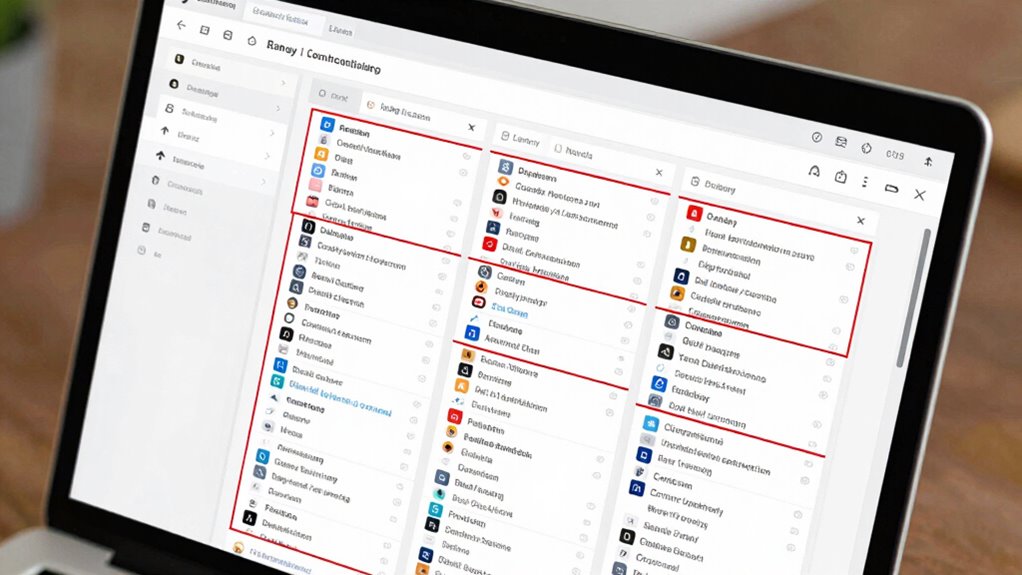
To spot duplicate contacts quickly, start by searching your database for common names or email addresses. Use deduplication tools that automatically flag potential duplicates and streamline the process. Additionally, analyze contact patterns to identify inconsistencies or unusual similarities that could indicate duplicates. Incorporating data validation techniques can further help verify contact information and prevent duplicate entries from forming in the first place. Implementing proper SSD organization tips for audio production can also assist in maintaining accurate and well-structured contact records, reducing the likelihood of errors. Regularly reviewing and updating your body jewelry measurements and materials data helps ensure consistency and accuracy, preventing duplicates caused by inconsistent entries. Paying attention to home filtration systems and their performance can provide insights into maintaining clean, reliable data and avoiding contamination of your contact database.
Search for Duplicates
When you need to identify duplicate contacts quickly, leveraging built-in search tools can save you time and reduce errors. To effectively search for duplicates, try these steps:
- Use filters like name, email, or phone number to find potential matches.
- Search for similar contacts by entering partial names or common variants.
- Sort contacts alphabetically or by recent activity to spot duplicates at a glance.
- Run a quick search using specific keywords known to be duplicated.
- Incorporate content analysis techniques to detect subtle duplicates that may not be immediately obvious. These methods help you efficiently identify similar contacts, making it easier to clean your database. Remember, a targeted search for duplicates minimizes manual review and ensures your reports reflect accurate data. Quick searches streamline the process, letting you focus on maintaining a supportive contact list that is both reliable and up-to-date.
Use Deduplication Tools
After performing manual searches for duplicates, using dedicated deduplication tools can substantially speed up the process. These tools automate contact consolidation by scanning your database for matching or similar records, making it easier to identify duplicates quickly. Data deduplication features analyze contact details such as names, email addresses, and phone numbers to flag potential overlaps. Many tools allow you to review identified duplicates side by side, streamlining the review process. This not only saves time but also reduces errors that can occur during manual checks. By leveraging deduplication tools regularly, you ensure your contact list remains clean and accurate, improving data quality and making your reporting more reliable. Ultimately, these tools simplify contact management and enhance overall data integrity.
Analyze Contact Patterns
Analyzing contact patterns can help you quickly spot potential duplicates by revealing inconsistencies or similarities in how contacts are recorded. Using pattern recognition and contact clustering, you can identify groups of similar entries that may be duplicates. Here’s how to do it:
- Examine common fields like names, email addresses, and phone numbers for overlaps.
- Look for similar contact details that differ slightly, such as misspellings or formatting differences.
- Identify clusters of contacts with shared attributes or behaviors.
- Use automated tools to flag contacts with overlapping data for further review.
Best Tools and Techniques for Removing Duplicate Contacts

To effectively eliminate duplicate contacts, leveraging the right tools and techniques is essential. Contact merging software helps you identify and combine duplicate records quickly, saving time and reducing errors. Data cleaning tools automate the process of scanning your database for inconsistencies, such as similar names or email addresses, making duplicate detection more dependable. Many CRM platforms offer built-in duplicate detection features, allowing you to merge contacts with a few clicks. Additionally, third-party tools like Dedupely or RingLead provide advanced algorithms for contact merging, ensuring no duplicates slip through. Regular data cleaning maintains data accuracy and improves reporting. Using these tools and techniques, you can streamline your contact list, minimize errors, and ensure your reports reflect true, consolidated customer information.
How to Prevent Duplicates When Entering Data

Preventing duplicate entries starts with implementing effective data entry practices from the outset. To guarantee clean data, focus on contact verification during entry. Here are four key steps:
- Always cross-check new contacts against existing records before adding them.
- Use standardized data entry formats to reduce variations, like consistent name and address formats.
- Leverage tools that flag potential duplicates during input, prompting you to verify before saving.
- Encourage thorough review of contact details for accuracy, minimizing errors that cause duplicates.
Setting Up Validation Rules to Stop Duplicates Before They Happen
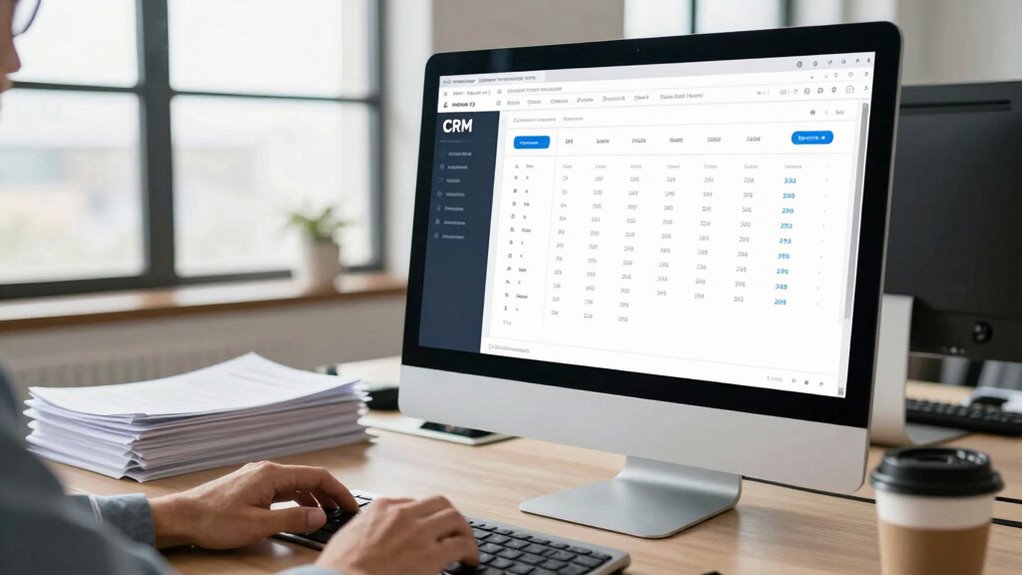
Setting up validation rules is a proactive way to stop duplicate contacts before they even occur. Validation rules enforce data integrity by preventing users from saving records that violate specific criteria, such as duplicate names or email addresses. By creating these rules, you ensure that only unique contact information enters your system, reducing the risk of duplicates. For example, you can set a rule that blocks saving a contact if the email address already exists in the database. This approach helps maintain accurate, reliable data and minimizes the need for later cleanup. Implementing validation rules is a straightforward, effective method to uphold data integrity, saving you time and effort in managing duplicate contacts and ensuring cleaner reporting down the line.
Regularly Auditing Your Contacts to Keep Your Data Clean
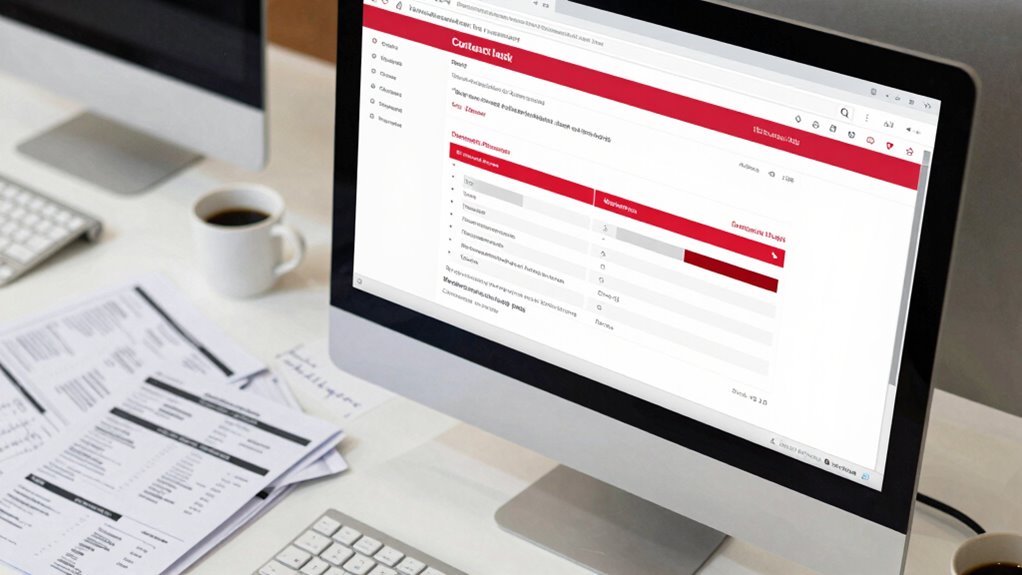
Regularly auditing your contacts is essential for maintaining clean and accurate data. This process helps identify duplicates, outdated info, and gaps that hinder effective contact segmentation. To keep your database reliable, consider these steps:
- Review and merge duplicate contacts to prevent reporting errors.
- Use data enrichment tools to fill missing details and enhance contact profiles.
- Segment contacts based on updated, accurate data to improve targeting.
- Schedule routine audits—monthly or quarterly—to catch issues early.
Top Strategies for Maintaining a Reliable Contact List

Maintaining a reliable contact list requires implementing effective strategies that keep your data accurate and current. Focus on strong contact management practices, such as standardizing data entry formats and using validation tools to prevent errors. Regularly update your contacts to reflect any changes in information, ensuring data accuracy. Deduplicate contacts by merging duplicates promptly to prevent clutter and confusion. Automate data cleansing processes where possible, and establish clear protocols for adding and editing contacts. Educate your team on best practices for data entry and management. By continuously refining your contact management system, you’ll reduce duplicates and inaccuracies, leading to more reliable reporting. Consistent attention to these strategies helps maintain a clean, trustworthy contact list that supports effective decision-making.
Frequently Asked Questions
How Do Duplicate Contacts Impact Customer Relationship Management?
Duplicate contacts can severely impact your customer relationship management by causing confusion and inconsistencies. When you neglect contact merging and data deduplication, you risk sending multiple messages to the same person or missing critical information. This hampers your ability to build trust and personalize interactions. Regularly perform data deduplication and contact merging to keep your database clean, accurate, and effective, ensuring better engagement and stronger customer relationships.
Can Duplicate Contacts Affect Marketing Campaign Effectiveness?
Duplicate contacts are like echoes that distort your marketing efforts. They muddle contact segmentation, making it harder to target the right audience. This leads to ineffective campaigns, wasted resources, and missed opportunities. Data enrichment becomes unreliable when duplicates skew information, reducing personalization. To boost campaign success, you need to eliminate duplicates, ensuring your data’s clean and accurate, so every message hits the mark and resonates with your audience.
What Are the Common Sources of Duplicate Contacts?
You often encounter duplicate contacts from multiple sources like manual data entry, imports, or integrated apps. To prevent this, focus on data cleansing and contact deduplication regularly. Implement validation rules during data entry, use deduplication tools, and unify contact information across platforms. These steps help guarantee your database remains accurate, making your reporting more reliable and your marketing efforts more effective.
How Often Should I Perform Database Audits for Duplicates?
You should perform database audits for duplicates at least quarterly to guarantee data cleanliness. Regular data cleaning helps identify and eliminate duplicate contacts through contact deduplication, maintaining accurate reports. If your database is large or frequently updated, consider monthly audits. Consistent contact deduplication prevents reporting errors, improves customer insights, and saves time. Make it a routine to review and clean your database regularly to keep your contact data reliable and actionable.
Are There Industry-Specific Best Practices for Managing Contacts?
Yes, industry benchmarks suggest tailoring contact management practices to your sector. You should prioritize contact segmentation to keep data organized and relevant. For example, healthcare might focus on patient categories, while retail emphasizes customer demographics. Regularly review these segments, and adapt your strategies accordingly. Implement best practices like standardized data entry and periodic audits to prevent duplicates, ensuring your contact data remains accurate, reliable, and aligned with industry standards.
Conclusion
By keeping your contact list clean, you’re planting seeds for clearer, more accurate reports. Think of your data as a garden—removing duplicates lets your insights flourish without weeds of confusion choking them. Regularly auditing and setting validation rules act like a gardener’s diligent pruning, ensuring your information remains healthy and reliable. When you nurture your data carefully, your decisions will grow stronger, rooted in clarity and trust—helping your business thrive like a well-tended landscape.