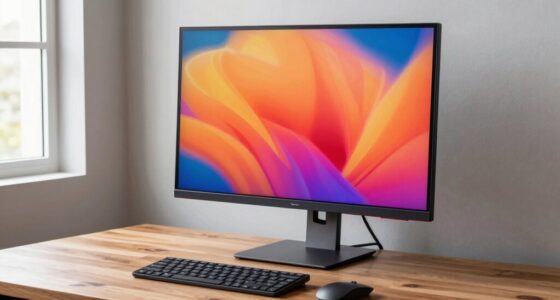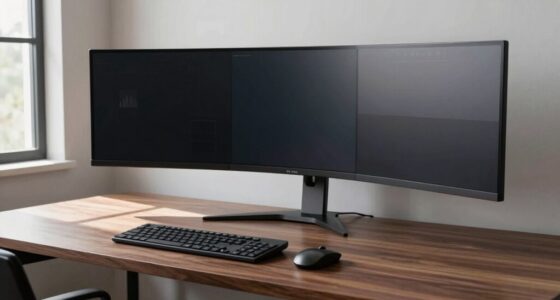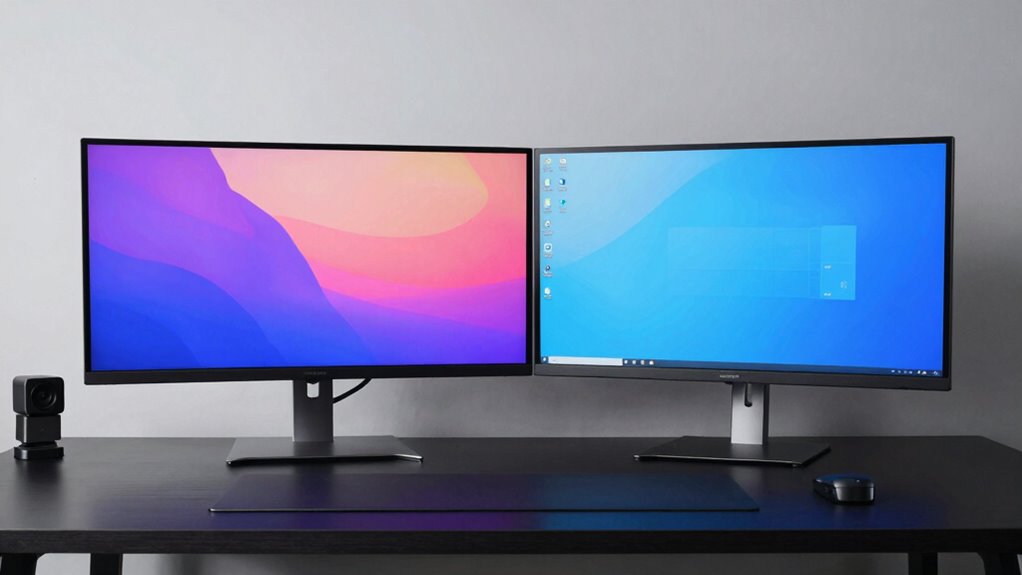

Choosing a single large monitor can boost your productivity by offering a seamless, clutter-free workspace with better ergonomic positioning and fewer cables. It promotes focus and minimizes distractions, making extended use more comfortable. On the other hand, two screens give you flexibility to adjust each display independently and can be more budget-friendly. Whichever option suits your needs, understanding the details can help you build a setup that lasts—keep exploring to find out more.

Get business pricing on office and shipping supplies
- Business-only prices and quantity discounts
- Tax-exempt purchasing
- Multiple users, one account, clear invoices
Key Takeaways
- A single large monitor offers seamless multitasking and reduces distractions, enhancing workflow continuity.
- Two screens provide flexible adjustability and better ergonomic positioning for long or detailed tasks.
- Large monitors simplify cable management and workspace organization, promoting a tidier environment.
- Dual monitors offer cost-effectiveness and redundancy, allowing continued work if one screen fails.
- The choice depends on personal preferences for flexibility, workspace setup, and specific task requirements.
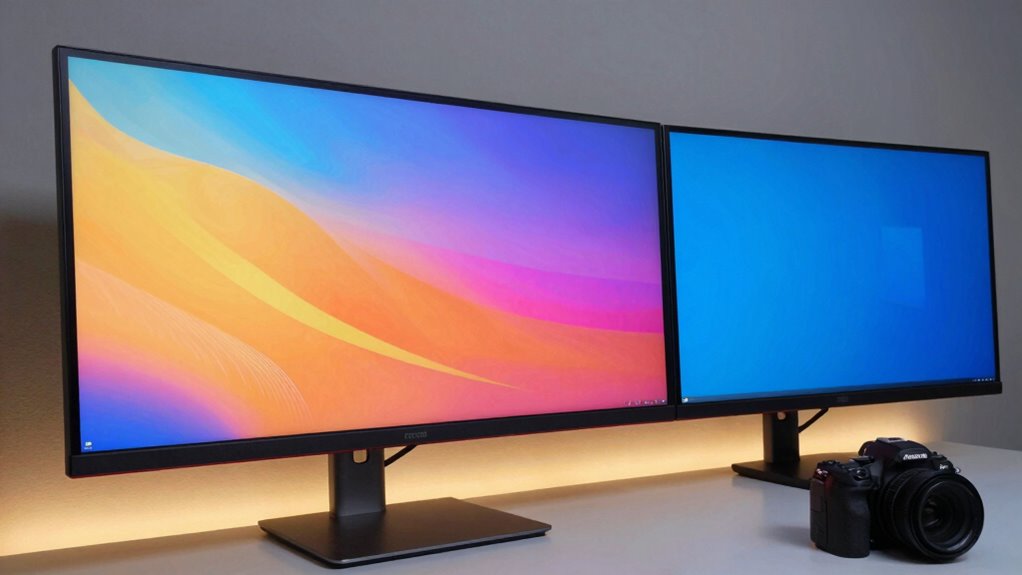
When deciding between a single large monitor and two screens, your choice can considerably impact your productivity and workspace experience. A large monitor offers a seamless, expansive display that makes multitasking straightforward. You can view multiple windows side by side without the distraction of bezels, which makes it easier to stay focused and organized. Plus, a single, widescreen setup often provides better ergonomic benefits. You don’t have to constantly shift your head or neck to see different screens, reducing strain over long periods. This setup promotes better posture, helping to prevent discomfort and fatigue that can develop from awkward positions or repetitive movements. Additionally, a large monitor often eliminates the need for multiple cables, simplifying cable management and creating a cleaner workspace.
On the other hand, opting for two monitors can be highly cost-effective. Many users find that adding a second display is more budget-friendly than investing in an ultra-wide or large single monitor. Dual screens allow you to tailor your setup—choosing different sizes or resolutions based on specific needs—without paying a premium for a single, large, high-end display. Additionally, if one monitor develops an issue, you can continue working on the other without significant disruption. This redundancy offers a practical advantage, especially in professional environments where downtime isn’t an option.
Choosing two monitors can be more budget-friendly and offers flexible, redundant workspace options for professional use.
From an ergonomic standpoint, two screens can be adjusted independently, giving you more flexibility to position each monitor at ideal eye levels and angles. This customization can lead to improved comfort, particularly if you work long hours or perform detailed tasks that require multiple reference points. Yet, it’s important to note that maintaining proper arrangement with two screens might require more effort, as you need to ensure they’re aligned correctly and within easy reach, avoiding neck or eye strain. Proper monitor positioning can help mitigate these issues and maximize comfort. Additionally, some users may find that managing multiple monitors requires more workspace organization to avoid clutter. Furthermore, having two screens can make it easier to separate work and leisure activities, enhancing overall workflow efficiency. Incorporating features like adjustable stands could further improve ergonomic setup and reduce fatigue.
ultra-wide monitor for multitasking
As an affiliate, we earn on qualifying purchases.
As an affiliate, we earn on qualifying purchases.
Frequently Asked Questions
Which Setup Is More Cost-Effective Long-Term?
A dual-screen setup is more cost-effective long-term because of better upgrade flexibility and cost savings. You can upgrade one monitor at a time instead of replacing an entire large monitor, saving money. Plus, two screens offer more versatility for multitasking, making your workstation more efficient. While initial costs may be higher, the ability to upgrade parts separately guarantees your setup stays current without expensive replacements, maximizing your investment over time.
How Do Different Monitor Sizes Affect Workspace Ergonomics?
Did you know that using larger monitors can improve ergonomic posture by reducing neck and eye strain? Larger screens allow you to maintain a more natural head position and see more content without excessive eye movement. Smaller screens may cause you to lean forward or crane your neck, impacting visual comfort. Choosing the right monitor size helps optimize workspace ergonomics, making your setup more comfortable and sustainable for long-term use.
Can Dual Screens Improve Gaming Performance?
Dual screens can enhance gaming performance by reducing gaming latency and boosting visual immersion. With two monitors, you can expand your field of view, making gameplay more engaging and immersive. Plus, multitasking becomes easier, letting you keep chat windows or guides open without interrupting your game. This setup offers a seamless experience, especially in fast-paced games where quick reactions and immersive visuals are essential.
What Are the Best Monitor Brands for Durability?
You should consider brands like Dell, ASUS, and LG for monitor durability, as they have a strong reputation for quality and longevity. These brands prioritize build quality, rigorous testing, and reliable components, ensuring your monitor withstands daily use. Their reputation for durability means you get a product that lasts longer, reduces replacements, and offers peace of mind. Choosing these brands helps you invest in a monitor built to stand the test of time.
How Do Monitor Setups Impact Eye Health Over Time?
Did you know that prolonged monitor use can increase your risk of eye strain and visual fatigue by up to 40%? Your monitor setup considerably impacts your eye health over time. A well-designed setup reduces glare, minimizes eye movement, and maintains proper distance, easing eye strain. Whether you choose a single large monitor or dual screens, prioritize ergonomics and proper lighting to protect your vision and prevent long-term eye problems.
As an affiliate, we earn on qualifying purchases.
Conclusion
Choosing between a single large monitor and two screens depends on your workflow. While a large monitor offers seamless viewing and minimal clutter, dual screens provide flexibility and multitasking power. Think of it like a spacious office versus a bustling control room—you can’t go wrong, but each setup suits different needs. Ultimately, your decision shapes your workspace’s efficiency and comfort. So, weigh your tasks carefully, and pick the setup that feels right for your daily grind.
As an affiliate, we earn on qualifying purchases.
dual monitor setup for productivity
As an affiliate, we earn on qualifying purchases.
As an affiliate, we earn on qualifying purchases.
Halloween Picks
halloween
As an affiliate, we earn on qualifying purchases.