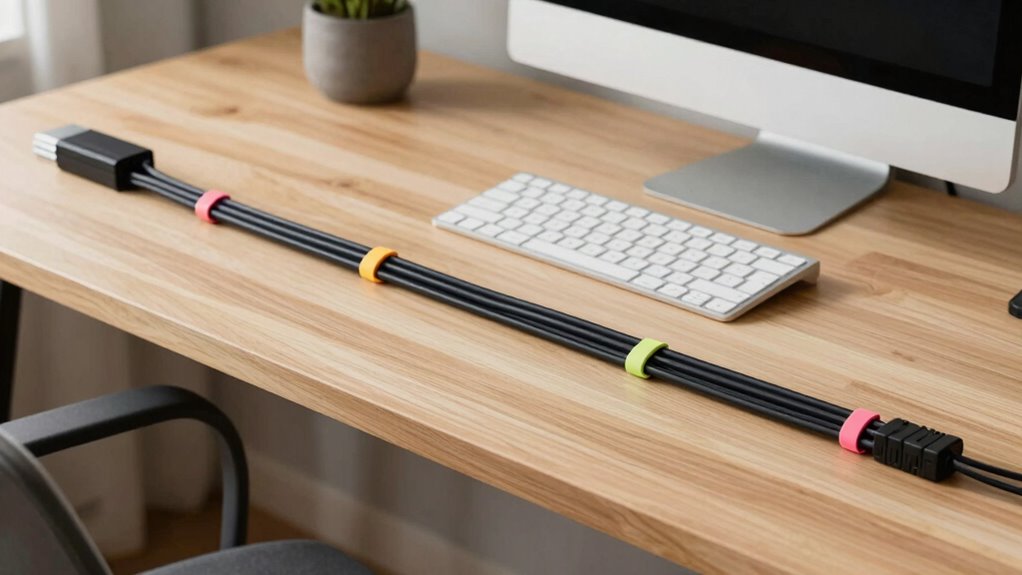

Keeping your workspace tidy with organized cables boosts safety and productivity. Tangle-free cords reduce tripping hazards and prevent damage to your devices, while proper wire placement supports better posture and reduces strain. Use clips, sleeves, and under-desk trays to route cables neatly and eliminate clutter. Regular inspections and adjustments enhance longevity and safety. If you want to discover more tips to create a safer, more efficient workspace, there’s plenty more to learn.
Key Takeaways
- Assess your workspace to identify essential cables and consider wireless options to reduce clutter.
- Use cable clips, sleeves, or under-desk trays to route and organize cords neatly along designated paths.
- Shorten or replace excess cables to minimize tangles and improve overall workspace tidiness.
- Position cables and devices to support ergonomic posture and easy access, reducing strain and discomfort.
- Regularly inspect and maintain cables to ensure safety, prevent damage, and prolong device lifespan.
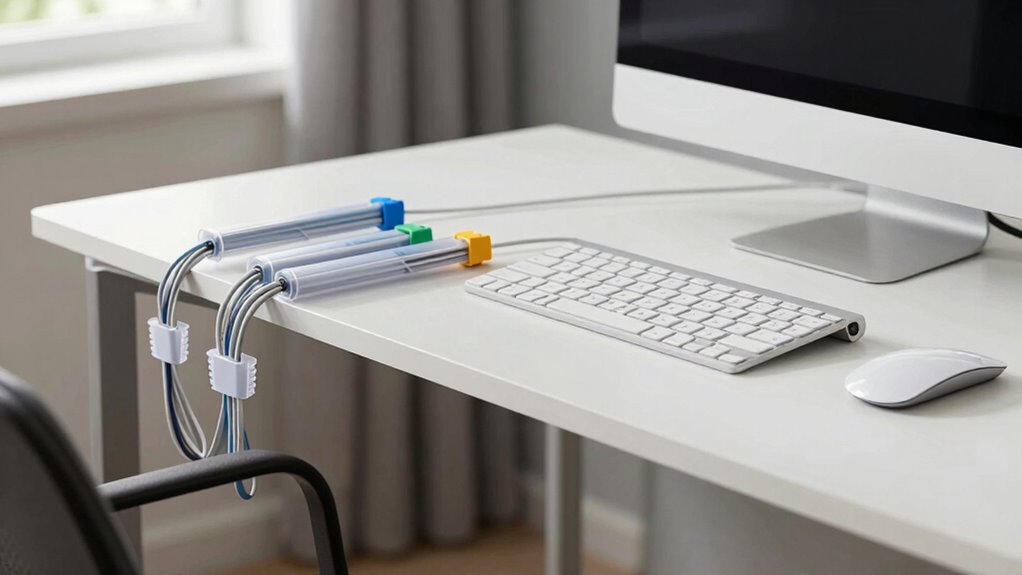
Ever wonder how a cluttered workspace can impact your productivity and safety? When your desk is filled with tangled cords and loose wires, it’s easy to feel overwhelmed and distracted. But beyond the visual chaos, poor wire management can lead to accidents, such as tripping hazards or accidental disconnections that interrupt your work. Taking control of your cables isn’t just about cleanliness; it’s about creating an environment that supports your focus and well-being. An organized workspace with proper wire management allows you to keep cords out of the way, reducing clutter and minimizing the risk of damage to your devices. It also helps you maintain an ergonomic setup, where your equipment is positioned optimally to prevent strain and discomfort. When cables are neatly routed and secured, you can adjust your monitor, keyboard, and mouse to the ideal height and distance, promoting better posture throughout your workday.
Achieving effective wire management starts with assessing your workspace. Identify which cables are essential and which can be shortened or replaced with wireless alternatives. Use cable clips, sleeves, or under-desk trays to route cords along designated paths, keeping them tucked away and out of sight. This not only tidies up your desk but also makes it easier to identify and troubleshoot issues when they arise. A well-organized cable system reduces the chances of accidental unplugging or damage, saving you time and frustration in the long run. Plus, a clean setup encourages you to maintain better habits, like unplugging devices properly and regularly checking the condition of your cords, preventing potential electrical hazards. Incorporating wire management solutions can also extend the lifespan of your cables and devices by reducing stress on connections and preventing wear and tear. Additionally, understanding workspace ergonomics can help you position your cables and devices for maximum comfort and efficiency. Proper cable organization principles can further enhance safety and prolong the durability of your equipment. Applying these organization techniques can lead to a safer and more productive environment, helping you stay focused and efficient throughout your workday.
As an affiliate, we earn on qualifying purchases.
Frequently Asked Questions
How Often Should I Reorganize My Workspace Cables?
You should reorganize your workspace cables at least once a month to maintain good cable organization and reduce desk clutter. Regular checks prevent tangled cords and make your setup more efficient. If you notice cables slipping out or clutter piling up sooner, do it more often. Keeping cables tidy not only improves your workspace’s appearance but also enhances safety and productivity, making your daily routines smoother.
Are Wireless Devices Truly Better for Cable Management?
Wireless devices are generally better for cable management because they reduce cable clutter and create a cleaner workspace. With wireless convenience, you eliminate the hassle of tangled cords and constant reorganization, making your desk look neater and more organized. Plus, they often improve mobility and ease of use. However, keep in mind that some devices still require cables for charging or data transfer, so consider your specific needs when choosing wireless options.
What Is the Best Way to Prevent Cable Damage?
Ever wondered how to keep your cables in top shape? To prevent damage, you should focus on enhancing cable durability with protective coatings that shield against wear and tear. Avoid excessive bending and pulling, and use cable clips or sleeves to secure them. Regularly inspect your cables for signs of fraying or damage. These simple steps help extend your cables’ lifespan and maintain a safe, organized workspace.
How Can I Hide Cables Without Damaging Walls?
You can hide cables without damaging walls through effective cable concealment and wall mounting solutions. Use adhesive cable clips or raceways designed for wall mounting, which don’t require drilling or damaging paint. Alternatively, run cables behind furniture or under rugs to keep them out of sight. These options provide a clean look while protecting your cables and walls, making your workspace safer and more organized without any damage.
Do Cable Management Solutions Affect Workspace Safety Standards?
Cable management solutions can positively impact workspace safety and ergonomic compliance. Proper cable safety measures prevent tripping hazards and accidental disconnections, reducing injury risk. When you use cable organizers, clips, or sleeves, you keep cables neat and out of the way, promoting a safer environment. Ensuring cables are properly managed supports ergonomic principles by preventing clutter that could cause strain or discomfort during your daily tasks.
As an affiliate, we earn on qualifying purchases.
Conclusion
So, next time your desk looks like a spaghetti junction, remember: a tidy cable setup isn’t just about looks—it’s about saving your sanity and avoiding accidental electrocutions. Embrace the chaos, and perhaps one day, your workspace will be as organized as your inbox isn’t. Until then, enjoy the thrill of hunting for that rogue charger amidst the tangled jungle. Happy cleaning—your wires (and nerves) will thank you!
wireless charging station for workspace
As an affiliate, we earn on qualifying purchases.
As an affiliate, we earn on qualifying purchases.
As an affiliate, we earn on qualifying purchases.