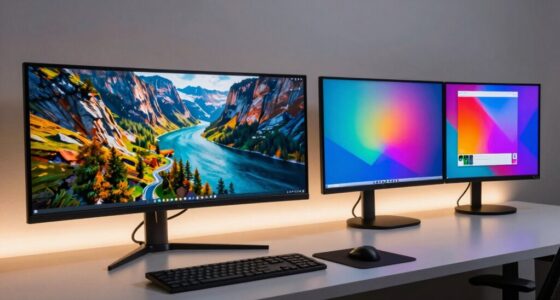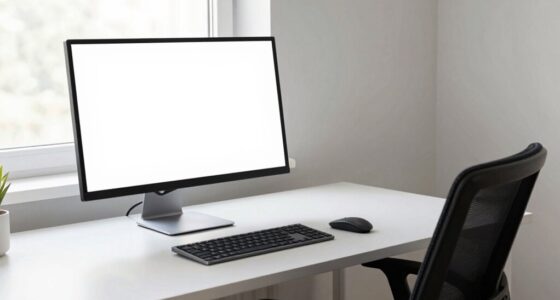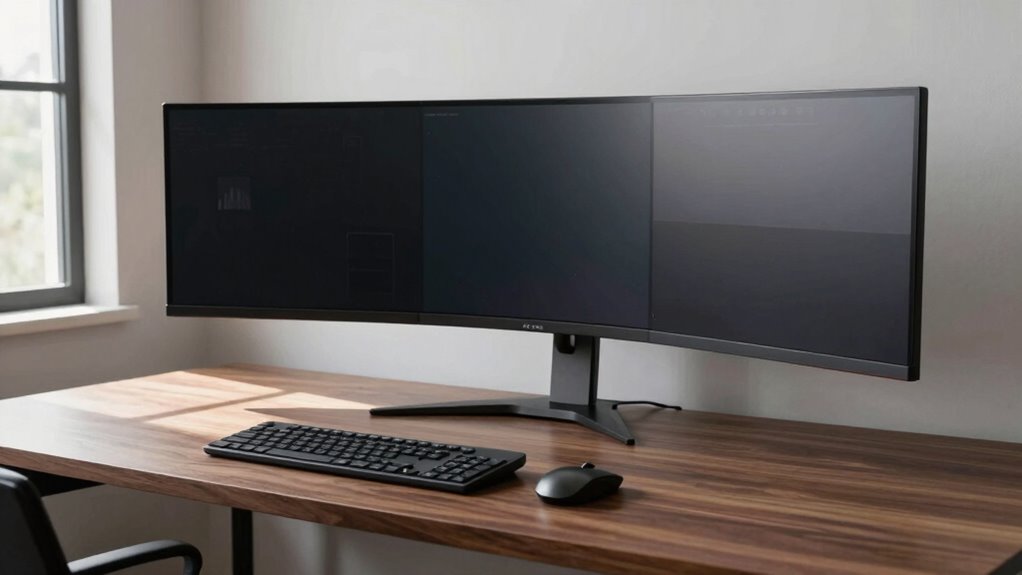

When setting up your large monitor, a desk depth of at least 30 inches is ideal to keep the screen at arm’s length and align with your eye level, reducing strain. Many discover that smaller depths cause awkward neck and shoulder tension. Proper positioning and cable management become easier with a deeper desk, helping maintain comfort during long hours. Keep exploring to learn more ways to optimize your workspace for health and productivity.

Get business pricing on office and shipping supplies
- Business-only prices and quantity discounts
- Tax-exempt purchasing
- Multiple users, one account, clear invoices
Key Takeaways
- Most buyers find a desk depth of at least 30 inches ideal for large monitors and ergonomic positioning.
- Deeper desks help prevent neck strain by allowing monitor placement at arm’s length and eye level.
- Adequate depth ensures sufficient space for cable management, reducing clutter and safety hazards.
- Adjustments after setup often involve refining depth to optimize comfort and workspace organization.
- Personal needs and monitor size heavily influence the ideal desk depth for long-term comfort.
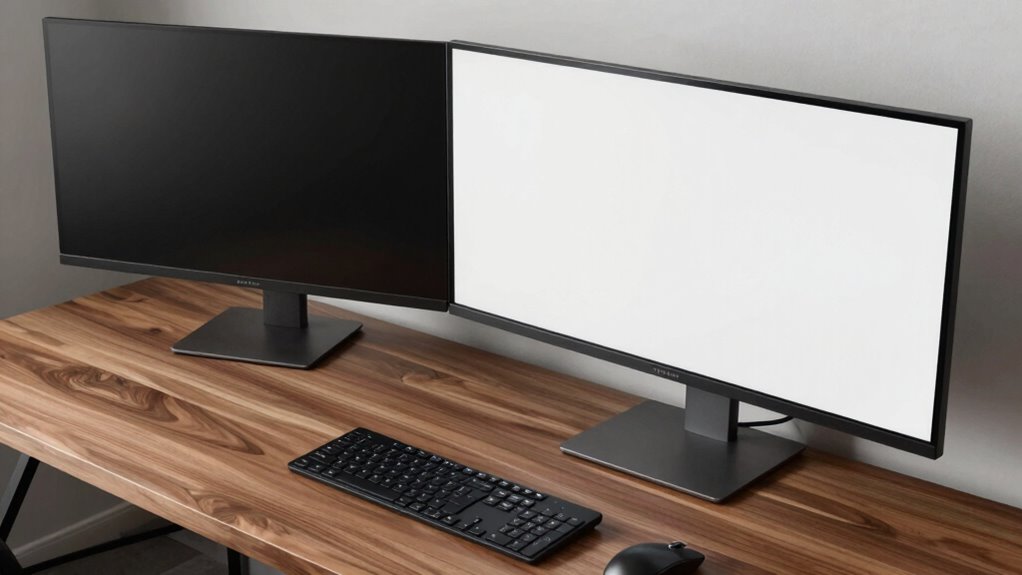
Have you ever struggled to find the right desk depth for your large monitor? It’s a common challenge, especially when you’re aiming for ergonomic positioning that keeps you comfortable during long work hours. The ideal desk depth isn’t just about fitting the monitor — it’s about creating a setup that promotes good posture, reduces strain, and keeps your workspace organized. When you first set up your monitor, you might think you can just place it directly in front of you and call it a day. But once you start using it, you quickly realize that the depth of your desk influences how well you can see the screen, how easily you can reach your keyboard and mouse, and how comfortable your overall posture feels.
Most buyers discover that the perfect desk depth strikes a balance between visibility and accessibility. For large monitors, a depth of at least 30 inches is often recommended to give you enough space to position the screen at arm’s length, which is crucial for ergonomic positioning. Sitting too close can cause eye strain, while sitting too far can lead to awkward neck movements. The key is to position the monitor so that your eyes are level with the top third of the screen, which typically requires some trial and error. Once you’ve found that sweet spot, you’ll notice a significant reduction in neck and shoulder tension. Additionally, considering ergonomic principles when choosing your desk depth can further enhance comfort and productivity. It’s also beneficial to consider the workspace layout to ensure your setup remains efficient and clutter-free. Furthermore, proper desk height can complement your depth choices to optimize overall comfort. Being mindful of cable management can help prevent clutter and improve your workspace organization.
A 30-inch desk depth helps position your monitor at eye level, reducing neck tension and improving ergonomic comfort.
Cable management is another essential aspect that many people overlook initially. When your desk isn’t deep enough, cables tend to bunch up behind the monitor or clutter the workspace, creating a mess that hampers efficiency. A deeper desk provides more room for organized cable routing, so your setup stays tidy and accessible. You can use cable sleeves, clips, or trays to keep everything neat, preventing accidental disconnections and making cleaning easier. Proper cable management not only improves the appearance but also minimizes potential safety hazards. Additionally, a well-organized workspace can help boost productivity and reduce stress during work hours.
In the end, the best desk depth for large monitors depends on your specific setup and needs. It’s about finding that comfortable distance that allows for proper ergonomic positioning while giving you enough room to manage cables effectively. When you open the box and set up your monitor, don’t be discouraged if adjustments are needed; most experienced users learn that a few tweaks to desk depth can drastically improve comfort, productivity, and the overall look of your workspace. Remember, a well-thought-out setup isn’t just about aesthetics—it’s about creating a functional environment that supports your health and work efficiency.
As an affiliate, we earn on qualifying purchases.
Frequently Asked Questions
How Does Desk Depth Affect Overall Ergonomics?
Desk depth directly impacts your ergonomic posture and workspace comfort. If your desk is too shallow, you’ll strain to see or reach your monitor, causing neck and eye discomfort. Too deep, and you may stretch unnecessarily, leading to poor posture. Ideally, your monitor should be about 20-30 inches away from your eyes, with enough depth to keep your keyboard and mouse within easy reach while maintaining a natural, comfortable sitting position.
Can a Deeper Desk Accommodate Multiple Monitors Comfortably?
A deeper desk can comfortably accommodate multiple monitors by providing ample space for ideal monitor placement and space optimization. You can position your screens at the optimal viewing distance, reducing neck strain, and arrange them for easy access. With a deeper surface, you avoid clutter, maintain a clean setup, and enhance your workspace ergonomics. This setup helps you work efficiently and comfortably, especially when managing multiple screens.
What Materials Are Best for Sturdy, Deep Desks?
You should prioritize desks made from materials with high durability and aesthetic appeal, like solid hardwood or metal, for sturdy, deep desks. These materials withstand daily wear and tear while maintaining a sleek look. Avoid flimsy particleboard or MDF, as they lack strength and may sag over time. Selecting high-quality materials guarantees your desk stays stable, looks great, and supports your large monitors comfortably.
How Do I Measure My Ideal Desk Depth Accurately?
Think of measuring your ideal desk depth as charting a course to perfect comfort. You should sit at your current workspace, keep your arms relaxed, and measure from your monitor to your chest—aiming for about 20-30 inches. Consider color options to match your style and optimize space by leaving enough room for your large monitor and accessories. Precise measurement guarantees a desk that fits your needs while enhancing your room’s look.
Are There Adjustable Desk Depths for Varying Monitor Sizes?
Yes, there are adjustable desk depths designed for varying monitor sizes. These desks let you optimize monitor placement, ensuring your screen is at eye level for comfort and productivity. They also help with cable management by providing flexible space for wiring, reducing clutter. With adjustable depths, you can customize your setup to suit your monitor size, making it easier to work comfortably and keep your workspace organized.
ergonomic desk with 30 inch depth
As an affiliate, we earn on qualifying purchases.
As an affiliate, we earn on qualifying purchases.
Conclusion
Once you’ve set up your perfect desk with the ideal depth, imagine yourself sinking into that space every day, the monitor just within reach, your workspace feeling like a cozy command center. With the right depth, your large monitor becomes a seamless extension of your creativity, not a distant obstacle. It’s about crafting an environment where focus flows effortlessly, and work feels less like a chore and more like an inviting sanctuary.
As an affiliate, we earn on qualifying purchases.
adjustable height desk for monitors
As an affiliate, we earn on qualifying purchases.
As an affiliate, we earn on qualifying purchases.
Fall Picks
fall essentials
As an affiliate, we earn on qualifying purchases.