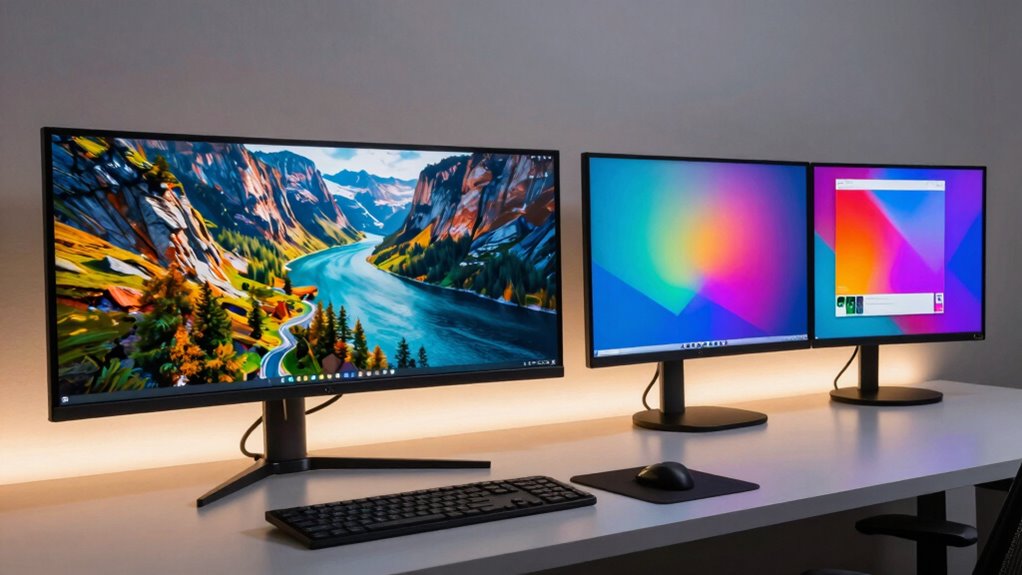

Choosing between an ultrawide and dual monitors can substantially boost your productivity based on your workflow. Ultrawides offer seamless screens, reducing interruptions and making multitasking easier, while dual monitors provide flexibility to dedicate spaces for different apps. Ultrawides are great for immersive work and comfort, but dual setups can better separate tasks. To discover which setup best fits your needs and how to optimize your workspace, keep exploring the details ahead.

Get business pricing on office and shipping supplies
- Business-only prices and quantity discounts
- Tax-exempt purchasing
- Multiple users, one account, clear invoices
Key Takeaways
- Ultrawide monitors enhance multitasking with seamless, uninterrupted screens, boosting workflow efficiency and focus.
- Dual monitors offer flexible application management, allowing dedicated spaces for specific tasks or tools.
- Ultrawide screens provide immersive gaming and visual experiences, reducing distractions from bezels.
- Dual setups require more ergonomic adjustments, potentially causing discomfort during extended use.
- The optimal choice depends on whether seamless workspace or flexible multitasking better aligns with user priorities.
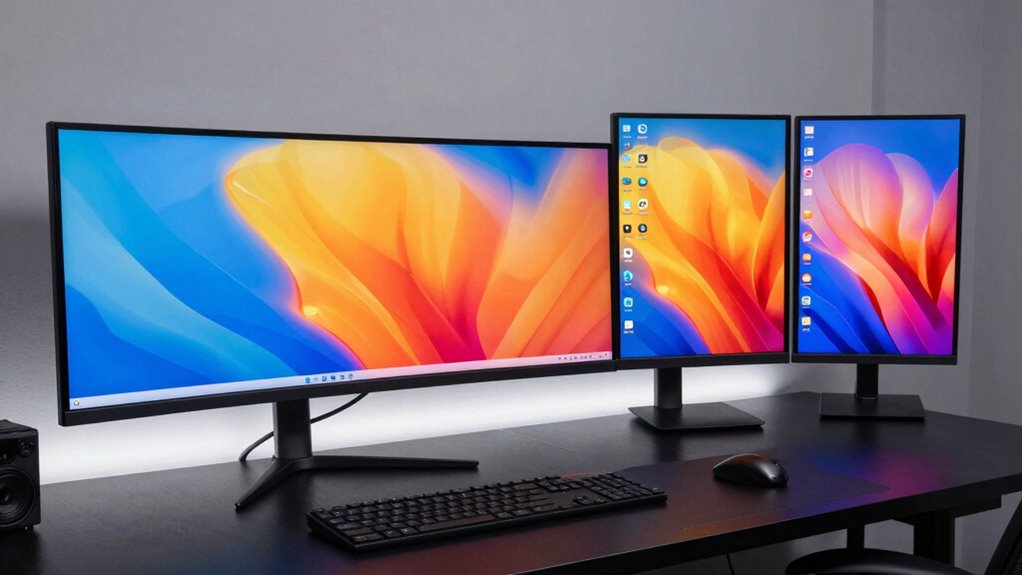
When choosing between ultrawide and dual monitors, it’s important to take into account how each setup impacts your workflow and comfort. Your decision affects not only productivity but also your gaming immersion and overall ergonomic setup. If you spend hours working on tasks like graphic design, coding, or multitasking, an ultrawide monitor offers seamless screen real estate, allowing you to view multiple applications side by side without the gap or bezel interruptions that come with dual screens. Its continuous display creates a more immersive environment, making it easier to focus and switch between tasks. This can streamline your workflow because you don’t have to juggle between separate screens, which often results in reduced cognitive load and faster task completion.
Ultrawide monitors enhance productivity and immersion with seamless, continuous screens ideal for multitasking and focused work.
On the other hand, dual monitors give you flexibility. You can dedicate one screen to communication tools like email or chat, while the other handles your primary work. This setup is particularly beneficial if you need different resolutions or want to keep certain applications separate. However, it can compromise gaming immersion, as dual screens often introduce a visible bezel that breaks the visual flow, especially in fast-paced games. Additionally, dual monitors may require more space and a more complex ergonomic setup, as you’ll need to position two screens properly to avoid neck strain. Proper placement ensures you maintain good posture and reduce discomfort over long periods. Display configurations play a crucial role in optimizing both comfort and productivity, especially when considering ergonomic setup.
When it comes to gaming, ultrawide monitors often provide a more captivating experience. The expansive, curved display can envelop you in the game world, making scenes more vivid and immersive. Dual monitors, by contrast, tend to split the visual experience, which can be distracting during gameplay, especially if their bezels are prominent. From an ergonomic standpoint, ultrawide monitors tend to be easier to set up correctly because you only need to position one screen at an optimal angle and height. Dual monitors require multiple adjustments and may create awkward neck movements if not aligned properly, which can lead to discomfort after extended use.
Ultimately, your choice hinges on your priorities. If you value gaming immersion and a clean, ergonomic workspace, an ultrawide monitor might be the better fit. If you need multitasking flexibility and can manage the space and setup, dual monitors could suit your needs better. Both options have their advantages, but understanding how each impacts your workflow and comfort will help you make the best decision for your specific use case.
ultrawide monitor for multitasking
As an affiliate, we earn on qualifying purchases.
As an affiliate, we earn on qualifying purchases.
Frequently Asked Questions
Which Monitor Setup Is More Affordable Long-Term?
You’ll find dual monitors more affordable long-term because of their cost comparison and upgrade flexibility. Dual setups often cost less initially and let you upgrade or replace individual screens without overhauling the entire system. Ultrawide monitors tend to be pricier and less flexible for future upgrades. With dual monitors, you get better customization options and potential savings, making them a smarter investment for long-term affordability.
How Do Ultrawide and Dual Monitors Affect Eye Comfort?
Ultrawide and dual monitors can both impact your eye comfort, but ultrawides often reduce glare and offer better color accuracy across a single screen, decreasing eye strain. Dual monitors might cause more glare at the junction and require more head movement, leading to discomfort. For ideal eye comfort, choose a setup with adjustable brightness, anti-glare coatings, and screens that support proper color accuracy.
Can Ultrawide Monitors Replace Multiple Screens Effectively?
Yes, ultrawide monitors can effectively replace multiple screens, especially with their curved design that minimizes distortion and offers a more immersive experience. Their large, seamless display reduces bezel distractions, helping you focus better. You won’t miss multiple screens, as the curved design provides ample workspace, and the small bezel size guarantees a clean, continuous view. This setup can boost your productivity while saving desk space.
Are There Specific Tasks Better Suited for Dual Monitors?
You’ll find dual monitors excel in tasks that demand high multitasking efficiency, like programming, graphic design, or financial analysis. They allow you to organize your workspace better, keeping multiple applications open side-by-side without clutter. With dedicated screens, you can switch quickly between tasks, enhancing productivity. If your work involves managing several programs simultaneously, dual monitors provide the flexibility and clarity needed for streamlined workflow and better workspace organization.
How Difficult Is It to Set up Ultrawide Vs Dual Monitors?
Setting up an ultrawide monitor is like unfolding a single, expansive canvas—less mounting challenge, simpler cable management, and fewer connections to worry about. Dual monitors, however, are like assembling a pair of windows—more mounting steps, multiple stands, and tangled cables. While ultrawides often connect with a single cable, dual setups require extra effort to organize cables neatly, making installation slightly more complex but still manageable with patience and proper planning.
dual monitor setup for productivity
As an affiliate, we earn on qualifying purchases.
As an affiliate, we earn on qualifying purchases.
Conclusion
So, which setup truly boosts your productivity? The answer isn’t as straightforward as it seems. Ultrawide offers seamless immersion, while dual monitors provide flexibility and multitasking ease. But what if the key isn’t just the screen itself? Could the real game-changer lie in how you harness these tools? The choice might just redefine your workflow — or leave you wondering if you’ve overlooked something even better. The decision is in your hands; the next move could be revolutionary.
As an affiliate, we earn on qualifying purchases.
As an affiliate, we earn on qualifying purchases.
Fall Picks
fall essentials
As an affiliate, we earn on qualifying purchases.