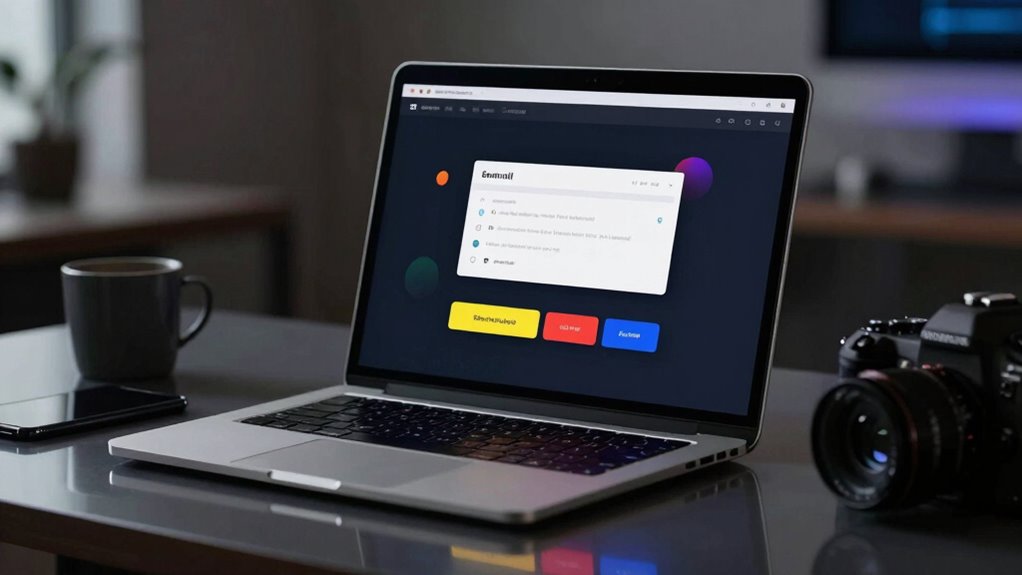

To fix flat emails with good offers for dark mode, focus on optimizing contrast and using vibrant, bold colors for text and buttons. Guarantee your design adapts seamlessly with CSS media queries and inline styles that specify colors for dark backgrounds. Test your emails across different modes to catch issues early. By doing this, you’ll make your emails more readable, engaging, and accessible, increasing the chance that your offers will stand out regardless of user preferences. Keep exploring to discover how to perfect your dark mode strategy.
Key Takeaways
- Use high-contrast colors and vibrant text to ensure readability and visual appeal in dark mode.
- Incorporate inline styles and CSS media queries to detect and adapt to dark mode preferences.
- Design call-to-action buttons with bold, contrasting hues to stand out on dark backgrounds.
- Test emails across different devices and modes to ensure consistent appearance and engagement.
- Prioritize accessibility by maintaining sufficient contrast to reduce eye strain and enhance message clarity.
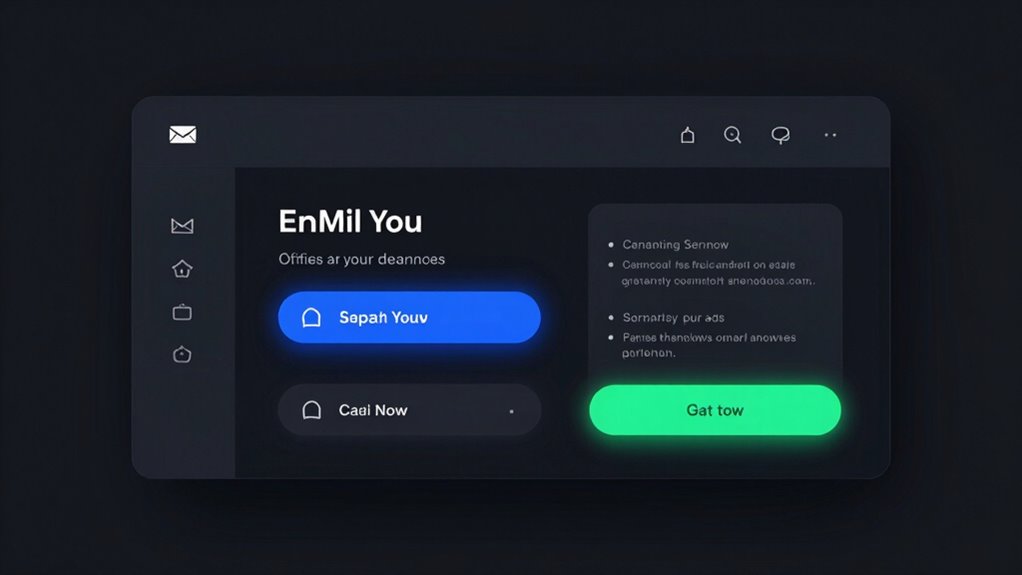
As more users switch to dark mode on their devices, designing emails that look great in this setting has become essential. If your emails appear dull or unreadable in dark mode, you risk losing the engagement and interest of your audience. To prevent this, you need to focus on creating designs that adapt seamlessly to dark backgrounds, emphasizing color contrast and readability. When you choose colors thoughtfully, you ensure your message remains clear, even when the screen’s lighting shifts. Bright, vibrant text on a dark background can be striking, but only if the contrast is strong enough to make the content pop. Avoid using low-contrast combinations like gray on black, which can strain the eyes and discourage reading. Instead, opt for bold, contrasting hues that enhance readability and make your call-to-action buttons stand out.
User engagement depends heavily on how easily your audience can process your message. If your email design isn’t optimized for dark mode, you might notice a decline in click-through rates and conversions. When you pay attention to color contrast, you make sure that your users don’t have to squint or struggle to understand your content. Clear, high-contrast text paired with strategic use of color for highlights and buttons guides the eye naturally and encourages interaction. This not only improves the user experience but also boosts the likelihood that your recipients will respond positively to your offers. Additionally, understanding indoor air quality best practices can help you create a more comfortable and health-conscious environment for your team, which can indirectly influence your overall digital communication strategies. Incorporating color contrast principles ensures your messages stay accessible across diverse viewing conditions.
To achieve this, you should consider testing your emails in different modes before sending them out. Many email platforms now support dark mode previews, allowing you to see how your design holds up. You can also incorporate inline styles that specify colors explicitly for dark mode, ensuring consistency across various devices. Using CSS media queries that detect dark mode preferences helps you adapt your color palette dynamically, creating a visually appealing and functional email regardless of the user’s settings. Furthermore, responsive design techniques allow your emails to adapt beautifully across all screen sizes and modes, enhancing overall user engagement.
Ultimately, investing in dark mode-friendly design isn’t just about aesthetics; it’s about making your emails more accessible and engaging. When you prioritize color contrast and user experience, you show your audience that you care about how they receive your message. This thoughtful approach encourages them to stay engaged, explore your offers, and take action. As dark mode continues to grow in popularity, ensuring your emails look good and perform well in this environment isn’t optional—it’s necessary for maintaining a competitive edge in your email marketing strategy.
As an affiliate, we earn on qualifying purchases.
Frequently Asked Questions
How Does Dark Mode Impact Email Deliverability Rates?
Dark mode can positively impact your email deliverability rates by improving email visibility, especially on mobile devices and popular email clients. When your emails are optimized for dark mode, they stand out more and are less likely to be marked as spam or ignored. By ensuring your design adapts well to dark mode, you enhance user engagement, which can boost your overall deliverability and open rates.
Are There Specific Tools to Test Dark Mode Email Compatibility?
Imagine your email as a chameleon blending seamlessly into dark mode. You can use dark mode testing and compatibility tools to guarantee it adapts perfectly. Tools like Litmus, Email on Acid, and Mailchimp’s preview feature let you see how your emails appear across various devices and clients. These compatibility tools help you identify issues early, ensuring your message remains vibrant and effective, regardless of the viewer’s mode.
Can Dark Mode Design Improve Overall Email Engagement Metrics?
Yes, implementing dark mode design can boost your email engagement metrics. By enhancing color contrast and optimizing visuals for dark backgrounds, you improve user experience, making your emails easier to read and more visually appealing. When users find your emails comfortable to view, they’re more likely to engage, click, and respond. Prioritizing dark mode design shows you care about accessibility and user preferences, ultimately driving better engagement results.
What Are Common Mistakes to Avoid in Dark Mode Email Design?
You should avoid drowning your message in shadows, as poor color contrast can make your email unreadable like a faded lighthouse. Guarantee font readability by choosing high-contrast colors and clear fonts, preventing your content from becoming a hidden secret. Steer clear of overly dark backgrounds that obscure details, and test your design across devices. Think of your email as a beacon—bright, clear, and easy to follow.
How Does Dark Mode Affect Email Accessibility for Visually Impaired Users?
Dark mode can improve email accessibility for visually impaired users if you focus on color contrast. You should guarantee text stands out against dark backgrounds, making it easier to read. Poor contrast can hinder users with visual impairments from accessing your content. By testing your emails in dark mode and adjusting colors accordingly, you create a more inclusive experience that respects users’ needs and enhances overall readability.

GOWENIC Large Print USB Keyboard for Seniors | High Contrast White Letters, Oversized Keys, US Layout QWERTY, Black (Black)
- High Contrast Large Print Keys: Reduces eye strain with oversized white letters
- Plug and Play USB Connection: Instant setup with no drivers needed
- Full Size, Spill-Resistant Design: Durable construction with 104 keys and number pad
As an affiliate, we earn on qualifying purchases.
As an affiliate, we earn on qualifying purchases.
Conclusion
By embracing dark mode email design, you can enhance readability and user engagement, especially as over 80% of smartphone users now prefer it. Implementing effective dark mode strategies guarantees your emails look great and stand out in inboxes. Don’t overlook this trend—it’s proven to boost click-through rates and improve user experience. So, get ahead of the curve and optimize your emails for dark mode today; your audience will appreciate the seamless, visually appealing experience.
As an affiliate, we earn on qualifying purchases.
As an affiliate, we earn on qualifying purchases.