To plan your remote interview gear for cleaner streams, start with a good-quality microphone and position it about six inches from your mouth, using a pop filter to reduce noise. Make certain your space is quiet, echo-free, and free of clutter. Use headphones to monitor audio and conduct test recordings to catch issues early. Keep your software updated and connect via Ethernet for stability. Keep mastering these tips to improve your recordings—more expert advice awaits as you continue.
Key Takeaways
- Select a high-quality microphone and position it properly with a pop filter for clear audio.
- Use a wired internet connection and close unnecessary applications to ensure stable streaming.
- Choose a quiet, echo-free space with sound-absorbing materials to improve audio quality.
- Monitor audio with headphones and conduct test recordings to identify issues beforehand.
- Perform final equipment checks and environment adjustments before the interview for optimal results.
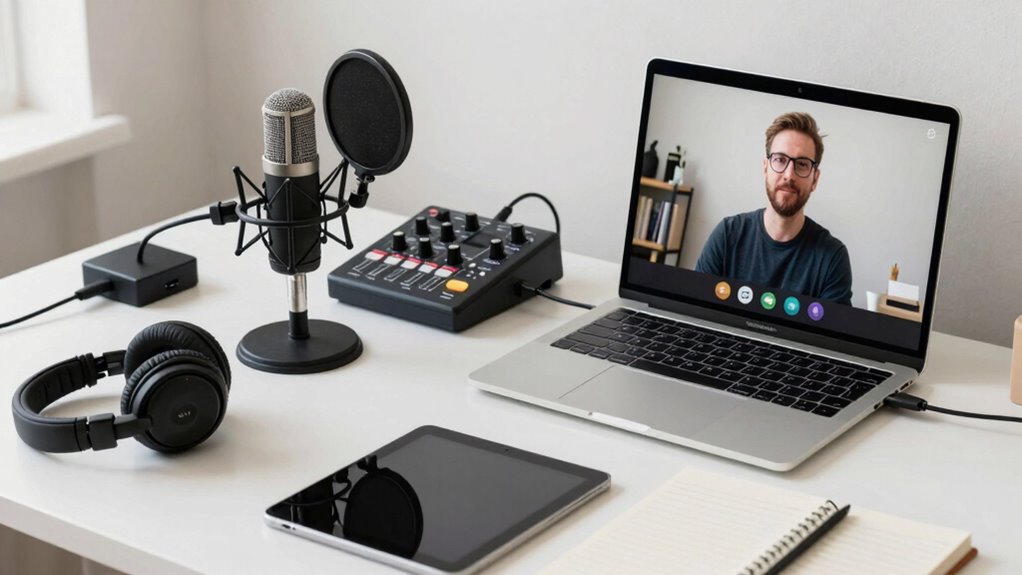
Planning your remote interview gear is vital to making a strong impression and guaranteeing a smooth conversation. When you focus on your equipment setup, you set the stage for clear, professional audio quality that can make or break your interview. Good audio quality isn’t just about having a decent microphone; it’s about how you arrange your gear and optimize your environment. You want to avoid distracting background noise, echoes, or muffled sound, and that starts with choosing the right equipment and positioning it correctly.
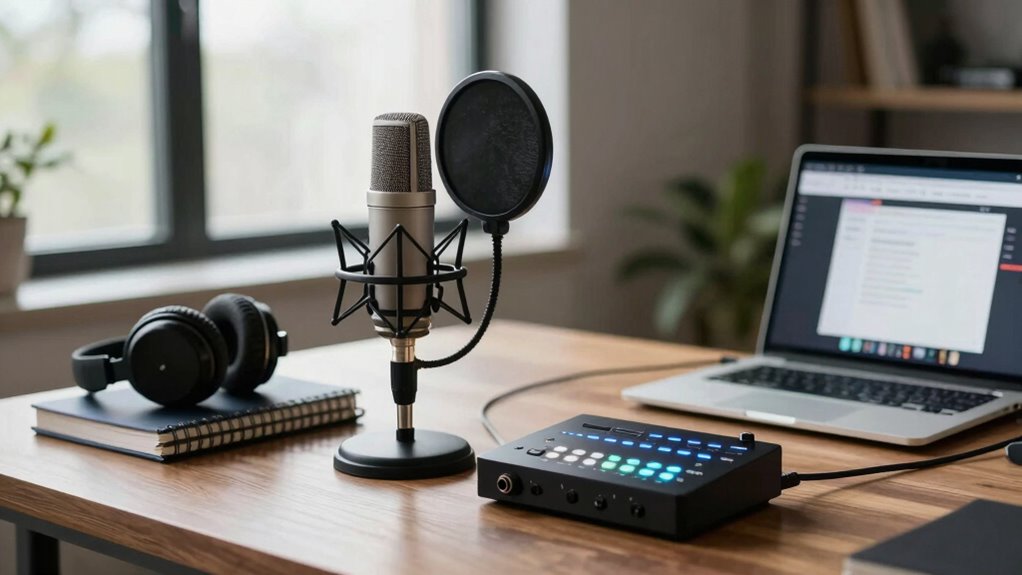
Begin with your microphone. Invest in a good-quality condenser or dynamic microphone suited for voice recording. USB microphones are convenient and provide excellent audio quality without needing complex setups. Position your microphone correctly—about six inches from your mouth, slightly off to the side to avoid plosive sounds. Use a pop filter or foam windscreen to reduce unwanted noise and prevent distortion. Remember, the placement of your microphone directly impacts your audio clarity, so take time to test and adjust it before the interview.
Use a quality USB microphone, position it six inches from your mouth, and add a pop filter for clear, professional sound.
Next, focus on your equipment setup. Make sure your computer or recording device is powerful enough to handle the task without lag or crashes. Close unnecessary applications to free up resources, and keep your software updated. Use a reliable internet connection—wired Ethernet is preferable over Wi-Fi for stability and speed, which directly affects your audio quality during the stream. Also, check your audio input levels to avoid clipping or distortion. Many people overlook this step, but it’s essential for maintaining a clean audio stream that’s easy to listen to. Additionally, understanding the importance of biodiversity and its role in sustainable ecosystems can help you appreciate the value of a clear and focused communication. Investing in proper audio equipment can significantly enhance your overall sound quality and professionalism. Remember that audio environment plays a crucial role in your overall sound quality, so choose your space wisely. Incorporating acoustic treatment can further improve your sound by reducing echoes and background noise.
Your environment plays a significant role in your overall sound. Choose a quiet, echo-free space with soft furnishings like carpets, curtains, or cushions that absorb sound reflections. Turn off any fans, air conditioners, or appliances that create background noise. Consider using headphones to monitor your audio in real-time; that way, you can immediately notice and fix issues. Keep your recording area organized, and avoid clutter that might cause distractions or accidental noise.
Finally, do a quick test run before the actual interview. Record a short segment, listen to it carefully, and adjust your setup as needed. This step helps you identify any issues with audio quality or equipment setup early, saving you from surprises during the live session. Proper planning of your remote interview gear guarantees your voice comes through clearly, your stream remains uninterrupted, and your professionalism shines through. With the right tools and environment, you’ll make a confident impression and have a successful interview.

FIFINE USB Microphone, Metal Condenser Recording Microphone for MAC OS, Windows, Cardioid Laptop Mic for Recording Vocals, Voice Overs, Streaming, Meeting and YouTube Videos-K669B
[Convenient Setup] Plug and play recording USB microphone for PC, with 5.9-Foot USB cable included for computer PC…
As an affiliate, we earn on qualifying purchases.
As an affiliate, we earn on qualifying purchases.
Frequently Asked Questions
How Do I Choose the Best Microphone for Remote Interviews?
To choose the best microphone for remote interviews, consider the microphone types—USB mics are simple and plug-and-play, while XLR mics offer higher sound quality if you have the right setup. Prioritize sound quality by looking at frequency response and pickup pattern. Test different options if possible, and select a mic that captures clear, natural audio without background noise, ensuring your interviews sound professional and engaging.
What Backup Recording Options Should I Have?
You should always have backup audio and alternative recording options ready to prevent data loss. Connect a portable recorder like a Zoom H5 as a secondary device, and consider using cloud-based recording apps that sync automatically. This way, if your main microphone or computer fails unexpectedly, you’ll still capture high-quality audio. These backups guarantee seamless interviews, giving you peace of mind and a reliable way to preserve your content no matter what happens.
How Can I Minimize Internet Lag During Interviews?
To minimize internet lag during interviews, guarantee your internet speed is high enough for stable streaming—at least 10 Mbps upload/download. Optimize your router by placing it in a central location, updating firmware, and reducing connected devices during the call. Use a wired Ethernet connection instead of Wi-Fi for a more reliable link. These steps help maintain smooth audio and video, making your interview experience seamless.
What Lighting Setup Improves Video Quality?
Think of your lighting as the brushstroke that brings your interview to life. To improve video quality, use natural light by positioning yourself near a window for soft, even illumination. Complement this with a ring light to fill in shadows and add a professional glow. This combo creates a balanced, flattering setup, ensuring your face is clear and engaging, making your interview more compelling and visually appealing.
How Do I Test My Gear Before the Interview?
To test your gear before the interview, start with audio calibration by recording a short test clip to check sound levels and clarity. Assess your interview environment by recording a few minutes to identify background noise or distractions. Listen carefully for any issues, adjust your microphone or environment as needed, and make sure your camera and lighting look good. Doing these checks guarantees smooth recording and professional quality during your interview.

Aokeo Professional Microphone Pop Filter Mask Shield For Blue Yeti and Any Other Microphone,Mic Dual Layered Wind Pop Screen With Flexible 360° Gooseneck Clip Stabilizing Arm
Double Layered Screen Pop Filters:The first screen blocks air blasts as any pop filter normally would; The gap…
As an affiliate, we earn on qualifying purchases.
As an affiliate, we earn on qualifying purchases.
Conclusion
By mastering your remote interview gear, you’re not just avoiding technical hiccups—you’re transforming your recordings into crystal-clear masterpieces that could outshine even the brightest studio sessions. With the right setup, you’ll effortlessly capture every nuance, making your interviews so seamless and professional-looking, they might just redefine what’s possible in remote broadcasting. Get your gear right, and watch your content reach heights so lofty, they’ll make the stars jealous.

TP-Link USB to Ethernet Adapter (UE306), Supports Nintendo Switch, 1Gbps Gigabit RJ45 to USB 3.0 Network Adapter, Foldable & Portable Design, Plug and Play, Compatible with Windows, macOS, and Linux
𝐇𝐢𝐠𝐡-𝐒𝐩𝐞𝐞𝐝 𝐔𝐒𝐁 𝐄𝐭𝐡𝐞𝐫𝐧𝐞𝐭 𝐀𝐝𝐚𝐩𝐭𝐞𝐫 – UE306 is a USB 3.0 Type-A to RJ45 Ethernet adapter that adds a…
As an affiliate, we earn on qualifying purchases.
As an affiliate, we earn on qualifying purchases.

Focusound 52 Pack Acoustic Foam Panels 1" x 12" x 12" Sound Proof Foam Panles Soundproofing Noise Cancelling Wedge Panels for Home Office Recoding Studio with 300PCS Double-Side Adhesive
Soundproofing – Acoustic foam panels triangular grooves structure for better noise absorption, helps to reduce and absorb unwanted…
As an affiliate, we earn on qualifying purchases.
As an affiliate, we earn on qualifying purchases.