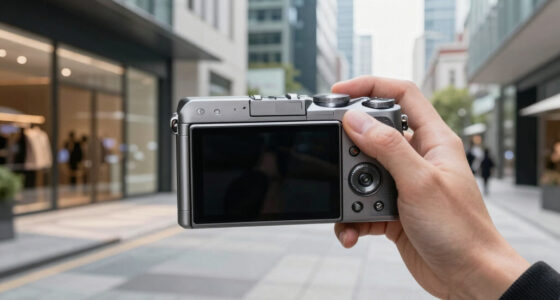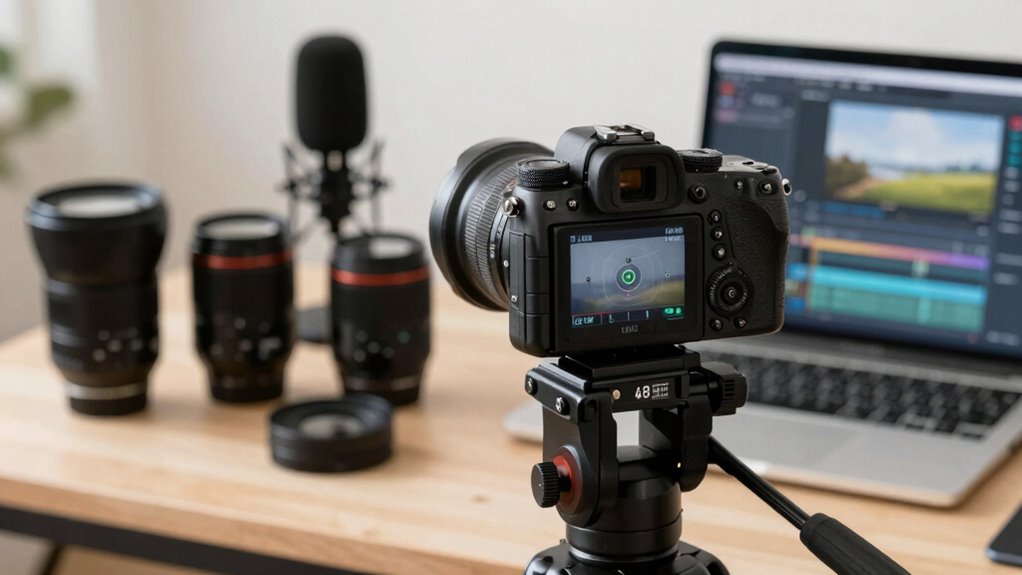

To build a smart creator kit, you should customize your autofocus settings for better control and results. Use continuous autofocus for moving subjects and set your focusing sensitivity to prevent hunting or shifts. Enable face or eye detection for interviews or vlogs to keep focus sharp on your subject. Switching between autofocus and manual focus when needed helps guarantee professional footage. Keep exploring how adjusting these settings can elevate your videos and create more flexibility.

Get business pricing on office and shipping supplies
- Business-only prices and quantity discounts
- Tax-exempt purchasing
- Multiple users, one account, clear invoices
Key Takeaways
- Customize autofocus sensitivity and speed to match scene dynamics for smoother focus transitions.
- Enable face and eye detection to prioritize subjects and improve focus accuracy in videos.
- Use focus peaking to visually confirm focus points during manual adjustments when autofocus isn’t ideal.
- Switch between autofocus and manual focus based on scene complexity for optimal control.
- Regularly update camera firmware to access the latest autofocus features and performance improvements.
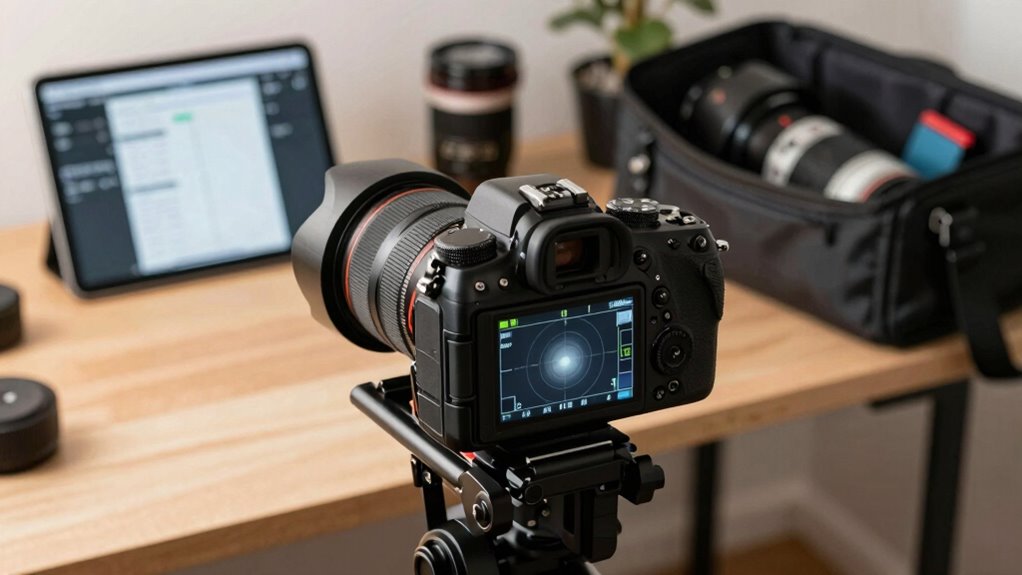
When creating videos, having sharp, focused footage can make all the difference in engaging your audience. Your choice of camera lens and focus settings plays a vital role in achieving this. While autofocus has become a popular feature for its convenience, understanding when to switch between autofocus and manual focus can elevate your content quality. Autofocus is great for quick shots or when you’re moving around, but sometimes, it can hunt or shift unexpectedly, especially in tricky lighting or complex scenes. That’s where knowing how to effectively use your camera lens, along with manual focus options, becomes essential.
If you’re aiming for precision and control, manual focus is your best friend. It allows you to dial in the perfect focus point, eliminating surprises during critical moments. Many professional creators prefer manual focus for interviews, product shots, or artistic scenes because it gives them complete control over what’s sharp and what’s blurred. It’s worth investing time in practicing manual focus—get comfortable turning the focus ring on your camera lens smoothly and accurately. This way, you can quickly switch from autofocus to manual focus when needed, especially if your camera offers a quick focus mode switch. Additionally, understanding autofocus systems and their capabilities can help you make better choices during filming. Modern cameras often incorporate intelligent autofocus systems, with features like face detection and eye autofocus, which work well in many scenarios. However, relying solely on autofocus can sometimes cause focus shifts that ruin a shot. For instance, if your subject moves or if there’s background clutter, the camera might focus on the wrong element. In these cases, switching to manual focus ensures you’re precisely focused on your subject’s eyes or a specific detail, giving your video a professional polish. When you’re shooting static scenes or doing close-ups, manually adjusting the focus beforehand is a smart move, especially if your camera lens offers smooth, precise focus rings. Additionally, learning about focus modes and how they interact with different shooting situations can further enhance your control and results. Moreover, experimenting with focus stacking techniques can help you achieve greater depth of field, especially in macro or detailed shots, providing a sharper overall image.
Furthermore, understanding the importance of consistent focus quality can help you maintain viewer engagement and produce a more polished final product. Furthermore, many cameras allow you to customize autofocus settings—such as adjusting sensitivity or focus speed—so you can tailor autofocus behavior to your shooting style. But don’t forget that mastering manual focus is often the most reliable way to maintain sharpness in your videos. Practice focusing carefully before recording, and use focus peaking if your camera has it; this highlights the in-focus areas, making manual focus more efficient. Combining autofocus for convenience and manual focus for critical shots gives you a flexible, robust creator kit, ensuring you always deliver crisp, engaging videos that hold your audience’s attention.
Popular right now

Shark Navigator Lift-Away Upright Vacuum (NV360)

Samsung 42-Inch S90H OLED 4K Smart TV Bundle

Roborock Q7 M5+ Robot Vacuum and Mop
As an affiliate, we earn on qualifying purchases.
Frequently Asked Questions
How Do Autofocus Settings Differ Across Various Camera Brands?
Autofocus settings differ across camera brands mainly in lens compatibility and autofocus speed. For example, Canon uses Dual Pixel AF for fast, accurate focus, while Sony employs Eye AF for precision. Nikon and Panasonic have their own systems, affecting how quickly and smoothly autofocus responds. You should consider lens compatibility and autofocus speed when choosing a brand, as these factors influence how well your camera adapts to creator video needs.
Can Autofocus Be Adjusted for Different Lighting Conditions?
Adjusting autofocus for different lighting is like tuning a guitar—you need the right settings. You can switch to manual focus when lighting is tricky, and use focus peaking to see precisely where your focus lands. Many cameras automatically modify autofocus to lighting conditions, but manual control ensures clarity. By combining autofocus with focus peaking and manual focus, you can maintain sharpness regardless of whether you’re filming in bright daylight or dim indoor lighting.
What Autofocus Settings Are Best for Fast-Moving Subjects?
For fast-moving subjects, set your autofocus to continuous mode and enable subject tracking to keep the subject sharp as it moves. Use focus peaking to verify focus accuracy, especially during quick motions. Adjust the sensitivity of the focus tracking to respond swiftly without hunting for focus. This combination guarantees your camera maintains sharp focus, making your creator videos look professional even with rapid action.
How Does Autofocus Impact Video Stabilization?
Autofocus impacts video stabilization like a shaky bridge—disruptive and unsettling. When autofocus hunts for focus, it causes abrupt shifts, making stabilization harder. Manual focus offers smoother footage, reducing focus hunting and allowing stabilization to work effectively. Proper autofocus settings help keep your shots steady, especially during movement. By choosing the right focus mode, you guarantee your videos stay sharp and stable, giving viewers a seamless, professional experience.
Are There Any Autofocus Settings to Avoid for Professional-Quality Videos?
Avoid using continuous autofocus during professional videos, as it can cause distracting shifts in focus. Instead, use manual focus to control your depth of field precisely, ensuring your subject stays sharp without unexpected changes. Keep autofocus off to maintain consistent focus, especially when shooting scenes with limited movement. This approach helps you achieve a polished, professional look, giving you full control over focus shifts.
Conclusion
Mastering autofocus settings isn’t just about technical precision; it’s about transforming your videos into genuine connections. When your focus seamlessly shifts with your movement, viewers feel like they’re right there with you. It’s a small tweak that makes a big difference—kind of like how a chance encounter can change your day. Embrace smarter autofocus, and watch your content become more engaging, authentic, and irresistible. After all, sometimes, the right focus finds you when you least expect it.