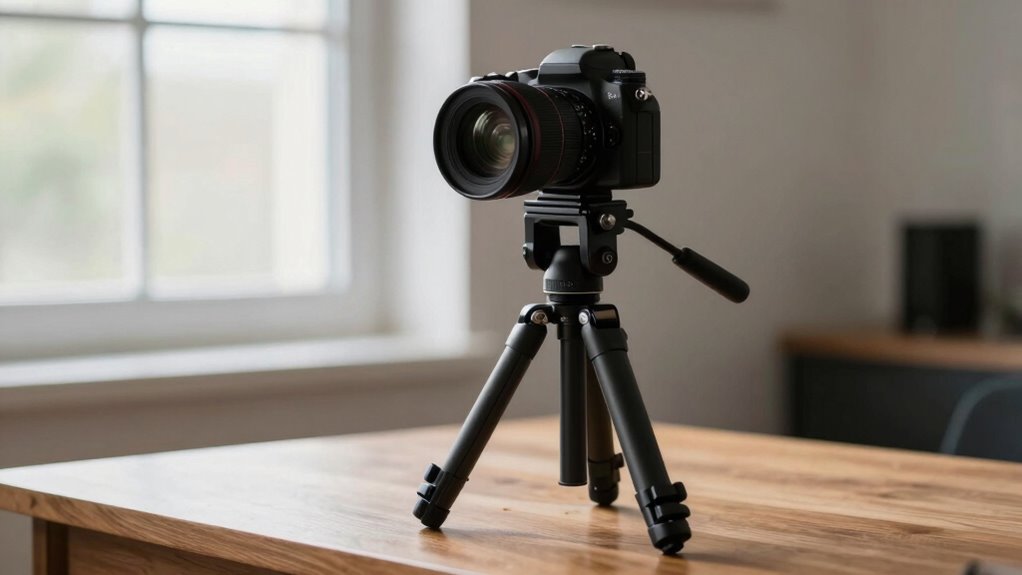

To achieve cleaner, more professional footage, make sure your tripod or desk mount keeps your camera steady and at eye level. Position the camera about 2-3 feet from your face and center it for balanced framing. Use a sturdy setup to prevent shakes, and check that backgrounds aren’t cluttered or distracting. Proper placement enhances your confidence and engagement on camera. Keep exploring these tips to perfect your camera setup and elevate your video quality further.

Get business pricing on office and shipping supplies
- Business-only prices and quantity discounts
- Tax-exempt purchasing
- Multiple users, one account, clear invoices
Key Takeaways
- Use a sturdy tripod for stability, positioned at eye level for natural, professional framing.
- Place the camera 2-3 feet from your face, centered, to ensure clear focus and balanced composition.
- Adjust the tripod or desk mount to achieve the correct height, ensuring your face is well-framed and in focus.
- Keep the background simple and clutter-free to maintain a professional appearance and minimize distractions.
- Regularly check camera stability and lens cleanliness for sharp, distraction-free footage.
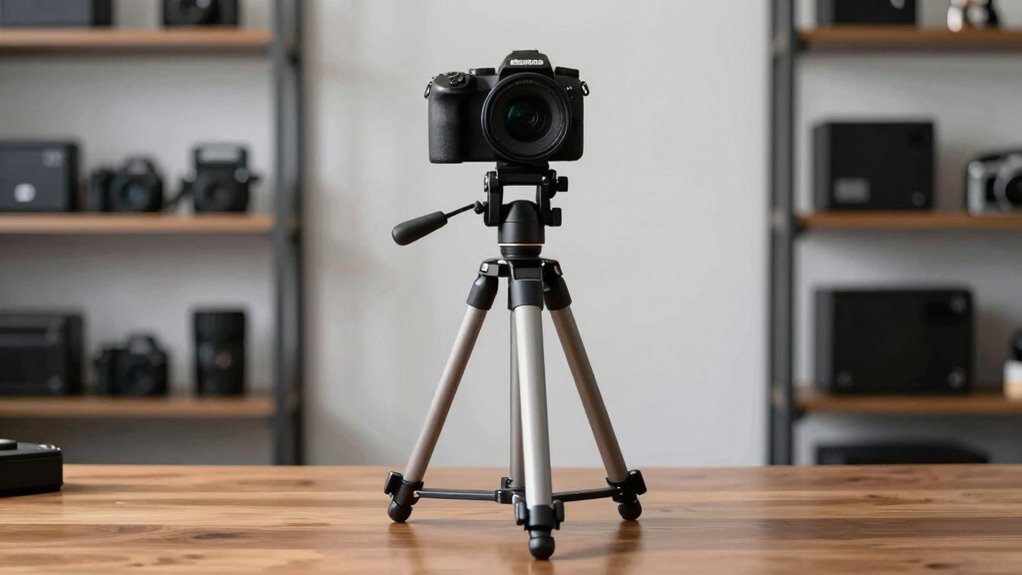
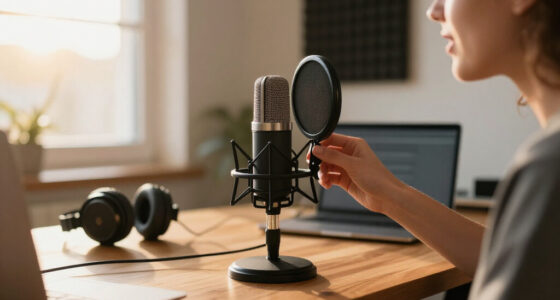
Ever wondered how to get the best shot during your virtual meetings or recordings? It all starts with smart camera placement and a solid tripod or desk setup. Your goal is to create footage that looks professional and polished, which means paying close attention to the details. First, consider your lighting setup. Good lighting is essential because it highlights your face clearly and reduces shadows that can distract viewers. Position your light source in front of you, slightly above eye level, so it evenly illuminates your face. Avoid sitting directly under harsh overhead lights; instead, opt for soft, diffused light sources or ring lights that provide a flattering glow. If you’re working in a space with natural light, try to face the window, but be mindful of changing daylight that might affect your shot. Consistent lighting guarantees your footage remains clear and professional, no matter when you record. Additionally, camera placement is crucial for maintaining viewer engagement and ensuring your shot looks natural and well-composed. Proper camera positioning can also help you appear more confident and approachable on camera, which is especially important in professional settings. Using stability equipment like tripods or desk mounts helps prevent shaky footage and enhances the overall quality of your videos. Next, think about your camera placement. Whether you’re using a tripod or a desk mount, your camera should be at eye level. Placing the camera too high or too low can be distracting and unflattering. Use a sturdy tripod for stability, especially if you plan to record longer videos. If you’re working at a desk, a flexible mount or clamp can keep your camera steady and at the right height. Keep your camera about 2-3 feet away from your face, centered, and make sure the background isn’t cluttered or distracting. This framing helps maintain viewer focus on you and reinforces a professional appearance. Also, ensure your camera lens is clean and free of smudges for the clearest image possible. Proper visual setup combined with good lighting enhances your overall presentation and makes your content more engaging. Remember, a professional-looking setup is key to ensuring your videos leave a positive impression on your audience. Proper audio considerations are just as essential as visual setup. Clear sound makes your message easier to understand and keeps your audience engaged. Use a quality microphone, whether it’s a dedicated external mic or a good headset. Place the microphone close to your mouth, but out of the camera’s view, to minimize background noise and echo. Background noise can ruin a good shot, so try to record in a quiet space. If you’re in a noisy environment, consider soundproofing or using noise-canceling features. Testing your audio levels before recording or joining a call is crucial to ensure your voice comes through clearly, without distortion or volume issues. Combining a well-placed camera with proper lighting and crisp audio will dramatically improve the quality of your recordings or virtual meetings, giving you a more professional and polished look every time.
Popular right now

Vitamix Propel Series 750 Professional-Grade Blender, 4 Programs, Black

Dyson Car+Boat Cordless Handheld Vacuum

Bose QuietComfort Wireless Bluetooth Headphones with Active Noise Cancellation, Mic, USB‑C Charging, Deep Bass, 24‑Hour Battery – White Smok
As an affiliate, we earn on qualifying purchases.
Frequently Asked Questions
How Do I Prevent Camera Shake on Uneven Surfaces?
To prevent camera shake on uneven surfaces, you should use balancing techniques like adjusting the tripod legs or placing a sturdy support underneath. Additionally, stabilization devices such as tripod stabilizers or gimbals help keep your camera steady. Always check the surface first, then make small adjustments to guarantee the camera remains level. This approach minimizes shake, resulting in cleaner, more professional footage even on uneven terrain.
What Are the Best Height Settings for Desk Cameras?
You want the best height settings for desk cameras? Focus on camera stabilization and height optimization—these are key. Position your camera at eye level to create a natural, engaging perspective. Keep it steady to avoid shakiness, ensuring professional-looking footage. Adjust the height so the lens captures your subject clearly without awkward angles. When you optimize height and stabilize your camera, your shots become sharper, more confident, and more compelling.
How Can I Secure My Tripod Outdoors?
To secure your tripod outdoors, prioritize tripod stability by using outdoor gear like weights or stakes to anchor it down. You can also place the tripod on a flat, stable surface and use sandbags or heavy objects on the legs for added support. Avoid windy areas whenever possible, and consider a tripod with rubber feet for better grip. These steps guarantee your camera remains steady and safe in outdoor environments.
What Lighting Adjustments Are Needed for Different Camera Angles?
Adjust ambient, angle, and aperture for accurate lighting techniques across camera angles. When switching perspectives, soften shadows and highlight highlights to guarantee consistency. Use color correction to balance brightness and tone, creating cohesive footage. Focus on fixing flickers, reducing reflections, and maintaining uniform illumination. By blending lighting adjustments with color correction, you’ll deliver dynamic, professional footage that looks polished regardless of your camera’s position or angle.
How Do I Manage Cable Clutter With Desk Setups?
To manage cable clutter on your desk, use wire management techniques like cable clips, sleeves, or under-desk trays to keep wires organized and out of sight. Employ cable organizers to bundle cords neatly and prevent tangling. Regularly check and adjust your wire setup to maintain a tidy workspace. This not only looks cleaner but also reduces tripping hazards and makes it easier to access your equipment quickly.
Conclusion
Mastering tripod and desk camera placement is like finding the perfect lens through which your story can breathe and shine. When your camera dances silently in the right spot, your footage transforms into a clear, mesmerizing window into your world. Think of it as tuning a fine instrument—every adjustment brings harmony and professionalism. With these simple yet powerful techniques, you’ll craft visuals that speak volumes, turning everyday scenes into cinematic poetry that leaves your audience truly inspired.