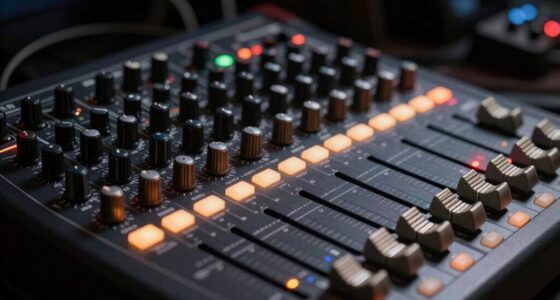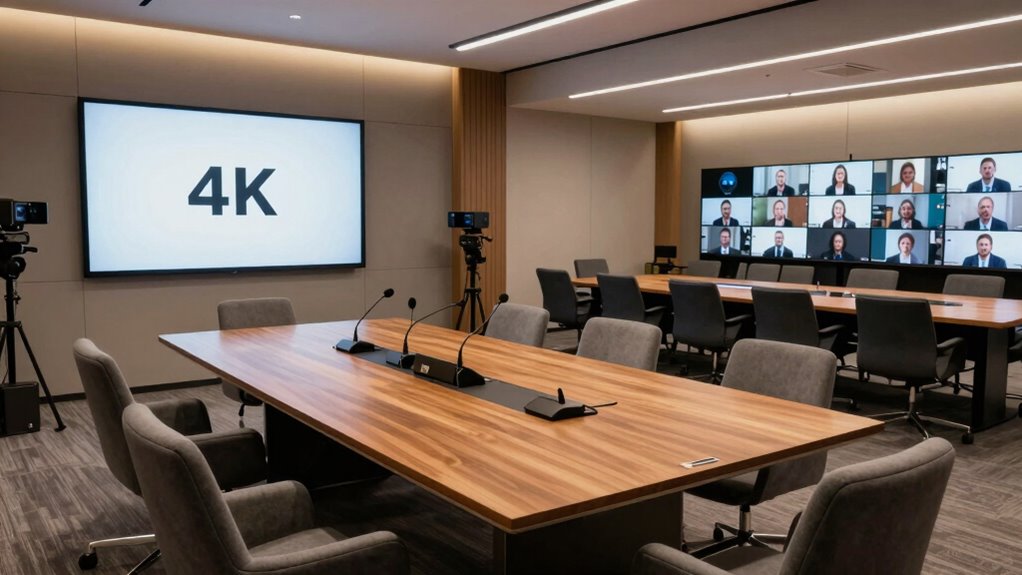

To make hybrid meetings smoother, tailor your tech to your room size. In small rooms, use high-quality, directional microphones, eye-level cameras, and simple setups that prevent echo and boost clarity. For large spaces, invest in multiple mics, wide-angle or PTZ cameras, and sound reinforcement systems to guarantee everyone is heard and seen. Clear audio and strategic camera placement are key. Keep exploring for more tips on creating perfect hybrid meeting environments.

Get business pricing on office and shipping supplies
- Business-only prices and quantity discounts
- Tax-exempt purchasing
- Multiple users, one account, clear invoices
Key Takeaways
- Use compact, high-quality microphones and close-up cameras for small rooms to ensure clear audio and visuals.
- Implement multiple boundary microphones and sound reinforcement systems in large rooms for even sound coverage.
- Position cameras at eye level and use wide-angle or PTZ cameras to capture entire large spaces effectively.
- Opt for plug-and-play, integrated solutions in small rooms, while deploying scalable, professional equipment for large spaces.
- Properly tailored technology setup enhances engagement, clarity, and reduces frustrations in hybrid meetings of any size.
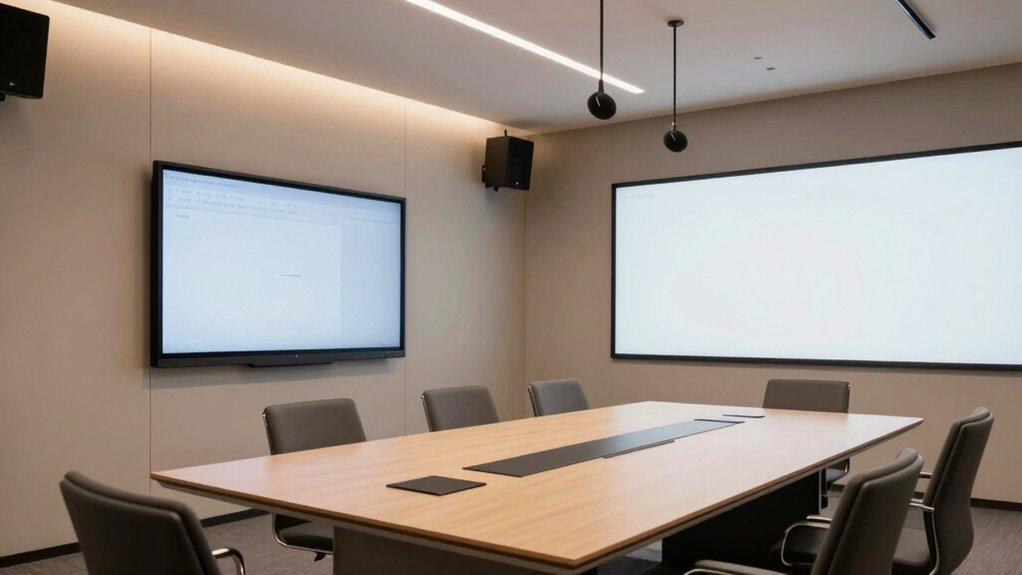
When choosing the right meeting technology, it’s vital to take into account the size of the room you’ll be using, as small and large spaces demand different solutions. In a small room, your focus should be on maximizing audio quality and guaranteeing clear visuals. A compact setup with a high-quality microphone can make all the difference, as it captures voices clearly without background noise. You want to avoid echo or muffled sound, so consider a directional microphone or a soundbar designed for small spaces. Camera placement is equally important; positioning the camera at eye level and close enough to capture the speaker’s face ensures participants on both ends see expressions and gestures clearly. If the camera is too far or poorly placed, it can make remote attendees feel disconnected, defeating the purpose of a hybrid setup.
In larger rooms, the challenge shifts. You need technology that can project sound evenly across the space and capture visuals effectively. Here, audio quality involves deploying multiple microphones or a boundary microphone array that can pick up voices from different areas. This prevents participants from straining to hear or feeling like they’re speaking into a void. When it comes to camera placement, it’s vital to use wide-angle or PTZ (pan-tilt-zoom) cameras that can cover the entire room. Strategically positioning these cameras ensures that remote viewers see the entire group and key presenters, no matter where they are seated. Proper camera placement also minimizes blind spots and provides a more natural, engaging experience. Additionally, in large rooms, appropriate sound reinforcement systems help distribute audio evenly, ensuring everyone can hear clearly regardless of their location. Incorporating room acoustics considerations can further enhance sound clarity and reduce echo, especially in challenging spaces. Ensuring compatibility between different components is crucial for a seamless experience, especially in large spaces.
Another key difference between small and large rooms is the need for scalability. For small rooms, a plug-and-play system with integrated audio and video can be enough, simplifying setup and operation. Large rooms, however, often require more sophisticated solutions — multiple microphones, advanced video switching, and professional-grade cameras. Regardless of the room size, investing in the right technology means less time troubleshooting and more time focused on your meeting’s objectives.
Ultimately, understanding the room’s size helps you choose the right tools to make hybrid meetings less painful. Clear audio quality keeps everyone connected, while strategic camera placement ensures visual engagement. When both elements work seamlessly, your meetings become more productive and less frustrating, whether you’re in a cozy conference nook or a sprawling conference hall.
small room directional microphone
As an affiliate, we earn on qualifying purchases.
As an affiliate, we earn on qualifying purchases.
Frequently Asked Questions
How Do I Choose the Right Technology for Mixed Room Sizes?
You should choose technology based on your room size, acoustics, and lighting. For smaller rooms, opt for clear audio systems and compact cameras that handle tight spaces well. In larger rooms, prioritize microphones that reduce echo and guarantee good sound coverage, along with lighting solutions that enhance video quality. Always consider room acoustics to prevent sound issues, and select equipment that adapts to your space’s lighting to improve overall hybrid meeting experience.
What Are Common Technical Issues in Hybrid Meeting Setups?
You’ll often face technical issues like audio feedback, video lag, or poor virtual collaboration. These problems usually stem from hardware compatibility issues or outdated equipment. To fix this, make certain your hardware integrates seamlessly with your collaboration software. Test your setup beforehand, and keep devices updated. This way, you minimize disruptions, improve communication, and make hybrid meetings more productive and less frustrating for everyone involved.
How Can I Improve Audio Clarity in Large Rooms?
Imagine your voice bouncing off hard, reflective surfaces, creating a muddy sound. To improve audio clarity, you need proper acoustic treatments like panels or carpets that absorb sound. Additionally, focus on microphone placement—position mics close to speakers and away from reflective surfaces. This setup captures clearer audio, reduces echoes, and guarantees everyone in the room hears you distinctly, making your hybrid meetings more effective and less frustrating.
What Budget Options Exist for Small Room Conferencing Tech?
You can find budget-friendly options like USB conference cameras, affordable speakerphones, and compact microphones that deliver clear audio without breaking the bank. Look for cost-effective solutions from brands like Logitech, Jabra, and Yamaha, which offer reliable performance at lower prices. These tools are easy to set up, improve sound quality, and make your small meetings more effective without overspending, ensuring you get the best value for your investment.
How Do I Ensure All Participants Feel Equally Engaged?
Like a skilled conductor, you can guarantee everyone feels engaged by incorporating icebreaker activities and targeted engagement strategies. Use inclusive tech features like 360-degree cameras and microphones to capture all voices. Encourage participation through polls or chat prompts, and assign roles to remote attendees. Actively monitor the room and virtual space, making adjustments as needed to keep everyone connected and involved, fostering a truly collaborative environment.
As an affiliate, we earn on qualifying purchases.
Conclusion
No matter if you’re in a tiny closet or a sprawling conference hall, the right tech setup turns chaos into harmony. It’s like transforming a wild jungle into a peaceful garden overnight. With the perfect microphones, cameras, and setup, you’ll wonder how you ever survived without them. Say goodbye to awkward silences and endless tech frustrations—your meetings will run smoother than a rollercoaster on a sunny day. Get ready to conquer hybrid meetings like a total pro!
hybrid meeting sound reinforcement system
As an affiliate, we earn on qualifying purchases.
As an affiliate, we earn on qualifying purchases.
plug-and-play conference room kit
As an affiliate, we earn on qualifying purchases.
As an affiliate, we earn on qualifying purchases.
Fall Picks
fall essentials
As an affiliate, we earn on qualifying purchases.