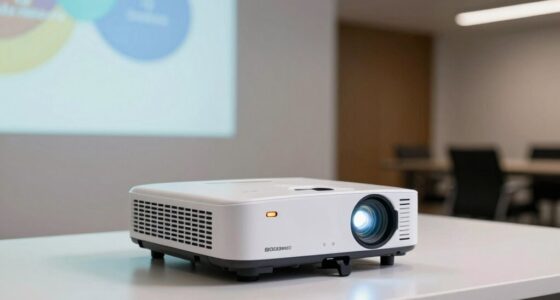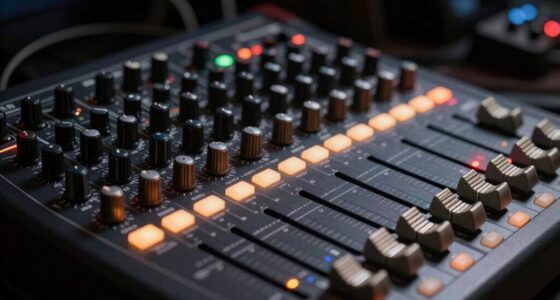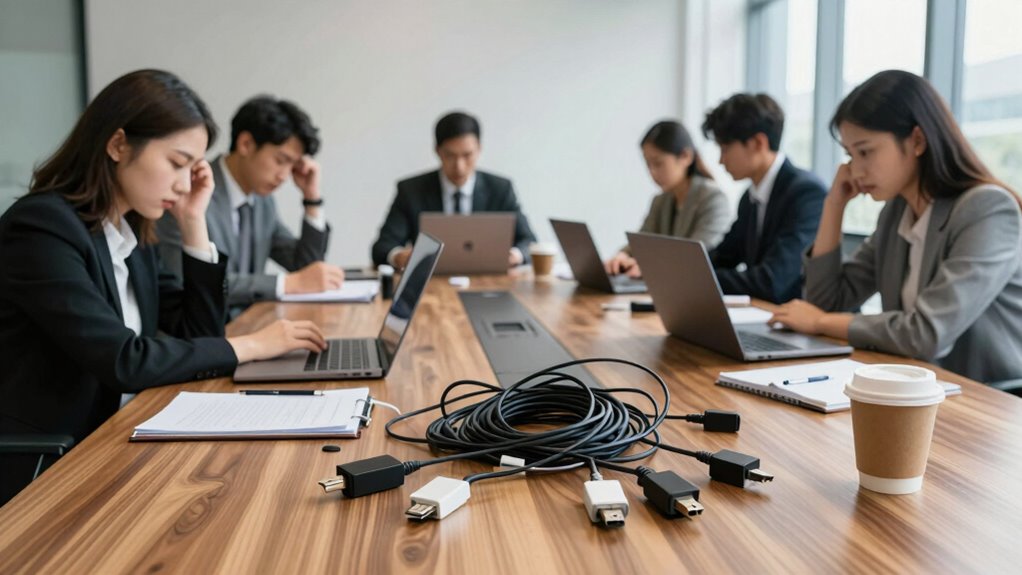

If you choose USB gear, you might regret limited wireless movement and difficulties scaling as your team grows. Network solutions offer flexibility and easier expansion but require careful setup, power management, and stable network connections. Poor planning for future needs can cause costly frustrations and disruptions. To avoid these pitfalls, considering your long-term conference setup now is essential. More insights await if you want to make smarter choices for seamless meetings.

Get business pricing on office and shipping supplies
- Business-only prices and quantity discounts
- Tax-exempt purchasing
- Multiple users, one account, clear invoices
Key Takeaways
- Teams often regret choosing USB gear for limited mobility and cable clutter during meetings.
- Insufficient planning for power and network infrastructure leads to reliability issues with network-based solutions.
- Underestimating network stability can cause frequent disconnections and degraded conference quality.
- Lack of scalability in USB setups hampers growth and adaptation to evolving meeting needs.
- Delayed consideration of future technology standards results in costly upgrades and compatibility problems later.
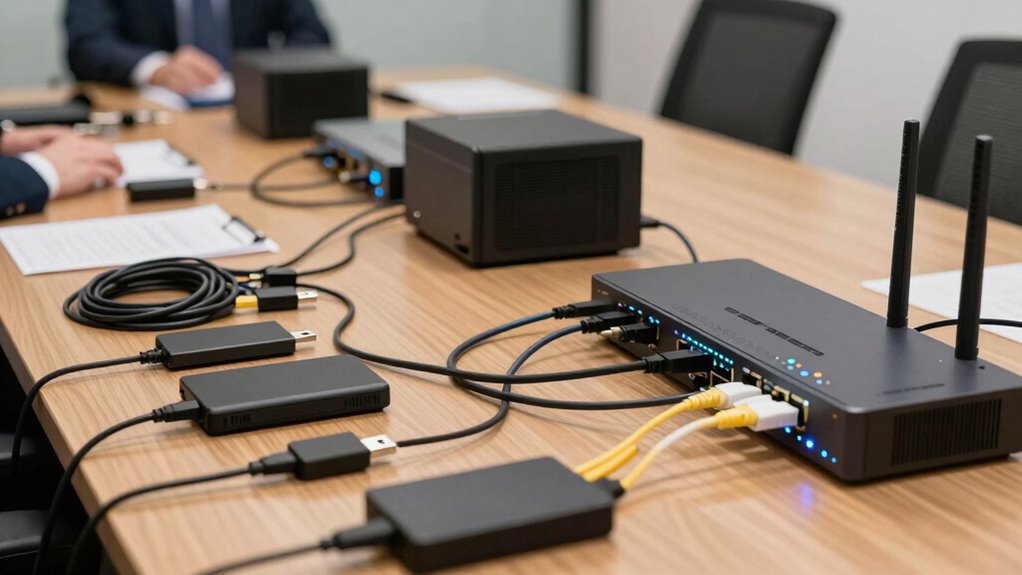
When choosing conference gear, understanding the differences between USB and network-based solutions is vital for guaranteeing seamless audio and video communication. If you lean toward USB devices, you might appreciate their straightforward setup and compatibility. Plugging in a USB microphone or camera is as simple as connecting it to your laptop, which allows for quick deployment and minimal configuration. However, this approach can limit your options when it comes to wireless connectivity. USB devices typically require physical connections, which can restrict movement and create clutter in your meeting space. If your team values flexibility and a clean, clutter-free environment, relying solely on USB gear might lead to regret later on, especially if you need to adapt to different room sizes or layouts.
Choosing between USB and network-based conference gear impacts flexibility, setup, and reliability in your meetings.
On the other hand, network-based conference gear offers the advantage of wireless connectivity, allowing you to move freely without being tethered to a specific spot. This flexibility can be a game-changer during meetings, presentations, or collaborative sessions. Network solutions often support multiple devices seamlessly, providing a more scalable and adaptable system. Yet, with this flexibility comes the need for careful power management. Network-based equipment typically requires more sophisticated power solutions, such as PoE (Power over Ethernet) or dedicated power supplies, which can add complexity and cost. If you underestimate the importance of power management, you might find your setup unreliable during vital moments, leading to interruptions or degraded audio/video quality. Proper power management is crucial in ensuring consistent performance and avoiding frustrating disruptions. Additionally, many teams overlook the importance of device compatibility, which can lead to integration issues and additional troubleshooting later.
Another overlooked factor is network stability, which can significantly impact the quality of wireless conference setups. Many teams realize too late that neglecting the importance of proper power management can turn a sleek, wireless conference system into a frustrating experience. Poorly managed power sources can cause devices to disconnect unexpectedly or result in inconsistent performance. Conversely, investing early in reliable power solutions ensures your network-based gear remains operational throughout long meetings or intensive use. It’s also wise to consider future scalability to accommodate growth and evolving technology standards. It’s easy to overlook these details in the planning phase, but the consequences become obvious when devices fail mid-session.
Ultimately, both USB and network-based conference gear have their merits. But understanding that wireless connectivity and power management are essential factors can save you from regret. Choosing the right setup involves balancing ease of use, flexibility, and reliability. If you’re not prepared to handle the extra planning for power and network stability, you might find yourself wishing you’d made different choices after your first few meetings. The key is to evaluate your team’s specific needs, room configurations, and future growth, so you can avoid costly adjustments later on. Being proactive about these considerations ensures smoother, more productive conference experiences from the start.
As an affiliate, we earn on qualifying purchases.
Frequently Asked Questions
How Secure Is USB Conference Gear Compared to Network Options?
USB conference gear is generally less secure than network options because it often lacks advanced security features like data encryption. Network gear typically offers better protection through encrypted data transmission and regular firmware updates, which patch vulnerabilities. While USB devices can be physically secured, they’re more vulnerable to theft or tampering. For robust security, prefer network conference gear that supports strong encryption and timely firmware updates to mitigate risks.
Which Conference Gear Is More Cost-Effective Long-Term?
You’ll find that USB conference gear is often more cost-effective long-term because it consumes less power and offers straightforward device compatibility, reducing ongoing expenses. Network options may involve higher initial investment and maintenance costs but can save money through easier integration with existing systems. Consider how often you need to upgrade or troubleshoot, and weigh device compatibility and power consumption, to decide which option fits your budget over time.
Can USB Devices Support High-Definition Video Conferencing?
Yes, USB devices can support high-definition video conferencing, but it depends on USB bandwidth. For HD video, you’ll need USB 3.0 or higher, which offers sufficient bandwidth for high-quality streams. However, effective video compression also plays a role, reducing data load and ensuring smooth transmission. Keep in mind, lower USB versions may struggle with HD streams, leading to lag or degraded quality.
How Easy Is It to Troubleshoot USB Versus Network Conference Gear?
Troubleshooting USB conference gear is generally easier because of its straightforward device compatibility and port flexibility. You can quickly identify issues by checking connections or swapping devices. In contrast, network gear often requires deeper network diagnostics, which can be more complex and time-consuming. Your team benefits from the simplicity of USB, as it minimizes downtime and makes fixing problems quicker, especially when device compatibility and port flexibility are key considerations.
What Are the Environmental Impacts of Each Conference Gear Type?
You’ll find that USB gear generally demands less energy, reducing overall environmental impact, but faces recycling challenges due to small components and plastics. Network conference gear often consumes more energy because of active components and connectivity demands, making recycling trickier. You’ll want to weigh these environmental impacts, considering both energy consumption and recycling hurdles, to choose gear that’s greener and more sustainable for your team’s tech needs.
As an affiliate, we earn on qualifying purchases.
Conclusion
Choosing between USB and network conference gear is like picking the right compass for a journey—you need the one that guides you smoothly without detours. Rushing into a decision without considering your team’s needs is like sailing without a map, risking delays and frustrations. Think ahead, weigh your options carefully, and you’ll navigate conference tech waters confidently. After all, the right gear isn’t just a tool; it’s the compass that keeps your team sailing steadily toward success.
PoE network switch for conference room
As an affiliate, we earn on qualifying purchases.
As an affiliate, we earn on qualifying purchases.
conference room power management solutions
As an affiliate, we earn on qualifying purchases.
As an affiliate, we earn on qualifying purchases.
Fall Picks
fall essentials
As an affiliate, we earn on qualifying purchases.