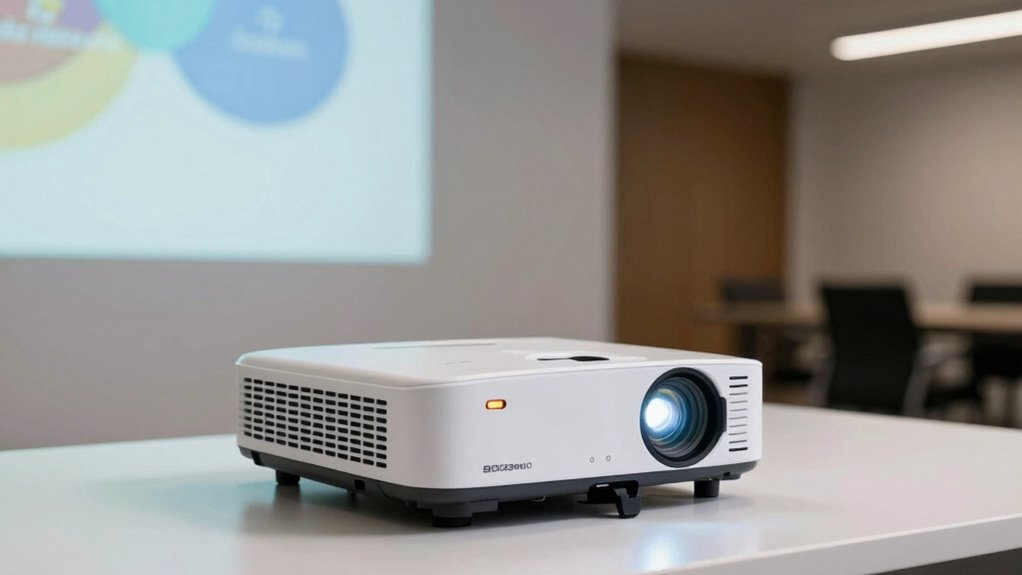
Your throw distance is essential because it impacts the image size, clarity, and overall viewing experience. Proper placement guarantees the picture isn’t distorted or blurry, while managing ambient light keeps the image bright and visible. Bright environments require careful setup for maximum brightness, and incorrect positioning can ruin the display. If you want to release your projector’s full potential, understanding these factors and how they work together is critical—keep going to discover how to get it just right.

Get business pricing on office and shipping supplies
- Business-only prices and quantity discounts
- Tax-exempt purchasing
- Multiple users, one account, clear invoices
Key Takeaways
- Proper throw distance ensures optimal image size and clarity, directly impacting viewing quality.
- Correct placement prevents distortions, blurriness, and ensures the projector operates within its optimal parameters.
- Ambient light levels influence brightness needs; darker rooms allow for larger, clearer images at greater distances.
- Calibration aligns image projection and color accuracy, compensating for placement variations.
- Overlooking brightness and placement can lead to poor image quality, reducing the effectiveness of presentations and entertainment.
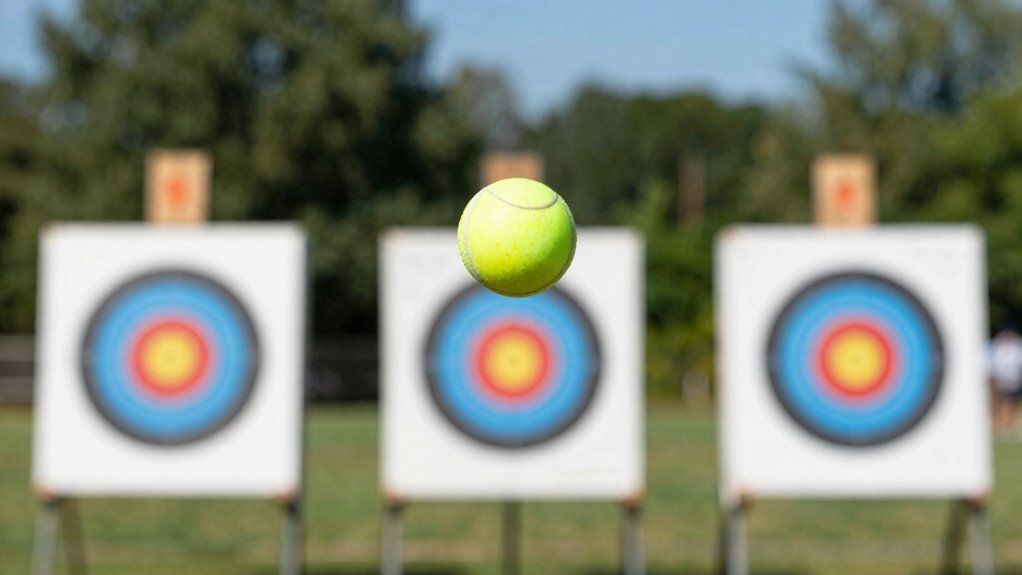
Ever wondered how far your projector’s image will reach on the wall? Understanding throw distance is essential to setting up your projector for peak performance. Throw distance refers to the space between your projector and the screen or wall where the image is projected. It directly impacts the image size, clarity, and overall viewing experience. Many teams overlook this aspect, but getting it right can make a big difference in presentations or entertainment setups.
One key factor that influences projected image quality is projector calibration. Proper calibration ensures that the image is correctly aligned, colors are accurate, and the aspect ratio is right. If your projector isn’t calibrated, you might notice distorted images or inconsistent brightness, especially when adjusting the throw distance. Calibration is especially important when you’re working with fixed or short-throw projectors, which are more sensitive to placement. When you calibrate your projector correctly, it compensates for slight variances in placement, helping you achieve a sharp, vibrant image regardless of where you position it. Additionally, projector calibration can help extend the lifespan of your projector by ensuring it operates within optimal parameters. Maintaining proper calibration also enhances the overall image quality, leading to a more immersive viewing experience.
Proper projector calibration ensures clear, vibrant images and compensates for placement variances, especially with fixed or short-throw models.
Ambient light plays a critical role in how well your projector performs. If you’re in a brightly lit room, the projected image can appear washed out or difficult to see. This is why considering ambient light levels during setup is essential. When there’s too much ambient light, you’ll need to position your projector closer to the screen to maintain brightness and clarity. Conversely, in a darker environment, you can place the projector farther away, increasing the image size without sacrificing quality. Managing ambient light levels, along with choosing the right throw distance, ensures your visuals stay crisp and visible. Room lighting conditions significantly influence the perceived brightness and clarity of your projected image.
Placement also impacts brightness and image sharpness. If you place your projector too close or too far from the wall, you risk distortions or a blurry picture. The ideal throw distance depends on the projector’s specifications, which are usually detailed in the manual or on the manufacturer’s website. Using these guidelines, you can find the sweet spot where the image is large enough for your audience and bright enough to be clear, even with some ambient light present. Additionally, understanding throw ratio helps you determine the optimal placement based on your room size and projector model. Proper placement also minimizes the need for frequent adjustments, saving you time and effort during setup.
In essence, understanding throw distance basics means paying attention to your projector’s calibration, the ambient light environment, and the placement. These factors work together to give you a bright, sharp, and correctly proportioned image. When you take the time to enhance these elements, your projector will perform at its best, making your presentations or movie nights much more enjoyable. Remember, small adjustments in placement and calibration can greatly improve your viewing experience, so don’t overlook these essential details.
projector throw distance calculator
As an affiliate, we earn on qualifying purchases.
As an affiliate, we earn on qualifying purchases.
Frequently Asked Questions
How Does Ambient Light Affect Projected Brightness at Different Distances?
Ambient brightness and light interference greatly reduce projected brightness at various distances. When your environment is bright, the projector’s image appears dimmer, especially farther away, because ambient light washes out the projection. To maintain clarity, you need to control ambient brightness and minimize light interference, such as turning off unnecessary lights or using a dark backdrop. Proper placement and lighting adjustments ensure your projection remains visible and sharp, regardless of distance.
What Are Common Mistakes in Projector Placement for Optimal Throw Distance?
Like a ship steering off course, poor projector placement can misalign your visuals. You often mistake screen size and mounting height, placing the projector too close or too far. Avoid this by ensuring the projector is at the right distance for your screen size and mounted at a height that aligns with the lens and the center of your display. Proper positioning guarantees sharp images and ideal throw distance.
How Does Projector Lens Quality Impact Image Clarity Over Varying Distances?
Your projector’s lens quality directly impacts image clarity across different distances. A durable lens with high-quality glass guarantees sharpness and minimal distortion, even when projecting at various ranges. Focusing mechanisms built into the lens allow you to fine-tune clarity easily, maintaining crisp images. Investing in a lens with strong durability and precise focusing features assures consistent, clear visuals, regardless of throw distance, enhancing your overall viewing experience.
Can Adjustable Throw Ratio Projectors Simplify Setup in Different Spaces?
Ironically, adjustable throw ratio projectors actually make setup easier in different spaces. You can remotely calibrate the image and adapt to various screen sizes, avoiding the hassle of repositioning the projector constantly. Their flexibility means you’ll spend less time fiddling with placement and more time focusing on your presentation. With better screen compatibility, these projectors guarantee a clear, bright picture no matter the room size, simplifying setup dramatically.
What Safety Considerations Are Important When Installing Projectors at Various Distances?
When installing projectors at various distances, you should prioritize projection safety by ensuring proper equipment calibration to prevent overheating or misalignment. Make sure the projector is securely mounted and cables are well-managed to avoid tripping hazards. Additionally, verify that the projection area is clear of obstacles and that the brightness settings are appropriate for the environment, reducing eye strain and enhancing safety for everyone in the space.
As an affiliate, we earn on qualifying purchases.
Conclusion
Remember, when it comes to throw distance, you’re the captain steering the ship—your choices determine the voyage’s success. Proper brightness and placement aren’t just details; they’re the compass guiding your team to victory. Think of it like planting a seed: if you nurture it with care and attention, it’ll grow strong and true. Keep these basics in mind, and you’ll navigate even the trickiest setups with confidence. After all, a well-placed shot is worth a thousand words.
As an affiliate, we earn on qualifying purchases.
As an affiliate, we earn on qualifying purchases.
Fall Picks
fall essentials
As an affiliate, we earn on qualifying purchases.