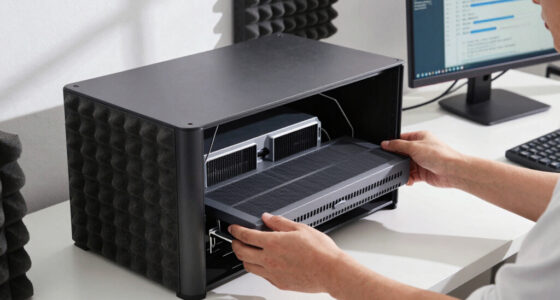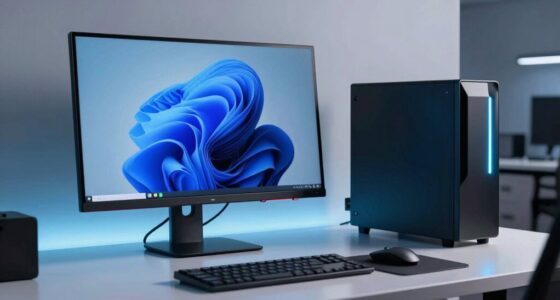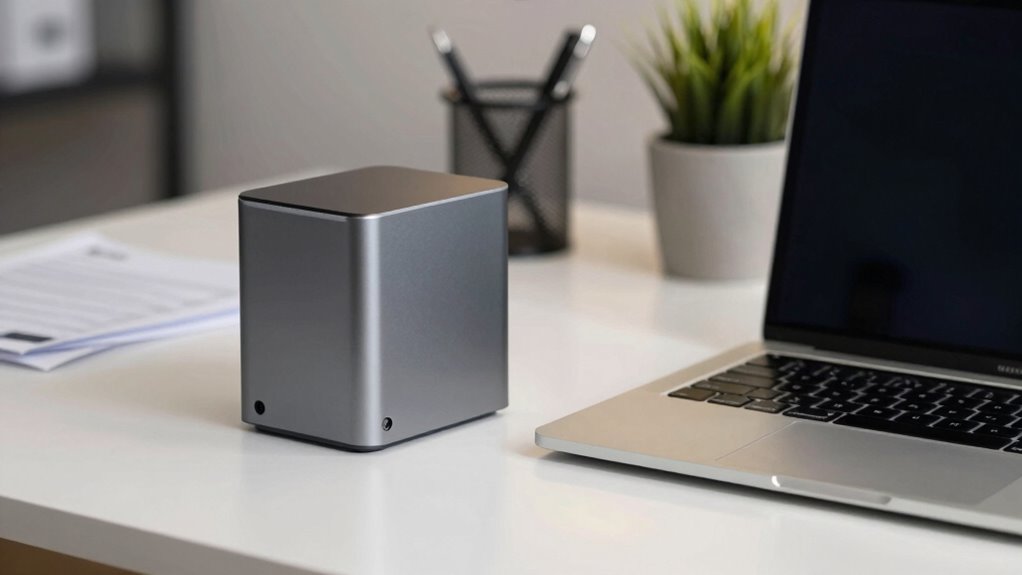

Choosing between a mini PC and a laptop depends on your office needs. If you prioritize hardware flexibility, customization, and stable wired connections, a mini PC might be the better fit. But if mobility and quick setup matter most, a laptop offers portability for flexible work. Consider your workspace size, workflow, and future upgrades. To see how these options compare for your team, explore more about their features and best use cases.

Get business pricing on office and shipping supplies
- Business-only prices and quantity discounts
- Tax-exempt purchasing
- Multiple users, one account, clear invoices
Key Takeaways
- Mini PCs offer superior hardware customization and upgradability, ideal for long-term office performance.
- Laptops provide portability, supporting flexible work environments and remote work needs.
- Mini PCs excel in wired connectivity and multiple monitor setups for enhanced productivity.
- Laptops are more cost-effective for basic office tasks but less adaptable for hardware upgrades.
- Choosing between them depends on prioritizing mobility versus hardware flexibility and office space constraints.
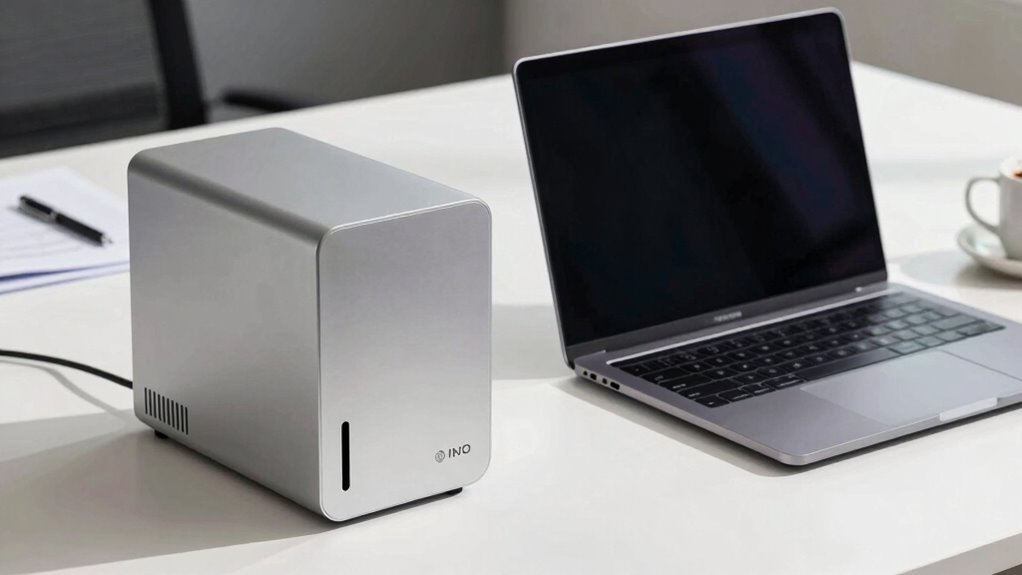
When choosing the best device for office work, you might find yourself weighing the benefits of a mini PC versus a laptop. Both options have their strengths, but understanding how they fit into your workflow can make a significant difference. For instance, mini PCs excel in offering a compact footprint without sacrificing power, making them ideal for environments where space is limited. They often provide better options for hardware customization, allowing you to upgrade components like RAM, storage, or graphics to suit your specific needs. This flexibility can be particularly useful if your work involves demanding applications or you want a device that can evolve with your career.
A key advantage of mini PCs is their ability to seamlessly integrate with cloud connectivity solutions. Because these devices are designed to be stationary, they can be connected to high-speed internet and multiple peripherals without the portability concerns that come with laptops. This setup encourages a more centralized, cloud-based workflow, enabling you to access your files and tools from any device with internet access. Cloud connectivity becomes easier to manage on a mini PC because it can be wired directly to your network, ensuring a stable connection essential for collaborative projects or remote work. Additionally, mini PCs often support upgradability, allowing you to extend their lifespan and performance as your needs change. Recognizing that both devices can handle office work efficiently, considering the hardware flexibility of mini PCs can help you future-proof your setup. Furthermore, mini PCs often support multiple monitor setups, which can enhance productivity for multitasking and detailed tasks. Moreover, the availability of cost-effective options makes mini PCs appealing for budget-conscious office setups seeking a balance of performance and affordability.
In contrast, laptops tend to incorporate integrated hardware, limiting the scope for upgrades and customization, which can impact long-term performance and adaptability. This inherent design feature makes them less ideal for users who anticipate needing to upgrade components over time.
Ultimately, the decision hinges on your specific needs. If your office tasks are primarily desktop-based, involve frequent hardware upgrades, and benefit from a reliable, wired internet connection, a mini PC could be the smarter choice. It offers a balance of power, customization, and stable cloud connectivity. If mobility and flexibility are your top priorities, a laptop might serve you better despite its limitations in hardware customization. Recognize that both devices can handle office work efficiently, but taking a moment to evaluate which features matter most to your daily routine can help you choose a device that improves your productivity rather than complicates it.
As an affiliate, we earn on qualifying purchases.
Frequently Asked Questions
Which Is More Energy-Efficient, a Mini PC or a Laptop?
A laptop is more energy-efficient than a mini PC because it has lower energy consumption and better power efficiency. Laptops are designed to optimize battery life and reduce power use, making them ideal for energy-conscious office setups. Mini PCs typically use more power, especially under load, because they lack the same power management features. If energy efficiency is your priority, a laptop is the smarter choice.
Can Mini PCS Handle Multiple Monitor Setups Effectively?
Don’t put all your eggs in one basket. Mini PCs can handle multiple monitor setups effectively, offering excellent display flexibility and strong connectivity options. They support various ports and adapters, making it easy to expand your workspace. Just make certain the mini PC’s graphics capabilities match your monitor needs. With the right configuration, you’ll enjoy a seamless, productive multi-monitor experience, boosting your efficiency without sacrificing space or convenience.
How Easy Is It to Upgrade Components in a Mini PC?
Upgrading components in a mini PC is generally straightforward, especially if you choose models with good customization options. You’ll find that upgrade difficulty varies depending on the design; some mini PCs are more user-friendly with accessible panels, while others require more technical skills. Overall, mini PCs offer decent upgrade paths, allowing you to enhance performance over time without much hassle, making them a flexible choice for office setups.
Are Mini PCS More Secure Than Laptops for Sensitive Data?
Imagine locking your sensitive data behind a fortress wall—mini PCs can offer similar security, especially with robust encryption and remote access controls. They often have fewer hardware compatibility issues, reducing vulnerabilities. While laptops can be secured, mini PCs provide a more controlled environment, making them less susceptible to breaches. So, if you prioritize data security, a mini PC might offer a safer haven for your sensitive information.
What Are the Portability Differences Between Mini PCS and Laptops?
You’ll find that laptops excel in portability, offering sleek design aesthetics and built-in batteries that let you work anywhere. Mini PCs, while compact, require external monitors and power sources, making them less portable despite their small size. When comparing costs, mini PCs are often more affordable but lack the all-in-one convenience of laptops. If mobility matters most, a laptop’s design and battery life outweigh mini PC’s compactness.
As an affiliate, we earn on qualifying purchases.
Conclusion
Choosing between a mini PC and a laptop for office work isn’t a decision to rush. Think about your space, mobility needs, and how much power you crave. Both options can be game-changers—like having a secret weapon in your productivity arsenal. Take your time, weigh the pros and cons carefully, and don’t settle for the first shiny thing that catches your eye. Your perfect office setup is out there, waiting to transform your workday into a breeze!
As an affiliate, we earn on qualifying purchases.
As an affiliate, we earn on qualifying purchases.
Fall Picks
fall essentials
As an affiliate, we earn on qualifying purchases.