
To catch costly small errors in your email design, use a detailed QA checklist covering visual consistency, content accuracy, and functionality. Verify branding elements, test responsiveness across all devices and email clients, and double-check all links and interactive features. Spotting these tiny issues before deployment can save you big headaches down the line. Keep going to learn the essential steps that make sure your emails look professional and work flawlessly every time.
Key Takeaways
- Conduct a detailed visual review for brand consistency, color harmony, and balanced alignment across all elements and devices.
- Proofread content meticulously, verifying accuracy of dates, names, links, and ensuring proper tone and clarity.
- Test responsiveness using tools like Litmus or Email on Acid to ensure layouts and images display correctly on all devices and clients.
- Verify all links, buttons, and interactive elements function properly and direct to correct destinations.
- Perform a final quality check focusing on branding, visual harmony, and small details to prevent costly errors.
Why Email QA Matters: Common Small Errors That Can Hurt Your Campaign

Even small errors in your email can undermine your campaign’s success. Personalization mistakes, like incorrect names or outdated information, can make recipients feel overlooked and reduce engagement. Spelling errors, on the other hand, damage your credibility and appear unprofessional. These tiny mistakes might seem minor, but they can lead to lost trust and lower open or click-through rates. When your email contains personalization errors, it suggests a lack of attention to detail, making recipients less likely to take action. Similarly, spelling mistakes can distract your audience and diminish your brand’s reputation. Being aware of Free Floating elements in your email design can help you identify and fix these errors more effectively. Regularly reviewing your emails for content consistency ensures that all information remains accurate and up-to-date, further enhancing your campaign’s professionalism. Paying attention to visual hierarchy can also improve how your message is perceived and understood. Additionally, understanding how color accuracy impacts visual appeal can help you create more engaging and trustworthy emails. Incorporating error prevention techniques into your workflow can further reduce the risk of overlooked mistakes. By catching these small errors early, you ensure your message appears polished and trustworthy, ultimately increasing your chances of a successful campaign.
Create a Detailed Email QA Checklist Covering Design, Content, and Functionality

Make certain you perform visual consistency checks to guarantee your email looks polished across all devices. Verify content accuracy so your message remains clear and error-free. Addressing these points helps you deliver a professional, reliable email that engages your audience. Additionally, ensure your email design aligns with brand standards to reinforce your identity and build trust with your recipients.
Visual Consistency Checks
To guarantee your email maintains a polished and professional appearance, it’s vital to conduct thorough visual consistency checks across all elements. Start by reviewing font pairing to ensure fonts complement each other and maintain readability. Consistent font sizes, styles, and spacing create a cohesive look. Next, assess color harmony by verifying that your color palette aligns with your brand and offers enough contrast for accessibility. Check that buttons, headings, and backgrounds follow a unified color scheme. Pay attention to alignment and spacing, ensuring elements are evenly distributed and visually balanced. Small inconsistencies in font usage or color application can undermine your email’s professionalism. Conduct these checks systematically to catch any visual discrepancies before your email reaches your audience.
Content Accuracy Verification
How can you guarantee your email content is accurate and trustworthy before hitting send? Focus on proofreading accuracy by carefully reviewing each message for typos, grammatical errors, and clarity. Don’t rely solely on automated tools—perform a thorough manual check. Factual verification is equally critical; confirm all dates, figures, names, and details are correct and up-to-date. Cross-reference sources if needed to ensure accuracy. Double-check that links direct to the correct pages and that any references or claims are supported by reliable data. Remember, small errors in content can damage your credibility and trustworthiness. Taking the time for meticulous proofreading and factual verification helps prevent costly mistakes and ensures your email delivers clear, trustworthy communication.
Test Your Email on All Devices and Email Clients for Responsiveness
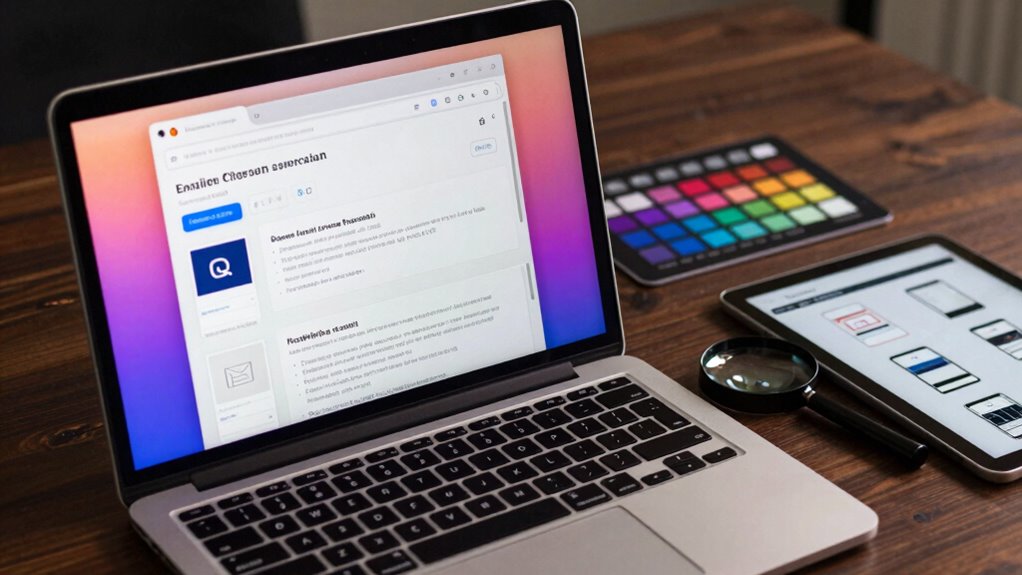
Have you tested your email across different devices and email clients to guarantee it looks great everywhere? Responsive testing is essential to ensure your design adapts seamlessly to various screen sizes and environments. Device compatibility issues can cause layout shifts, broken images, or unreadable text, damaging your sender reputation and user experience. Use tools like Litmus or Email on Acid to preview your email across multiple platforms quickly. Check for consistent formatting, font sizes, and image display on desktops, tablets, and smartphones. Remember, email clients like Outlook, Gmail, and Apple Mail interpret code differently, so thorough testing helps catch issues early. Prioritizing responsive testing ensures your message looks professional, functions correctly, and engages recipients regardless of their device or email client.
Make Sure All Links, Buttons, and Interactive Elements Work Perfectly
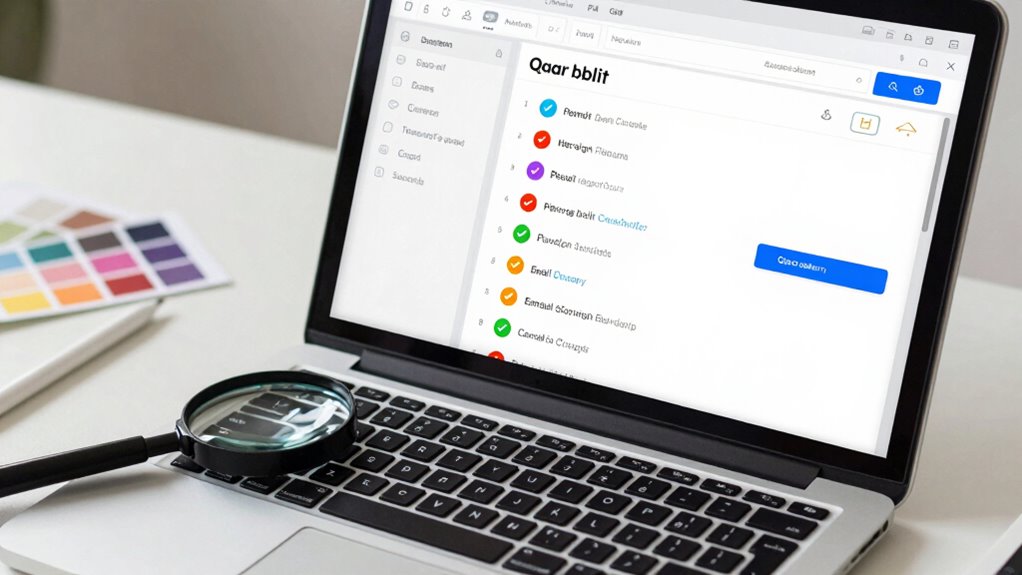
Ensuring all links, buttons, and interactive elements work flawlessly is essential for a successful email campaign. Test every interactive element thoroughly to confirm link functionality. Click each link to verify it directs to the correct page, and check that buttons respond as intended. Pay attention to hover effects or animations, ensuring they function smoothly across devices. Faulty or broken links can damage your credibility and reduce engagement. Also, test interactive elements on different email clients and devices, as behavior can vary. Keep user experience seamless by fixing any issues before sending. Remember, small glitches in link functionality or interactive features can lead to lost conversions and decreased trust, so double-check every element meticulously. Additionally, understanding the importance of website analytics can help you identify and fix issues more effectively. By tracking user interactions, you can pinpoint problematic elements that may not be immediately obvious and address them proactively. Regularly reviewing click-through data enables continuous improvement of your email designs and ensures a smooth user experience.
Check Visual Consistency and Brand Alignment for a Polished Look
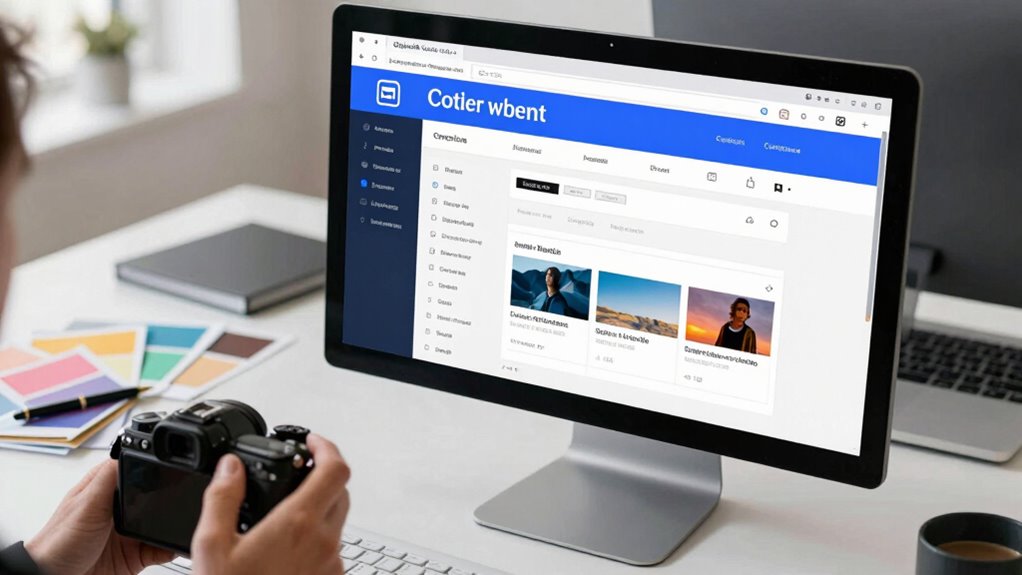
After verifying that all interactive elements function correctly, it’s time to focus on the visual presentation. First, check that your email’s branding alignment is consistent throughout, ensuring your logo, fonts, and imagery reflect your brand identity. Next, review color consistency across all sections; colors should match your brand palette and appear uniform on different devices. Look for any mismatched shades or unintended color variations that could weaken your message’s professionalism. Confirm that headings, buttons, and backgrounds follow a cohesive style, reinforcing brand recognition. Consistent use of visual branding elements helps build trust and recognition with your audience. Additionally, be aware that crypto market trends can influence how your branding is perceived in different contexts. A polished, visually consistent email enhances credibility and trust. Small discrepancies in branding alignment or color consistency can undermine your message’s impact, so take your time to ensure every element aligns perfectly. Paying attention to branding consistency ultimately boosts your email’s effectiveness and professionalism. To achieve this, regularly review your design guidelines to maintain visual harmony across all campaigns. Incorporating crochet styles for locs into your visual branding can also help showcase your creative expertise and appeal to your target audience.
Do a Final Review to Catch Any Last-Minute Errors Before Sending
Before hitting send, it’s essential to do a final review to catch any last-minute errors that might have slipped through earlier checks. Focus on proofreading essentials and apply final review tips to ensure your email is flawless. Start by:
- Reading the email aloud to catch awkward phrasing or missed typos.
- Double-checking all links and CTAs for accuracy and functionality.
- Verifying that images display correctly across devices and email clients.
- Confirming that the email aligns with your brand voice and tone.
This step helps you spot small issues before they become costly mistakes. A thorough final review minimizes errors, boosts professionalism, and enhances recipient trust. Remember, taking these extra moments makes your email more polished and effective.
Frequently Asked Questions
How Often Should I Update My Email QA Checklist?
You should update your email QA checklist at least quarterly or whenever you introduce new email templates or design changes. Regular email frequency and checklist review help catch evolving issues and guarantee consistent quality. By reviewing your checklist periodically, you stay ahead of potential errors that could impact engagement or deliverability. Keep it flexible enough to adapt to new tools, standards, or industry best practices so your email campaigns remain effective.
What Tools Are Best for Email Testing and QA?
You should use tools like Litmus or Email on Acid to test your emails across various email clients and check how they perform with spam filters. These tools help you identify rendering issues, spam triggers, and deliverability problems before sending. By doing so, you guarantee your email looks perfect in every client and avoids common spam filters, maximizing your campaign’s success and reducing costly errors.
How Do I Handle Email Rendering Issues Across Different Devices?
Ever wonder how to conquer the chaos of email rendering? You handle this by prioritizing responsive design and testing for device compatibility. Use tools like Litmus or Email on Acid to preview your email across various devices and screen sizes. Adjust your code with flexible layouts, scalable images, and media queries. This proactive approach guarantees your email looks flawless everywhere, saving you from costly display issues and leaving your recipients impressed.
What’s the Best Way to Document QA Findings for Team Sharing?
You should use a collaborative documentation tool like Google Docs or Confluence to share QA findings with your team. Make sure to include clear notes on what was tested, issues found, and suggested fixes. Implement version control so everyone stays updated on changes, avoiding confusion. Regularly review and update the documentation to guarantee it reflects the latest QA results, fostering transparency and teamwork in your email design process.
How Can I Automate Parts of the Email QA Process?
Imagine reducing manual checks by 50%. You can automate parts of your email QA process using email automation and QA tools like Litmus or Email on Acid. These tools automatically test your emails across multiple devices and inboxes, flagging issues early. Integrate them into your workflow, set up automated tests for links, images, and responsiveness, and save time while ensuring your emails look perfect before sending.
Conclusion
By following this email QA checklist, you prevent costly mistakes that can damage your brand and reduce engagement. Did you know that 69% of recipients delete emails immediately if they don’t display correctly? Small errors might seem minor, but they can lead to lost opportunities and revenue. Take the time to thoroughly test and review your emails—your results will reflect your attention to detail and professionalism.