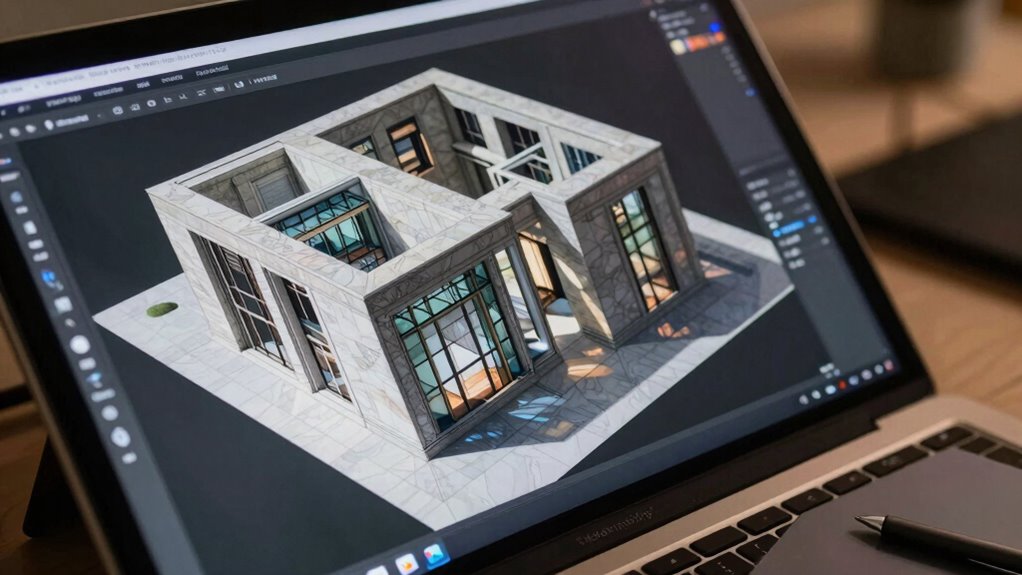

In last-minute reviews, you often focus on resolution or obvious flaws, ignoring critical factors like color calibration and compression quality that guarantee your images look professional across devices. Rushing leaves little time to verify color profiles, monitor calibration, or check for compression artifacts, which can cause subtle errors. These overlooked details impact overall quality and consistency in your final product. Keep going, and you’ll discover how to catch these issues before they slip through.

Get business pricing on office and shipping supplies
- Business-only prices and quantity discounts
- Tax-exempt purchasing
- Multiple users, one account, clear invoices
Key Takeaways
- Last-minute reviews often prioritize visible flaws over detailed color calibration and subtle rendering issues.
- Rushed checks tend to overlook monitor calibration, leading to inaccurate color assessments.
- Compression artifacts can be hidden initially but become apparent upon closer inspection, which is often skipped.
- Critical rendering details like tone mapping and color consistency are missed due to time constraints.
- Quick reviews focus on immediate flaws, neglecting underlying rendering quality and calibration nuances.
Have you ever wondered how the quality of digital images is guaranteed before they reach your screen? It’s a complex process that involves multiple steps, but two critical elements often overlooked during last-minute reviews are color calibration and file compression. These factors play a significant role in confirming your images look sharp, consistent, and true to their original intent. When you’re rushing through final checks, it’s easy to focus on glaring issues like resolution or pixelation, but subtle color discrepancies and compression artifacts can slip by unnoticed, affecting the overall quality.
Color calibration is essential because it ensures that the colors in your digital images are accurate across different devices and viewing environments. If calibration isn’t handled properly, images may appear washed out, overly saturated, or dull, depending on the display. When reviews are rushed, there’s often little time to verify that color profiles are correctly embedded and consistent throughout the workflow. This oversight can lead to mismatched colors in the final product, which becomes glaring once the image is displayed on different screens or printed. Proper color calibration requires careful, deliberate adjustments that aren’t always feasible in last-minute scenarios, but neglecting this step risks delivering images that don’t meet quality standards.
Proper color calibration ensures accurate, consistent colors across devices, preventing dullness or oversaturation in your final images.
File compression is another critical aspect that’s frequently mishandled during hurried checks. Compression reduces file size, making images easier to store and transmit, but it can also introduce artifacts like blurriness or pixelation if done excessively. When you’re pressed for time, it’s tempting to accept a compressed file without examining its quality thoroughly. This can result in images that look fine on a quick preview but reveal compression flaws under closer inspection or on high-resolution displays. The balance between compression ratio and image quality requires careful consideration, which isn’t always possible during last-minute reviews. Overlooking these subtle compression issues can diminish the visual impact and perceived professionalism of your final product.
Ultimately, last-minute reviews often miss critical details like color calibration and file compression because they focus on immediate, obvious flaws. But these elements are fundamental to delivering a high-quality image. Without proper attention to calibration, colors may look inconsistent or inaccurate; neglecting compression quality can introduce unwanted visual artifacts. Additionally, monitor calibration plays a crucial role in ensuring that what you see during reviews accurately represents the final output, which is often overlooked in hurried assessments. Incorporating quality control checks for these factors earlier in the process ensures that your images meet the highest standards of visual fidelity and professionalism, rather than just passing the last-minute inspection. Moreover, implementing standardized workflows can help streamline these quality checks, preventing critical issues from being overlooked during rushed reviews.
Popular right now

Shark HydroVac MessMaster Corded Wet/Dry Vacuum, Mop & Self-Clean (WD161)

Roborock F25 BX Cordless Wet Dry Vacuum Mop

Bose QuietComfort Wireless Bluetooth Headphones with Active Noise Cancellation, Mic, USB‑C Charging, Deep Bass, 24‑Hour Battery – White Smok
As an affiliate, we earn on qualifying purchases.
Frequently Asked Questions
How Can I Identify Subtle Rendering Errors Early?
To spot subtle rendering errors early, you should regularly check for color accuracy and shadow consistency throughout your process. Use calibrated screens to guarantee true color representation, and compare shadows against reference images or real-world lighting. Break down the rendering into smaller sections, reviewing each carefully. This proactive approach helps you catch issues like slight color shifts or shadow inconsistencies before they become major problems, saving time and improving quality.
What Tools Assist in Quick Last-Minute Image QC?
You can use tools like dedicated image viewers with built-in color calibration and resolution analysis, such as Photoshop or specialized QC software. These tools quickly check color accuracy and resolution standards, helping you spot subtle issues that might be missed in last-minute reviews. Additionally, automated scripts or plugins can scan images for discrepancies, ensuring your renderings meet quality benchmarks before final approval.
How Does Lighting Affect Rendering Quality Checks?
Lighting plays a vital role in rendering quality checks because it influences color accuracy and shadow consistency. Poor lighting can hide defects or distort colors, making it harder for you to spot issues. When reviewing images, make certain consistent, natural lighting to accurately assess how colors appear and shadows fall. This helps you catch errors that might be missed in inconsistent or inadequate lighting, guaranteeing the final render meets quality standards.
What Are Common Overlooked Details During Final Reviews?
During final reviews, you often overlook details like color accuracy and texture consistency because you’re rushing or focused on major elements. You might miss subtle color shifts or slight texture mismatches that affect the overall quality. To catch these, take a moment to zoom in and compare key areas carefully. Double-check color profiles and texture details, ensuring they match the intended design, so your rendering meets high standards before final approval.
How Often Should Rendering QC Be Performed?
You should perform rendering QC regularly, ideally after each major update or every few days, to catch issues early. Focus on color calibration, ensuring colors are consistent across different devices, and check hardware compatibility to prevent rendering errors. Consistent reviews help you spot problems before they escalate, avoiding last-minute surprises. This proactive approach maintains quality and saves time, ensuring your final images meet professional standards.
Conclusion
Think of image rendering QC like polishing a precious gemstone—you need to inspect every facet to guarantee it shines. Skipping last-minute reviews is like leaving a scratch unpolished; it dims the overall brilliance. By giving yourself that final moment to review, you catch those hidden flaws before they slip through. Don’t let last-minute rushes turn your masterpiece into a dull stone. Instead, take that extra step—your images will glow with clarity and perfection.