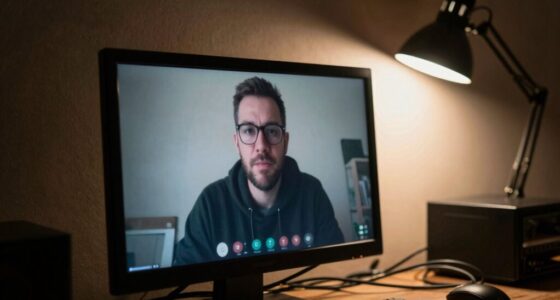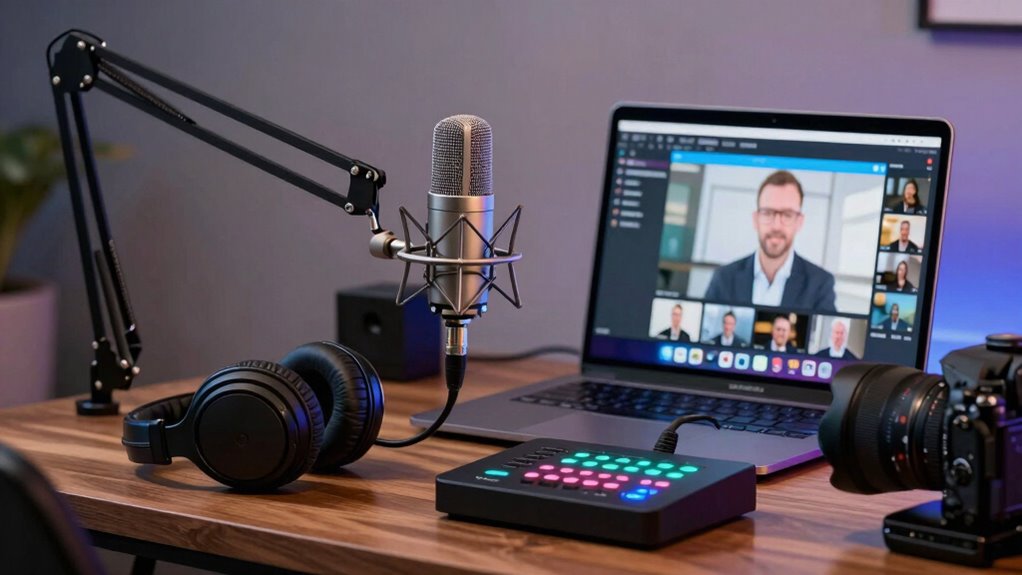

To guarantee clear remote meetings, set basic audio minimums like using noise-canceling microphones and headphones, and creating a quiet environment. Test your setup beforehand to catch issues early, and maintain consistency across your team for a professional vibe. Upgrading hardware and soundproofing can greatly reduce background noise and distractions. Investing in quality audio gear improves voice clarity and reduces repeats, making your meetings more productive. Keep going to discover practical tips for optimizing your remote work hardware.

Get business pricing on office and shipping supplies
- Business-only prices and quantity discounts
- Tax-exempt purchasing
- Multiple users, one account, clear invoices
Key Takeaways
- Use noise-canceling microphones and headphones to ensure clear, focused audio during meetings.
- Test audio setup beforehand to identify and resolve potential issues proactively.
- Maintain a quiet, dedicated environment to minimize background noise and distractions.
- Standardize hardware requirements across teams for consistent communication quality.
- Invest in quality audio equipment to enhance voice clarity and reduce the need for repeats.
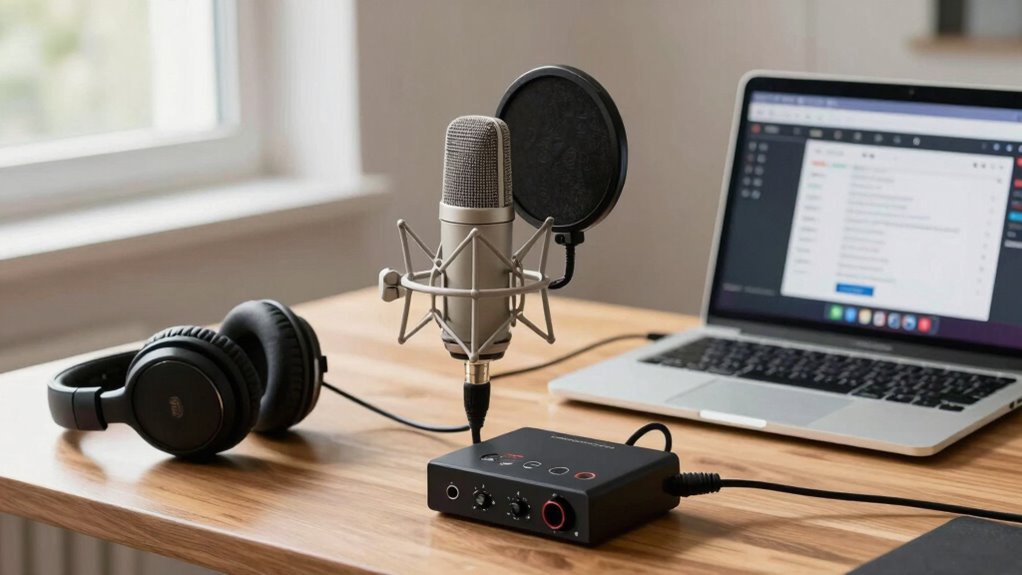
Have you ever sat through a remote meeting where poor audio quality made it impossible to follow the discussion? It’s frustrating when voice clarity isn’t up to par, and background noise distracts everyone. Your ability to communicate effectively hinges on good audio, which means investing in the right hardware is essential. Setting audio minimums isn’t about luxury; it’s about ensuring your team stays productive and engaged. When choosing equipment, prioritize microphones that deliver clear, crisp sound. Built-in laptop mics often fall short, capturing too much background noise and muffling voices. A dedicated USB microphone with noise-canceling features can dramatically improve voice clarity, making it easier for everyone to understand each other. These microphones filter out background noise, so your voice remains front and center, even in noisy environments.
Invest in quality microphones with noise cancellation for clearer, more focused remote communication.
Along with a quality microphone, consider your headphones or headset. Cheap earbuds might seem like a cost-effective choice, but they often amplify ambient sound and cause echo or feedback. A good headset with noise-canceling features prevents background noise from leaking into the call and ensures that you hear every word clearly. When your audio equipment minimizes distractions, you’re less likely to ask others to repeat themselves, saving time and reducing frustration. Additionally, understanding the importance of audio quality can guide you in selecting the right hardware and environment adjustments to optimize your remote communication. Investing in reliable audio equipment aligns with best practices for sustainable remote work, as it helps reduce the need for repeated meetings and minimizes distractions. Recognizing the critical role of audio standards can also help set benchmarks for your team’s communication quality. Furthermore, maintaining a consistent audio setup across team members can lead to more uniform and professional communication experiences.
Finally, test your setup before important calls. Run a quick recording or ask a colleague for feedback on your audio quality. If background noise is still a problem, explore additional soundproofing options or upgrade your hardware. Setting clear audio minimums—such as using a microphone with noise cancellation, headphones that block outside sound, and a quiet environment—ensures you deliver professional, understandable audio every time. Good audio isn’t just a technical detail; it’s the foundation of effective remote communication. When you invest in the right hardware and environment, you can focus on the conversation, not on deciphering muffled voices or ignoring distracting background noise.
noise-canceling USB microphone for remote meetings
As an affiliate, we earn on qualifying purchases.
As an affiliate, we earn on qualifying purchases.
Frequently Asked Questions
How Do I Test My Microphone’s Audio Quality Before a Meeting?
To test your microphone’s audio quality before a meeting, record a short message using your device’s recording app. Play it back, listening for clear voice modulation and any background ambient noise. Adjust your mic settings if needed to improve clarity, and consider using a quiet environment to minimize ambient noise. Re-test until your voice sounds natural, ensuring you’re well-prepared for smooth, professional remote meetings.
What Are the Best Budget-Friendly Microphones for Remote Work?
Think of budget-friendly microphones as hidden gems in a sea of options. The Fifine K669 and the Tonor TC-777 are great picks for remote work, offering solid sound without breaking the bank. To get the best out of them, focus on proper microphone placement and add some basic acoustic treatment like soft furnishings. This combo helps minimize echo and background noise, making your voice clear and professional during meetings.
How Do Background Noises Affect Remote Meeting Audio Clarity?
Background noise greatly affects your remote meeting audio clarity, causing audio distractions that make it hard for others to understand you. When background noise is present, your voice gets drowned out, and listeners struggle to focus. To improve clarity, minimize background noise by choosing a quiet space, using noise-canceling microphones, or employing software filters. Reducing these distractions helps guarantee your message comes through clearly without interruptions.
Are There Specific Microphone Settings Recommended for Remote Meetings?
Think of your microphone as a lighthouse guiding your voice through foggy remote meetings. To guarantee clarity, place your microphone at mouth level—this symbolizes proper positioning. Use voice amplification settings if available, like turning up your lighthouse’s beam, so your voice cuts through background noise. Adjust sensitivity to avoid capturing unwanted sounds, and test your setup beforehand. These settings help your message shine brightly, keeping your communication clear and effective.
How Often Should I Upgrade My Remote Meeting Hardware?
You should upgrade your remote meeting hardware every 1-2 years, depending on usage and technology advances. Keep an eye on hardware compatibility to guarantee new devices work seamlessly with your current setup. Additionally, investing in ergonomic accessories helps reduce strain during long meetings and enhances productivity. Regular updates ensure you benefit from improved audio quality, better compatibility, and ergonomic comfort, making remote meetings more effective and comfortable for you.
professional noise-canceling headphones for video calls
As an affiliate, we earn on qualifying purchases.
As an affiliate, we earn on qualifying purchases.
Conclusion
By now, you realize that having the right audio setup is essential for seamless remote meetings. Don’t let subpar sound turn your calls into a scene from a silent film—invest in quality gear, test before meetings, and stay updated on tech. Remember, in this digital age, your voice is your most powerful tool, so treat it like a trusty steed. With solid audio minimums, you’ll be ready to conquer remote work like a true knight of the digital domain.
soundproofing foam panels for home office
As an affiliate, we earn on qualifying purchases.
As an affiliate, we earn on qualifying purchases.
high-quality headset with microphone
As an affiliate, we earn on qualifying purchases.
As an affiliate, we earn on qualifying purchases.
Fall Picks
fall essentials
As an affiliate, we earn on qualifying purchases.