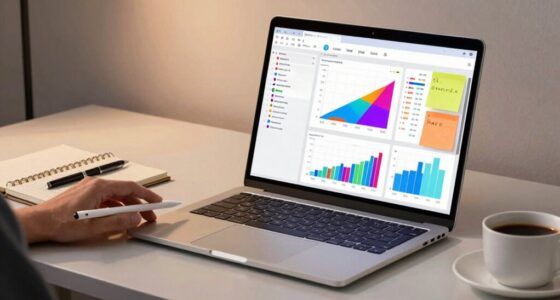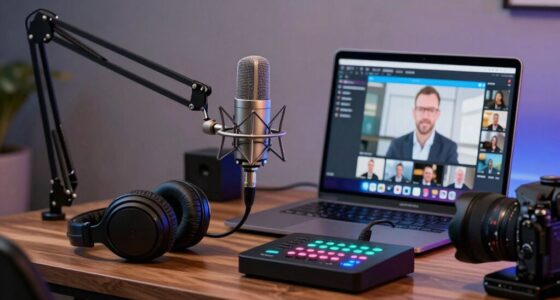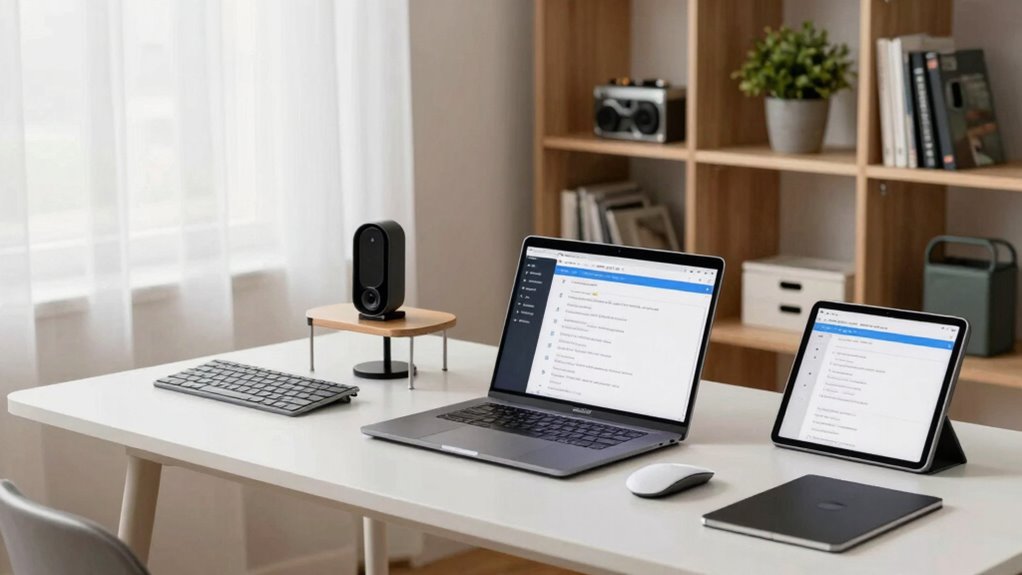

Ensuring consistent home office hardware makes onboarding smoother and reduces IT support time. When everyone uses the same devices and configurations, troubleshooting becomes faster and more efficient. Standardized equipment also helps employees adapt quickly and minimizes technical issues that cause delays. Plus, ergonomic setups support health and productivity long-term. Staying uniform not only saves costs but also enhances security. Keep going to discover how this strategy can benefit your entire team.
Key Takeaways
- Standardized hardware streamlines onboarding, reducing setup time and minimizing technical issues for new remote employees.
- Consistent equipment enhances support efficiency by simplifying troubleshooting and remote assistance processes.
- Uniform hardware promotes security compliance and easier deployment of updates across all devices.
- Ergonomic and standardized setups improve employee health, reducing downtime related to discomfort or injuries.
- Virtual hardware consistency fosters a sustainable, long-term remote work environment, benefiting both productivity and company reputation.
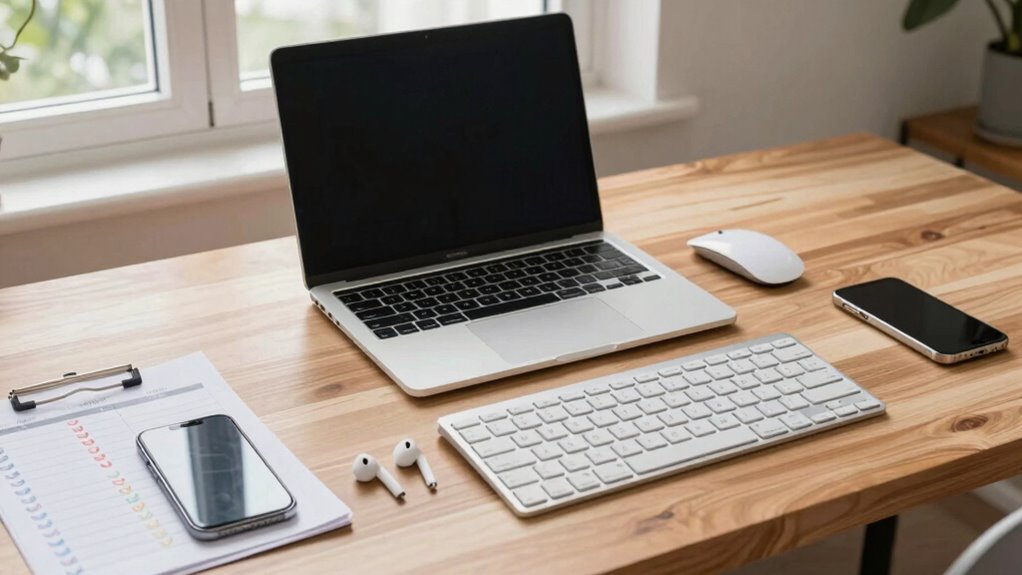
Starting a remote onboarding process can be challenging, especially when ensuring new employees have all the necessary hardware to succeed. A seamless virtual setup is crucial not just for productivity but also for making new hires feel welcomed and prepared from day one. When you prioritize consistency in home office equipment, you minimize the risk of technical issues and create a smoother onboarding experience. Providing standardized hardware ensures that everyone operates on the same technical foundation, which simplifies troubleshooting and reduces downtime.
Consistent hardware simplifies onboarding, reduces technical issues, and creates a welcoming, efficient remote work environment.
A well-thought-out hardware checklist should include essential devices like laptops, monitors, keyboards, and mice, all configured to meet company standards. When these components are uniform, employees can easily adapt to their new tools, and IT support can troubleshoot problems faster. But hardware isn’t just about performance; it extends to ergonomic essentials that promote health and comfort. Ergonomic essentials such as adjustable chairs, monitor stands, and ergonomic keyboards help prevent strain and fatigue, which can affect employee well-being and productivity over time. Ensuring these essentials are part of the virtual setup demonstrates your commitment to their health and creates a more sustainable work environment.
Investing in quality, ergonomic equipment upfront saves time and money down the line. When employees experience discomfort or back pain, it often leads to reduced focus, decreased efficiency, and increased sick days. By providing ergonomic essentials from the beginning, you foster a healthier workspace that encourages longevity and engagement. Additionally, consistency in hardware and ergonomic standards helps to streamline onboarding training. New hires spend less time figuring out unfamiliar equipment and more time focusing on their role and responsibilities. Implementing standardized hardware can also improve overall security and compliance across your remote team.
Furthermore, a consistent hardware setup reduces variability that can cause confusion or delays. When everyone uses similar devices and accessories, it’s easier for IT support to provide remote assistance, troubleshoot issues, and deploy updates. This uniformity minimizes the back-and-forth often involved in resolving hardware-related problems, freeing up valuable time that can be better spent on strategic onboarding activities. It also helps in maintaining security standards; standardized hardware and peripherals are easier to configure with security protocols, ensuring compliance from the start. Implementing biodiversity principles in your hardware choices, such as selecting eco-friendly devices, can contribute to a more sustainable work environment.
In the long run, prioritizing a consistent virtual setup with ergonomic essentials pays off by creating a more efficient onboarding process. It reduces technical hiccups, fosters employee health, and allows your team to hit the ground running. When you invest in these essentials, you’re not just setting up technology—you’re laying the foundation for a productive and engaged remote workforce. Additionally, choosing eco-friendly devices aligns with corporate responsibility and can appeal to environmentally conscious employees. Moreover, selecting sustainable technology options can enhance your company’s reputation and support broader environmental goals.
ergonomic keyboard and mouse set
As an affiliate, we earn on qualifying purchases.
As an affiliate, we earn on qualifying purchases.
Frequently Asked Questions
How Do We Handle Hardware Returns or Exchanges?
You should follow your company’s hardware return policies and exchange procedures to handle returns or exchanges efficiently. When a hardware return is needed, notify your IT department or support team promptly, and adhere to the specified process for returning or exchanging equipment. Keep documentation handy, such as receipts or return authorization numbers, to streamline the process. Staying compliant with these policies guarantees quick resolution and minimal disruption to your workflow.
What Cybersecurity Measures Are Recommended for Remote Devices?
Sure, because hacking your remote device is everyone’s favorite pastime. To keep it safe, you should enable device encryption and enforce strong password policies—think of it as locking your digital front door. Regular updates and multi-factor authentication add extra layers of security. Basically, treat your remote device like Fort Knox, because in the online world, a little paranoia keeps your data safer than a paper shredder.
How Often Should Hardware Be Updated or Replaced?
You should update or replace hardware based on its lifecycle and your upgrade frequency. Typically, consider replacing laptops and desktops every 3 to 5 years to guarantee peak performance and security. Regular upgrades reduce downtime, improve efficiency, and keep your system protected against vulnerabilities. Keep an eye on hardware performance and manufacturer recommendations to determine the right timing, making sure your remote setup remains reliable and secure.
Are There Specific Ergonomic Guidelines for Home Office Setups?
Imagine yourself sitting comfortably at your desk, with your ergonomic posture aligned perfectly. You should keep your monitor at eye level, your feet flat on the floor, and your elbows at a 90-degree angle. Workspace optimization includes an adjustable chair and proper lighting. Following ergonomic guidelines helps prevent strain, boosts comfort, and enhances productivity, making your home office a healthier, more efficient space where you can work comfortably for hours.
How Can We Troubleshoot Hardware Issues Remotely?
To troubleshoot hardware issues remotely, start with remote diagnostics to identify problems quickly. Verify hardware compatibility by checking device specifications against system requirements. Guide users through simple steps like restarting devices, checking connections, or updating drivers. Use remote access tools to view issues directly and run tests. Clear communication helps users troubleshoot effectively, saving time and reducing unnecessary IT visits, while maintaining home office setup consistency.
As an affiliate, we earn on qualifying purchases.
Conclusion
Think of your remote onboarding hardware setup like planting a garden. When you provide your new hires with the right tools and a consistent environment, they grow faster and stronger. I once helped a team set up identical workstations, and within weeks, productivity soared—proof that home office consistency isn’t just about comfort, it’s about cultivating success. Invest in the right hardware, and watch your team thrive, no matter where they’re working from.
standardized laptop for remote work
As an affiliate, we earn on qualifying purchases.
As an affiliate, we earn on qualifying purchases.
As an affiliate, we earn on qualifying purchases.