
When your webcam quality and lighting are poor, you send a clear message about your professionalism. Grainy video, harsh shadows, or backlighting make it hard to see your facial expressions and non-verbal cues, which can make you seem unprepared or disengaged. Distractions from flickering lights or fluctuating visuals shift focus away from your message and decrease credibility. Keep these standards in mind to improve your virtual presence—stay tuned to discover key tips for a polished setup.

Get business pricing on office and shipping supplies
- Business-only prices and quantity discounts
- Tax-exempt purchasing
- Multiple users, one account, clear invoices
Key Takeaways
- Grainy, blurry, or pixelated video makes it hard to see facial expressions and non-verbal cues.
- Poor lighting causes shadows or backlit faces, reducing visibility and professionalism.
- Flickering or fluctuating video distracts attention away from the message.
- Inconsistent or low-quality visuals signal a lack of investment in setup and professionalism.
- Weak gear diminishes credibility and can make remote colleagues question engagement.
In today’s remote work environment, maintaining a professional and consistent appearance on video calls is essential for effective communication. When your video quality drops or your lighting setup is poor, it’s immediately noticeable to your colleagues and clients. These issues can create distractions, diminish your authority, and even undermine the trust others have in your professionalism. Because of this, it’s critical to understand what weak gear standards look like and how they impact your virtual presence.
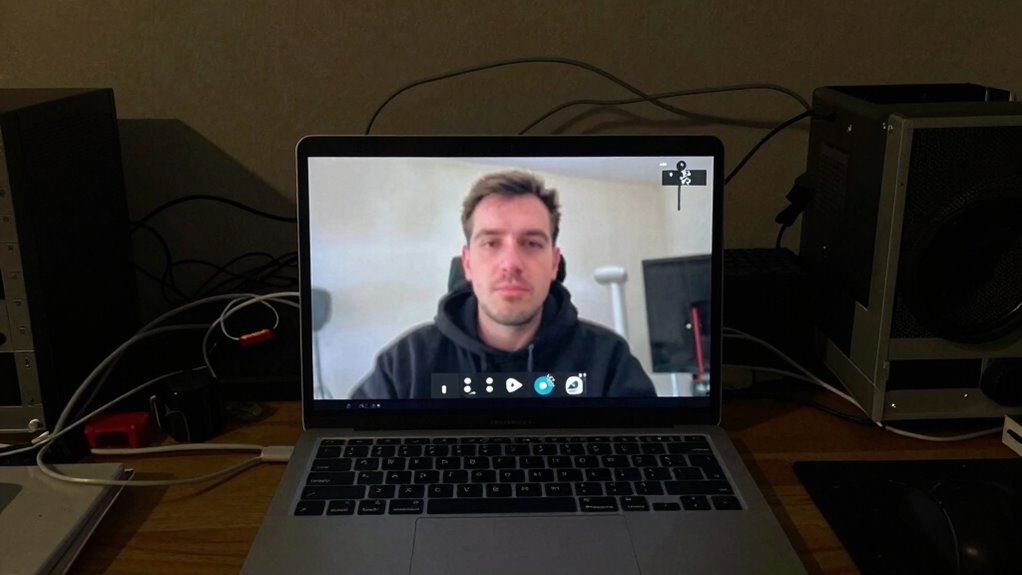
First, poor video quality makes your image appear grainy, blurry, or pixelated. This usually happens when your webcam isn’t high enough resolution or when there’s insufficient bandwidth during calls. When your video isn’t clear, it’s hard for others to read your facial expressions and non-verbal cues, which are vital for effective communication. It can also make your message seem less credible or serious, especially if your background or appearance appears distorted. Colleagues might start to tune out or question your engagement simply because your video doesn’t look professional.
Poor video quality hampers communication and damages your professional image during remote calls.
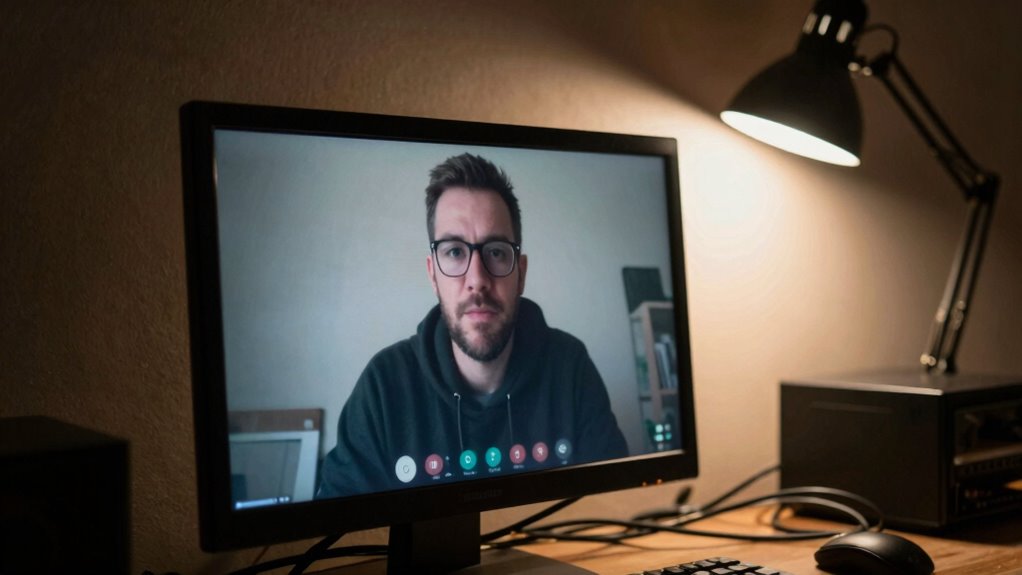
Lighting setup is another crucial factor that’s immediately apparent during video calls. If your lighting is uneven, too dim, or creates harsh shadows, your face won’t be clearly visible. This can cause strain for viewers trying to interpret your expressions or focus on what you’re saying. Overly bright or backlit spaces, where a window or bright light source is behind you, make it difficult to see your face altogether. Conversely, poor lighting can wash out your features, making you look tired or unprepared. When your lighting isn’t optimized, it signals to others that you haven’t invested in basic gear, which can diminish your professional image and credibility. Additionally, adequate lighting can significantly enhance your virtual presence and make your communications more engaging.
You might also notice that weak gear standards often lead to distractions. Fluctuating video quality, flickering lights, or inconsistent visuals can divert attention away from your message and onto your technical shortcomings. This distraction hampers the flow of communication and reduces overall productivity. As a remote worker, your goal should be to present yourself clearly and confidently. That means investing in a decent webcam, ensuring your lighting setup is thoughtfully arranged—preferably with soft, diffused light facing you—and testing your setup before important meetings.
Ultimately, these visual cues are what colleagues notice immediately. When your gear standards are weak, it’s not just about the quality of your video—it’s about the professional impression you leave. Ensuring good video quality and a proper lighting setup isn’t just technical maintenance; it’s an essential part of maintaining effective, respectful, and professional remote communication.
HD webcam for video conferencing
As an affiliate, we earn on qualifying purchases.
As an affiliate, we earn on qualifying purchases.
Frequently Asked Questions
How Do Webcam Standards Impact Team Productivity?
Webcam standards directly impact team productivity by influencing team engagement and visual clarity. When your gear is subpar, colleagues struggle to see expressions clearly, reducing effective communication. Poor visuals lead to misunderstandings and decreased participation during meetings. Conversely, high-quality webcams foster better engagement, making conversations more natural and productive. Investing in reliable gear helps your team stay connected, focused, and efficient, ensuring work moves smoothly without technical distractions.
What Is the Ideal Webcam Resolution for Remote Work?
Think of your webcam as your digital handshake—crisp, confident, clear. For remote work, a resolution of at least 1080p offers sharp video clarity, making your expressions stand out. Proper camera placement enhances your presence and professionalism, reducing distractions. When your webcam strikes the right balance of resolution and positioning, it builds trust and connection, showing you’re engaged and committed—even from afar.
How Often Should Remote Workers Update Their Webcams?
You should update your webcam every 1-2 years to guarantee clear image quality. Regularly check your camera placement to avoid awkward angles, and keep your background clean to project professionalism. Upgrading when your current webcam starts showing graininess or lag helps maintain a polished appearance. Consistent updates, combined with thoughtful camera placement and a tidy background, make your video calls more engaging and leave a strong positive impression.
Are There Specific Lighting Requirements for Professional Video Calls?
For professional video calls, your lighting setup should be bright and even, avoiding harsh shadows or glare. Use natural light or soft, diffused artificial lighting to illuminate your face clearly. Make certain your background remains uncluttered, with good background clarity, so it doesn’t distract viewers. Proper lighting helps your face stand out, making your expressions visible and maintaining a polished, professional appearance during calls.
What Are the Best Budget-Friendly Webcams for Remote Teams?
If you’re looking for budget-friendly webcams, consider models like the Logitech C270 or the Microsoft LifeCam HD-3000—they offer decent quality without breaking the bank. Remember, proper camera placement and a tidy background make a big difference, even with affordable gear. When you focus on lighting and keep your space clean, your video calls look more professional, helping you make a great impression without overspending.
As an affiliate, we earn on qualifying purchases.
Conclusion
In the end, your webcam setup is like the armor of a noble knight—if it’s weak, others notice instantly. Even in an era of smartphones and social media, poor visuals and sound can make you seem unprofessional or disconnected. Think of it as the digital equivalent of a yesteryear telephone line—if it’s fuzzy or crackling, communication suffers. So, invest in decent gear; your remote presence will thank you, and you’ll avoid being the digital equivalent of a dial-up connection.
desk microphone with webcam mount
As an affiliate, we earn on qualifying purchases.
As an affiliate, we earn on qualifying purchases.
professional lighting kit for streaming
As an affiliate, we earn on qualifying purchases.
As an affiliate, we earn on qualifying purchases.
Halloween Picks
halloween
As an affiliate, we earn on qualifying purchases.