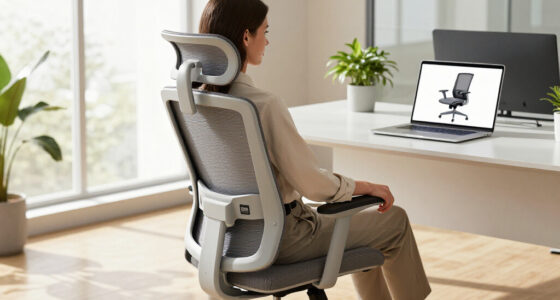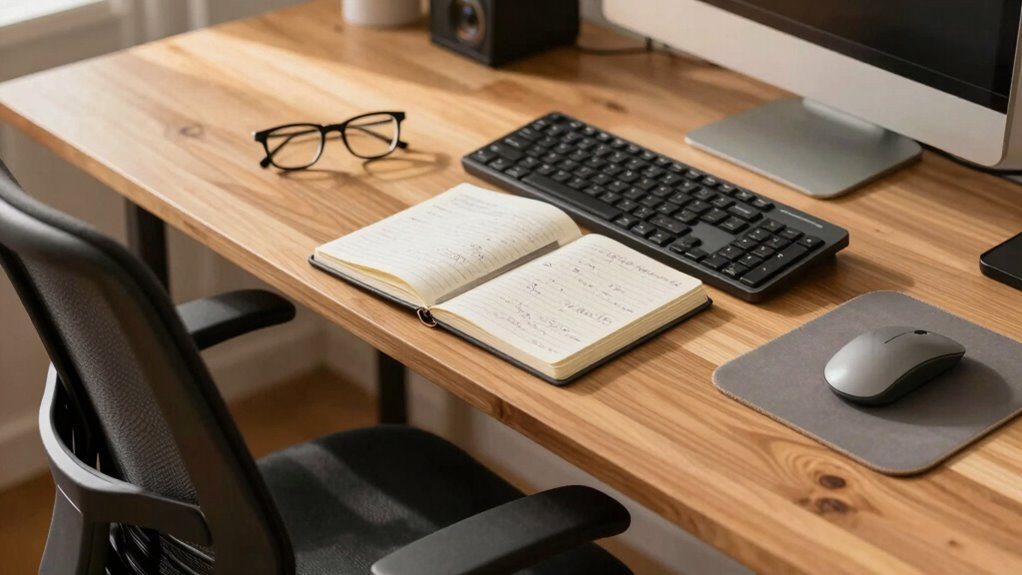

When you prioritize ergonomic comfort during long writing sessions, you’re making a smart choice for both your health and productivity. Proper posture, an adjustable chair, and screen positioning help reduce discomfort, muscle strain, and fatigue. These factors keep you focused and prevent distractions caused by physical discomfort. Investing in ergonomic setup means you can work longer without losing efficiency. Keep going, as you’ll discover more tips to create a comfortable and productive workspace.

Get business pricing on office and shipping supplies
- Business-only prices and quantity discounts
- Tax-exempt purchasing
- Multiple users, one account, clear invoices
Key Takeaways
- Proper ergonomic setup reduces physical discomfort, allowing extended focus and sustained productivity during long writing sessions.
- Comfortable posture minimizes muscle strain and fatigue, enabling longer periods of efficient work without breaks.
- Adjustable ergonomic tools promote flexibility, helping writers maintain support and avoid stiffness over time.
- Good workspace organization and accessories prevent awkward movements, enhancing comfort and reducing distraction.
- Investing in ergonomic comfort fosters long-term health, preventing injuries that could disrupt ongoing writing productivity.
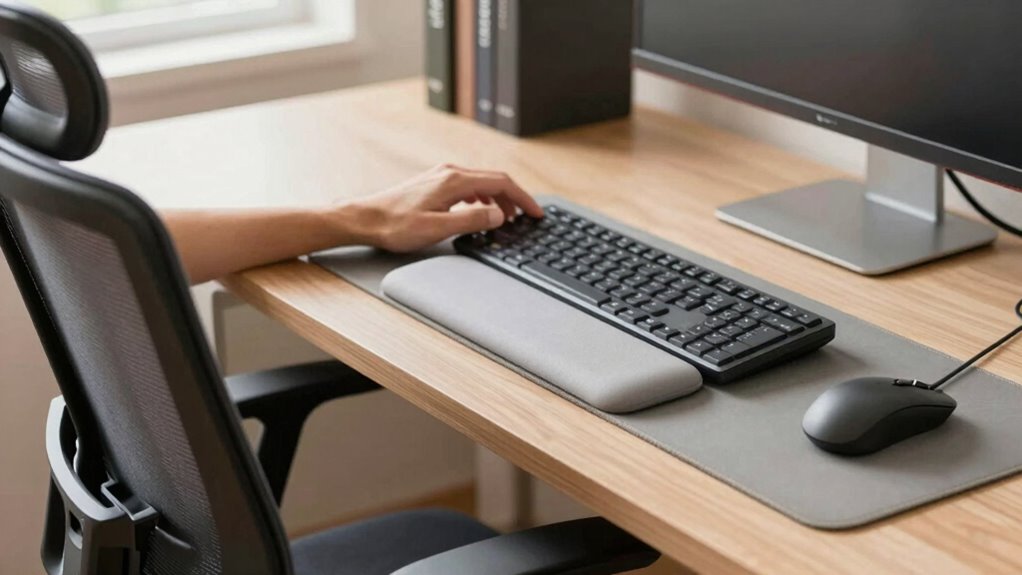
When you’re immersed in long writing sessions, maintaining good ergonomics is essential to prevent discomfort and long-term injuries. Your posture plays a crucial role here, and proper posture alignment ensures that your body remains relaxed and supported throughout extended periods of work. If your posture is misaligned, you risk developing muscle strain, stiffness, or even chronic pain that can hinder your productivity. That’s why paying attention to how you sit and how your body aligns while working is so important. It’s not just about comfort; it’s about creating an environment that supports sustained focus without the distraction of physical discomfort. A well-designed workspace that promotes proper posture alignment can significantly enhance your comfort and efficiency during long writing sessions. Choosing the right chair is one of the most impactful decisions you can make to support good posture alignment. A well-designed ergonomic chair should promote proper spinal support, encouraging a natural curve in your lower back. Look for a chair with adjustable height, so your feet rest flat on the floor and your knees are at a 90-degree angle. The seat depth should allow you to sit comfortably against the backrest without pressure behind your knees. Lumbar support is critical, so select a chair that provides adequate lower back support to maintain the natural inward curve of your spine. Armrests are also beneficial if they can be adjusted to keep your shoulders relaxed and elbows close to your body, reducing tension in your neck and shoulders. Your chair selection influences more than just comfort; it directly impacts your posture alignment. When you sit properly, your body’s weight is evenly distributed, reducing strain on your muscles and joints. Proper chair support encourages you to sit upright, with your back fully supported and your screen positioned at eye level. This setup prevents you from leaning forward or craning your neck, common habits that cause strain over time. Additionally, a good chair allows you to shift positions easily, which is vital during long sessions. Maintaining a healthy sitting posture can also help prevent circulatory issues and fatigue. Incorporating ergonomic accessories, such as footrests or adjustable monitor stands, can further enhance your overall setup, ensuring every element contributes to a healthier workspace. Using a comfortable and supportive chair can also reduce the likelihood of developing repetitive strain injuries. Staying static can lead to stiffness or circulatory issues, so choose a chair that gives you flexibility to move without losing ergonomic support. Proper workspace organization can help you maintain good posture habits and avoid awkward reaching or twisting motions. In essence, making thoughtful choices about your chair selection and ensuring proper posture alignment are investments that pay off in increased productivity and reduced fatigue. When your body feels supported, your focus remains sharp, and your mind can stay on the task at hand rather than battling discomfort. Ergonomics isn’t just about avoiding pain; it’s about creating a sustainable work environment where you can write effectively for hours on end. Prioritize your seating and posture, and you’ll find that long writing sessions become less taxing and more efficient.
Popular right now

KitchenAid Artisan 5-Qt Tilt-Head Stand Mixer – Dried Rose (KSM150PS)

Hisense 43-Inch E6 Cinema Series Hi-QLED 4K UHD Smart Fire TV (43E6QF)

iRobot Roomba 105 Combo Robot Vacuum and Mop
As an affiliate, we earn on qualifying purchases.
Frequently Asked Questions
How Often Should I Take Breaks During Long Writing Sessions?
You should take a break every 25 to 30 minutes during long writing sessions. This helps reduce eye strain and mental fatigue, keeping your focus sharp. During breaks, stand up, stretch, or look away from your screen for a few minutes. These quick pauses prevent discomfort and boost productivity, ensuring you stay comfortable and alert throughout your writing marathon. Consistent breaks are key to maintaining your best work.
What Are the Best Ergonomic Accessories for Writing Comfort?
The best ergonomic accessories for writing comfort include an ergonomic chair that supports your posture and reduces strain, along with an adjustable desk to set your workstation at the right height. These tools help you maintain proper alignment, minimize discomfort, and boost productivity. By customizing your setup, you stay comfortable during long sessions, which keeps your focus sharp and prevents fatigue. Prioritize these accessories for a healthier, more efficient writing experience.
How Can I Prevent Strain Injuries While Writing for Hours?
You can prevent strain injuries while writing for hours by taking regular breaks and maintaining proper posture. Keep hand fatigue at bay with wrist support and guarantee your workspace is ergonomically set up. Stretch your hands and wrists frequently, and switch hands if possible. Staying mindful of your body’s signals helps prevent overuse injuries, so listen to your body and adjust your position to stay comfortable and productive longer.
Does Posture Impact Writing Efficiency and Creativity?
Your posture directly impacts your writing efficiency and creativity. When you’re aware of your posture, you reduce discomfort and fatigue, allowing your mind to focus better. Good posture promotes better blood flow and oxygen to your brain, which can serve as a creativity boost. By maintaining posture awareness, you create an environment that nurtures sustained productivity and inspires innovative ideas, making your long writing sessions more effective and enjoyable.
Are There Specific Ergonomic Setups for Different Types of Writing?
Did you know poor ergonomics can cause up to 25% of work-related injuries? For different writing types, your setup matters. For keyboard positioning, keep it at elbow height to prevent strain. Use chair support that promotes good posture and reduces fatigue. Adjust your workspace based on whether you’re drafting, editing, or brainstorming, ensuring comfort fuels your creativity and enhances productivity for every writing session.
Conclusion
Remember, a stitch in time saves nine. By prioritizing ergonomic comfort during long writing sessions, you’re not just preventing discomfort—you’re boosting your productivity and creativity. Small adjustments now can lead to big gains later. So, invest in your workspace, listen to your body, and make comfort a habit. When you do, you’ll find that writing longer and better becomes effortless, turning every session into a step toward success.