
To optimize your dashboards and spreadsheets, choose a monitor 27 inches or bigger. Larger screens let you see more data at once, reducing scrolling and switching between tabs. They improve clarity, support better color calibration, and make multitasking easier. An ergonomic setup with proper positioning minimizes strain during long work sessions. If you want to discover more about creating a comfortable, efficient workspace that boosts productivity, keep exploring.
Key Takeaways
- Opt for a monitor 27 inches or larger to display more data simultaneously and enhance analysis efficiency.
- Proper color calibration ensures accurate visualization of dashboards and charts, preventing misinterpretation.
- Position the monitor at eye level and maintain an arm’s length distance to reduce strain during long work sessions.
- Larger screens support multitasking with split-screen setups, minimizing window switching and boosting productivity.
- Incorporate ergonomic features like adjustable stands and flicker-free technology for sustained comfort and visual clarity.
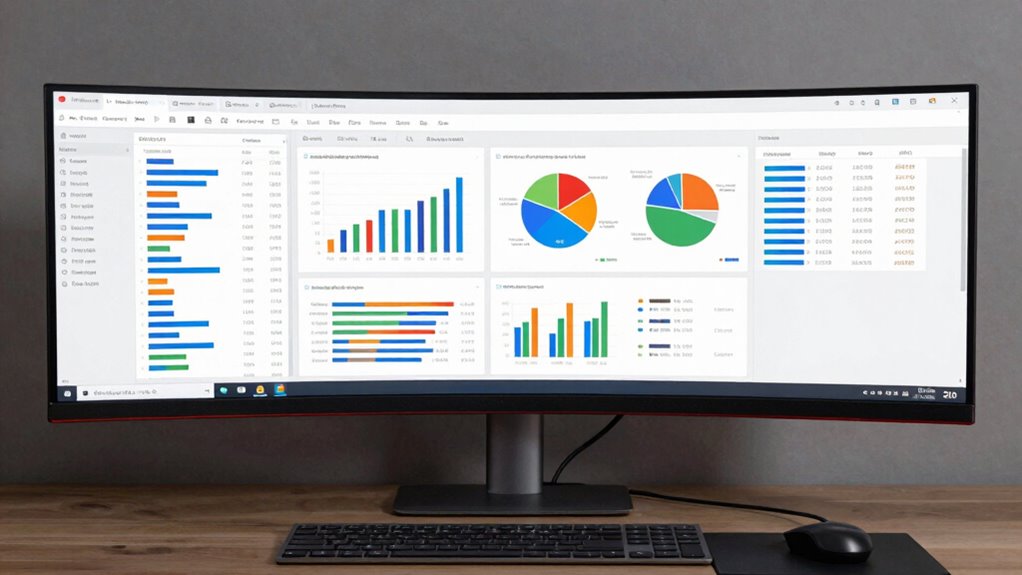
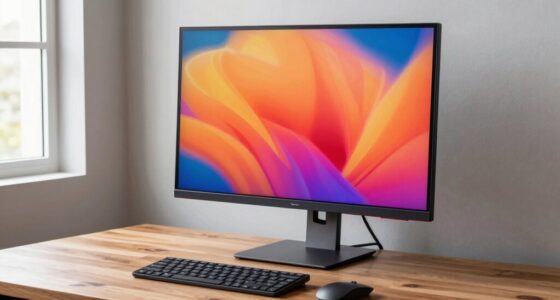
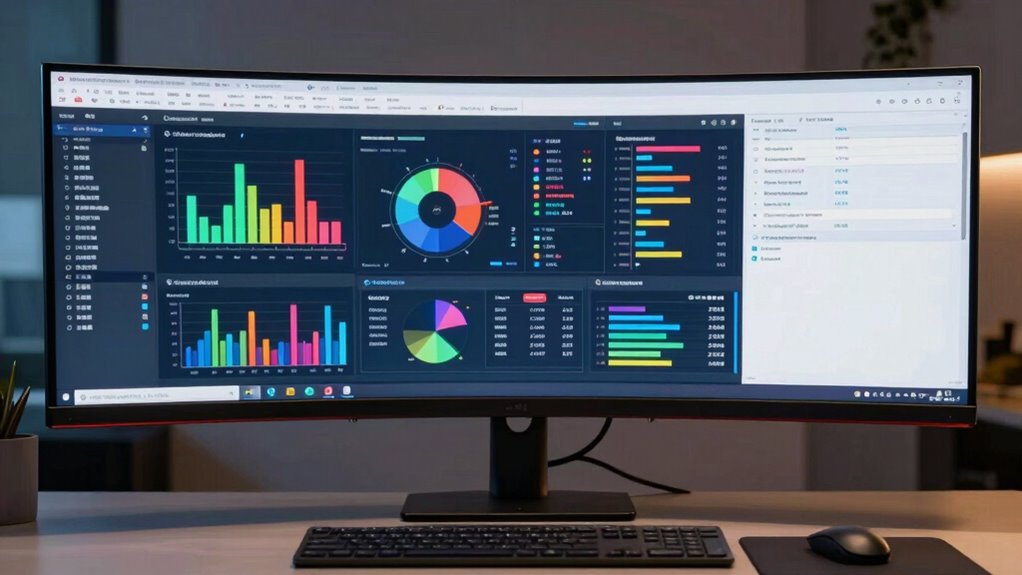
Choosing the right monitor size is essential for effectively working with dashboards and spreadsheets. When you select a suitable size, it impacts your ability to view data clearly, enhance productivity, and reduce eye strain. Larger monitors, such as those 27 inches or bigger, let you display more information at once, so you can analyze complex dashboards without constantly scrolling or toggling between tabs. This expansive view helps you spot trends and discrepancies quickly, making your workflow smoother and more efficient. But size isn’t everything—consider how color calibration plays a role. For accurate data visualization, especially when working with color-coded dashboards or detailed charts, a monitor with proper color calibration ensures your colors are true to life. This accuracy prevents misinterpretations of data and maintains consistency across different displays or printouts.
A larger monitor enhances data visibility, reduces scrolling, and improves workflow efficiency for dashboards and spreadsheets.
Equally important is setting up an ergonomic workspace. Your monitor’s size should complement your desk setup to avoid neck, shoulder, or eye strain. An ergonomic setup involves positioning your monitor at eye level, maintaining a comfortable viewing distance—usually about an arm’s length—and ensuring your posture remains natural. Larger screens allow you to adjust height and tilt more effectively, creating a comfortable viewing experience that minimizes fatigue over long hours of work. When your monitor is appropriately calibrated for color and ergonomically positioned, you’re less likely to experience discomfort, which can distract you from your tasks or cause long-term health issues. Additionally, choosing a monitor with correct color calibration can greatly improve visual accuracy, especially for detailed data work. Incorporating ergonomic accessories such as adjustable stands or monitor arms can further enhance your setup and comfort.
Choosing the right monitor size also impacts how seamlessly you can multitask within spreadsheets. For instance, if you’re analyzing data and need to reference multiple sheets or applications simultaneously, a larger screen allows you to split your display into sections, reducing the need to switch between windows constantly. This setup saves time and keeps your focus centered on your work. When selecting a monitor, think about your specific needs—if your work involves detailed data entry or visualizations, a bigger, well-calibrated display can be a game-changer. Additionally, ensure that your monitor supports features like flicker-free technology and adjustable brightness to keep your eyes comfortable during extended sessions.
Ultimately, the ideal monitor size for dashboards and spreadsheets balances your workspace, visual clarity, and comfort. Combining the right size with proper color calibration and an ergonomic setup creates an environment that boosts productivity, minimizes strain, and enhances your overall work quality. When these elements work together, you’ll find yourself working more efficiently and with greater confidence in the accuracy of your data.

Samsung 27" (S30GD) Essential Monitor with IPS Panel and Tilt Only Stand, 100Hz Refresh Rate, Ergonomic Design, Advanced Eye Care, Game Mode, LS27D304GANXZA
VIVID COLORS: Experience stunning colors across the entire display with the IPS panel. Colors remain bright and clear…
As an affiliate, we earn on qualifying purchases.
As an affiliate, we earn on qualifying purchases.
Frequently Asked Questions
How Does Monitor Resolution Affect Dashboard Visibility?
Monitor resolution directly impacts your dashboard visibility by affecting clarity and detail. Higher resolution screens make data, charts, and text sharper, enhancing readability. To optimize this, guarantee proper color calibration and adjust screen brightness for consistent viewing. Low resolution can cause blurry visuals, making it hard to interpret data accurately, while good calibration and brightness help you see everything clearly, improving your overall analysis and review work.
What Monitor Size Is Best for Collaborative Spreadsheet Work?
Think of your monitor as a collaborative canvas—it needs ample space to share ideas clearly. A 27-inch monitor strikes a good balance, offering enough room for multiple spreadsheet windows without overwhelming your desk. Keep in mind, larger screens can cause screen glare and affect desk ergonomics, making collaboration uncomfortable. Choosing a size that fits well and minimizes glare helps everyone work together smoothly and comfortably.
Can Multiple Monitors Improve Dashboard Analysis Efficiency?
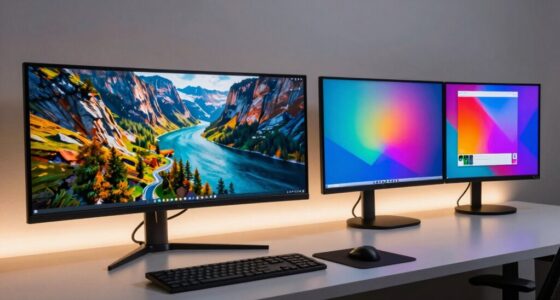
Yes, multiple monitors can boost your dashboard analysis efficiency. With better monitor placement, you can organize data across screens seamlessly, reducing switching time. Proper color calibration guarantees visuals are clear and consistent, making it easier to interpret complex data. This setup allows you to compare datasets side-by-side, identify trends faster, and work more comfortably, ultimately streamlining your review and analysis process.
How Do Ergonomic Factors Influence Monitor Size Choices?
Studies show that 75% of office workers experience eye strain, highlighting the importance of ergonomic factors. When choosing monitor size, prioritize ergonomic posture to prevent discomfort and eye strain. Larger screens can help you maintain a comfortable viewing distance, reducing eye fatigue, while smaller monitors might cause you to lean forward. Ultimately, selecting a monitor size that promotes proper ergonomics guarantees comfortable, efficient work sessions and reduces long-term health issues.
Is a Larger Monitor Better for Detailed Spreadsheet Editing?
A larger monitor can be better for detailed spreadsheet editing because it provides more screen space, making it easier to see data clearly. However, verify it has good resolution to avoid screen glare and maintain color accuracy, especially if you’re working with color-coded data. A bigger screen helps you spot errors faster, but if glare or poor color accuracy occurs, it can hinder your work rather than improve it.

BoYata Monitor Stand, Adjustable Monitor Riser Metal Computer Stand Compatible with TV, PC, Laptop, Computer, iMac, and All Screen Display-Black
Adjustable Height: Unlike the traditional stand, our monitor stand has an adjustment twist knob that can adjust the…
As an affiliate, we earn on qualifying purchases.
As an affiliate, we earn on qualifying purchases.
Conclusion
Choose the right monitor size to enhance your dashboards, spreadsheets, and analytical work. Prioritize clarity, maximize workspace, and reduce eye strain. Bigger screens boost productivity, improve accuracy, and foster focus. Smaller screens may save space but can hinder your workflow and cause unnecessary frustration. Ultimately, selecting the right monitor size isn’t just about size; it’s about creating an environment that supports precision, promotes comfort, and streamlines your tasks. Make the choice that elevates your work and empowers your efficiency.

ASUS ProArt Display 27" Monitor PA278CV – WQHD (2560 x 1440), IPS, 100% sRGB, 100% Rec. 709, ΔE < 2, Calman Verified, USB Hub, USB-C, DisplayPort Daisy-Chaining, HDMI, Eye Care, Height Adjustable
Calman Verified Delta E < 2 & 100% sRGB: Ensure true-to-life colors for professional creative artwork with this…
As an affiliate, we earn on qualifying purchases.
As an affiliate, we earn on qualifying purchases.

Gawfolk 49 Inch Curved Gaming Monitor, 5120×1440 Dual QHD, 120Hz, 1500R, AMD FreeSync, 32:9, Height Adjustable Ultra-Wide Computer Screen for Multitasking
Immersive 49-Inch Dual QHD Panoramic Ultra-Wide Curved Monitor: Experience a game-changing view with the 1500R curved screen that…
As an affiliate, we earn on qualifying purchases.
As an affiliate, we earn on qualifying purchases.