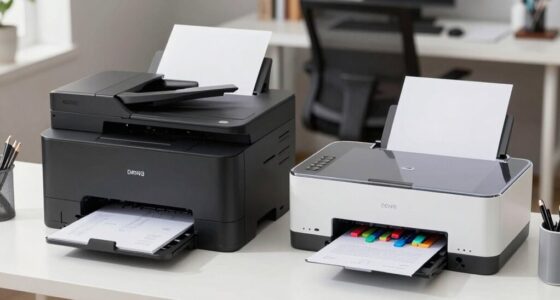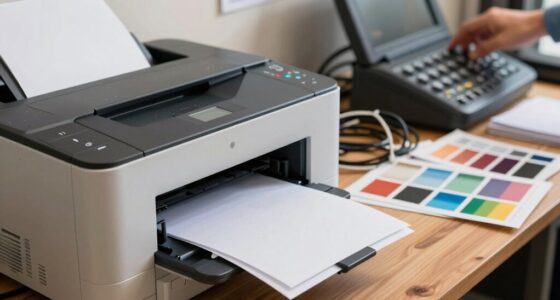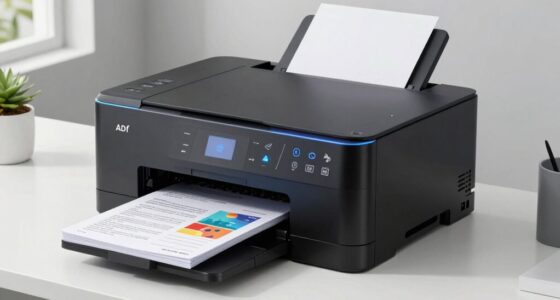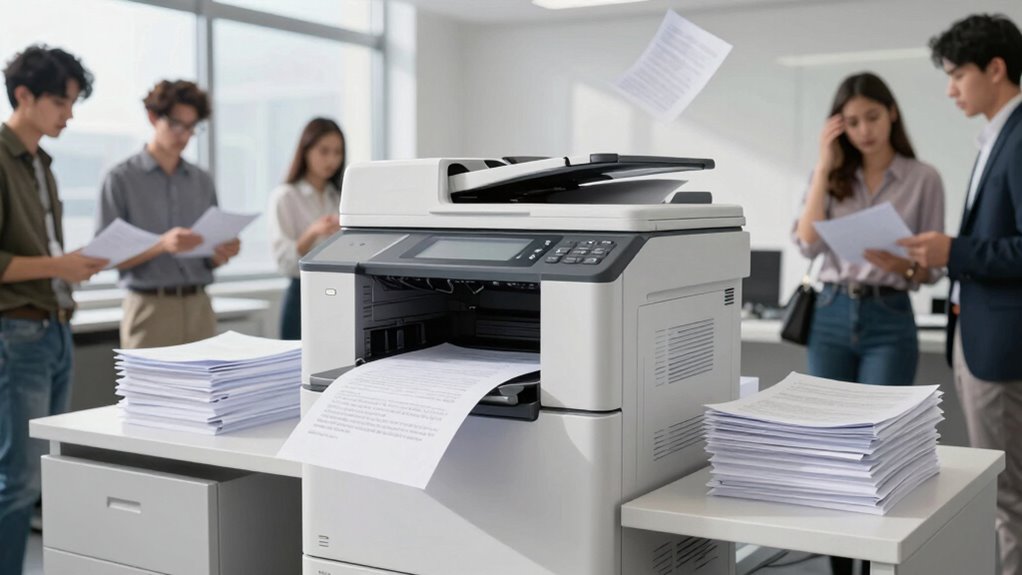
Poor placement of multi-user printers leads to delays, congestion, and frustration, breaking your workflow. If printers are too far away or poorly accessible, users waste time searching and queueing, causing bottlenecks. Crowded spots reduce efficiency, and uncomfortable positioning causes fatigue. By following simple placement rules—such as ergonomic heights, clear pathways, and logical locations—you can keep things flowing smoothly. Want to discover how strategic setup can transform your print environment? Keep exploring to find out more.
Key Takeaways
- Poor placement causes delays and confusion, disrupting the smooth flow of print jobs among multiple users.
- Lack of clear organization leads to congestion and increased wait times at the printer area.
- Inaccessible or awkwardly positioned printers increase user effort and reduce overall efficiency.
- Without designated queues or color coding, users struggle to identify their print jobs, causing errors.
- Inconsistent placement and signage hinder maintenance and continuous workflow improvements.
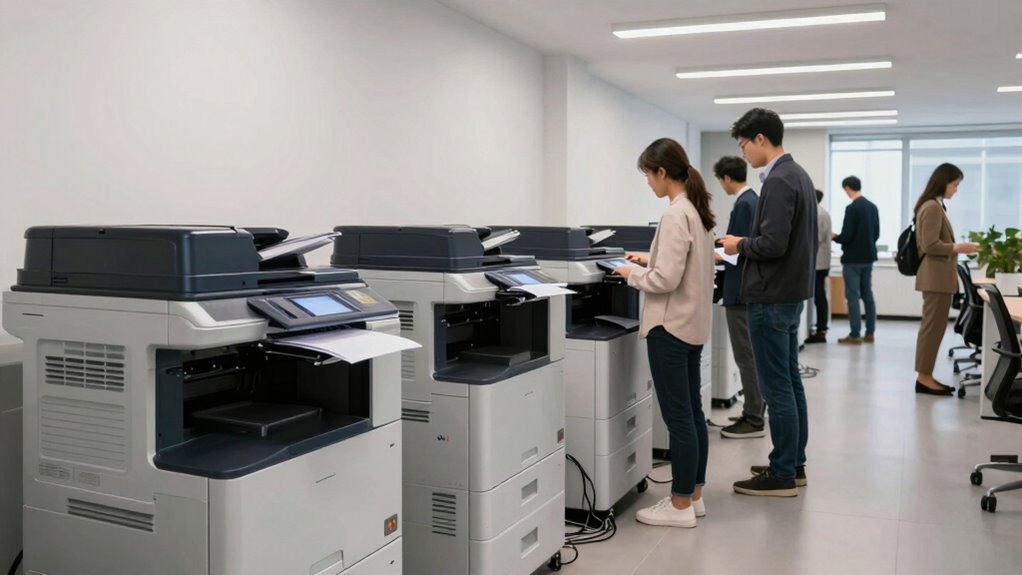
Placing a multi-user printer effectively can markedly boost workflow and reduce downtime in your workspace. When you position your printer strategically, you guarantee that everyone has quick and easy access, minimizing unnecessary movement and wait times. One simple but powerful approach is to implement color coded queues. Assign each department or user group a specific color, and label corresponding queues or areas accordingly. This visual cue helps users quickly identify where to send or retrieve their print jobs, decreasing confusion and preventing bottlenecks. Color coded queues streamline the entire printing process, making it clearer and more organized, especially in busy environments.
Implement color coded queues to enhance organization and speed up printing workflows in busy workspaces.
In addition to visual organization, paying attention to ergonomic design when placing your printer is vital. You want the printer at a height that reduces strain on users when they’re loading paper or removing printed documents. Position it within comfortable reach, ideally at waist level, to avoid awkward bending or stretching. An ergonomically placed printer also decreases the risk of repetitive strain injuries and speeds up routine tasks. When you take into account the ergonomic aspect, you make the workspace more user-friendly, encouraging frequent use without discomfort. Furthermore, workspace flow also benefits from proper placement, as it helps in maintaining a clean and clutter-free workspace, which can contribute to overall efficiency. Ensuring that the placement supports organization and efficiency can help prevent clutter and streamline daily operations. Additionally, considering workspace ergonomics helps ensure that users can operate the printer comfortably over extended periods, reducing fatigue.
The location of the printer impacts more than just user comfort—it’s about efficiency. If you place the printer too far from most users, it causes unnecessary delays. Conversely, setting it too centrally can create congestion, especially in high-traffic areas. A good rule of thumb is to position the printer where it’s accessible to the majority of users but doesn’t disrupt other work activities. Keep pathways clear and ensure there’s enough space around the device for multiple users to operate comfortably simultaneously.
Another factor to think about is the proximity to power outlets and network connections. A well-placed printer minimizes cable clutter and reduces the risk of connectivity issues, which can cause frustrating delays. When you plan your layout, think about the flow of your workspace—placing the printer in a logical, easily accessible spot that aligns with your overall office design. This ensures that print jobs move smoothly from user to device, without unnecessary detours or interruptions.
Finally, remember that ongoing maintenance and visibility are vital. Place signs or labels that reinforce the use of color coded queues and remind users of ergonomic best practices. Regularly review your printer placement and adjust if you notice bottlenecks or user discomfort. When you follow these simple rules—thoughtful placement, color coded queues, ergonomic design—you create a print environment that’s efficient, user-friendly, and capable of supporting seamless workflows.

METYERRY Large Printer Stand with Power Outlet, with Height Adjustable Storage Shelf, 3 Tier Rolling Printer Cart with Industrial Wheels, 23.6 x 23.6 Inches Printer Table for Home Office,Black
【Spacious Storage Solution】 This printer stand features a large 23.6" square tabletop with a 200lb weight capacity, perfect…
As an affiliate, we earn on qualifying purchases.
As an affiliate, we earn on qualifying purchases.
Frequently Asked Questions
How Do I Determine the Ideal Number of Printers for My Office?
You determine the ideal number of printers by evaluating your workspace efficiency and ensuring ergonomic placement. Start by analyzing how many employees print daily and their proximity to printers. Place printers in high-traffic, central locations to minimize walking distance. Too few printers cause delays, while too many clutter the space. Balancing these factors helps maintain smooth workflows, keeps employees comfortable, and improves overall productivity.
What Are Common Mistakes in Multi-User Printer Placement?
Imagine a crowded hallway with printers scattered randomly—you’ll face printer congestion and frustrated users. Common mistakes include placing printers too far from users or clustering them in one spot, which hampers accessibility. Without considering user flow and accessibility, your team struggles with delays and congestion. To avoid this, strategically position printers where they’re most accessible, and guarantee even distribution to streamline workflows and reduce user frustration.
How Can I Optimize Print Workflows for Large Teams?
To optimize print workflows for large teams, focus on efficient print queue management and user access controls. Guarantee printers are strategically placed to minimize travel time and prevent bottlenecks. Implement clear access controls so only authorized users can print or manage jobs, reducing confusion. Regularly monitor print activity to identify issues early, streamline processes, and maintain a smooth workflow. This approach keeps printing seamless and reduces downtime for your team.
What Security Concerns Arise With Shared Printers?
Think of shared printers as gateways to sensitive information. Your main security concerns include unauthorized access, which can be controlled through access control, and data breaches, mitigated by data encryption. Without proper safeguards, hackers might intercept or misuse printed data. To keep your workflows secure, implement strict access controls and encrypt data in transit and at rest, ensuring only authorized users handle confidential documents.
How Often Should Printer Placement Be Reviewed and Adjusted?
You should review and adjust printer placement at least every six months, based on printer usage patterns and staff changes. Regular assessments help guarantee ideal workflow and accessibility. Keep a maintenance schedule aligned with these reviews to prevent downtime and security issues. By actively managing placement, you reduce congestion, improve efficiency, and address any emerging security concerns, making sure your print environment stays functional and secure for everyone.

Avery Rectangular Color Coding Labels, Assorted, Removable, Pack of 525 (06721)
Manage and identify items efficiently with bright rectangle labels that allow for effective color-coding and organizing for home,…
As an affiliate, we earn on qualifying purchases.
As an affiliate, we earn on qualifying purchases.
Conclusion
So, next time your print workflow crashes harder than your favorite app, just remember: a little planning with clear rules can save the day. Don’t leave your printers stranded in the wrong corner or hidden behind a mountain of paper—unless you’re aiming for chaos. Keep it simple, keep it strategic, and you’ll avoid turning your office into a print disaster zone. After all, nobody wants to chase down their printouts like a digital detective.

Fannova Printer Table Stand with Height Adjustable Shelf, 3 Tier Rolling Printer Cart with Wheels for Home Office Storage and Organization, Industrial Style
【Sturdy and Heavy Duty】With each of the strong particle board braced by the robust steel tube frame underneath…
As an affiliate, we earn on qualifying purchases.
As an affiliate, we earn on qualifying purchases.

HP DeskJet 2855e Wireless All-in-One Color Inkjet Printer, Scanner, Copier, Best-for-home, 3 month Instant Ink trial included. This printer is only 2.4 ghz capable. (588S5A)
The DeskJet 2855e is perfect for homes printing to-do lists, letters, financial documents and recipes. Print speeds up…
As an affiliate, we earn on qualifying purchases.
As an affiliate, we earn on qualifying purchases.