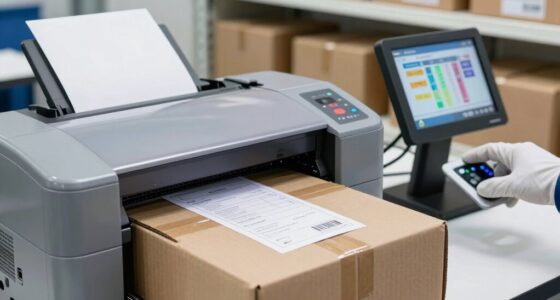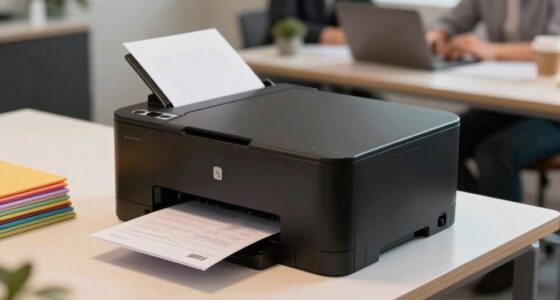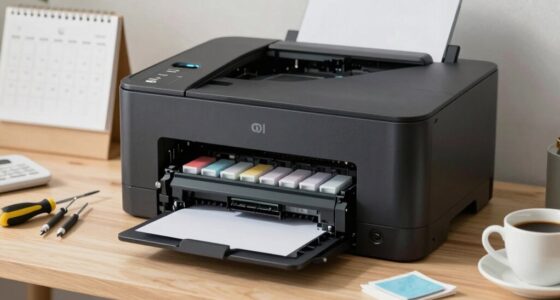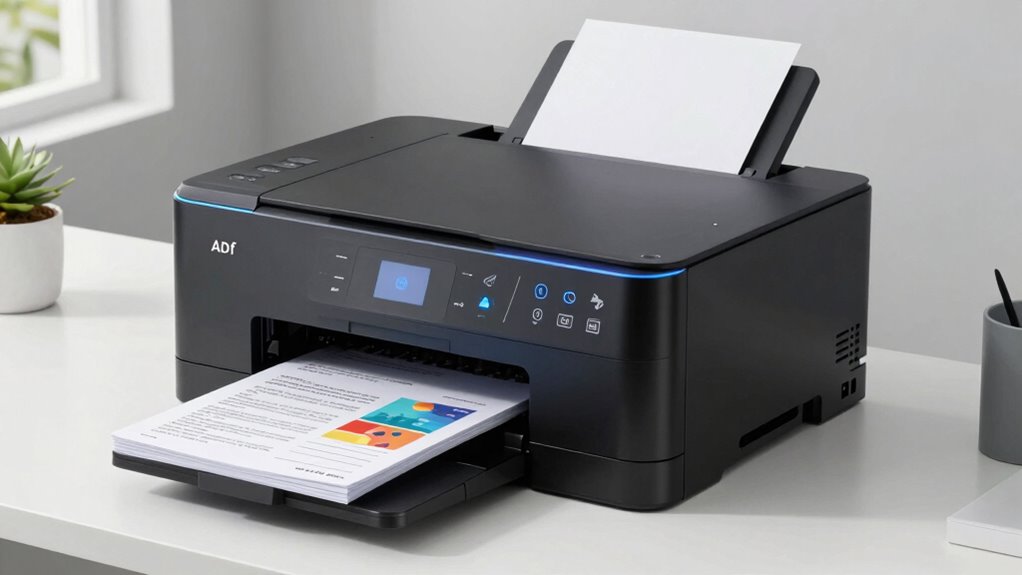

Using Automatic Document Feeders (ADF) and duplex printing helps you match your printer’s capabilities to actual needs, saving time, paper, and energy. ADF speeds up multi-page scanning and printing, cutting down manual effort. Duplex printing reduces paper waste and costs by printing on both sides automatically. Combining these features optimizes workflow, lowers expenses, and boosts efficiency. Keep exploring to discover how these smarter printing practices can transform your office operations.

Get business pricing on office and shipping supplies
- Business-only prices and quantity discounts
- Tax-exempt purchasing
- Multiple users, one account, clear invoices
Key Takeaways
- Match printer features like ADF and duplex printing to your volume to improve efficiency and reduce waste.
- Use ADF for high-volume, multi-page document scanning or copying to save time.
- Enable duplex printing for double-sided pages to cut paper costs and support sustainability.
- Regularly maintain and configure printer settings to optimize performance and prevent jams.
- Combine ADF and duplex features with energy-saving modes for a smarter, cost-effective workflow.
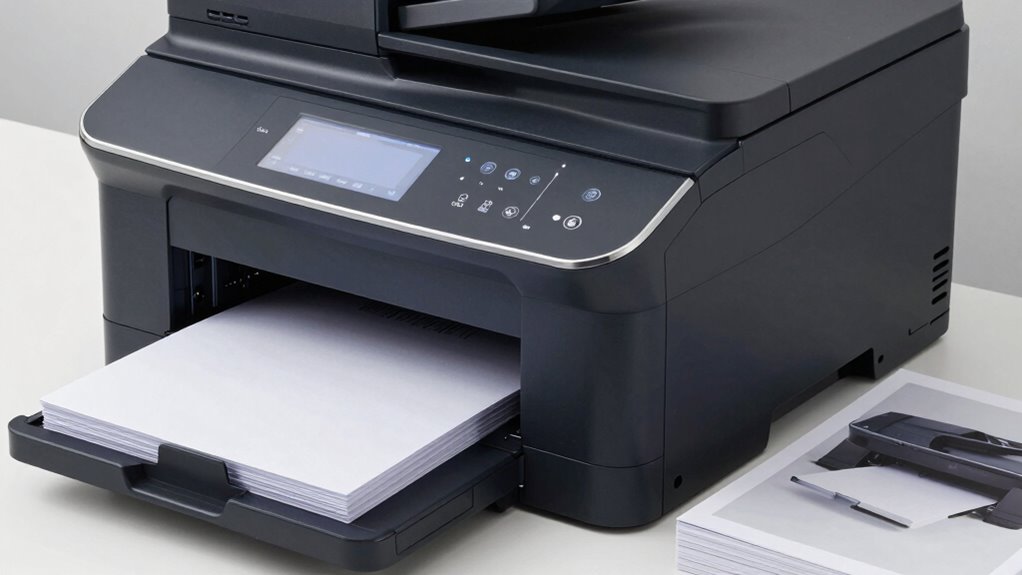
Ever wondered how modern printers streamline your printing tasks? One of the biggest improvements comes from understanding features like Automatic Document Feeders (ADF) and duplex printing capabilities. These functions are designed to make your workflow smoother and more efficient, but only if you choose the right combination for your needs. For example, if you’re frequently printing large stacks of documents, an ADF can save you significant time by automatically feeding multiple pages without manual intervention. This efficiency means less time spent watching the printer and more time focusing on your work.
However, efficiency isn’t just about speed. It also involves reducing issues like paper jams, which can disrupt your productivity. A well-designed ADF minimizes paper jams by properly aligning pages and controlling the feed process, but it’s also important to keep an eye on the quality of your paper. Using the right paper type and maintaining your equipment can prevent jams and keep your workflow flowing smoothly. Additionally, understanding printer features helps you maximize your device’s potential and avoid unnecessary upgrades. Proper device maintenance can further enhance performance and longevity. Alongside this, energy efficiency plays a *vital* role in modern printing; many printers now incorporate energy-saving modes that activate during periods of inactivity, reducing power consumption. When paired with duplex printing, which doubles the number of pages printed per sheet, you cut down on paper waste and energy use simultaneously. This sustainable approach not only saves money but also aligns with environmentally conscious practices. Implementing cost-effective strategies further ensures you’re optimizing your printer’s capabilities without incurring unnecessary expenses.
In addition, selecting the right printer settings can help tailor your printing process to match your specific needs, making the entire workflow more efficient and cost-effective.
automatic document feeder (ADF) office printer
As an affiliate, we earn on qualifying purchases.
As an affiliate, we earn on qualifying purchases.
Frequently Asked Questions
How Do I Troubleshoot Paper Jams in ADF and Duplex Printers?
To troubleshoot paper jams in ADF and duplex printers, start by turning off the printer and carefully removing any jammed paper. Check for proper paper alignment and clear any debris or torn pieces that could cause future jams. Gently realign the paper, ensuring it’s within the guides. Regularly inspecting and maintaining proper paper alignment helps prevent jams, keeping your printer running smoothly and efficiently.
What Maintenance Is Required for ADF and Duplex Printing Mechanisms?
You should regularly check paper alignment and clean the rollers to keep your ADF and duplex printing mechanisms running smoothly. Misaligned paper can cause jams, so verify that sheets are properly aligned before printing. Clean rollers with a soft, lint-free cloth to remove dust and debris, ensuring smooth paper feeds. Consistent maintenance prevents paper jams, maintains print quality, and extends your printer’s lifespan.
Are There Cost Differences Between Single and Duplex Printing?
Yes, there’s a noticeable cost difference between single and duplex printing. Duplex printing generally reduces paper expenses since it prints on both sides, lowering paper consumption. However, it may slightly increase energy use and wear on your printer components, which could impact maintenance costs. An expense analysis shows that, over time, duplex printing often saves money, especially with high-volume printing, making it a smarter choice for cost-conscious users.
How Do I Select the Right Printer for High-Volume Printing Needs?
You should choose a high-capacity printer with fast print speeds and excellent ink efficiency. Did you know that 60% of businesses see a significant boost in productivity when using high-volume printers? Focus on models designed for heavy workloads, ensuring they can handle your daily volume without constant refilling or slowdowns. This way, you’ll save time and money while meeting your high-volume printing demands efficiently.
Can ADF and Duplex Features Be Added to Existing Printers?
Yes, you can add Automatic Document Feeder (ADF) and duplex printing features to some existing printers, but it depends on your printer model. Check if your printer supports upgrades or accessory modules for automatic feeding and double-sided printing. If compatible, installing these features lets you streamline your workflow, handle large volumes efficiently, and reduce paper use. Always consult your printer’s manual or manufacturer to verify compatibility.
As an affiliate, we earn on qualifying purchases.
Conclusion
By mastering ADF and duplex printing, you’re like a seasoned captain steering the seas of efficiency and sustainability. You’ll save time, cut costs, and reduce waste—making every print job a smooth voyage. Think of it as steering your ship with a steady hand, avoiding the stormy waters of excess paper and energy use. Embrace these tools, and you’ll open a smarter, greener way to meet your printing needs—your journey to smarter printing starts now.
multi-page document scanner with ADF
As an affiliate, we earn on qualifying purchases.
As an affiliate, we earn on qualifying purchases.
As an affiliate, we earn on qualifying purchases.
Halloween Picks
halloween
As an affiliate, we earn on qualifying purchases.