To optimize your shipping label workflow, match your printer type to your actual demand. For high-volume shipping, industrial or thermal printers offer speed, durability, and low ongoing costs, reducing errors and ensuring professional labels. Lower or sporadic volumes suit desktop or inkjet printers, providing flexibility for customization and detailed images. Choosing the right printer improves efficiency and saves money. Keep exploring to discover how the right setup can simplify your entire process.

Get business pricing on office and shipping supplies
- Business-only prices and quantity discounts
- Tax-exempt purchasing
- Multiple users, one account, clear invoices
Key Takeaways
- Match high-volume demands with industrial or thermal printers for speed, durability, and cost efficiency.
- Use desktop or inkjet printers for lower or sporadic volume, prioritizing label customization and color.
- Consider printing technology: thermal offers reliability and minimal maintenance; inkjet allows design flexibility.
- Assess label durability requirements to select printers that meet environmental and handling conditions.
- Ensure printer compatibility with order management systems for seamless workflow integration.
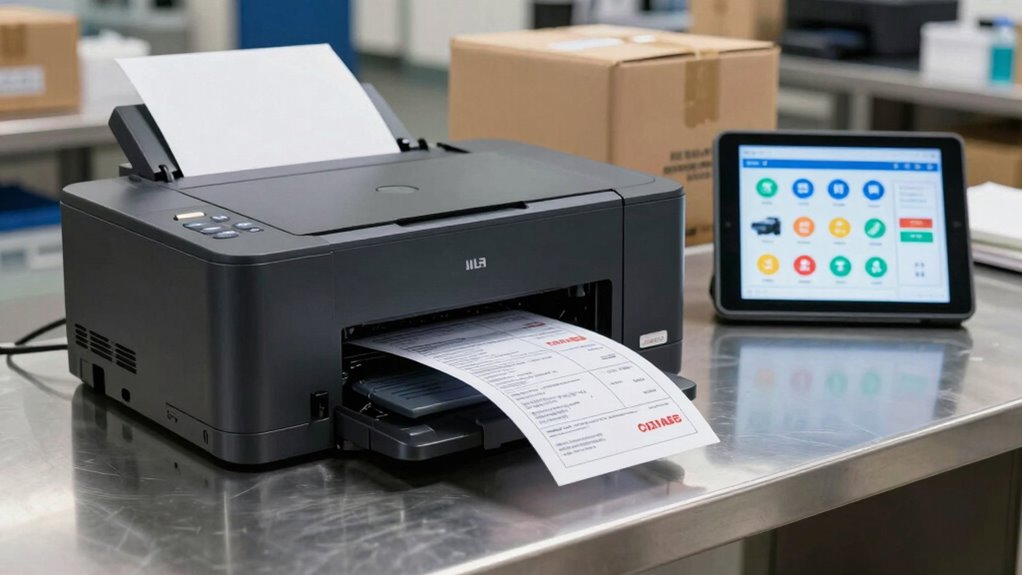
Creating an efficient shipping label workflow is essential for streamlining your shipping process and reducing errors. When you get your label creation right, you save time, minimize mistakes, and improve overall efficiency. One critical aspect is understanding how to match your printer type to your real demand, which directly impacts your label customization options and printing technology choices. By aligning these elements, you guarantee your labels are accurate, legible, and professional, reflecting well on your business.
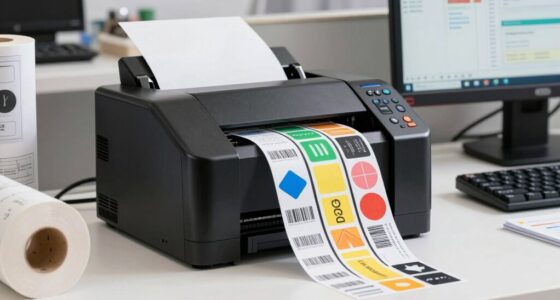
First, consider the volume of labels you need to produce regularly. If your shipping demands are high, investing in industrial or high-speed printers makes sense. These printers utilize advanced printing technology, such as thermal or thermal transfer, which can handle large volumes quickly without sacrificing quality. Thermal printers, in particular, are popular because they produce crisp, smudge-free labels, ideal for shipping environments that demand durability and speed. Their printing technology eliminates the need for ink or toner, reducing ongoing costs and maintenance.
High-volume shipping benefits from industrial thermal printers for fast, durable, and cost-effective label production.
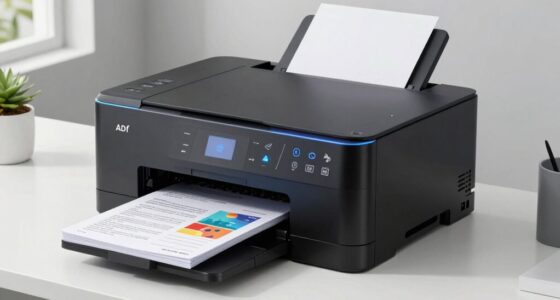
On the other hand, if your shipping volume is lower or more sporadic, a desktop or inkjet printer might suffice. These printers are more versatile for label customization, allowing you to print detailed graphics or color-coded labels when needed. Inkjet printers excel at producing high-quality images and detailed labels, but their slower speed and higher ink costs make them less ideal for high-volume operations. When choosing your printer, think about how much you need to print daily and whether the label quality and customization options justify the investment. Additionally, understanding the printing technology involved can help you make a more informed decision aligned with your specific demands.
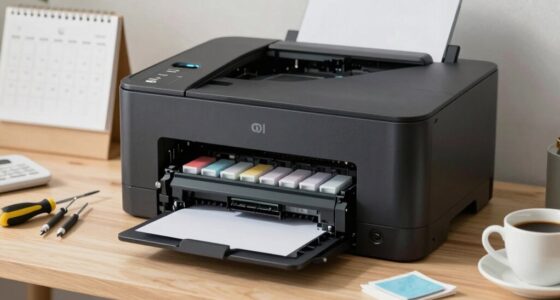
Furthermore, your choice of printing technology affects how you integrate label customization into your workflow. Thermal printers are generally more straightforward, with fewer moving parts and less maintenance, making them reliable for repetitive, high-volume tasks. Inkjet or laser printers may require more frequent cleaning and ink replacements but give you greater flexibility with label design and color options. Matching your printer type to your demand also involves considering your system’s compatibility with label templates and software, ensuring seamless integration with your order management system.
industrial thermal label printer
As an affiliate, we earn on qualifying purchases.
As an affiliate, we earn on qualifying purchases.
Frequently Asked Questions
How Do I Choose the Right Label Material for Different Shipments?
You should select label material based on shipment conditions, considering label adhesive strength and environmental factors. For shipments exposed to moisture or rough handling, choose waterproof or high-adhesion labels to prevent peeling or damage. Environmental considerations are vital—opt for eco-friendly, biodegradable labels if sustainability matters. Matching the label material to your shipment’s environment guarantees durability, secure adhesion, and maintains a professional appearance, reducing reruns and customer complaints.
What Are Common Troubleshooting Tips for Printer Jams?
Think of printer jams like a troubled troubadour—solving them takes patience. To troubleshoot, regularly perform printer maintenance and keep the rollers clean. Check for misaligned labels or debris that could cause jams. Use jam prevention settings if available, and make certain you’re using the correct label material. Clearing jams promptly and maintaining your printer helps prevent future issues, saving you time and avoiding frustration.
How Can I Automate Label Printing for High-Volume Shipping?
You can automate label printing for high-volume shipping by implementing automated label integration with your shipping software. Set up print queue management to guarantee labels are processed efficiently, reducing manual intervention and delays. Use software that seamlessly connects your order system to your printers, enabling continuous, reliable label production. This approach streamlines your workflow, minimizes errors, and helps you handle high demand smoothly without constant oversight.
What Security Features Should I Consider for Shipping Labels?
You should prioritize security features like tamper-evident label design and security ink to protect against fraud and theft. Use label design elements that are difficult to duplicate, such as holograms or special patterns. Incorporate security ink that’s visible only under certain light or with specific tools. These measures guarantee your shipping labels stay authentic, safeguarding your shipments and providing peace of mind throughout the shipping process.
How Do I Track Shipping Label Printing Errors Effectively?
Like a trusty knight in shining armor, you can track shipping label printing errors by monitoring print logs and error reports regularly. Focus on label printing accuracy and implement error prevention strategies such as validating label data before printing and using print management software. Keep an eye on printer performance, and promptly address recurring issues. This proactive approach helps guarantee smooth operations and reduces costly shipping mistakes.
As an affiliate, we earn on qualifying purchases.
Conclusion
By now, you see that matching your printer type to actual shipping demands isn’t just a fancy trick—it’s a game-changer. Think of it like upgrading from a horse-drawn carriage to a sleek Model T; efficiency skyrockets, and frustration drops faster than a juggler’s pins. Keep this workflow in mind, and you’ll streamline your shipping process like a well-oiled machine. So, embrace these basics and make your operations as smooth as a 1920s jazz tune.
high-volume shipping label printer
As an affiliate, we earn on qualifying purchases.
As an affiliate, we earn on qualifying purchases.
thermal transfer shipping label printer
As an affiliate, we earn on qualifying purchases.
As an affiliate, we earn on qualifying purchases.
Fall Picks
fall essentials
As an affiliate, we earn on qualifying purchases.