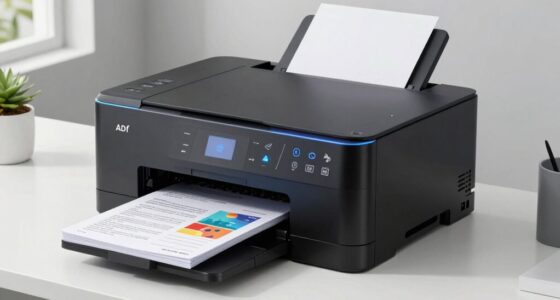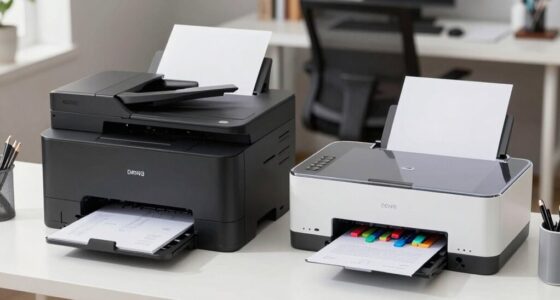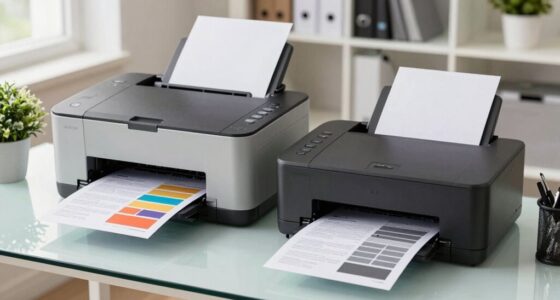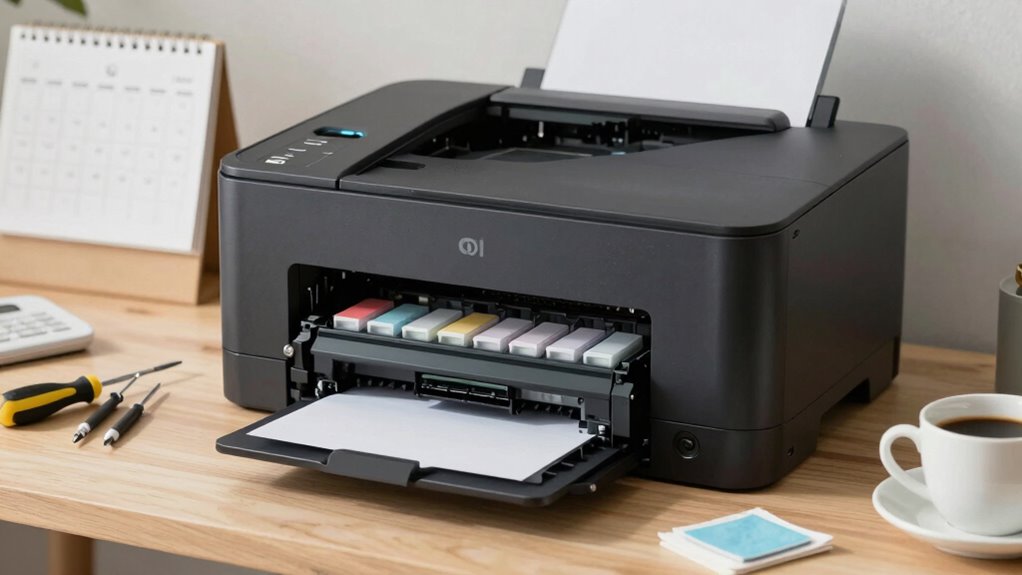

To keep your printer running smoothly and cut down on waste and headaches, set up a regular maintenance schedule. Check and clean cartridges, clear paper jams, and keep vents dust-free monthly. Update firmware and monitor internal components regularly. Proper upkeep prevents poor print quality, jams, and ink wastage, saving you time and money. Stick to this routine, and you’ll avoid costly repairs and interruptions. Keep going to discover best practices for a hassle-free printer experience.

Get business pricing on office and shipping supplies
- Business-only prices and quantity discounts
- Tax-exempt purchasing
- Multiple users, one account, clear invoices
Key Takeaways
- Perform monthly checks of ink cartridges, paper alignment, and internal components to prevent issues and extend printer lifespan.
- Regularly clean paper trays, rollers, vents, and external surfaces to prevent dust buildup and paper jams.
- Update firmware and monitor internal parts periodically to ensure optimal performance and early problem detection.
- Replace or refill ink cartridges promptly when print quality declines to avoid waste and ink drying issues.
- Follow manufacturer guidelines for jam clearing and internal cleaning to minimize damage and maintain smooth operation.
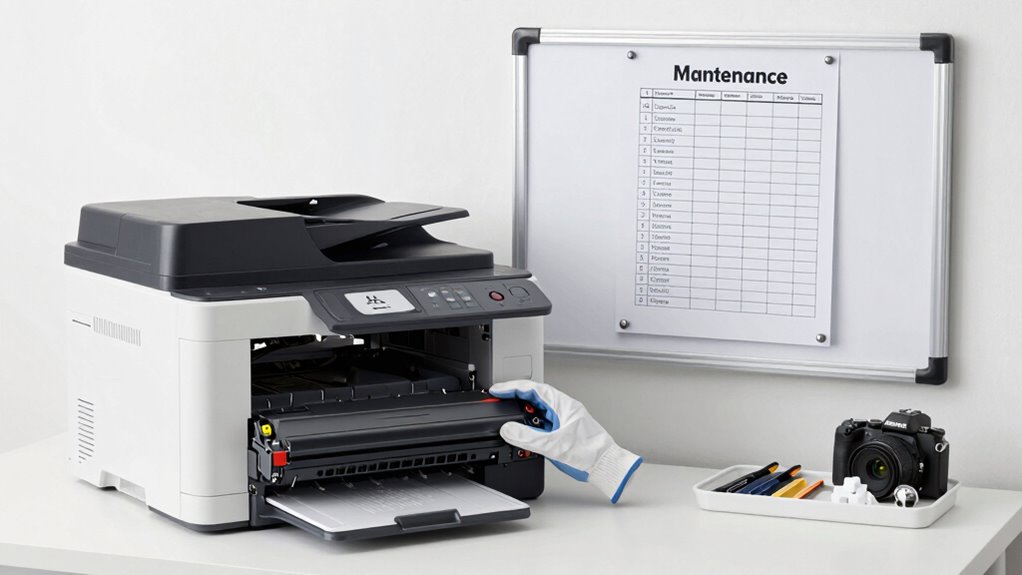
How often should you perform maintenance on your printer to keep it running smoothly? The truth is, regular upkeep is essential for avoiding common issues like poor print quality, ink cartridge problems, and paper jams. By sticking to a consistent schedule, you can extend your printer’s lifespan and save money in the long run. You don’t need to do extensive maintenance every week, but checking and cleaning your printer every month or so can prevent small problems from becoming big headaches.
Start by inspecting the ink cartridge. If you notice faded prints or colors that look off, it’s likely time to replace or refill it. Even if the cartridge isn’t empty, sometimes ink can dry out or clog the nozzles, especially if you don’t print often. Cleaning the cartridge contacts and nozzles regularly helps ensure your printer produces crisp, clear images and text. Many printers have built-in cleaning functions—use these periodically to keep ink flowing smoothly. Remember, neglecting the ink cartridge can lead to uneven printing and unnecessary waste, which defeats the purpose of a maintenance schedule.
Inspect and clean ink cartridges regularly to prevent clogs and ensure crisp, clear prints.
Paper jams are another common issue that can disrupt your workflow. To prevent jams, always load paper correctly, making sure it’s aligned properly and not overfilled. Dust and debris inside the paper tray or rollers can also cause jams, so it’s wise to clean these areas every month with a soft, lint-free cloth. If you do experience a jam, don’t yank the paper out forcefully—gently follow the manufacturer’s instructions to clear it. Regularly checking the rollers for wear and tear helps you catch issues early before they lead to frequent paper jams, which can damage your printer and waste paper. Additionally, monitoring the internal components helps you identify potential problems early, saving you from costly repairs and downtime. Keeping the internal environment of your printer clean and free of dust can also improve overall performance and longevity. Regularly inspecting and maintaining these parts can also help detect early signs of failure and prevent unexpected breakdowns.
In addition to inspecting the ink cartridge and paper path, keep your printer’s exterior clean and dust-free. Dust accumulation can affect internal components and lead to overheating or poor print quality. Use compressed air or a soft brush to remove dust from vents and internal parts if accessible. Also, update your printer’s firmware periodically. Manufacturers often release updates that improve performance, fix bugs, and optimize ink usage. Regular maintenance also includes monitoring internal components, which helps identify potential issues before they cause costly repairs.
As an affiliate, we earn on qualifying purchases.
Frequently Asked Questions
How Often Should I Replace Printer Ink or Toner?
You should replace your ink cartridge or toner when print quality declines or when the printer signals low ink or toner levels. Typically, ink cartridges have a shorter lifespan and need replacing every few hundred pages, while toner cartridges last longer, requiring toner replacement roughly every 2,000 to 3,000 pages. Monitoring your usage and following your printer’s alerts guarantees peak performance and cost efficiency, avoiding unexpected ink or toner shortages.
What Are Signs My Printer Needs Maintenance?
You’ll notice your printer needs maintenance when print quality declines, with streaks or faded areas, or if it jams frequently. Unusual noises or increased paper waste also signal trouble. Addressing these issues promptly boosts printer longevity and maintenance efficiency. Regularly checking for dust, cleaning print heads, and updating drivers can prevent problems, ensuring smooth operation and fewer headaches down the line. Stay attentive to these signs for peak performance.
Can Regular Cleaning Improve Print Quality?
You bet regular cleaning can do wonders for your print quality. When you keep the print head free of dust and ink buildup, your prints come out sharper and more consistent. Also, cleaning guarantees better paper quality, reducing smudges and streaks. Think of it as giving your printer a spa day—it’s a small effort that pays off with clearer, more professional-looking results every time.
How Do I Troubleshoot Common Printer Errors?
When you encounter a print error, start troubleshooting by checking for paper jams or low ink levels. Restart your printer and make sure all cables are secure. Use troubleshooting tips like running the printer’s diagnostic tools or updating drivers. Clear any error messages on the display. If issues persist, consult the manual or software support. Staying proactive with troubleshooting helps fix common printer errors quickly and keeps your printer running smoothly.
Is It Better to Service In-House or Hire Professionals?
Sure, DIY repairs seem cheaper, but the irony is you might spend more time fixing issues than printing. Hiring professionals often costs more upfront, but their expertise can save you money in the long run through efficient repairs and fewer mistakes. Conduct a thorough cost analysis—consider your skill level, time, and potential for costly errors—before deciding whether in-house servicing or professional help makes more sense for your printer maintenance.
As an affiliate, we earn on qualifying purchases.
Conclusion
By sticking to a regular printer maintenance schedule, you’ll keep your device running smoothly like a well-oiled machine. This simple habit can save you from frustrating breakdowns and unnecessary waste, making your printing experience hassle-free. Think of it as giving your printer a health check-up—small effort now prevents big headaches later. Stay consistent, and you’ll enjoy crisp, reliable prints while reducing waste and stress. Your printer will thank you, and so will your peace of mind.
As an affiliate, we earn on qualifying purchases.
As an affiliate, we earn on qualifying purchases.
Halloween Picks
halloween
As an affiliate, we earn on qualifying purchases.