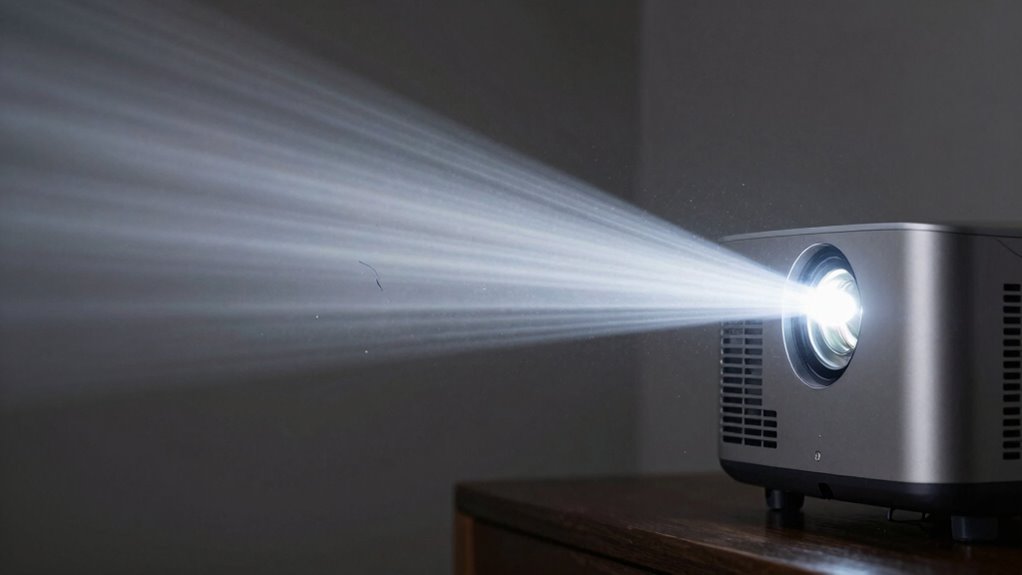

Your projector’s brightness, measured in lumens, plays a bigger role in visibility and image quality than design or resolution alone. Higher lumens make images clearer and more vivid, especially in bright rooms, while lower lumens work well in dark spaces. Choosing the right brightness depends on your environment to avoid dull or washed-out images. If you want to discover how to optimize your projector for perfect visibility, keep exploring these essential factors.
Key Takeaways
- Brightness, measured in lumens, directly affects how clear and vivid the projected image appears in various lighting conditions.
- Higher lumens are essential for visibility in well-lit environments, preventing images from appearing washed out.
- Proper projector brightness balances ambient lighting and image quality, ensuring sharpness without harshness.
- Brightness alone isn’t enough; contrast ratio and resolution also influence overall image clarity and detail.
- Selecting the right lumen level based on environment optimizes visibility, energy use, and projector lifespan.
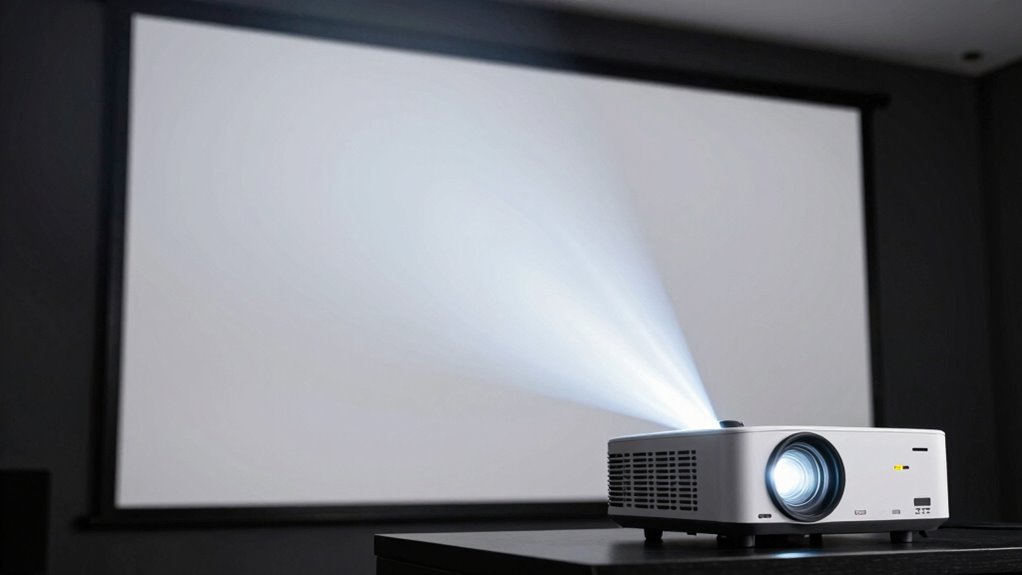
Have you ever wondered why some projectors produce a brighter, clearer image than others? It all comes down to projector brightness, which significantly influences how well your display performs in different environments. Brightness, measured in lumens, determines how vividly your image appears, especially in spaces with ambient lighting. When ambient lighting is strong, a projector with higher lumens ensures your image stays sharp and visible, preventing it from appearing washed out or dim. Conversely, in darker rooms, you can opt for a lower lumen projector without sacrificing image clarity, which can also help extend the device’s lifespan and save energy.
Understanding how ambient lighting impacts your viewing experience is crucial. If you set up your projector in a well-lit room or a space with lots of natural light, a high-brightness projector becomes essential. It compensates for the ambient lighting’s interference, allowing the image to cut through the brightness and stay clear. Without enough lumens, your projection could look dull, with details lost in the glare of surrounding light. On the other hand, if your environment is dark or controlled, a projector with moderate brightness can deliver a crisp, vibrant image without wasting energy or risking overexposure. Additionally, the lumens measurement itself helps guide your choice based on your specific needs, especially considering how ambient lighting affects visibility. Recognizing the importance of proper projector placement also plays a key role in optimizing your viewing experience.
Brightness directly influences image clarity, rendering fine details and vibrant colors more effectively. Too little brightness, and the image might appear hazy or faint, making it difficult to distinguish fine details or enjoy vivid colors. Too much brightness in a dark room can cause the image to appear overly harsh or washed out, reducing overall clarity. That’s why selecting the right brightness level for your specific environment is vital. It’s a balancing act: you want enough lumens to overcome ambient lighting, but not so many that the image becomes uncomfortable or loses its natural look.
In addition to ambient lighting, other factors influence how brightness impacts your viewing experience. The projector’s contrast ratio, lens quality, and image resolution all play roles in achieving optimal image clarity. However, brightness remains the foundation for a clear, visible picture, especially in environments with unpredictable or strong ambient lighting. Properly considering projector specifications helps ensure you choose a model that balances brightness with other key features for your space. Ultimately, choosing the right projector brightness isn’t just about specs; it’s about understanding your space and how you want to experience your content. When you select a projector with appropriate lumens for your environment, you ensure your images are bright, sharp, and captivating, no matter where you’re watching.

ONOAYO Outdoor-Projector-4K with AI Auto Focus,50WDolby Audio,Built-in Apps
- Streaming Compatibility: Supports Netflix, YouTube, Prime Video, and more
- Built-in Apps: Access top streaming platforms without extra devices
- Smart TV OS: 2026 Smart TV OS 2.0 with AI enhancements
As an affiliate, we earn on qualifying purchases.
As an affiliate, we earn on qualifying purchases.
Frequently Asked Questions
How Does Projector Brightness Affect Image Clarity in Different Lighting Conditions?
Higher projector brightness improves image clarity in various lighting conditions, especially in ambient light settings. When you increase brightness, the image remains vivid and clear, even if there’s lots of ambient light. It also helps maintain color accuracy, making reds, blues, and other hues look true to life. Conversely, low brightness causes the image to wash out or appear dull in bright rooms, reducing clarity and color fidelity.
What Is the Ideal Lumen Range for Home Theater Projectors?
For a home theater, you should aim for a projector with 1,500 to 3,000 lumens. In low ambient light, lower lumens work well, providing better color accuracy and contrast. If your room has more ambient light, opt for higher lumens to guarantee clear images. Balancing brightness with ambient light levels helps you enjoy vibrant visuals and accurate colors, enhancing your viewing experience.
Can Higher Brightness Improve Projector Lifespan?
Increasing projector brightness doesn’t necessarily improve bulb lifespan and can actually shorten it. Higher brightness often means higher power consumption, which accelerates bulb wear over time. If you want your projector’s bulb to last longer, it’s best to keep brightness within recommended levels. This helps reduce strain on the bulb, preserves its lifespan, and minimizes unnecessary power use, ensuring the device remains efficient and durable.
How Does Screen Size Influence the Perceived Brightness?
Think of your screen as a stage—larger screens demand more brightness for the same impact. As you increase size, perceived brightness drops because screen glare and ambient contrast become more noticeable, making images seem dimmer. To maintain clarity, you need higher brightness levels. Without this, your display might struggle against ambient light, losing detail and causing eye strain, especially in bigger setups.
Are There Energy Efficiency Considerations Related to Brightness Levels?
Yes, higher brightness levels increase energy consumption, which affects power efficiency. When you set your projector to maximum brightness, it uses more electricity, leading to higher energy costs and a larger environmental footprint. To save energy, you can lower brightness settings without sacrificing too much visibility, especially in well-lit rooms. Balancing brightness with energy efficiency helps you reduce power consumption while maintaining a clear, vibrant display.

Aurzen Roku TV D1R Smart Portable Outdoor Projector with WiFi and Bluetooth
- Activation Requirement: Roku account and internet needed
- Power Supply: 100-240V AC, 50/60Hz
- Top Streaming Apps: Netflix, Prime Video, Hulu, YouTube, Roku Channel
As an affiliate, we earn on qualifying purchases.
As an affiliate, we earn on qualifying purchases.
Conclusion
Ultimately, understanding projector brightness helps you make smarter choices, ensuring your visuals shine just enough to captivate without overwhelming. Remember, a well-balanced display isn’t about the brightest beam but the one that best suits your space and purpose. By paying attention to these subtle nuances, you create an environment where your content speaks clearly and comfortably. Sometimes, it’s not about being the loudest, but about finding the right tone that truly resonates.
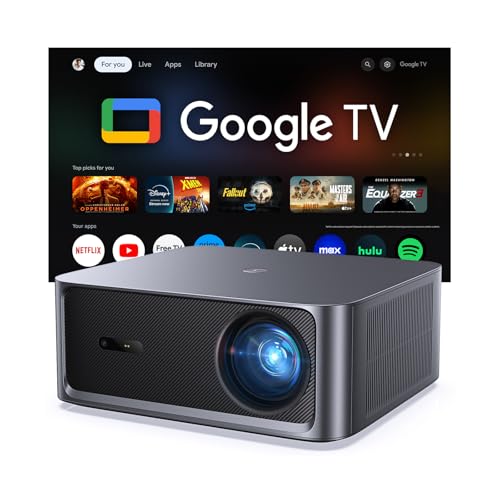
HAPPRUN 3000 ANSI Lumens Outdoor Projector with Official Google TV
- Built-in Google TV: Access 1,000+ streaming apps instantly
- Bright 3000 ANSI Lumens: Vivid images in day or night
- Supports 4K with HDR10+: Cinematic visuals with enhanced contrast
As an affiliate, we earn on qualifying purchases.
As an affiliate, we earn on qualifying purchases.

ViewSonic PX700HDH 3700 Lumens 1080p Projector, High Brightness and Supercolor Technology for Smooth Home Entertainment, 1.1x Optical Zoom, and Vertical Keystone for Flexible Setup, and Dual HDMI
- Resolution: Full HD 1920x1080p
- Brightness: 3700 Lumens for Bright Images
- Throw Ratio: 1.5-1.6 for Flexible Placement
As an affiliate, we earn on qualifying purchases.
As an affiliate, we earn on qualifying purchases.