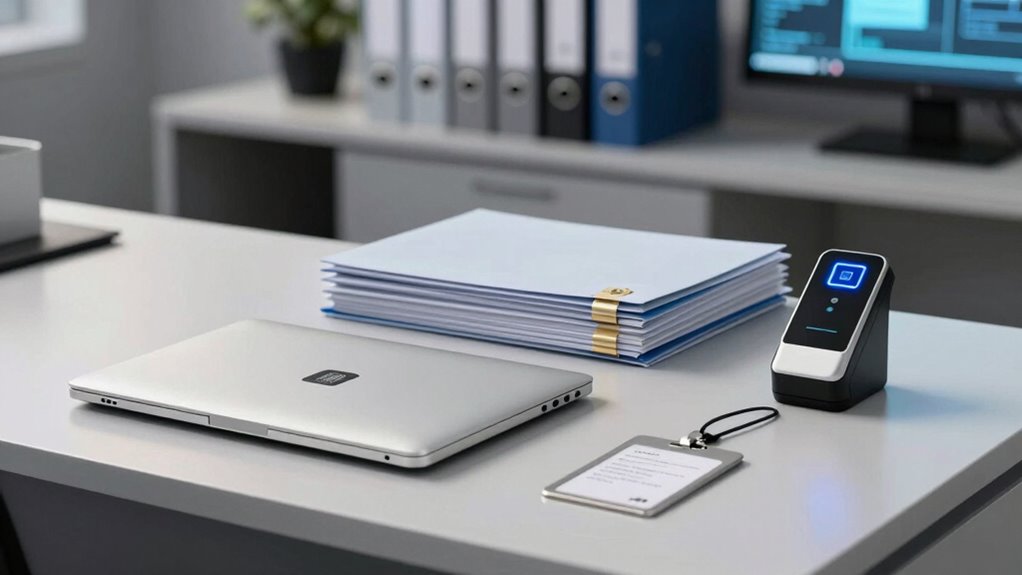

To strengthen your office document security, start by identifying sensitive info and applying strong encryption and access controls early. Use multi-factor authentication and automated management tools to limit access and track activity. Share documents via secure platforms instead of unsecured email, ensuring audit trails for accountability. Regularly update your security policies and educate your team on best practices. Staying proactive in monitoring threats keeps your data protected — keep exploring to uncover more essential strategies.

Get office and shipping supplies delivered free — and shop member deals
- Fast, free delivery on millions of items
- Access to Prime Big Deal Days deals on October 6–7
- Prime Video, Amazon Music and more included
Key Takeaways
- Incorporate encryption and access controls during initial document creation to prevent unauthorized access from the outset.
- Regularly review and update permissions and security protocols as roles and threats evolve.
- Use secure sharing platforms with tracking and audit trails to monitor document access and maintain accountability.
- Educate staff on security best practices, including strong passwords and recognizing phishing, early in the workflow.
- Continuously monitor security measures and adapt strategies to emerging threats for ongoing protection.
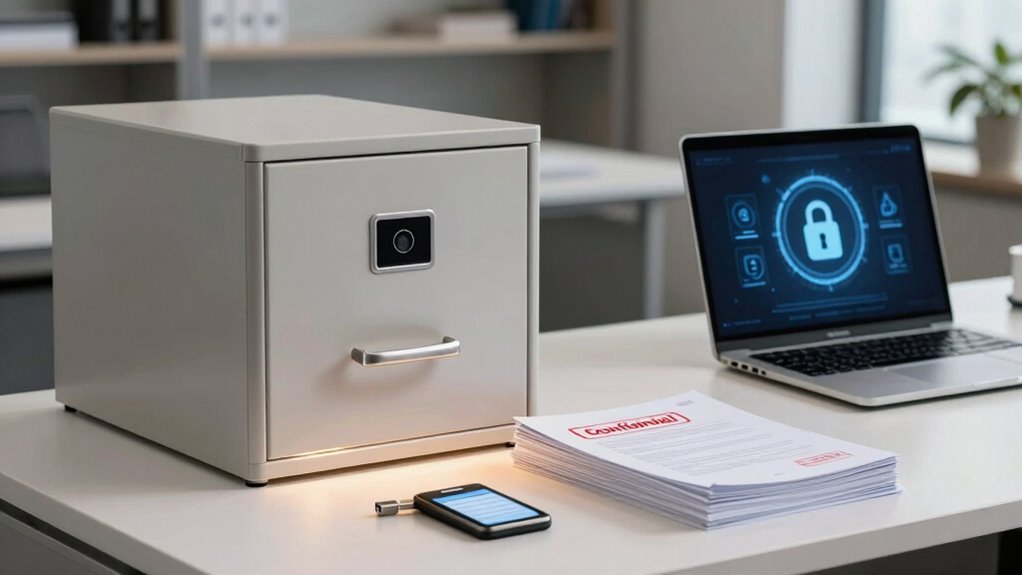
Have you ever wondered how organizations keep their sensitive documents safe from unauthorized access? It’s not just about locking files in a cabinet or setting a password on a computer. Today’s digital landscape demands a more sophisticated approach, starting with a well-thought-out document security workflow. The foundation of this workflow often begins with digital encryption, which transforms your files into an unreadable format unless someone has the right decryption key. This guarantees that even if a document is intercepted or accessed without permission, it remains unintelligible. But encryption alone isn’t enough. You also need robust access controls to determine who can view, edit, or share specific documents. Access controls act like digital gatekeepers, setting permissions based on roles, departments, or individual users. They prevent unauthorized personnel from opening sensitive files, reducing the risk of data breaches and complying with privacy regulations.
When you design your document security workflow, you should start by identifying the types of sensitive information your organization handles. Once you know what needs protection, you can implement appropriate encryption methods and access controls tailored to each category. For example, highly confidential financial reports might require stronger encryption protocols and restricted access through multi-factor authentication. Regularly reviewing and updating access permissions is essential because staff roles change, and new threats emerge. Automated access management tools can help you maintain tight control without adding extra administrative burden. Incorporating risk management strategies into your security protocol ensures you’re prepared for potential vulnerabilities. Additionally, implementing security policies that clearly define staff responsibilities can significantly enhance your overall security posture.
Your workflow should also include a secure method for sharing documents. Instead of relying on unsecured email attachments, consider encrypted sharing platforms that enforce access controls and track who views or downloads files. This not only keeps documents secure during transit but also provides an audit trail for accountability. Additionally, educating your team about security best practices is indispensable. People often inadvertently compromise data security by neglecting simple measures like weak passwords or clicking on phishing links. Training sessions reinforce the importance of following encryption standards and respecting access controls, making your organization’s security measures more effective.
Finally, your document security workflow isn’t a one-time setup; it’s an ongoing process. You need to monitor, audit, and adapt your security measures as technology evolves and new vulnerabilities surface. Staying informed about emerging security threats and best practices ensures your defenses remain robust. By prioritizing digital encryption and access controls from the start, you create a layered defense that greatly reduces the risk of data leaks. This proactive approach not only protects your organization’s sensitive information but also builds trust with clients and partners who rely on your commitment to confidentiality.
digital document encryption software
As an affiliate, we earn on qualifying purchases.
As an affiliate, we earn on qualifying purchases.
Frequently Asked Questions
How Often Should Document Security Protocols Be Reviewed?
You should review your document security protocols at least annually, or after any significant changes like policy updates or new compliance requirements. Conduct periodic audits to identify vulnerabilities and guarantee adherence. Regular reviews help you stay ahead of potential threats, adapt to evolving risks, and maintain robust security. Don’t wait too long—staying proactive with these reviews protects sensitive data and keeps your security measures effective.
What Are the Common Mistakes in Document Security?
You often make mistakes by neglecting proper data encryption and access management. Failing to encrypt sensitive documents leaves them vulnerable to breaches, while weak access controls allow unauthorized personnel to view or edit confidential information. Make sure you regularly update encryption protocols and strictly manage access rights. Overlooking these steps can compromise your document security, putting your organization at risk and undermining trust in your data handling practices.
How Can Remote Teams Ensure Document Safety?
To keep your remote team’s documents safe, prioritize secure remote collaboration tools that offer robust digital encryption. Always use encrypted file-sharing platforms and secure login methods. Educate your team on best practices, like avoiding public Wi-Fi and enabling two-factor authentication. Regularly update security protocols and monitor access logs to prevent unauthorized access. This proactive approach guarantees your sensitive information stays protected, even when working remotely.
What Tools Are Best for Document Access Control?
You should consider tools like Microsoft Azure or Google Workspace, which use robust encryption techniques and customizable access permissions. These platforms allow you to restrict document access based on roles, ensuring sensitive info stays secure. Imagine only authorized team members viewing confidential files—no worries about accidental leaks. By implementing these tools, you proactively safeguard your documents, making your remote team’s workflow both efficient and secure.
How to Train Staff on Document Security Best Practices?
You should focus on access awareness and effective training techniques to teach staff about document security best practices. Start with interactive sessions that highlight real-world risks, and use scenario-based training to reinforce lessons. Encourage open discussions, provide clear guidelines, and regularly update staff on new threats. By making training engaging and ongoing, you help guarantee everyone understands the importance of document security and follows best practices consistently.
multi-factor authentication security device
As an affiliate, we earn on qualifying purchases.
As an affiliate, we earn on qualifying purchases.
Conclusion
By implementing a solid document security workflow, you’re building a fortress around your sensitive information, much like a reliable shield protects a knight. Don’t wait until a breach occurs to take action—think of security as your first line of defense, not an afterthought. When you prioritize early safeguards, you create a seamless, resilient system that keeps your data safe and your team confident. Remember, proactive security is the key to keeping your office’s trust intact.
secure document sharing platform
As an affiliate, we earn on qualifying purchases.
As an affiliate, we earn on qualifying purchases.
automated access management tools
As an affiliate, we earn on qualifying purchases.
As an affiliate, we earn on qualifying purchases.
Halloween Picks
halloween
As an affiliate, we earn on qualifying purchases.