
📊 Full opportunity report: Build vs Buy a Prebuilt AI Workstation on ThorstenMeyerAI.com — validation score, market gap, and execution plan.
TL;DR
The traditional cost advantage of building your own AI workstation has diminished in 2026 due to component shortages and price spikes. Buyers must now compare actual prices for their configurations, as prebuilt systems often match or beat DIY costs. The decision depends on control, time, and thermal management preferences.
In 2026, the long-standing assumption that building a custom AI workstation is cheaper than buying a prebuilt has been challenged by rising component costs and shortages, making the choice more complex for buyers.
Component shortages for DDR5 RAM, GPUs, and SSDs have driven prices sharply higher, with DIY builds now often costing $1,250 or more before software licenses, surpassing previous estimates. Meanwhile, large prebuilt manufacturers, who purchased components in bulk before prices spiked, can now offer systems at comparable or even lower prices than DIY options for similar configurations.
This shift means that the traditional rule—DIY is always cheaper—no longer applies in 2026. Buyers must now compare actual prices for their specific configurations, considering factors like thermal management, warranty, and time investment. High-end prebuilt vendors, such as Lambda and BIZON, validate thermals and run extensive burn-in tests, offering warranties and optimized cooling solutions that are difficult to replicate at home. Conversely, DIY builders retain full control over component selection and thermal tuning, but must invest time and expertise to achieve comparable thermal performance.
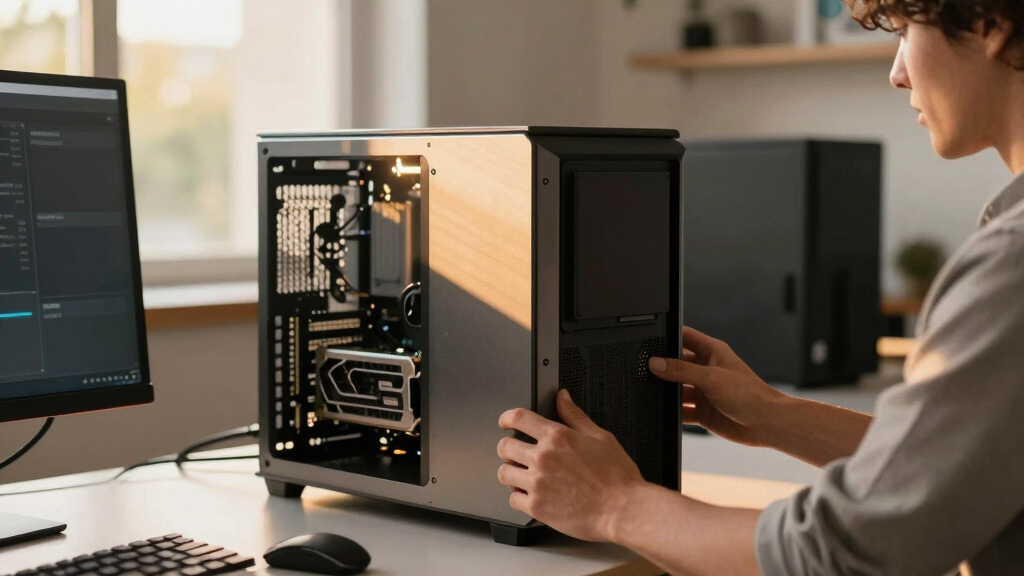
Build vs buy
an AI workstation.
The real question behind this whole series: do you pull the five heat-and-noise levers yourself, or buy a prebuilt where the vendor pulled them for you? And in 2026, the old “building is cheaper” rule has broken. Match your situation in Part 3.
Why Cost Comparison Is No Longer Straightforward in 2026
This shift impacts buyers' decision-making, as the cost advantage of DIY builds diminishes. It emphasizes the importance of evaluating total costs, including time, thermal management, and warranty, rather than relying solely on component prices. For professionals and hobbyists alike, understanding that prebuilt options may now be more cost-effective or comparable changes the traditional build-vs-buy calculus, influencing procurement strategies across the AI community.
Corsair AI Workstation 300 Desktop PC – AMD Ryzen AI Max 385 CPU – AMD Radeon 8050S iGPU (Up to 48GBs vRAM) – 64GB LPDDR5X 8000MHz Memory – 1TB M.2 SSD – Black
AI-Optimized Compact Workstation: Experience AI performance out of the box with the compact 4.4L form factor, built for...
As an affiliate, we earn on qualifying purchases.
As an affiliate, we earn on qualifying purchases.
2026 Market Conditions and Hardware Shortages
Since 2024, global supply chain disruptions and increased demand for AI hardware have caused sharp price increases for key components like DDR5 RAM, GPUs, and SSDs. Historically, DIY builds benefited from lower costs by sourcing individual parts, but in 2026, bulk purchasing by prebuilt vendors has allowed them to offer competitive or lower prices. This market dynamic has overturned the long-standing assumption that building is always cheaper, prompting a reassessment of the trade-offs involved in acquiring high-performance AI workstations."Component shortages and price spikes have made DIY builds in 2026 nearly as expensive as, or more costly than, prebuilt systems for similar configurations."
— Thorsten Meyer, AI hardware expert

AI Systems Performance Engineering: Optimizing Model Training and Inference Workloads with GPUs, CUDA, and PyTorch
As an affiliate, we earn on qualifying purchases.
As an affiliate, we earn on qualifying purchases.
Uncertainties in Future Hardware Pricing and Availability
It remains unclear how long the current market conditions will persist, and whether component prices will stabilize or continue to rise. Additionally, supply chain disruptions could further influence the cost and availability of key parts, making precise future comparisons challenging.

128GB 4X32GB DDR5 5600MHz PC5-44800 2Rx8 1.1V CL46 288-PIN ECC Unbuffered UDIMM NEMIX RAM Memory KIT
NEMIX RAM is a Distributor and Manufacturer of Computer Memory and Storage Upgrades since 1993, specializing in Enterprise...
As an affiliate, we earn on qualifying purchases.
As an affiliate, we earn on qualifying purchases.
Market Trends and Buyer Decisions in 2026 and Beyond
Buyers should continue to compare current prices for their specific configurations, factoring in thermal management needs and warranty options. As the market evolves, it is likely that prebuilt vendors will further optimize their offerings, possibly expanding their price advantages. Meanwhile, DIY builders may focus on niche customizations or specific control benefits, but overall, the cost advantage is less certain than in previous years.

NOVATECH AI Workstation Desktop PC – Intel Core i9-14900K, Liquid Cooling – Machine Learning, Data Science, 3D Rendering, Video Editing, Simulation (RTX 5080 | 64GB RAM | 2TB)
Extreme AI & Machine Learning Performance Powered by the Intel Core i9-14900K and RTX 5080 with 16GB VRAM,...
As an affiliate, we earn on qualifying purchases.
As an affiliate, we earn on qualifying purchases.
Key Questions
Is building my own AI workstation still cheaper in 2026?
Not necessarily. Due to component shortages and rising prices, DIY builds often cost as much or more than prebuilt systems for similar configurations. Buyers should compare actual prices before deciding.
What are the benefits of buying a prebuilt AI workstation in 2026?
Prebuilts offer validated thermals, extensive testing, warranties, and ready-to-use setups with software preinstalled, saving time and reducing risk of thermal or hardware issues.
Can I customize a prebuilt system to my needs?
Yes, many vendors offer configurable options for GPUs, memory, and cooling solutions, though full customization may be limited compared to a DIY build.
Is thermal management still a reason to build my own system?
Yes, building allows precise control over cooling and airflow, but it requires expertise. Prebuilt systems often come with factory-validated thermal solutions that can match or exceed DIY performance.
How should I decide between building and buying in 2026?
Evaluate current prices for your specific configuration, consider your time and expertise, thermal needs, and whether warranty and support are priorities. The traditional cost advantage of DIY has diminished, making a detailed comparison essential.
Source: ThorstenMeyerAI.com