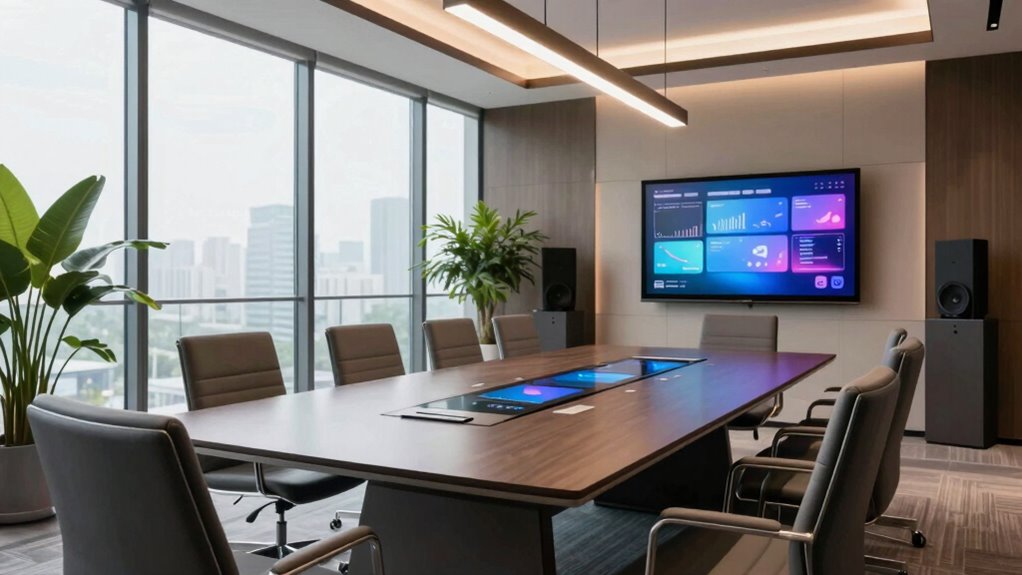

To upgrade your hybrid meeting room, focus on high-quality cameras and microphones that capture clear audio and visuals from all angles. Guarantee reliable internet and flexible lighting for professional videos. Use multiple screens for seamless content sharing, and organize your space to foster engagement and easy access controls. Properly wired cables and well-placed furniture enhance flow and comfort. Keep these essentials in mind, and you’ll create a space that impresses everyone—continue on to learn even more.
Key Takeaways
- Invest in high-quality cameras and microphones for clear visuals and audio from all angles.
- Ensure reliable, high-bandwidth internet and secure network infrastructure for seamless virtual participation.
- Incorporate adjustable lighting to enhance video quality and participant visibility.
- Use large or multiple screens for content sharing to maintain visual engagement.
- Arrange furniture for optimal sightlines and easy access to controls for a professional environment.
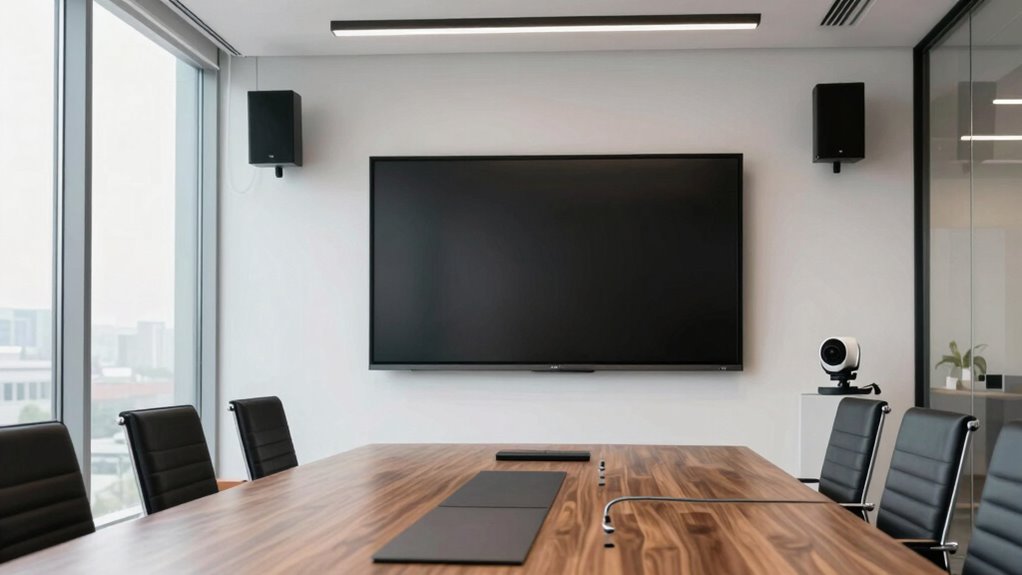
Setting up a hybrid meeting room can be challenging, but having a clear checklist guarantees everything runs smoothly. When you’re aiming to support seamless virtual collaboration, every detail matters. The key to a successful hybrid meeting space lies in a well-designed audio visual setup that bridges the gap between in-person and remote participants. When you get this right, your team won’t just notice—it’ll experience a more engaging, productive meeting every time.
Start with your audio visual setup. Invest in high-quality cameras that can capture the entire room clearly and provide versatile angles. Microphones are equally vital; choose those that can pick up voices from different areas of the room without distortion. Clear audio ensures everyone, whether in the room or online, can hear and be heard, making communication effortless. Test all equipment beforehand to avoid disruptions. You should also consider a large, easy-to-view display or multiple screens to share presentations, documents, or any relevant content. Consistent visuals keep everyone on the same page and minimize confusion.
Next, focus on the virtual collaboration tools. Select a reliable video conferencing platform that integrates smoothly with your AV setup. Verify that it supports features like screen sharing, chat, breakout rooms, and polling, enabling dynamic interactions. Make sure your internet connection is robust enough to handle high-quality video streams without lag. Secure your network to prevent interruptions or security breaches during meetings. Configure your devices to automatically connect to the conferencing platform to save time and reduce technical glitches. Ensuring proper network security is essential for safeguarding sensitive information during virtual meetings. Additionally, consider implementing audio and visual synchronization protocols to enhance the overall meeting experience. Incorporating adequate bandwidth is equally critical to maintaining high-quality streams and avoiding interruptions. Maintaining a consistent and reliable network infrastructure is fundamental to supporting cloud server solutions that can handle the data demands of high-definition video and real-time collaboration.
Lighting is another critical aspect. Proper lighting enhances video quality, making participants look clear and professional. Avoid harsh or uneven lighting, and consider adjustable lighting options so you can adapt to different room conditions. Test the lighting during setup to ensure everyone’s face is well-lit and visible on camera.
Finally, prepare the physical space. Arrange the furniture to foster engagement, with a central table or seating that faces the displays and cameras. Ensure cables are organized and hidden to maintain a tidy environment. Provide easy-to-access controls for volume, camera angles, and screen sharing, so you or your team can make adjustments quickly during meetings.
high-quality conference room camera
As an affiliate, we earn on qualifying purchases.
As an affiliate, we earn on qualifying purchases.
Frequently Asked Questions
What Is the Ideal Room Size for a Hybrid Meeting?
For a hybrid meeting, aim for a room size that comfortably fits your team, typically around 300 to 400 square feet. Consider room dimensions that allow flexible seating arrangements, like U-shape or boardroom setups, for clear sightlines and audio clarity. Make certain there is enough space for equipment like cameras and microphones. This setup creates an inclusive environment, encouraging engagement and seamless communication during your hybrid meetings.
How Do I Ensure Audio Quality in a Hybrid Setup?
To guarantee audio quality in a hybrid setup, focus on sound calibration and strategic microphone placement. You should calibrate your audio system regularly to minimize echo and background noise. Position microphones correctly—ideally, close to speakers and away from noise sources—to capture clear sound. Test the audio beforehand, adjusting settings as needed. This approach guarantees everyone, whether remote or in-room, experiences crisp, high-quality sound during your meetings.
What Budget Is Needed for a Basic Hybrid Meeting Upgrade?
You should plan a modest budget of around $3,000 to $5,000 for a basic hybrid meeting upgrade. This investment covers essential equipment like a quality camera, microphone, and reliable display. Budget planning helps you prioritize equipment investment, ensuring you get the best features without overspending. Keep in mind, quality audio and video are key to engaging hybrid meetings, so focus on reliable tech that enhances the experience.
Which Technology Brands Are Recommended for Hybrid Rooms?
You should consider trusted brands like Logitech, Poly, and Cisco for hybrid meeting rooms. These brands excel in video conferencing and wireless collaboration technology, ensuring seamless communication. Logitech offers user-friendly cameras and speakerphones, while Poly provides all-inclusive video solutions. Cisco’s collaboration tools are reliable for larger spaces. Choosing these brands helps create an efficient hybrid environment, making your meetings smooth and professional, and ensuring everyone stays connected, no matter where they are.
How Can I Train Staff to Use New Hybrid Equipment Effectively?
Think of training staff on new hybrid equipment as planting seeds for virtual collaboration success. You can start by providing hands-on demos, creating simple user guides, and holding regular refresher sessions. Encourage open questions to clear confusion and emphasize the importance of equipment maintenance. This approach helps your team navigate technology smoothly, ensuring everyone stays connected and productive during hybrid meetings.
wireless microphone for meetings
As an affiliate, we earn on qualifying purchases.
As an affiliate, we earn on qualifying purchases.
Conclusion
By upgrading your hybrid meeting room with the right checklist, you create a seamless experience that everyone notices. Efficient tech, comfortable seating, and clear audio make all the difference. Did you know that 86% of remote workers say poor audio quality impacts their meeting productivity? Investing in these essentials not only enhances collaboration but also boosts engagement—making your meetings more effective and your team more connected.
large display monitor for presentations
As an affiliate, we earn on qualifying purchases.
As an affiliate, we earn on qualifying purchases.
adjustable LED lighting for video conferencing
As an affiliate, we earn on qualifying purchases.
As an affiliate, we earn on qualifying purchases.