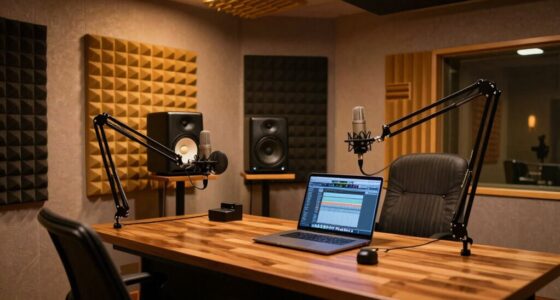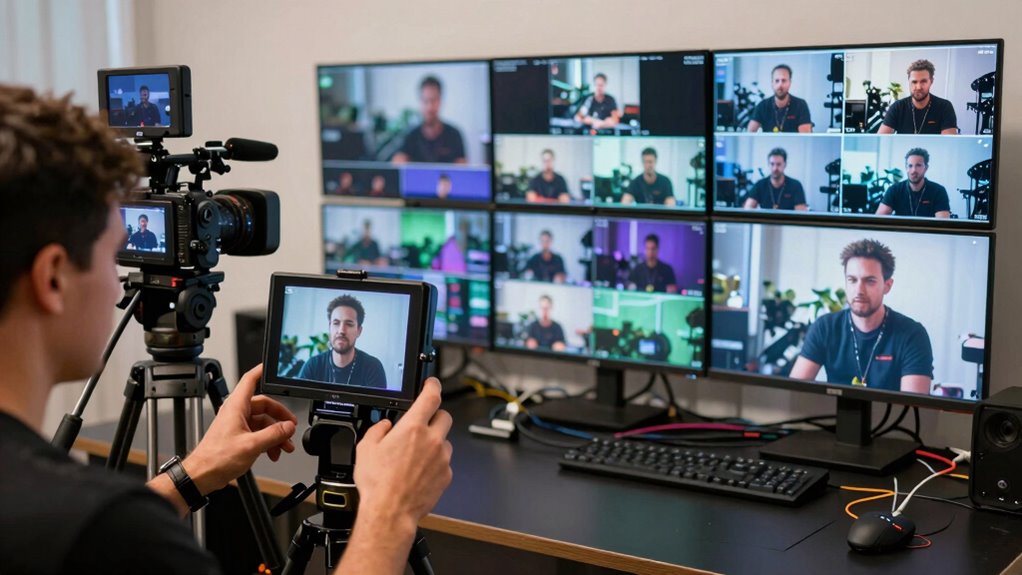
When managing a multi-camera livestream, you quickly learn that alignment between camera angles, lighting, and teleprompting is vital. Poor planning can cause glare, shadows, or awkward eye contact, making your delivery look unprofessional. Testing setups beforehand is essential to guarantee scripts are readable, lighting is consistent, and camera shifts are smooth. If you keep these details in check, you’ll improve your flow and viewer engagement—continue on, and you’ll discover how to master these elements seamlessly.

Get business pricing on office and shipping supplies
- Business-only prices and quantity discounts
- Tax-exempt purchasing
- Multiple users, one account, clear invoices
Key Takeaways
- Properly test camera angles, lighting, and teleprompter placement before going live to prevent distractions and technical issues.
- Synchronize lighting and camera angles to ensure consistent visuals and avoid glare or shadows on the teleprompter.
- Practice delivering lines with the teleprompter at different angles to maintain natural eye contact across multiple cameras.
- Plan shot transitions carefully, adjusting lighting and camera positions to keep the teleprompter readable and the flow smooth.
- Develop an integrated setup that balances teleprompter readability, camera angles, and lighting for a professional, seamless broadcast.
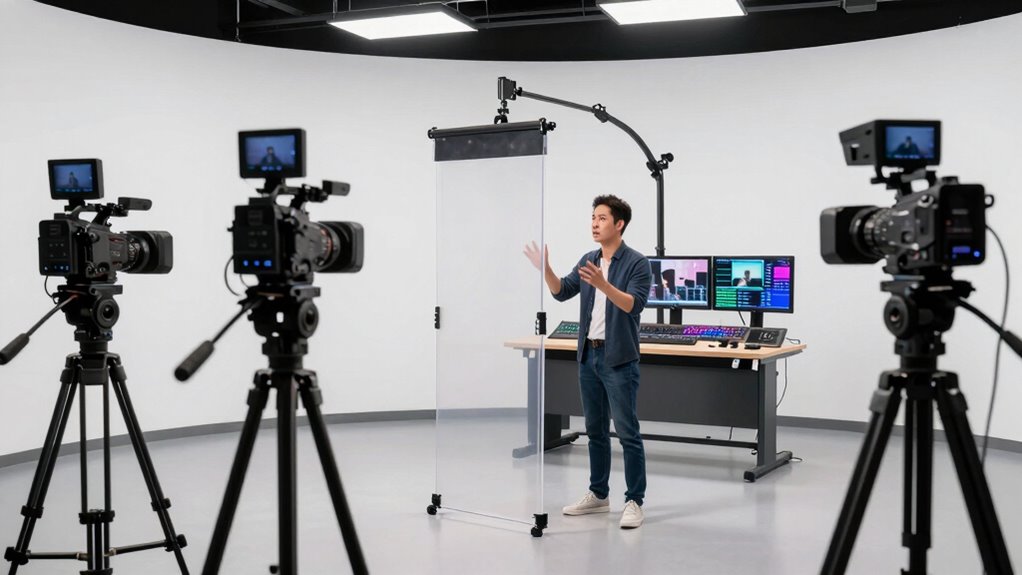
A well-organized multi-camera livestream workflow is essential for delivering professional-quality broadcasts that engage your audience. When you’re managing multiple cameras, it’s easy to underestimate how crucial camera angles and lighting setup are to the overall production. These elements aren’t just about aesthetics—they directly impact how your viewers perceive the content and how smoothly your stream runs. If you overlook planning your camera angles, you’ll find yourself scrambling to switch views at the last minute, creating a disjointed experience. Instead, plan your angles carefully so each shot complements the others, offering variety without confusion. Use wide shots to establish context, close-ups for detail, and mid-shots to maintain connection with your audience. This strategic approach to camera angles ensures your stream feels dynamic and engaging, rather than choppy or inconsistent.
Lighting setup is equally important but often neglected during the planning phase. Poor lighting can make even the best camera angles look flat or unprofessional, while a well-thought-out lighting setup enhances clarity and focus. You want the subject to be clearly visible without harsh shadows or washed-out highlights. When you’re setting up your lights, consider the placement, intensity, and color temperature. Soft, diffused lighting works best for most scenarios, and positioning lights at a 45-degree angle from your subject helps create natural-looking illumination. Remember, your lighting should also complement your camera angles; for example, if you’re switching between close-ups and wider shots, adjust your lighting accordingly to maintain consistency and avoid distracting shadows. Additionally, understanding the importance of proper lighting techniques can make a significant difference in your overall production quality. Testing your lighting setup with your camera angles beforehand can help identify potential issues like glare or uneven illumination, saving you time during the actual broadcast.
Teleprompting adds another layer of complexity that many creators learn the hard way. When you rely on a teleprompter, it’s tempting to focus solely on the script, but you also need to think about how your camera angles and lighting interact with your prompts. If your teleprompter is placed improperly or your lighting causes glare or reflections, you’ll struggle to maintain eye contact or read seamlessly. A common mistake is to neglect practicing with the teleprompter in your actual setup, leading to awkward glances away from the camera or inconsistent delivery. To avoid this, test your camera angles and lighting with the teleprompter beforehand, ensuring that your script is easily readable and your eye line stays natural. Proper planning minimizes disruptions, keeps your delivery smooth, and maintains viewer engagement. Developing a teleprompter setup that works harmoniously with your camera placement and lighting can drastically improve your overall professionalism.
professional teleprompter for live streaming
As an affiliate, we earn on qualifying purchases.
As an affiliate, we earn on qualifying purchases.
Frequently Asked Questions
How Do I Choose the Best Teleprompter for Multi-Camera Setups?
To select the optimal teleprompter for multi-camera configurations, focus on script synchronization and simple teleprompter calibration. You want a system that seamlessly syncs scripts across multiple devices and allows quick calibration to keep prompts aligned with your camera angles. Look for adjustable features, reliable connectivity, and compatibility with your cameras. This guarantees smooth transitions and keeps your delivery natural, avoiding awkward pauses or mismatched prompts during your livestream.
What Are Common Technical Issues During Multi-Camera Livestreams?
You’ll often face technical issues like audio synchronization problems, where your sound and video don’t match, or lighting inconsistencies that make it hard to see you clearly. To avoid these, check your audio and video sync regularly and set consistent lighting across all camera angles. Testing your setup beforehand helps catch issues early, ensuring a smooth livestream. Staying prepared minimizes disruptions and keeps your audience engaged.
How Can I Improve Eye Contact With Multiple Cameras?
Did you know that maintaining eye contact can boost audience engagement by up to 70%? To improve eye contact with multiple cameras, position them at eye level and switch focus smoothly between shots. Practice looking directly into each camera, as if you’re speaking to individual viewers. This creates visual consistency, making your presentation more natural and engaging, helping your audience feel connected and attentive throughout your livestream.
What Is the Ideal Placement for Cameras and Teleprompters?
You should position your cameras at eye level and angle them slightly to the sides, creating natural eye contact. Teleprompter placement is key—place it directly in front of your camera lens to maintain a seamless connection with your audience. Proper camera positioning and teleprompter placement help you look confident and engaging, making your delivery smooth and professional. Adjust angles as needed to avoid awkward glances and keep your focus steady.
How Do I Manage Timing and Cues Across Multiple Cameras?
Managing timing and cues across multiple cameras feels like juggling flaming torches—intense but doable. You need precise cue synchronization and camera coordination, so plan your cue points clearly and communicate them effectively. Use a shared script or teleprompting software to sync cues, and rehearse extensively to guarantee everyone stays in sync. This way, you keep the flow seamless, making your broadcast look professional and polished, even under pressure.
multi-camera livestream lighting kit
As an affiliate, we earn on qualifying purchases.
As an affiliate, we earn on qualifying purchases.
Conclusion
You might think that mastering teleprompting is just about reading lines smoothly, but it’s actually a essential part of a multi-camera livestream workflow. The truth is, relying solely on teleprompting can make your delivery stiff or disconnected. The real secret? Combining it with natural eye contact and camera awareness creates a more authentic, engaging presence. So, don’t just follow the script—use it as a tool to connect deeper with your audience and elevate your livestreams.
adjustable camera tripod for streaming
As an affiliate, we earn on qualifying purchases.
As an affiliate, we earn on qualifying purchases.
teleprompter with remote control
As an affiliate, we earn on qualifying purchases.
As an affiliate, we earn on qualifying purchases.
Halloween Picks
halloween
As an affiliate, we earn on qualifying purchases.