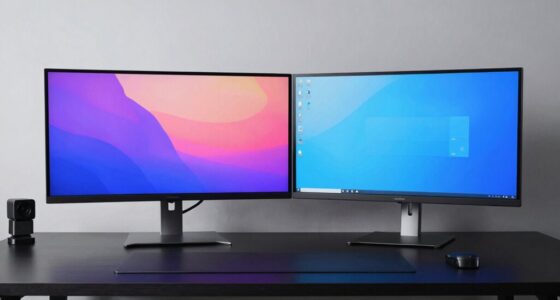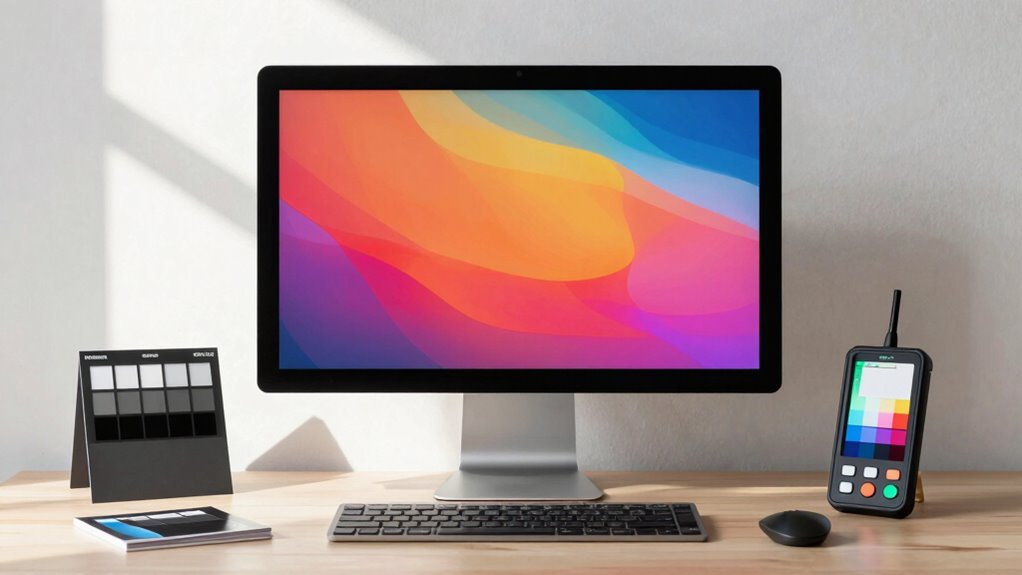

To guarantee your marketing visuals stay consistent and true to your brand, invest in proper calibration and high-quality displays designed for color accuracy. Regularly calibrate your screens using reliable tools and follow industry standards like sRGB or AdobeRGB. This ongoing process helps prevent color drift caused by aging displays or changing lighting conditions, building a lasting setup that maintains visual fidelity. If you keep exploring, you’ll discover how to develop a smarter, more durable screen setup that supports your brand’s success.

Get business pricing on office and shipping supplies
- Business-only prices and quantity discounts
- Tax-exempt purchasing
- Multiple users, one account, clear invoices
Key Takeaways
- Invest in high-quality, color-calibrated displays designed for consistent color accuracy.
- Regularly calibrate screens using professional tools to prevent color drift over time.
- Standardize color profiles (like sRGB or AdobeRGB) across all devices for uniform output.
- Educate team members on calibration best practices to maintain visual consistency.
- Implement a routine calibration schedule to ensure ongoing accuracy and brand consistency.
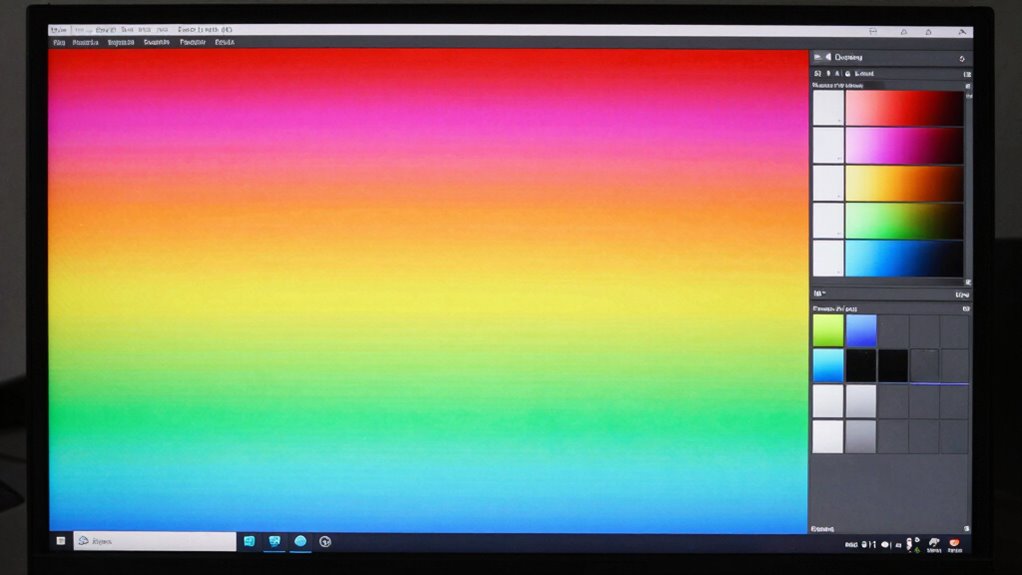
Ensuring accurate color representation is essential for marketing teams aiming to maintain brand consistency and build trust with their audience. When your visuals are true to your brand’s colors, it reinforces recognition and professionalism. Achieving this consistency starts with proper color calibration, which guarantees your screens display colors accurately and uniformly. Without calibration, different monitors can show varying shades, leading to inconsistent visuals that may confuse or even alienate your audience. By regularly calibrating your displays, you guarantee that each image, logo, and piece of content appears just as intended across all devices, maintaining visual consistency that strengthens your brand’s integrity.
Consistent color calibration ensures your visuals are true to your brand and build audience trust.
Color calibration isn’t a one-time task; it’s an ongoing process that keeps your screens aligned with industry standards and your brand guidelines. Investing in reliable calibration tools and dedicating time to calibrate your monitors helps you avoid color drift over time, which can happen due to changes in ambient lighting or the aging of display components. When you prioritize calibration, you create a predictable environment where your colors stay true, streamlining your workflow and reducing the risk of costly reprints or revisions caused by color inaccuracies. Regular calibration also helps support color management practices that ensure visual fidelity across different platforms and mediums. Additionally, understanding industry standards for color accuracy can guide your calibration efforts and ensure consistency. Developing a clear understanding of color space and its applications can further enhance your calibration routine, making it easier to choose the right settings for your specific needs. Proper display profiling is also crucial to maintaining these standards over time.
Visual consistency plays a pivotal role in how your audience perceives your brand. When every piece of visual content aligns perfectly in tone and hue, your messaging becomes more cohesive and professional. This consistency reassures clients and consumers that your brand is meticulous and trustworthy, fostering loyalty and confidence. To achieve this, you need to establish a standardized setup by using calibrated monitors calibrated to industry standards, such as sRGB or AdobeRGB, depending on your needs. This way, you minimize discrepancies between screens and ensure that your team’s output remains uniform, regardless of who’s viewing or editing the content.
Moreover, investing in high-quality displays designed for color accuracy and calibration can make a significant difference. These screens often come with features that facilitate easier calibration and maintain their accuracy over time. Remember, the goal isn’t just to get your colors right once but to sustain that accuracy consistently. When you take proactive steps—using calibration tools regularly, setting standard display profiles, and educating your team—you develop a reliable setup that produces consistent, high-quality visuals. This approach not only saves time and resources but also elevates your brand’s professionalism, making a lasting impression on your audience and supporting your marketing efforts with precision and confidence.
professional monitor calibration tool
As an affiliate, we earn on qualifying purchases.
As an affiliate, we earn on qualifying purchases.
Frequently Asked Questions
How Often Should Color Calibration Be Performed on Marketing Screens?
You should calibrate your marketing screens at least once a month to maintain ideal color consistency. Regular calibration ensures your displays stay accurate, helping your team produce consistent, high-quality visuals. If you frequently update content or work in variable lighting environments, consider calibrating even more often—every two weeks or weekly. Consistent calibration frequency minimizes color discrepancies, ensuring your marketing materials always look their best and reflect true colors to your audience.
What Are the Best Tools for Measuring Color Accuracy?
You should use tools like colorimeters or spectrophotometers for measuring color accuracy, as they provide precise readings to guarantee color consistency across your displays. Popular options include the X-Rite i1Display Pro and Datacolor SpyderX. These tools help you perform display calibration regularly, maintaining accurate colors and consistent branding. By investing in quality measurement devices, you ensure your marketing visuals stay true to your brand’s colors over time.
How Does Ambient Lighting Affect Color Calibration?
Sure, ambient light’s a real hero—always there to mess up your calibration consistency. It influences how colors appear on your screen, making them look different depending on the lighting conditions. When ambient light fluctuates, it’s harder to keep your color calibration accurate over time. To maintain consistency, you need to control ambient light or recalibrate regularly, ensuring your marketing visuals stay true, no matter the lighting environment.
Can Color Accuracy Impact Customer Perception and Brand Trust?
Yes, color accuracy greatly impacts customer perception and brand trust. When your screens maintain consistent color accuracy, your brand appears professional and reliable. Color consistency ensures your marketing materials look the same across devices, reinforcing your brand identity. Conversely, inconsistent colors can confuse customers and diminish trust. Prioritizing precise calibration and lighting conditions helps you achieve true color representation, enhancing overall brand perception and customer confidence.
What Are Common Mistakes to Avoid When Setting up a Color-Accurate Workspace?
You should avoid neglecting proper display calibration, as it’s essential for maintaining color consistency. Don’t skip regular calibration checks, which can cause color shifts over time. Also, steer clear of using mismatched or low-quality monitors, as they compromise accuracy. Consistently update your workspace with calibrated displays and make sure your environment’s lighting doesn’t distort colors. These steps will help you achieve reliable, color-accurate results that build trust with your audience.
color calibration display for designers
As an affiliate, we earn on qualifying purchases.
As an affiliate, we earn on qualifying purchases.
Conclusion
By prioritizing color accuracy, you’re not just optimizing your screen setup—you’re opening a creative powerhouse that can turn even the most complex projects into visual masterpieces. When your displays are finely tuned, you’ll find yourself steering the creative process with the precision of a master surgeon. Don’t settle for less; embrace the smarter way to build a lasting, reliable setup that keeps your brand’s colors true and your ideas shining brighter than a supernova.
high accuracy colorimeter for monitors
As an affiliate, we earn on qualifying purchases.
As an affiliate, we earn on qualifying purchases.
industry standard color calibration software
As an affiliate, we earn on qualifying purchases.
As an affiliate, we earn on qualifying purchases.
Fall Picks
fall essentials
As an affiliate, we earn on qualifying purchases.