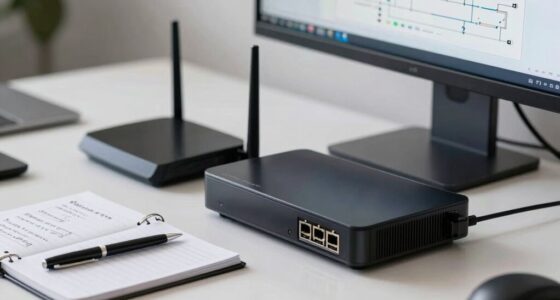
After a close call, you’ll realize that a solid hardware foundation is vital for business continuity. You need reliable servers, storage, and network equipment with built-in redundancy to prevent downtime during failures. Regular backups stored securely off-site or in the cloud are necessary for quick recovery. Testing your hardware guarantees it works when needed most. By prioritizing redundancy and proactive maintenance, you build resilience. Stay connected to discover how to strengthen your hardware setup even further.

Get business pricing on office and shipping supplies
- Business-only prices and quantity discounts
- Tax-exempt purchasing
- Multiple users, one account, clear invoices
Key Takeaways
- Implement redundant hardware to ensure continuous operations during system failures or maintenance.
- Regularly test backup systems and hardware to confirm readiness for disaster scenarios.
- Store backups off-site or in the cloud for quick recovery and data protection.
- Invest in reliable, scalable hardware to minimize downtime and data loss after incidents.
- Develop a comprehensive disaster recovery plan that prioritizes hardware resilience and rapid response.
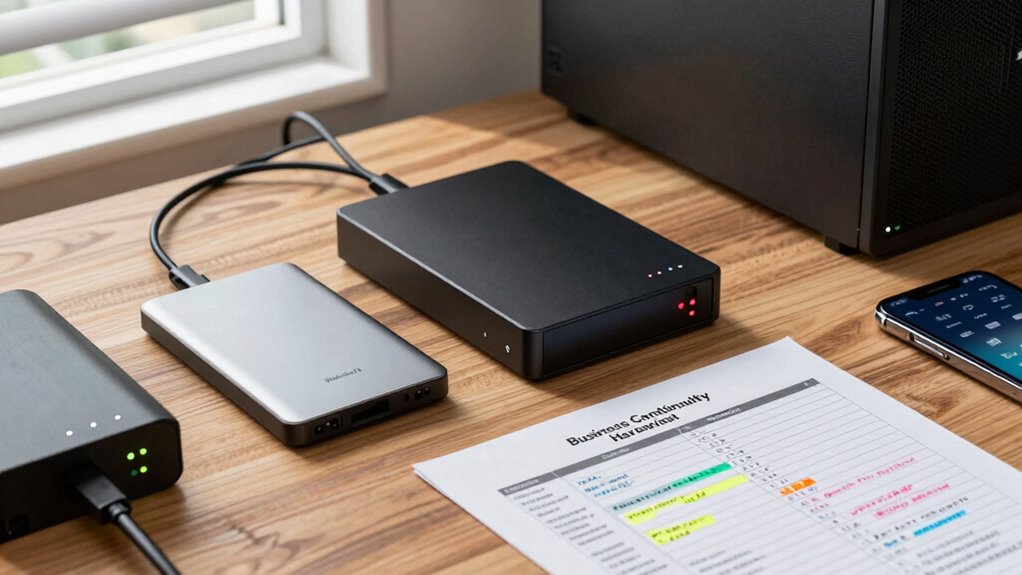
Ensuring your business can withstand disruptions requires a solid hardware foundation. When a sudden event strikes—be it a cyberattack, power outage, or natural disaster—your hardware setup can mean the difference between quick recovery and prolonged downtime. Small offices often learn this lesson the hard way after a close call, realizing too late that lacking proper disaster recovery plans and data backup solutions leaves them vulnerable. Investing in reliable hardware isn’t just about immediate productivity; it’s about safeguarding your entire operation against unforeseen setbacks.
A solid hardware foundation is essential for quick recovery and business resilience during unforeseen disruptions.
One of the most critical elements in your business continuity hardware checklist is ensuring you have a robust disaster recovery system in place. Disaster recovery hardware includes servers, storage devices, and network equipment that can quickly take over when primary systems fail. This means setting up redundant hardware that can seamlessly shift workloads without disrupting your daily operations. It’s not enough to have backup data—you also need the hardware ready to deploy if your primary infrastructure gets compromised. This proactive approach minimizes downtime and reduces the risk of data loss, helping you bounce back faster from any disruption. Hardware redundancy is essential to ensure continuous operation during hardware failures or maintenance.
Alongside disaster recovery hardware, data backup solutions form a cornerstone of your continuity plan. Regular, automated backups to secure, off-site locations or cloud services safeguard your essential information. When your primary hardware encounters a failure or a security breach, these backups become your lifeline. You can restore data rapidly, avoiding the costly and time-consuming process of manual recovery. Remember, it’s not just about backing up data; it’s about ensuring the backup hardware and storage media are reliable, scalable, and compatible with your existing systems. This way, you’re not caught off guard when disaster strikes. Additionally, understanding the importance of hardware reliability and regular testing can prevent unexpected failures during critical moments, ensuring your recovery plans are always effective. Incorporating redundant hardware in your setup further guarantees your business remains operational even if one system encounters issues. Recognizing the significance of disaster preparedness helps ensure your hardware infrastructure is resilient enough to handle emergencies.
business server redundancy hardware
As an affiliate, we earn on qualifying purchases.
As an affiliate, we earn on qualifying purchases.
Frequently Asked Questions
How Often Should I Review My Business Continuity Hardware Plan?
You should review your business continuity hardware plan at least twice a year to guarantee disaster preparedness and effective data recovery. Regular reviews help identify outdated equipment, gaps in your plan, or new threats. Updating the plan keeps your team ready for unexpected events. Schedule these reviews alongside your other safety checks to maintain a resilient infrastructure, so you’re prepared to recover quickly and keep operations running smoothly after any disruption.
What Is the Most Cost-Effective Hardware for Small Offices?
You should consider cost-effective hardware like shared storage solutions with built-in hardware redundancy, which helps prevent data loss and keeps costs manageable. Pair this with reliable cloud backup services to guarantee your data stays protected even if hardware fails. Look for scalable, energy-efficient servers or NAS devices that fit your office size, providing essential business continuity without overspending. This combo keeps your operations resilient and budget-friendly.
How Do I Test Hardware Resilience Regularly?
To test your hardware resilience regularly, you should schedule routine disaster recovery drills to simulate outages and identify vulnerabilities. Perform hardware upgrades as needed to maintain ideal performance. Keep backups of critical data and test restoring them periodically. This proactive approach guarantees your hardware can handle real emergencies, minimizing downtime and data loss. Regular testing and upgrades strengthen your business continuity plan and prepare your small office for unexpected disruptions.
What Are Common Hardware Failures During Emergencies?
During emergencies, you often face unexpected hardware failures like power surges or crashes. It’s common for servers to lose data or hardware components to fail suddenly, threatening your business continuity. You can prevent this by implementing hardware redundancy and ensuring reliable emergency power supplies. These measures keep your systems running smoothly, even when disaster strikes, giving you peace of mind and minimizing downtime during critical moments.
How Can I Ensure Hardware Compatibility With Existing Systems?
To guarantee hardware compatibility with your existing systems, you should check for compatibility with your current software and hardware specifications. Conduct thorough research before hardware upgrades, focusing on software integration capabilities. Test new hardware in a controlled environment to identify potential issues early. Regularly update your system documentation and consult with vendors to confirm compatibility, reducing the risk of failures during emergencies and ensuring seamless operations.
enterprise backup storage devices
As an affiliate, we earn on qualifying purchases.
As an affiliate, we earn on qualifying purchases.
Conclusion
By now, you realize that having the right hardware isn’t just about preparedness—it’s about resilience. Many small offices discover, often too late, that a well-maintained backup system is crucial for survival. Remarkably, some experts suggest that organizations with flexible, adaptive hardware setups tend to recover faster, proving that a proactive approach isn’t just smart—it’s essential. Invest in your hardware now, and you’ll build a stronger foundation to weather any storm that comes your way.
cloud backup solutions for small offices
As an affiliate, we earn on qualifying purchases.
As an affiliate, we earn on qualifying purchases.
As an affiliate, we earn on qualifying purchases.
Fall Picks
fall essentials
As an affiliate, we earn on qualifying purchases.