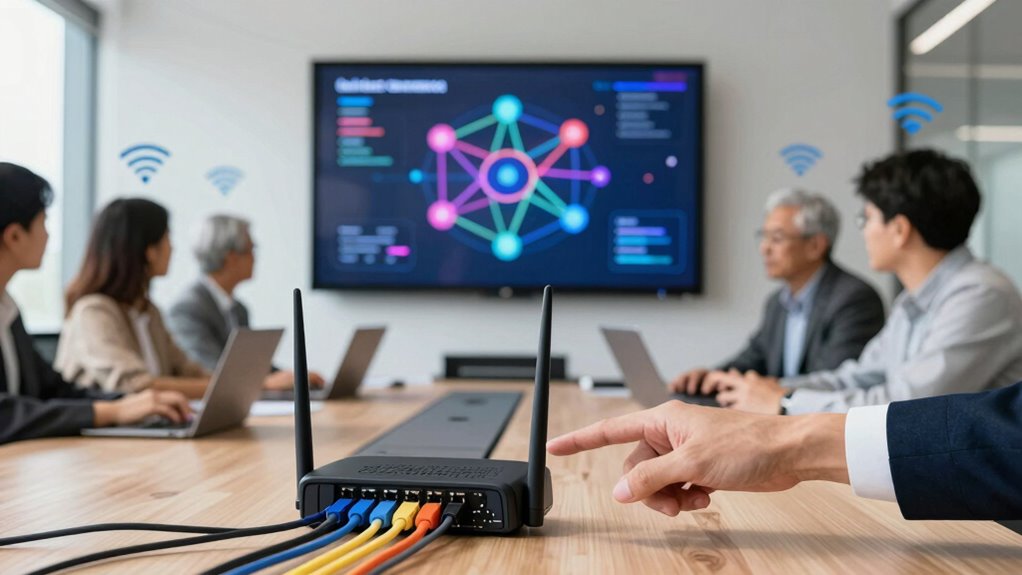

Setting up a secure guest network is key to protecting your business from preventable disasters. You should segment guest access from your core systems, using separate networks and strong encryption like WPA3. Control device access, set time limits, and monitor activity to prevent vulnerabilities. Implementing firewalls and intrusion detection adds extra security layers. By following these best practices, you’ll reduce risks and keep sensitive data safe. Keep exploring to learn more ways to strengthen your network security.
Key Takeaways
- Implement separate guest networks to protect internal systems from potential threats.
- Use network segmentation to isolate guest access and prevent malware spread.
- Enforce strong authentication and device restrictions for secure guest connectivity.
- Regularly monitor and update guest network settings to identify vulnerabilities.
- Apply security protocols like WPA3, firewalls, and access controls to prevent office disasters.
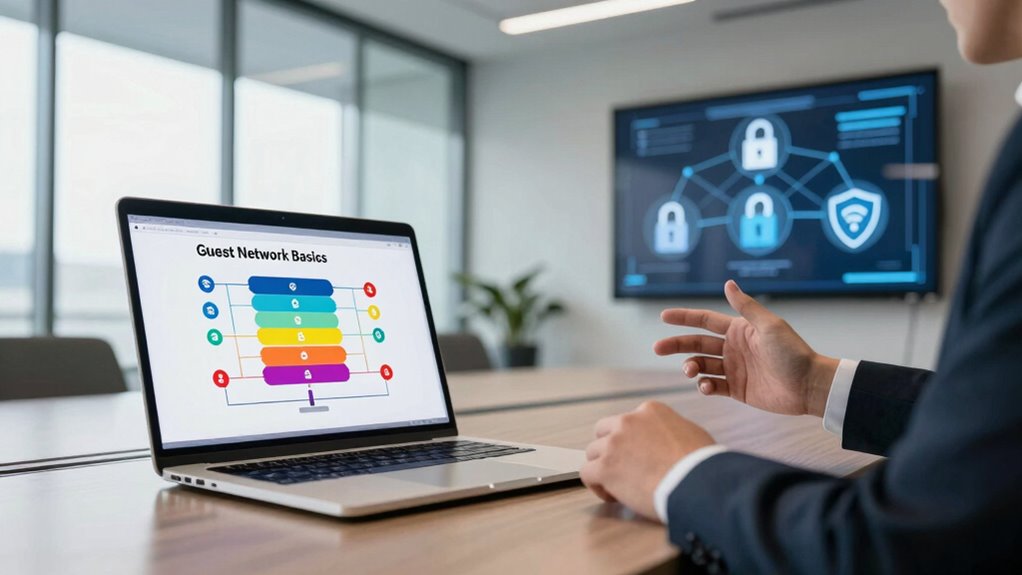
Setting up a guest network is a smart move for any business that wants to keep its main Wi-Fi secure while offering visitors reliable internet access. This approach relies heavily on network segmentation, which involves dividing your network into separate parts to control access and prevent potential threats from spreading. By creating a dedicated guest network, you guarantee that visitors can connect without risking the security of your internal systems and sensitive data. Proper guest access management is vital here; it allows you to control what guests can see or do on your network, minimizing vulnerabilities and maintaining your business’s cybersecurity.
When you implement network segmentation, you fundamentally create a barrier between your core business operations and your guest users. This layer of separation helps prevent malware, hacking attempts, or accidental data leaks from reaching your critical infrastructure. You can configure your router or Wi-Fi access points to establish a separate network for visitors, with limited bandwidth and access rights. This way, guests can browse freely without interfering with your day-to-day work or accessing private files and applications. Managing guest access also involves setting time limits, restricting certain websites, or controlling the devices allowed on the network, ensuring a balance between convenience and security. Additionally, employing network segmentation techniques enhances your overall security posture by isolating different parts of your network for better control. Incorporating security protocols such as firewalls and intrusion detection systems further strengthens this separation. Implementing security best practices like regular audits and updates can help identify vulnerabilities before they are exploited.
Effective guest access management doesn’t stop at simply creating a separate Wi-Fi network. You should also implement authentication protocols, such as temporary passwords or social media login options, to monitor who’s connecting. This not only enhances security but also gives you a way to easily revoke access if needed. Regularly updating your guest network credentials and monitoring connected devices helps you keep tabs on network activity and quickly respond to any suspicious behavior. Additionally, making sure your network uses strong encryption protocols like WPA3 adds another layer of security, preventing outsiders from intercepting data or gaining unauthorized access.

TP-Link AXE5400 Tri-Band WiFi 6E Router (Archer AXE75), 2025 PCMag Editors' Choice, 2.5Gbps WAN Port for Gaming & Streaming, 6GHz Band, 160MHz, OneMesh, Dual-Core CPU, VPN & WPA3 Security
Tri-Band WiFi 6E Router – Up to 5400 Mbps WiFi for faster browsing, streaming, gaming and downloading, all…
As an affiliate, we earn on qualifying purchases.
As an affiliate, we earn on qualifying purchases.
Frequently Asked Questions
How Often Should Guest Network Passwords Be Changed?
You should change guest network passwords every three to six months to maintain security. Guarantee the passwords are complex, combining uppercase, lowercase, numbers, and symbols. Implement network segmentation so that guest access remains isolated from your main business network, reducing risks. Regular updates prevent unauthorized access, protect sensitive data, and keep your network secure. Consistently changing passwords and maintaining complexity are key to avoiding preventable office disasters.
Can Guest Networks Access Internal Business Resources?
Guest networks typically can’t access internal business resources if you implement proper data isolation strategies. However, without strong security measures, guest network vulnerabilities could expose sensitive information. To prevent this, you should segregate guest traffic from your main network, use firewalls, and disable access to internal systems. Regularly updating passwords and monitoring network activity further reduces risks, ensuring your business remains protected from potential threats originating from guest access points.
What Security Protocols Are Best for Guest Wi-Fi?
To keep your guest Wi-Fi secure, you should prioritize robust encryption standards like WPA3, which shield data from prying eyes. Pair this with strong user authentication processes, such as unique passwords or temporary access codes, to add layers of protection. These measures act like digital safeguards, ensuring your guests enjoy seamless internet access while your internal network remains private and safe from potential threats.
How to Monitor Guest Network Activity Effectively?
You should implement network segmentation to separate guest traffic from your main network, reducing security risks. Use user activity monitoring tools to track guest network activity in real-time, identifying unusual or malicious behavior promptly. Regularly review logs and set alerts for suspicious activity. Combining network segmentation with active user activity monitoring helps you effectively oversee guest network usage, maintain security, and prevent potential office disasters caused by compromised devices or misuse.
Is It Necessary to Have Separate Networks for Employees and Guests?
Yes, you should have separate networks for employees and guests. Network segmentation keeps sensitive business data protected while allowing guest access. Implement access restrictions to guarantee guests can only use their designated network, preventing unauthorized access to internal resources. This setup minimizes security risks, controls traffic flow, and helps prevent potential office disasters caused by malicious activities or accidental breaches. It’s a smarter way to safeguard your business infrastructure effectively.

TP-Link EAP610 Omada Business WiFi 6 AX1800 Wireless Gigabit Access Point – Support Mesh, OFDMA, Seamless Roaming & MU-MIMO, SDN Integrated, Cloud Access & Omada App, PoE+ Powered, White, Dual-Band
𝗙𝗥𝗘𝗘 𝗢𝗠𝗔𝗗𝗔 𝗘𝗦𝗦𝗘𝗡𝗧𝗜𝗔𝗟𝗦: Free cloud management with no additional fees, everything is managed in the cloud without the…
As an affiliate, we earn on qualifying purchases.
As an affiliate, we earn on qualifying purchases.
Conclusion
Think of your business network as a castle with a guarded gate. The guest network is like a friendly drawbridge, allowing visitors in without exposing your treasures. By establishing this separate pathway, you safeguard your valuable data from wandering intruders. Just as a castle’s defenses ensure safety, a well-managed guest network keeps your office secure. Embrace this simple yet powerful barrier—your digital moat—preventing disasters before they breach your walls.

EGSMTPC Firewall Mini PC Router J6412 | 6-Port 2.5GbE Network | 8GB RAM + 128GB SSD | Support pfSense/OPNsense | Home & Small Business Network Security
【CPU Designed for Firewall Mini PCs】This Firewall Mini PC is powered by Intel J6412, delivering ultra-low 10W power…
As an affiliate, we earn on qualifying purchases.
As an affiliate, we earn on qualifying purchases.
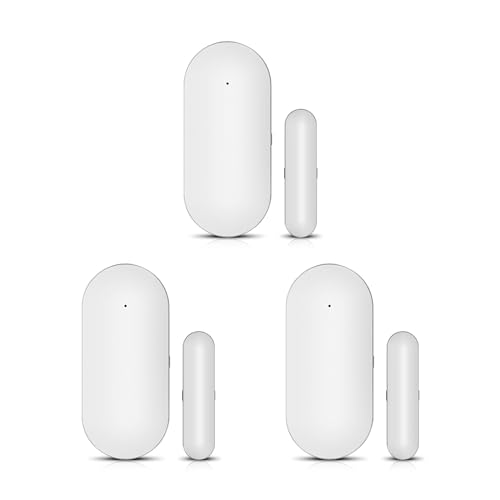
YBJ Wireless Door Window Sensor Door Magnetic Detector for Home Security Alarm System Entrance Alarm Anti-Theft,Intrusion Prevention,for Home Warehouse Garage Business Store Office (3pcs)
【Easy to Install 】Just peel and paste ( battery and double-sided stickers included). White polishing body, high quality…
As an affiliate, we earn on qualifying purchases.
As an affiliate, we earn on qualifying purchases.