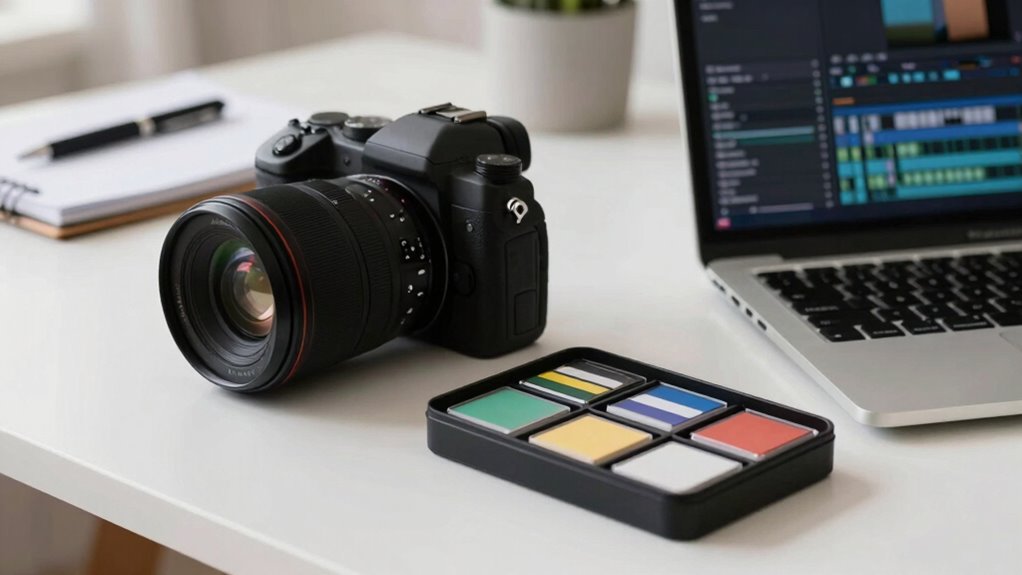

A strong memory card workflow helps you stay organized, saving time and reducing stress. Before shooting, label and sort your cards for different projects, and keep a simple log of what’s on each. Use reliable storage options like external drives or cloud backups for added security. Developing good habits, like transferring and renaming files promptly, guarantees your footage is safe and easy to find. Continue exploring to discover how these practices set a professional foundation for your business videos.

Get business pricing on office and shipping supplies
- Business-only prices and quantity discounts
- Tax-exempt purchasing
- Multiple users, one account, clear invoices
Key Takeaways
- Proper file organization before shooting prevents data loss and streamlines post-production.
- Using reliable storage devices ensures footage safety and reduces risk of corruption.
- Establishing a backup routine protects your footage from hardware failure or accidental deletion.
- Developing consistent file management habits accelerates editing and maintains workflow efficiency.
- Starting with a structured memory card workflow enhances overall project professionalism and reduces stress.
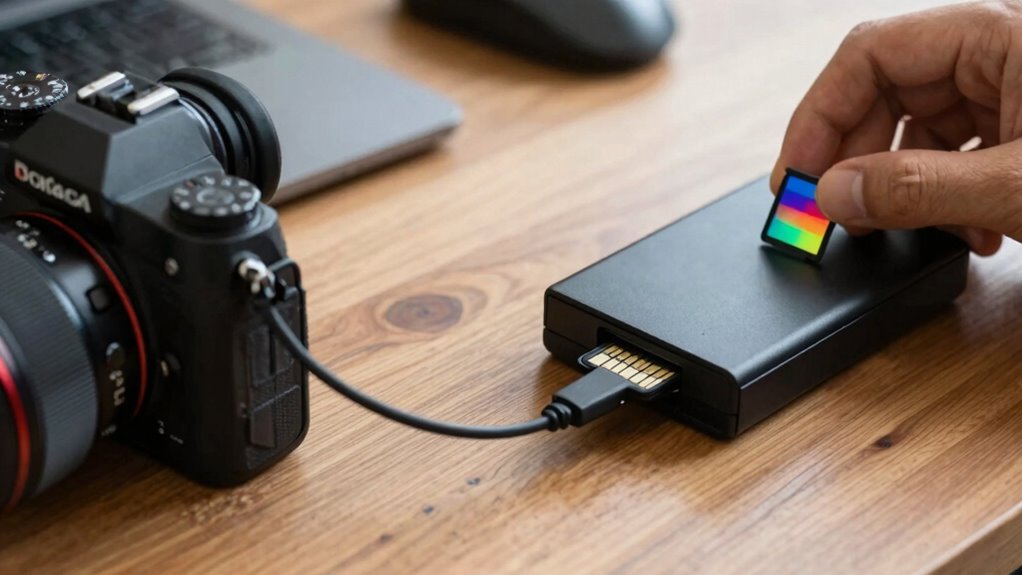
When you’re capturing valuable footage or photos, a streamlined memory card workflow is vital to protect your work and stay efficient. The moment you press record or click the shutter, your focus should be on the shot itself, not on managing files. That’s where good file organization comes into play. Before you start shooting, set up a system to label and sort your memory cards. For instance, assign specific cards to different projects or days, and keep a simple log of what each card contains. This way, when you finish filming, you know exactly where to find your footage without rummaging through unorganized files. Proper file organization minimizes the risk of overwriting or losing important clips, saving you time and frustration during editing. Additionally, understanding product comparisons can help you choose the best storage devices that suit your workflow and ensure data reliability. Implementing efficient data management practices can further streamline your process and reduce potential errors. Incorporating proper file naming conventions can also make locating specific clips much quicker and more intuitive. Establishing a structured data organization system from the outset can help prevent chaotic storage scenarios, especially when handling multiple projects simultaneously.
Incorporating reliable storage options can also give you peace of mind, knowing your footage is safe from hardware failures or corruption. Equally vital is data backup. No matter how careful you are, accidents happen—cards get corrupted, files get deleted, or devices malfunction. Implementing a backup plan guarantees your work is protected. As soon as you finish recording, transfer your footage to at least two separate storage locations. Use reliable external drives or cloud storage for redundancy. Regularly backing up your data not only preserves your footage but also allows you to review and organize files without the pressure of immediate editing. This habit keeps your workflow smooth and minimizes downtime if something goes wrong.
Developing a consistent routine for file management and backups is key to an effective memory card workflow. After each shoot, take a few moments to transfer files, rename them with descriptive titles, and organize them into folders that make sense for your project. This habit helps you stay on top of your content, prevents clutter, and makes editing faster. Remember, the goal isn’t just to capture footage but to manage it intelligently from start to finish. Clear file organization means less time searching, more time creating.
In the end, a solid memory card workflow starts long before you hit record. It’s about establishing habits that safeguard your content, streamline your process, and keep your creative momentum going. Prioritize file organization and data backup as part of your routine, and you’ll find that your projects become easier to manage, less stressful, and ultimately more professional. When you treat your footage with care from the outset, you set yourself up for success long after the camera stops rolling.
high capacity SD memory cards for video
As an affiliate, we earn on qualifying purchases.
As an affiliate, we earn on qualifying purchases.
Frequently Asked Questions
How Often Should I Back up My Memory Cards During a Shoot?
You should back up your memory cards every few hours during a shoot to prevent data loss. Regular data transfer to digital storage keeps your footage safe and minimizes risks from card failures. If possible, back up immediately after a significant shoot segment to make sure your footage is secure. Consistent backups help you stay organized and avoid losing critical moments, allowing you to focus on creating great content without worry.
What Are the Best Practices for Formatting Memory Cards?
To guarantee smooth recording, always format your memory cards using your camera’s built-in format option, not on your computer. This maintains ideal card speed and reduces file recovery issues later. Regular formatting clears old files and prevents corruption. Before shooting, double-check the card’s compatibility and capacity. Proper formatting streamlines your workflow, minimizes data loss, and keeps your footage safe, so you can focus on creating great content.
How Do I Organize Files on My Memory Card Efficiently?
You should organize files on your memory card by using clear file naming conventions, like date_projectname or scene_number, to easily identify your footage. Implement storage organization techniques such as creating folders for different shoots, scenes, or days. Regularly transfer files to your computer and delete unnecessary clips from the card. This keeps your memory card tidy, speeds up workflow, and guarantees you can quickly locate specific footage when editing.
What Are Common Memory Card Errors and How Can I Fix Them?
When your memory card throws a wrench in the works, common errors include corruption, read/write failures, and formatting issues. To fix them, try data recovery tools or reformat the card carefully, ensuring you back up data first. Regularly maintaining your card boosts longevity and prevents errors. Think of your card as a delicate instrument—handle it gently, and you’ll keep your footage safe and sound, avoiding costly mishaps.
Which Memory Card Brands Are Most Reliable for Professional Videos?
You should choose memory card brands known for their durability and strong reputation, like SanDisk, Lexar, and Lexar Professional. These brands are reliable for professional videos because they offer solid memory card durability, reducing risks of data loss during shoots. Their proven reputation for quality guarantees your footage stays safe, so you can focus on creating without worrying about card failures or corruption.
external hard drives for video backup
As an affiliate, we earn on qualifying purchases.
As an affiliate, we earn on qualifying purchases.
Conclusion
A solid memory card workflow isn’t just about convenience—it’s about protecting your creative vision. Did you know that 30% of creators experience data loss due to poor card management? By establishing good habits before you hit record, you safeguard your work and guarantee your ideas see the light of day. So, invest in a reliable workflow now—your future projects will thank you for it. Keep your creativity safe, organized, and ready to shine.
As an affiliate, we earn on qualifying purchases.
memory card label and organization kit
As an affiliate, we earn on qualifying purchases.
As an affiliate, we earn on qualifying purchases.
Halloween Picks
halloween
As an affiliate, we earn on qualifying purchases.