
To prevent your camera from overheating and losing quality, you should choose gear with built-in cooling systems, use external fans or cooling pads, and keep the camera in shade or cooler environments. Regularly pause filming to let it cool down and monitor the temperature indicator closely. Proper ventilation and avoiding direct sunlight are essential. Making these smart gear choices and managing your surroundings can save your shot. Keep going to discover even more ways to protect your equipment.

Get business pricing on office and shipping supplies
- Business-only prices and quantity discounts
- Tax-exempt purchasing
- Multiple users, one account, clear invoices
Key Takeaways
- Choose cameras with built-in cooling systems or heat sinks to manage heat effectively.
- Use external fans, cooling pads, or shade to lower ambient temperature during shoots.
- Regularly turn off the camera during breaks to prevent heat buildup.
- Monitor the camera’s temperature indicator and act promptly to avoid overheating.
- Incorporate environmental controls and proper ventilation to extend camera lifespan and maintain quality.
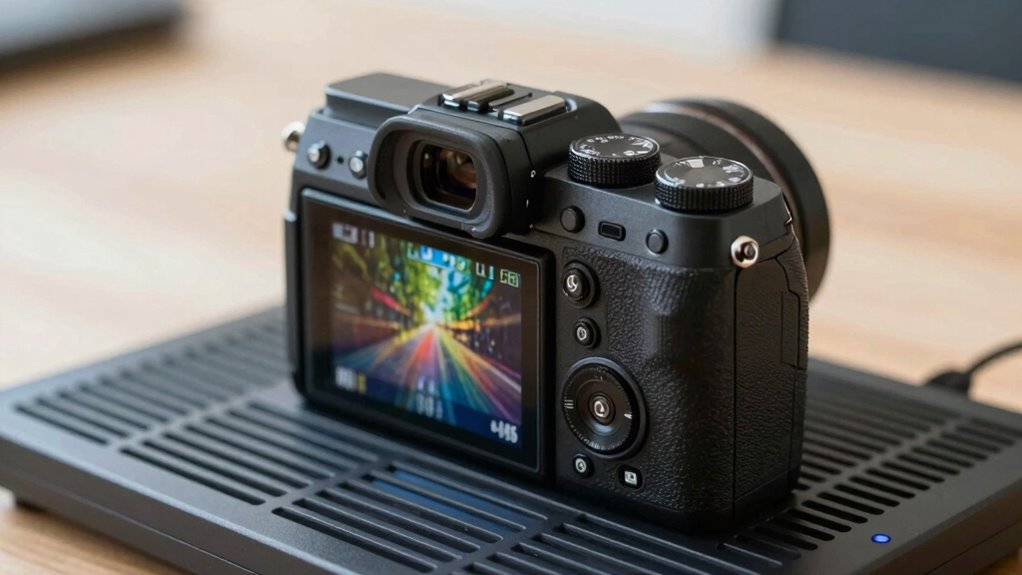
If you frequently shoot outdoors or record for extended periods, camera overheating can become a real problem. When a camera gets too hot, it can shut down unexpectedly, jeopardizing your shoot and risking data loss. Overheating isn’t just about temperature; it can also cause issues like battery drainage, where your power source depletes faster than expected, and lens fogging, which impairs image clarity. Both problems can severely impact your footage quality and workflow, especially when you’re on a tight schedule or working in challenging environments.
Overheating can cause camera shutdowns, battery drain, and lens fogging, risking footage quality and workflow in challenging environments.
To combat overheating, you need to understand the core causes. High ambient temperatures, prolonged recording sessions, and insufficient ventilation are common culprits. As your camera heats up, internal components become strained, which accelerates battery drainage. A hot camera consumes power more rapidly, so your battery life diminishes faster, forcing frequent replacements or recharges. Additionally, heat can lead to lens fogging, especially if there’s a sudden temperature change or high humidity. Fogged lenses blur your shots and require time-consuming cleaning or defogging solutions, disrupting your filming process.
One effective way to prevent these issues is to manage your shooting conditions proactively. Use shade or cool environments whenever possible, and avoid direct sunlight, which can dramatically raise your camera’s internal temperature. When outdoors, consider using a portable fan or cooling pad designed for electronic devices to help dissipate heat. Regularly turning off your camera during breaks allows it to cool down and reduces the risk of overheating. This pause also minimizes continuous battery drainage caused by thermal stress, extending your shooting time overall. Additionally, choosing gear with advanced thermal management features can make a significant difference in maintaining consistent performance over long periods. Proper ventilation is essential, as it allows heat to escape and prevents buildup inside the camera body. Incorporating thermal protection strategies can further safeguard your equipment from damage caused by excessive heat.
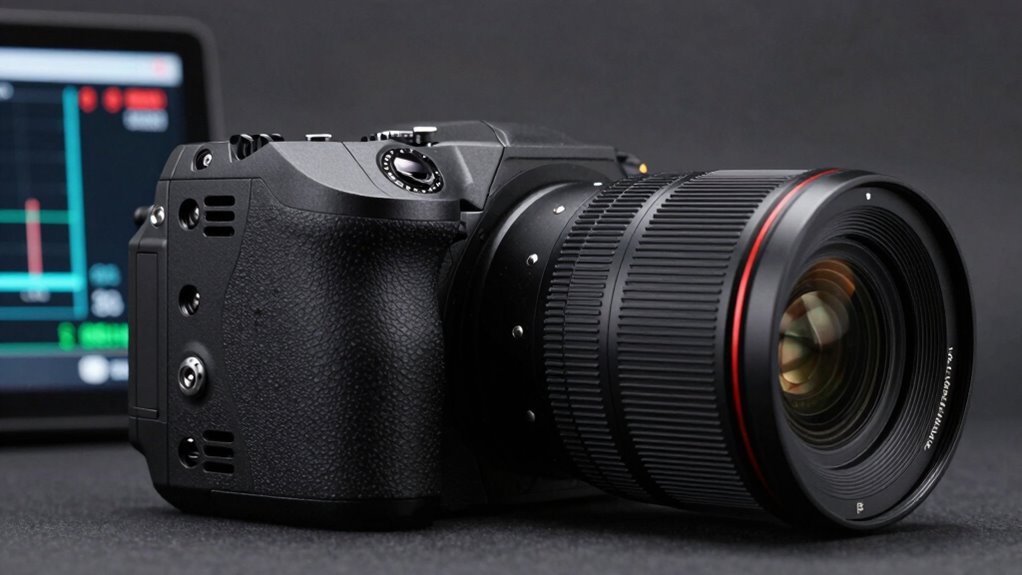
Another key strategy involves choosing gear wisely. Look for cameras with advanced thermal management features, such as built-in cooling systems or heat sinks. These are designed to handle longer recording sessions without overheating, helping you maintain consistent quality. Also, consider using external power sources or larger batteries, which not only reduce battery drainage but also keep your camera running smoothly during extended shoots. Using lens filters or anti-fog solutions can prevent lens fogging, especially in humid environments, ensuring your footage remains sharp and clear. Being aware of your camera’s temperature indicator can alert you before critical overheating occurs, allowing you to take preventative actions promptly. Regularly checking this indicator helps in making informed decisions to safeguard your gear.
Finally, always monitor your camera’s temperature indicator if it has one. Being aware of rising temperatures allows you to take immediate action—like switching to a cooler location or turning off the camera briefly—to prevent overheating before it causes damage. By combining proper environmental management, smart gear choices, and regular breaks, you can significantly reduce overheating risks, preserve your footage quality, and extend your camera’s lifespan. This approach not only saves you time and frustration but also ensures your creative vision isn’t compromised by avoidable technical issues.
As an affiliate, we earn on qualifying purchases.
Frequently Asked Questions
What Are the Best Cooling Accessories for Cameras?
You should consider using thermal pads and cooling fans as the best accessories to prevent camera overheating. Thermal pads help dissipate heat efficiently from your camera’s core components, ensuring it stays cool during extended shoots. Cooling fans provide active airflow, lowering internal temperatures quickly. Together, these accessories can greatly improve your camera’s performance, prevent overheating, and maintain high-quality footage even in hot or demanding environments.
How Does Battery Type Affect Camera Overheating?
Your battery chemistry considerably impacts your camera’s overheating, as some types generate more heat during use. Lithium-ion batteries, common in cameras, tend to produce less heat than older chemistries, aiding thermal management. Choosing batteries with efficient thermal management features helps prevent overheating, especially during long shoots. Properly managing your battery type ensures your camera stays cooler, reduces the risk of overheating, and maintains ideal performance for high-quality footage.
Can Camera Firmware Updates Reduce Overheating?
Yes, firmware updates can reduce overheating by improving thermal management and optimizing performance. Firmware optimizations often include better heat regulation algorithms, which help your camera manage temperature more effectively during extended shoots. Keep your camera’s firmware current to benefit from these improvements. Regular updates guarantee your device runs smoothly, reduces the risk of overheating, and maintains high-quality footage, especially during long recording sessions or demanding environments.
Are There Specific Weather Conditions That Increase Overheating Risk?
Certain weather conditions definitely boost your camera’s overheating risk. Hot, humid days, rapid temperature fluctuations, and direct sunlight all create a perfect storm for overheating. When weather patterns shift quickly or temperatures soar beyond comfort levels, your camera struggles to stay cool. You need to be mindful of these conditions, especially during outdoor shoots, to prevent overheating and protect your gear’s performance and longevity.
How Long Can a Camera Operate Before Overheating Occurs?
You can typically operate your camera for 20-30 minutes before overheating risks increase, but this varies with conditions. Sensor cooling and effective heat dissipation are essential; using external fans or cooling accessories helps maintain ideal temperature. Keep an eye on heat buildup, especially in hot environments or during prolonged shoots, to prevent overheating. Proper gear choices and good airflow considerably extend your camera’s operational time without compromising quality.
As an affiliate, we earn on qualifying purchases.
Conclusion
To prevent your camera from overheating, choosing the right gear is essential. By investing in models with built-in cooling features or external fans, you can greatly extend your shooting sessions. Did you know that overheating causes over 30% of camera malfunctions during critical moments? Staying proactive with the right equipment ensures your footage remains high quality, even in extreme conditions. So, make the smart gear decision today and keep your camera cool when it matters most.
camera cooling pad for outdoor filming
As an affiliate, we earn on qualifying purchases.
As an affiliate, we earn on qualifying purchases.
As an affiliate, we earn on qualifying purchases.
Halloween Picks
halloween
As an affiliate, we earn on qualifying purchases.