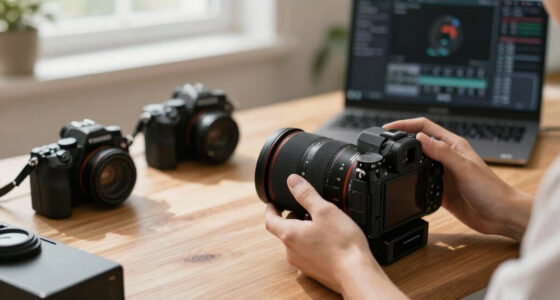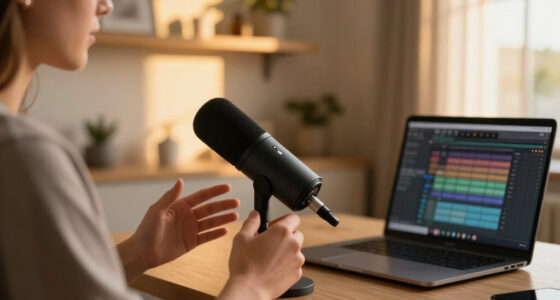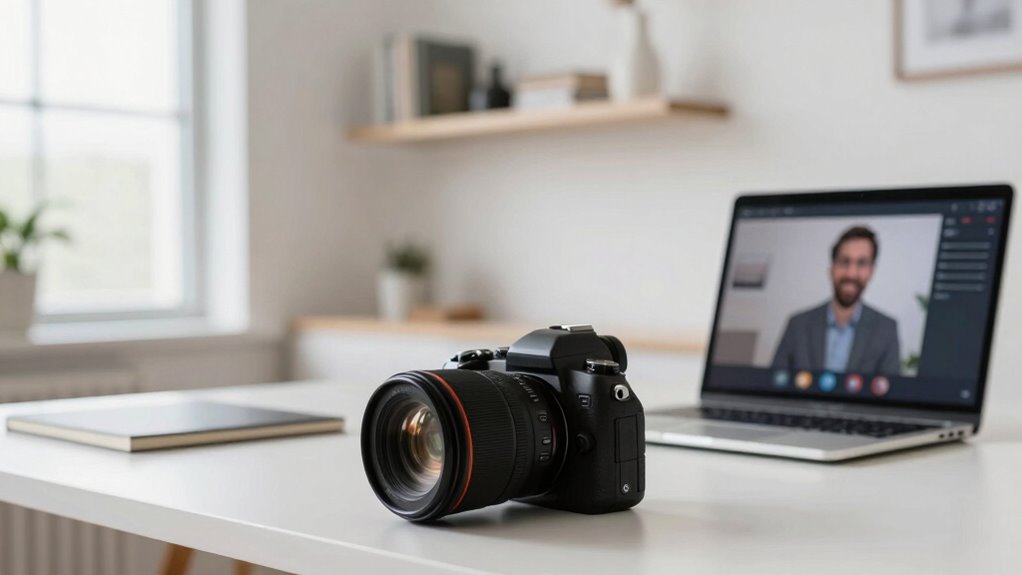
Before rushing to buy another camera, focus on optimizing your current setup with proper framing, lighting, and audio. Make sure your camera is positioned at eye level, with content well-centered to keep viewers engaged. Improve lighting by using natural light or affordable options like ring lights, and place your microphone close for clear sound. Mastering these elements boosts professionalism and audience connection. Keep exploring to discover more tips to enhance your webinar quality even further.

Get business pricing on office and shipping supplies
- Business-only prices and quantity discounts
- Tax-exempt purchasing
- Multiple users, one account, clear invoices
Key Takeaways
- Optimize existing camera placement and framing to improve presenter visibility before considering new equipment.
- Prioritize enhancing lighting and microphone setup to boost overall video and audio quality.
- Ensure the current camera captures a well-composed shot that focuses on the speaker and relevant content.
- Test and adjust camera angles to avoid awkward or distracting framing during webinars.
- Improve lighting conditions and microphone positioning to maximize professionalism without additional camera purchases.
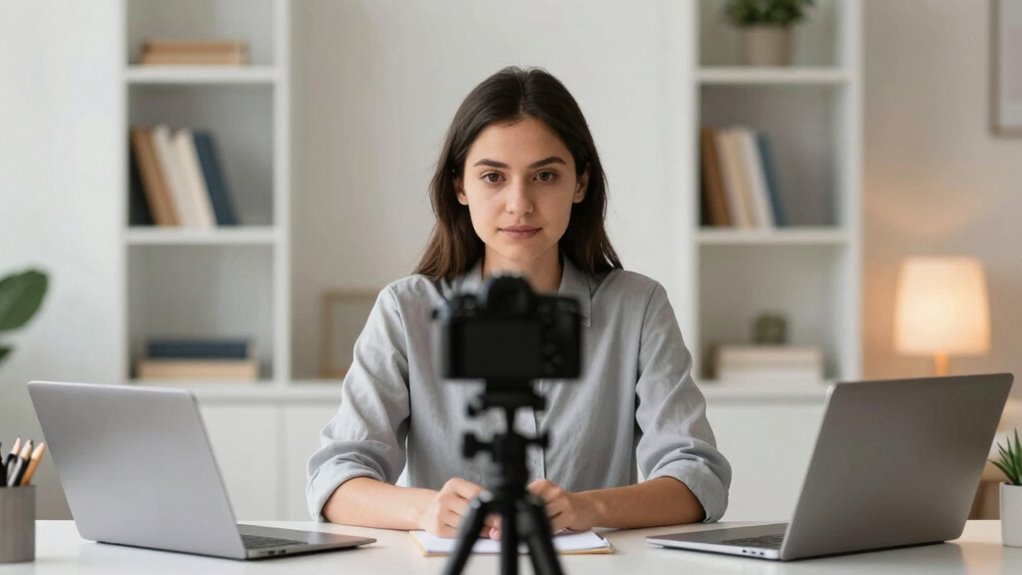
Have you ever wondered how the right camera framing can make or break your webinar’s impact? It’s not just about having a good camera; it’s about how you frame yourself and your content to engage your audience. Before rushing out to buy another camera, focus on perfecting what you already have. Small teams often overlook the importance of a solid lighting setup and microphone placement, which are vital for professional-looking and sounding webinars. Good lighting ensures your face is clear and inviting, while proper microphone positioning guarantees your voice is crisp and free of distracting background noise.
Start with your lighting setup. You don’t need fancy equipment—just make sure your light source illuminates your face evenly. Position a light in front of you, slightly above eye level, to avoid unflattering shadows and dark circles. Natural light works well if you have a window, but if not, consider affordable ring lights or softboxes. Avoid harsh overhead lights or placing lights behind you, as they create silhouettes or glare. A well-lit face draws viewers in and makes your presentation more credible. When your face is clear and bright, your audience feels connected and engaged, which is essential for effective communication. Proper camera framing combined with good lighting can elevate your webinar’s professionalism and viewer engagement. Additionally, understanding how lighting placement affects visual clarity can optimize your overall appearance on camera.
Ensure even lighting by positioning a source in front and slightly above your face for a professional, engaging presence.
Next, pay attention to microphone placement. Even with the best camera framing, poor audio can ruin the experience. Keep your microphone close enough to capture your voice clearly but not so close that it causes distortion or picks up breathing sounds. A lapel mic clipped just below your chin or a desk mic positioned directly in front of you typically works best. Make sure the microphone isn’t obstructed or too far away, or you risk losing speech clarity. Test your audio beforehand, listening for any echoes or background noise, and adjust accordingly. Clear audio is just as important as good video framing because it keeps your audience focused and prevents them from tuning out. Understanding the importance of proper content delivery and audio quality can help you refine your overall webinar presentation. Remember, consistent audio quality supports your visual framing and overall professionalism.
As an affiliate, we earn on qualifying purchases.
Frequently Asked Questions
How Does Camera Framing Impact Viewer Engagement During Webinars?
Camera framing directly impacts your audience’s attention during webinars by highlighting key visuals and maintaining engagement. Good framing guarantees your face is clear and expressive, supporting effective visual storytelling. When viewers see well-composed shots, they stay focused longer, making your message more memorable. Poor framing can distract or lose their interest. Therefore, thoughtful camera framing helps you connect better, keeps audience attention high, and enhances overall webinar effectiveness.
What Are the Best Framing Techniques for Different Webinar Formats?
Imagine your audience’s eyes locking onto your face, framed perfectly to emphasize engagement. For panel webinars, use a wider shot to include multiple speakers, ensuring background integration so the setting enhances your message without distraction. For solo presentations, a medium close-up keeps the focus on your expressions. Always prioritize audience focus with balanced framing, and adjust angles and background elements to keep viewers engaged and connected throughout each format.
How Do Lighting Conditions Affect Camera Framing Choices?
Lighting conditions greatly influence your camera framing choices. Natural light creates soft, even illumination, allowing you to frame yourself comfortably without harsh shadows. When relying on artificial lighting, you need to position lights carefully to avoid glare or shadows that can distract viewers. Adjust your framing to make certain your face is well-lit and visible, using wide shots for natural light and closer shots if you need to compensate for uneven artificial lighting.
Can Camera Framing Influence the Perceived Professionalism of a Webinar?
You’ll find that proper camera framing considerably boosts your webinar’s professionalism—studies show viewers judge credibility partly based on visual cues. When you focus on camera symmetry and establish a clear focal point, your presentation looks more polished and engaging. This attention to framing makes you appear confident and prepared, helping your audience stay attentive and trust your message. So, investing in good framing isn’t just aesthetic; it’s strategic.
What Common Framing Mistakes Should Small Teams Avoid?
You should avoid framing mistakes that distract your audience focus, like cutting off your head or showing too much empty space. Keep the camera at eye level and center yourself to create a natural connection. Don’t let clutter or distracting backgrounds pull attention away. Proper framing guarantees your audience stays engaged, so double-check your shot before going live. Clear, focused framing makes your webinar look professional and keeps viewers engaged.
As an affiliate, we earn on qualifying purchases.
Conclusion
Before investing in another camera, consider how your current setup frames you and whether it truly enhances your message. Small teams often overlook the importance of proper framing, which can make or break viewer engagement. Are you focusing on quality over quantity, ensuring your audience connects with you? By optimizing your existing equipment and understanding framing essentials, you’ll elevate your webinars without unnecessary expenses. Isn’t it time you made your current camera work harder for you?
As an affiliate, we earn on qualifying purchases.
As an affiliate, we earn on qualifying purchases.
Halloween Picks
halloween
As an affiliate, we earn on qualifying purchases.