

TL;DR

Get business pricing on office and shipping supplies
- Business-only prices and quantity discounts
- Tax-exempt purchasing
- Multiple users, one account, clear invoices
A local-first workflow can convert one video into all your publishing and promotional assets—like social clips, media kits, and book files—without uploading your content to the cloud. It saves time, boosts privacy, and keeps control in your hands.
Imagine finishing a video and having a complete set of promotional assets ready in minutes—no cloud uploads, no middlemen. This isn’t just a pipe dream. It’s the promise of a new breed of local-first, AI-powered publishing workflows.
If you’re tired of juggling multiple tools, waiting on uploads, or worrying about privacy, this approach might change how you work. You’ll learn how one video can spawn a media kit, social clips, blog drafts, and marketing assets—all on your own machine.
Key Takeaways
- Processing media locally with AI preserves full ownership and privacy, reducing dependency on external cloud services.
- A single video can generate titles, descriptions, social clips, press kits, transcripts, and multiple formats—saving hours of manual work.
- Review interfaces with provenance tracking make it easy to edit assets and trust their origins, improving quality control.
- Local workflows enable faster turnaround, iterative updates, and seamless integration with sales channels—perfect for independent creators.
- While powerful, these tools still benefit from human oversight for branding consistency and editorial polish.
As an affiliate, we earn on qualifying purchases.
How a single video becomes a full publishing kit—step by step
The core idea: a smart system analyzes your video on four layers—audio, visuals, their fusion, and intelligent insights. It then creates drafts for every platform and format you need, all locally.
For example, you drop a 10-minute YouTube video into ChannelHelm. Instantly, it transcribes with speaker labels, detects scene changes, reads on-screen text, and aligns everything on a timeline. Then, it suggests titles, hashtags, and clips based on high-retention moments, ready for your review.
This process isn’t a black box. You see the provenance of each asset—prompt versions, models used, and source inputs—so nothing’s mystery or locked behind a cloud.

As an affiliate, we earn on qualifying purchases.
Why going local beats cloud—privacy, speed, and control
Processing on your machine means your media stays private. No uploads, no third-party servers—just your video and your tools. This is a game-changer for creators worried about sensitive content or copyright issues. Learn more about digital marketing and privacy.
Speed matters, too. Instead of waiting hours or days for cloud processing, your assets are ready in real-time. You see progress, review drafts, and make edits instantly. It’s like working in your own private studio, not a shared cloud farm.
Plus, you hold the keys. You can update, revise, or re-export assets anytime without re-uploading or losing control. This independence is especially vital if you sell directly or want to avoid platform lock-in.
Moreover, local processing reduces the risk of data breaches and unauthorized access. Your content remains on your device, which means you retain full control over who can see or modify your assets. This is particularly important for sensitive projects or proprietary content, where privacy isn’t just a preference but a necessity.

As an affiliate, we earn on qualifying purchases.
What exactly does the system generate from one video?
From a single upload, expect a comprehensive package, as explained in our guide on content automation tools.
- Multiple titles scored against character limits
- Full descriptions with chapters and hashtags
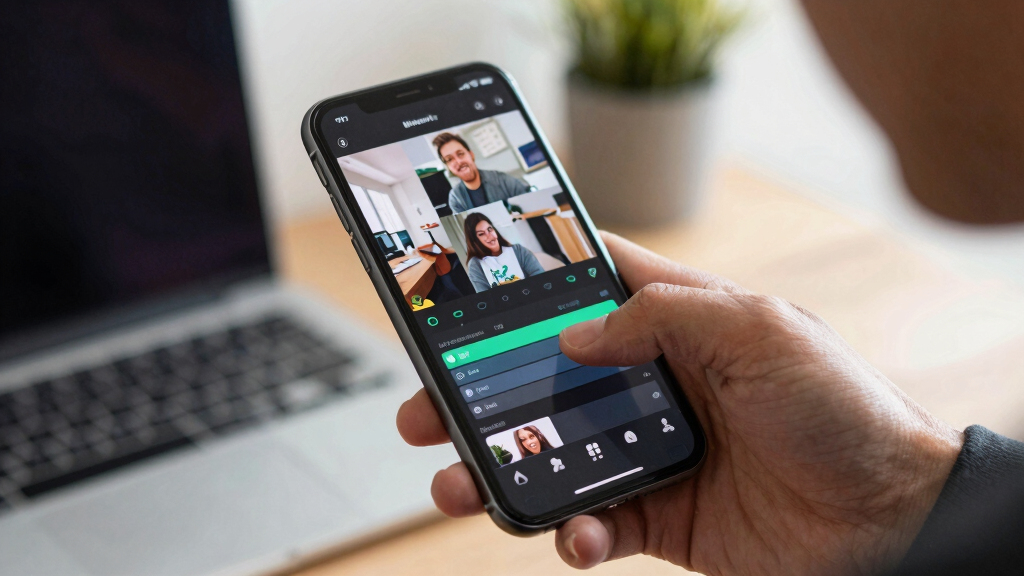
- Auto-generated social clips—verticals for TikTok, Shorts, Reels
- High- and low-res cover images and one-sheets
- Blog drafts, newsletter summaries, and press kits
- Transcripts with timestamps and speaker labels
For example, a 15-minute interview could produce a 5-title options, a 3-minute highlight reel, a blog intro draft, and social posts tailored for each network—everything ready to publish or tweak.
These outputs are designed to cover all stages of content deployment, from initial promotion to detailed documentation. By automating these tasks, creators can focus more on their content and less on manual editing, significantly reducing turnaround times and the potential for human error. The system’s ability to generate diverse formats from a single source also ensures consistency across platforms, reinforcing your brand identity without extra effort.
As an affiliate, we earn on qualifying purchases.
How the comparison table makes it clear: cloud vs. local workflows
| Feature | Cloud-Based Workflow |
|---|---|
| Privacy | Files uploaded to third-party servers, potential data exposure |
| Speed | Dependent on upload and processing times, often hours |
| Control | Limited; assets stored externally, updates require re-upload |
| Cost | Subscription fees, bandwidth costs |
| Accessibility | Requires internet, vulnerable to outages |
In contrast, local workflows keep everything on your device, eliminating these risks and tradeoffs. This means you’re not only safeguarding your content but also gaining a significant advantage in speed and flexibility. You can iterate rapidly, re-export assets without waiting, and avoid ongoing costs associated with cloud services. For more insights, visit adsandseo.com.

How to set up your local publishing workflow in 4 simple steps
- Download and install ChannelHelm from channelhelm.com
- Drop your video or paste a link into the app
- Let it analyze and generate your assets—review and tweak as needed
- Export your complete publishing kit to your platforms or store
For instance, an indie author can process a book trailer, then instantly get social snippets, press materials, and even ebook files without leaving their desktop. It’s fast, private, and efficient. Learn more about financial and content management.

Real-world use cases: authors, podcasters, and content creators
Imagine an author finishing a book trailer. With this system, they generate a press kit, social posts, and ebook formats—all locally. No waiting, no uploading.
A podcaster can turn a single interview into promotional clips, transcripts, blog posts, and audiograms, ready to publish across platforms within minutes.
Video creators produce multiple clips, thumbnails, and descriptions from one upload, speeding up their content calendar while keeping everything private.
Reviewing and editing assets—making them truly yours
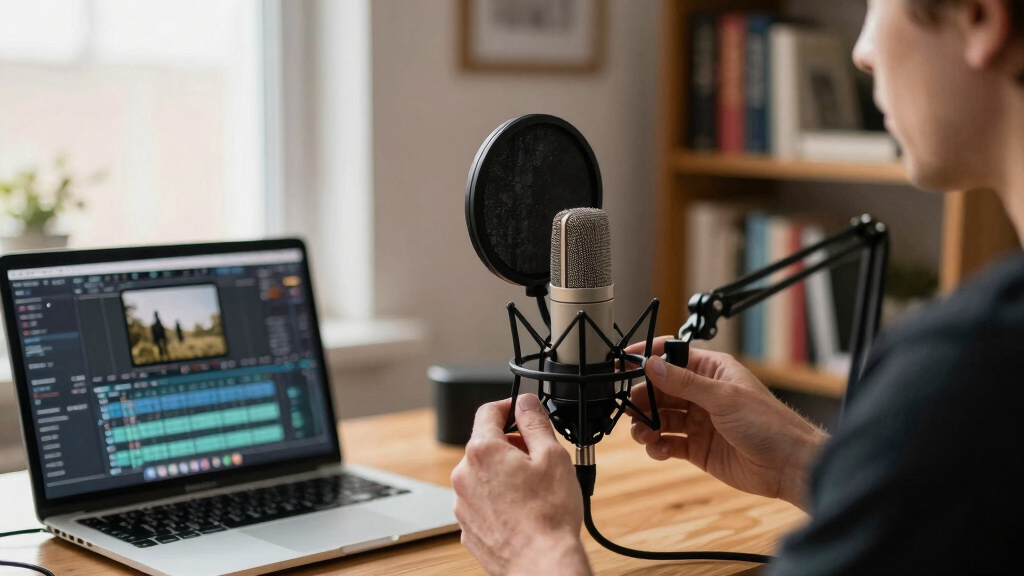
The platform’s review interface is a game-changer. It shows assets in three layouts: quick approval, detailed comparison, and project overview. You see exactly where each asset stands and can edit inline.
For example, a social media manager can tweak a caption, swap a thumbnail, or regenerate a clip without re-running the entire pipeline. Everything is transparent—prompt sources, version history, and provenance details—so you know exactly how each asset was created.

The full package: what’s included and how it saves you time
The publishing package is a one-stop shop. It includes everything you need for launch:
- Optimized titles, descriptions, and hashtags
- Social clips, snippets, and vertical videos
- Media kits—press-ready and promotional
- Full transcripts and captions
- Multiple formats for ebooks, print, and audio
For instance, launching a new online course? You can generate teaser clips, course descriptions, and promotional emails—all from the same video file, stored safely on your device.

Handling corrections and updates—keep everything current
Since everything is stored locally, updating assets is simple. Change a title or fix a typo, then re-export. No re-uploading, no delays.
You can even update your ebook files or media kit as your project evolves, all on your own terms. This flexibility is vital for authors and marketers juggling multiple formats and deadlines.

Integrating with sales channels and platforms
While the system produces ready-to-publish assets, it’s designed to work seamlessly with platforms like Amazon KDP, IngramSpark, Shopify, or your own website. You export files directly or upload manually—your choice.
For example, a self-published author can generate print-ready files and digital assets all in one place, then upload to their preferred store without third-party dependencies.

Limitations and where manual work still helps
This system isn’t magic. Some assets—like cover designs or detailed editing—still benefit from human touch. It speeds up the process but doesn’t replace good judgment.
Expect to do some fine-tuning, especially for branding consistency and editorial polish. The system is a powerful assistant, not a complete replacement.

Your next step: take control of your content workflow
Ready to turn one video into a full publishing kit without uploading to the cloud? ChannelHelm is developed privately and is not publicly available.
It’s a tool that respects your privacy, speeds your process, and puts you in the driver’s seat. Why wait for cloud processing when everything you need is just a local click away?
Frequently Asked Questions
What exactly does the tool generate from one video?
It produces titles, descriptions, social clips, transcripts, high- and low-res images, press kits, and multiple formats for ebooks, print, and audio—all tailored for your platforms.
Is the output really ready for publishing, or does it need editing?
Most assets are draft-ready, but human review allows you to fine-tune titles, images, and copy. It speeds up your workflow but doesn’t replace editorial judgment.
What does ‘without the cloud’ actually mean?
All processing happens on your local device—no uploads, no third-party servers—giving you full control over your content and privacy.
Can I update assets easily after initial creation?
Yes. Since everything is stored locally, you can make edits and re-export assets without re-uploading or losing control, streamlining iterative updates.
Does it support publishing directly to platforms like Amazon KDP or Shopify?
It produces ready-to-upload files and assets, which you can manually upload or integrate into your publishing workflow—giving you flexibility and control.
Conclusion
More creators are realizing that controlling their content process on their own machines isn’t just possible—it’s powerful. Local-first workflows cut down on waiting, boost privacy, and give total command over every asset.
Imagine finishing a video and immediately having a complete, ready-to-publish media kit, social clips, and book files—all from one tool. That’s the future of content creation: fast, private, and entirely in your hands.

Halloween Picks
halloween
As an affiliate, we earn on qualifying purchases.