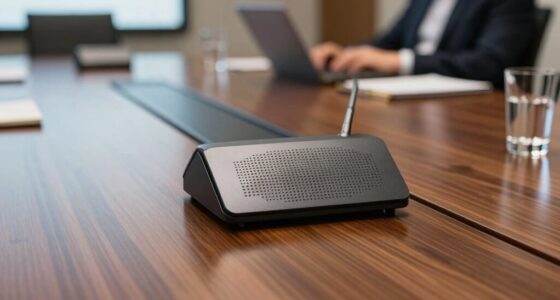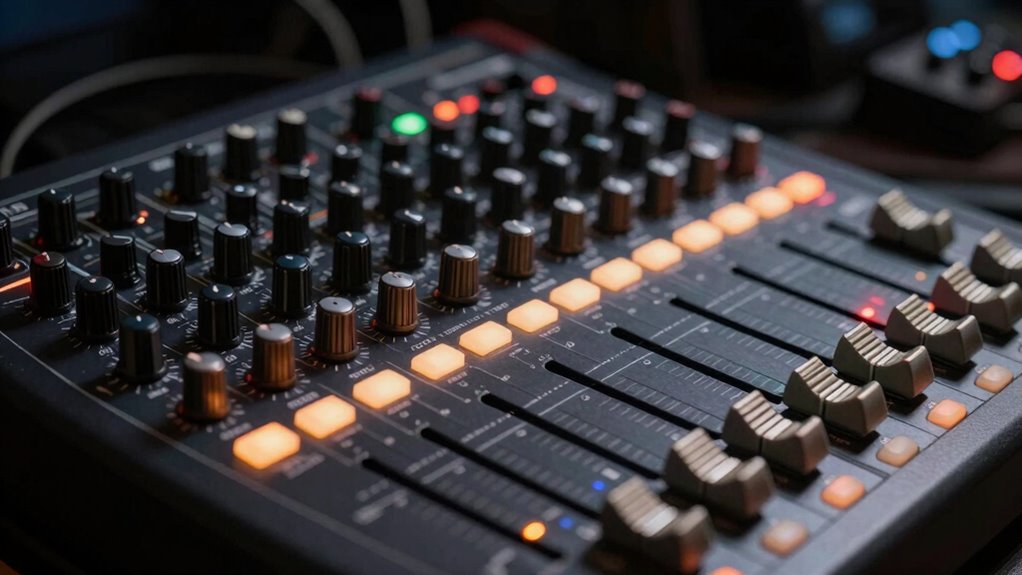

In live production, small details like sound quality, connectivity, and control are key. An audio interface guarantees high-fidelity sound and seamless digital connections, making your recordings clear and detailed. A mixer offers extensive input options and real-time control, ideal for managing multiple signals on the fly. Understanding these differences helps you choose the right device based on your needs. Keep exploring to discover how these small details can elevate your live setups even further.

Get business pricing on office and shipping supplies
- Business-only prices and quantity discounts
- Tax-exempt purchasing
- Multiple users, one account, clear invoices
Key Takeaways
- Small differences in connectivity stability and low-latency performance can significantly impact live sound quality.
- High-quality preamps and components in audio interfaces ensure clear recordings, crucial for professional live production.
- Mixers’ multiple input options and real-time control are vital for managing diverse sound sources during live shows.
- Precise routing and effects adjustments in mixers allow for seamless live sound customization.
- Digital workflow integration and setup efficiency depend on the subtle technical details of each device.
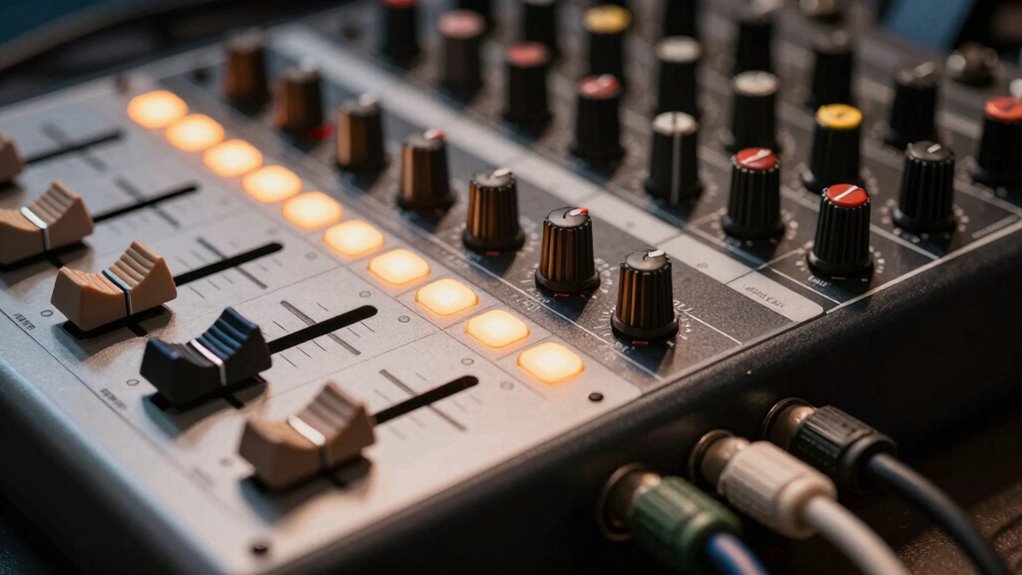
When setting up your audio system, understanding the differences between an audio interface and a mixer is vital to achieving the best sound quality and workflow. Both devices serve essential roles in live production and recording, but they cater to different needs. An audio interface primarily converts analog signals into digital data, allowing you to connect microphones, instruments, and other audio sources directly to your computer. It’s designed with a focus on sound quality, guaranteeing that your recordings sound clear, detailed, and true to the source. The quality of components like preamps and analog-to-digital converters directly impacts your audio fidelity. On the other hand, a mixer handles multiple audio signals, blending and routing them in real-time. It’s more about control and flexibility, allowing you to adjust levels, apply effects, and manage inputs on the fly. When choosing between the two, consider your priorities: if pristine sound and detailed recording are your goals, an audio interface is the better choice. It offers superior sound quality for capturing audio accurately, especially when working with vocals, instruments, or studio recordings. Additionally, understanding audio fidelity is crucial because it directly influences the clarity and accuracy of your recordings and live sound. Connectivity options are another key difference that influences your decision. Audio interfaces often feature a limited number of inputs and outputs, but they typically include high-quality connections like XLR, TRS, and USB or Thunderbolt ports. These guarantee stable, low-latency connections necessary for professional recording. Mixers, especially larger ones, boast numerous channels, allowing you to connect multiple microphones, instruments, and sound sources simultaneously. They provide various input types and routing options, making them suitable for live events or complex setups. Moreover, choosing a device with expandable connectivity options can provide greater flexibility as your setup evolves. It’s also important to consider digital workflow compatibility, which can greatly influence how smoothly your setup integrates with other digital tools. However, the connectivity on mixers often involves more physical cables and fewer digital options, which can limit integration with digital workflows. If you need a compact setup that prioritizes high-quality sound and straightforward digital connectivity, an audio interface is ideal. Conversely, if you require extensive input flexibility and real-time control in live environments, a mixer provides the versatility and input capacity you’ll need. Recognizing the small but significant details—sound fidelity and connectivity options—can greatly impact your setup’s effectiveness and professionalism, leading to smoother, more professional results every time. Moreover, understanding digital connectivity options can help streamline your workflow and improve overall performance.
Popular right now

Ninja Foodi 10-Quart DualZone 6-in-1 Air Fryer, Black, DZ302

Bose QuietComfort True Wireless Earbuds with Active Noise Cancellation, Black

Bose QuietComfort Wireless Noise-Cancelling Over-Ear Headphones, Black
As an affiliate, we earn on qualifying purchases.
Frequently Asked Questions
Can I Use an Audio Interface and Mixer Together?
Yes, you can use an audio interface and a mixer together. You’ll need to manage signal routing carefully, connecting outputs from the mixer to the interface’s inputs to record or stream. Keep in mind, each device has different power requirements, so make certain your setup is compatible and powered properly. This combination allows you to combine the mixer’s control with the audio interface’s recording capabilities for smoother live production.
Which Is Better for Podcasting: an Audio Interface or a Mixer?
Think of your podcast setup as a well-tuned orchestra; choosing between an audio interface and a mixer depends on your needs. For sound quality and simplicity, an audio interface delivers clear audio without extra fuss. If you want more control and multiple inputs, a mixer might be your conductor. Consider your budget, as an audio interface often costs less, making it ideal for streamlined, high-quality podcasting on a budget.
Do I Need Special Cables for Connecting Both Devices?
Yes, you might need special cables to connect both devices, depending on their connection types. Check the cable compatibility for your audio interface and mixer; some use USB, while others rely on XLR or 1/4-inch jacks. Make sure you have the right cables that match the connection types to avoid audio issues. Using the correct cables guarantees a seamless connection and maintains sound quality during your live production.
How Does Latency Differ Between Audio Interfaces and Mixers?
Latency varies between audio interfaces and mixers due to digital conversion and signal processing. Audio interfaces typically have lower latency because they handle digital conversion directly, minimizing delays. Mixers may introduce slightly more latency because of additional signal processing for effects and routing. Your setup’s quality and settings influence this difference, but generally, interfaces offer faster response times, making them preferable for live performances where timing is essential.
Are There Portable Options for Both Devices for Live Outdoor Events?
Yes, there are portable solutions for both audio interfaces and mixers perfect for outdoor events. Many compact audio interfaces offer outdoor compatibility, with rugged builds and battery power options, making them easy to carry and dependable outside. Similarly, portable mixers are designed with outdoor use in mind, featuring lightweight designs, durable construction, and battery operation. These portable solutions guarantee you maintain high-quality sound and flexibility during live outdoor productions.
Conclusion
Choosing between an audio interface and a mixer isn’t just about equipment—it’s about shaping your sound’s story. Think of your gear as the brushstroke in your masterpiece; the tiniest detail can turn a good performance into an unforgettable experience. Don’t let small choices drown out your creativity. Remember, it’s these subtle differences that determine whether your live production resonates deeply or simply fades away. Your sound’s destiny is in your hands—craft it with intention.