
📊 Full opportunity report: Quiet GPUs for Local AI: Acoustic and Thermal Roundup on ThorstenMeyerAI.com — validation score, market gap, and execution plan.

Get business pricing on office and shipping supplies
- Business-only prices and quantity discounts
- Tax-exempt purchasing
- Multiple users, one account, clear invoices
TL;DR
This article reviews the most silent and thermally efficient GPUs suitable for local AI workloads in 2026. It emphasizes undervolting, cooling design, and VRAM tiers, with specific models recommended for different needs. The focus is on balancing performance with noise and heat management.
In 2026, the most effective GPUs for local AI are those that balance high VRAM capacity with low noise and heat output, achieved through undervolting and superior cooling solutions, rather than raw performance alone.
This roundup evaluates GPUs based on their acoustic and thermal performance under sustained AI inference loads, emphasizing the importance of cooler design and power capping. The flagship model is the RTX 5090 with 32GB VRAM, which, when undervolted and paired with a high-quality cooler, offers near-silent operation despite its high power draw. For those seeking value, the RTX 4090 and used RTX 3090 with 24GB VRAM remain popular options, especially when cooled and power-capped effectively. The mid-tier options include the RTX 5080 and RTX 4060 Ti, ideal for smaller models and efficiency-focused builds. Professional-grade GPUs like the RTX PRO 6000 Blackwell with 96GB are also noted for dense, high-capacity setups.
Key to achieving quiet operation is undervolting the GPU to reduce heat and noise, and selecting partner cards with large, well-designed cooling solutions featuring zero-RPM modes and open-air configurations. Power capping to around 70–80% is recommended to minimize thermal output without significantly impacting inference speed, making these GPUs suitable for long-term, near-silent operation in dedicated AI workstations.
Quiet GPUs
for local AI.
The GPU makes ~70% of your heat and most of your noise. But here’s the secret: the chip doesn’t decide how loud your card is — the cooler design and your power settings do. Match your VRAM tier in Part 2, then make it quiet.
Capping to 70–80% sheds a huge amount of heat for almost no inference loss — because inference is memory-bound. A capped 5090 is dramatically cooler & quieter than stock. Do this first.
Within one GPU model, partner cards differ enormously. For a single card, a large triple-fan open-air with zero-RPM idle runs slow & quiet. For multi-GPU, the calculus flips →
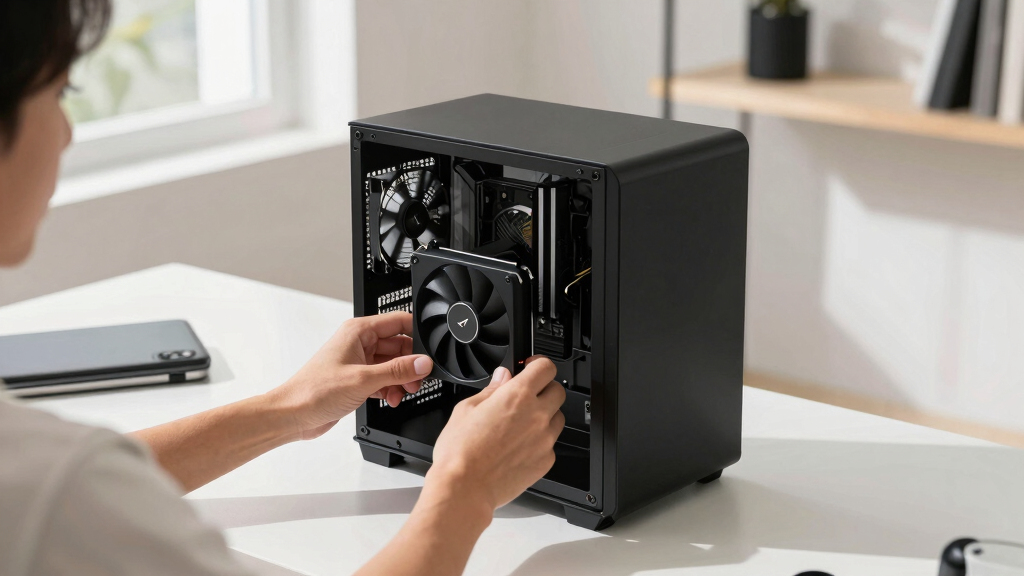
With room to breathe, a large triple-fan open-air cooler spreads heat across a big fin stack and runs its fans slowly. The quietest choice — what most people should buy.
Impact of Cooling and Power Strategies on GPU Quietness
The focus on thermal and acoustic optimization reflects a shift in AI hardware priorities, where noise and heat are as critical as raw performance for dedicated workstations. Quiet GPUs enable longer, more comfortable operation and reduce cooling infrastructure costs, making local AI more accessible and practical for individual users and small teams. For more on thermal solutions, see thermal paste and pads.
Popular right now

Hisense 43-Inch E6SR Series Hi-QLED 4K UHD Smart Roku TV (2026 Model)

Hisense 43-Inch E6 Cinema Series Hi-QLED 4K UHD Smart Fire TV (43E6QF)

iRobot Roomba 105 Combo Robot Vacuum and Mop
As an affiliate, we earn on qualifying purchases.
2026 GPU Landscape and Prior Developments
Historically, high-performance GPUs have been plagued by noise and heat issues, especially under sustained AI inference loads. Recent advancements in cooler designs, power management, and VRAM capacity have shifted this trend. The 2026 GPU market emphasizes undervolting and cooling efficiency, with flagship models like the RTX 5090 leading the way in balancing power, heat, and noise. Learn more about thermal management techniques. Previous years saw incremental improvements, but 2026 marks a significant focus on quiet operation without sacrificing inference throughput.
"Power-capping and superior cooling are game-changers for making high-end GPUs practical for quiet, long-duration AI inference."
— Thorsten Meyer, AI hardware expert
Remaining Questions About Long-Term Reliability
While cooling and undervolting improve noise and heat performance, it is still unclear how these modifications impact long-term GPU durability and stability under continuous AI inference loads. Additionally, the availability and pricing of high-end, well-cooled models remain uncertain due to market dynamics.
Future Developments in Quiet GPU Design and Management
Next steps include testing these GPUs over extended periods to confirm durability, and manufacturers may release new models with even more efficient cooling and power features. Software tools for automatic undervolting and thermal management are also expected to advance, further simplifying noise reduction for AI enthusiasts.
Key Questions
How much does undervolting reduce GPU noise?
Undervolting can significantly lower GPU power consumption and heat, which in turn reduces fan speeds and noise, often making high-performance cards near-silent during inference.
Is the RTX 5090 suitable for a quiet home setup?
Yes, especially if paired with a high-quality cooler and power-capped to around 70%, the RTX 5090 can operate quietly despite its high TDP.
Are used GPUs a good option for quiet AI workstations?
Used GPUs like the RTX 3090 offer good VRAM and performance at lower cost, but their thermal and acoustic performance depend on cooling and power management; proper cooling is essential.
Will future GPU models improve noise levels further?
Likely yes, as manufacturers focus more on cooling innovations and power efficiency, which are key to quieter operation in AI workloads.
Source: ThorstenMeyerAI.com