
If you don’t match your digital signage brightness to the environment, your displays can be hard to see or cause discomfort. Outdoor screens need higher nits to cut through sunlight, while indoor signs should avoid glare with lower brightness. Many businesses miss this key detail, leading to poor visibility and reduced engagement. Proper calibration and understanding ambient light’s impact are essential. Keep going to discover how to get your signage spot-on and maximize its impact.
Key Takeaways
- Many businesses overlook matching screen brightness to ambient light, causing poor visibility indoors and outdoors.
- Inadequate calibration leads to screens appearing dull or glaring, reducing message clarity.
- High nits are essential for outdoor displays, but excessive indoor brightness can cause glare and eye strain.
- Seasonal and daily ambient light changes require regular adjustments to maintain optimal readability.
- Proper brightness management enhances engagement and prevents screens from becoming ineffective or uncomfortable.
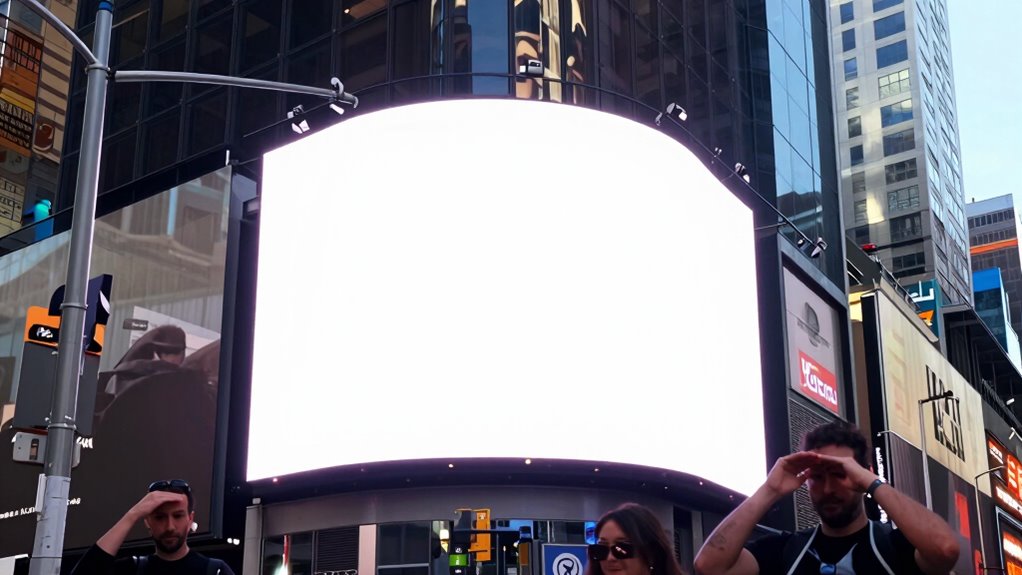
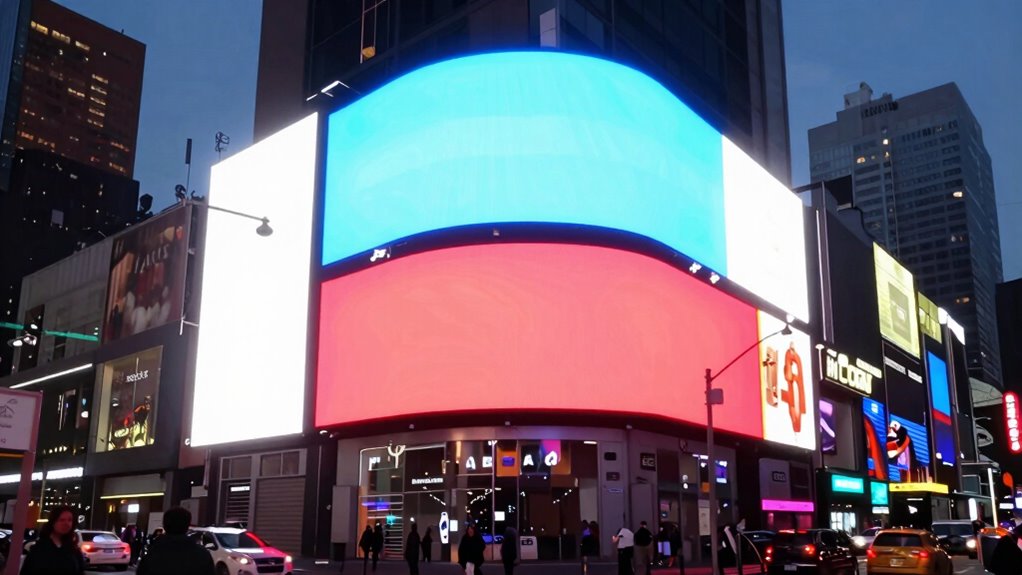
When choosing digital signage displays, understanding brightness levels is essential, especially since different environments demand varying levels of visibility. Ambient light plays a significant role in how your screen appears to viewers. In a bright outdoor setting, a display with higher brightness—measured in nits—is necessary to cut through sunlight and ensure your content remains visible. Conversely, in dimmer indoor spaces, excessive brightness can cause glare or discomfort, making your message hard to read and less effective. Recognizing this balance is crucial because many businesses overlook the importance of matching screen brightness to ambient conditions, leading to screens that are either too dim or overwhelmingly bright.
Screen calibration is your tool for achieving optimal visibility. It involves adjusting your display’s brightness, contrast, and color settings to suit the environment. Proper calibration ensures that the content looks natural and is easily readable under current lighting conditions. Without this step, a display might look fine in a controlled setting but become unreadable once installed in its actual environment. Regular calibration is vital because ambient light can vary throughout the day or due to seasonal changes, affecting how your content appears. If you neglect calibration, your signage may appear washed out during the day or too dim at night, diminishing its impact and readability. Additionally, understanding brightness levels in nits can help you select the right display for your specific setting.
Many business owners underestimate how critical proper brightness levels are until their screens become hard to read. When your signage is too dim in a bright environment, viewers struggle to see your message, reducing engagement. On the other hand, if the display is excessively bright indoors, it can cause eye strain and deter viewers from stopping to read. These issues often stem from a lack of understanding of the relationship between ambient light and brightness settings. It’s not just about choosing a high-nit display; it’s about adjusting that display’s brightness to match the environment through effective screen calibration. Proper calibration practices can significantly enhance the visibility and effectiveness of your signage.
In essence, avoiding the pitfalls of poor visibility requires a proactive approach. You should assess the ambient light where your signage will be placed and select a display with appropriate brightness capabilities. Then, fine-tune the settings through calibration to optimize readability. This process ensures your message remains clear, compelling, and accessible at all times. Ignoring these details can cost you in lost attention and diminished brand impact. Remember, the goal isn’t just to have a bright screen but to make sure your signage communicates effectively in its specific environment. Being aware of ambient light conditions and how they influence display performance can help you make better decisions for your signage setup.

43" Portable Outdoor Digital Signage Display, 1800 Nits High Brightness
- High Brightness Display: 1800 Nits for outdoor visibility
- Portable with Built-In Battery: Mobility without permanent mounting
- Easy Content Updates: USB AutoPlay for quick media playback
As an affiliate, we earn on qualifying purchases.
As an affiliate, we earn on qualifying purchases.
Frequently Asked Questions
How Do Ambient Light Conditions Affect Screen Brightness Settings?
Ambient light conditions directly influence your screen brightness settings because bright environments require higher brightness levels for visibility, while darker spaces need lower settings to prevent glare and eye strain. You should adjust the brightness accordingly and use glare reduction techniques, like anti-reflective screens or positioning the display away from direct light sources. This guarantees your digital signage remains clear and engaging, regardless of changing ambient light conditions.
What Is the Ideal Nits Level for Outdoor Digital Signage?
For outdoor digital signage, you should aim for a brightness level of at least 2,500 nits to guarantee visibility in direct sunlight. This brightness maintains color accuracy and readability, even in bright conditions. Keep in mind, higher nits mean increased power consumption, so balance brightness with energy efficiency. Properly calibrated outdoor screens help your message stand out clearly without draining power unnecessarily.
How Often Should Digital Signage Brightness Be Adjusted?
You should adjust your digital signage brightness regularly, especially as lighting conditions change throughout the day. This keeps your content vibrant and guarantees viewers stay engaged. If you neglect this, you risk dull visuals that lose impact and frustrate your audience. Content customization depends on ideal brightness, so stay attentive. By fine-tuning brightness frequently, you maximize viewer engagement and make your messages stand out, even in unpredictable lighting environments.
Can High Brightness Damage the Screen Over Time?
Yes, high brightness can damage your screen over time, affecting its longevity. Constant exposure to intense brightness causes wear on the display components, leading to issues like pixel burnout or reduced clarity. To prevent this, you should focus on brightness optimization, adjusting levels based on ambient lighting. Regularly moderating brightness guarantees your digital signage stays clear and functional longer, protecting your investment and maintaining effective visibility for your audience.
What Are the Best Practices for Calibrating Brightness?
Set your brightness levels thoughtfully by calibrating colors and optimizing content visibility. Use a reliable calibration tool to match your screen’s brightness with ambient lighting, ensuring clarity during day and night. Regularly reassess and adjust settings to maintain consistent quality, avoid eye strain, and prevent screen damage. Prioritize balance—bright enough for visibility, not so bright that it causes glare or diminishes image quality—so your message always shines clearly.

JIYANG 32 Inch Indoor Digital Signage Display,Floor Standing Advertising Digital Kiosk with Wheels,Portable LCD Poster Totem Support HDMI Input,Split Screen,Timed Open/Off,Android System
- Versatile Indoor Usage: Suitable for retail, malls, airports, and more
- Easy Plug and Play: USB autoplay with automatic looping and subtitles
- Intelligent Split Screen: Multiple window display with one-click split
As an affiliate, we earn on qualifying purchases.
As an affiliate, we earn on qualifying purchases.
Conclusion
If your digital signage’s brightness isn’t carefully calibrated, it’s like trying to read a faded sign in glaring sunlight—you’ll strain to see the message, and your audience might walk away confused. Ensuring your screens are bright enough with the right nits makes your content stand out vividly against the world’s chaos, drawing eyes effortlessly. Don’t let dull displays dim your message—brighten your signs, and watch your business message shine clearly, no matter the time of day.

DGK Color Tools Digital Kolor Pro 16:9 Large Color Calibration and Video Chip Chart, 2-Pack
- Precision Color Calibration: Professional-grade chips for accuracy
- Optimized Video Quality: Enhances 16:9 aspect ratio charts
- Durable Construction: Resists wear in demanding environments
As an affiliate, we earn on qualifying purchases.
As an affiliate, we earn on qualifying purchases.

P10 Programmable Scrolling LED SIGN 40"×14" LED Display, 4000cd/m³ High Brightness led Display with WIFI+USB, Indoor Outdoor Digital Sign Screen, SMD Technology Open Sign for Advertising Advertising
- Customizable Content: Full-color text, images, and animations
- High Brightness Display: 4000-nit outdoor-rated LED screen
- Durable Outdoor Design: IP65 weatherproof aluminum housing
As an affiliate, we earn on qualifying purchases.
As an affiliate, we earn on qualifying purchases.