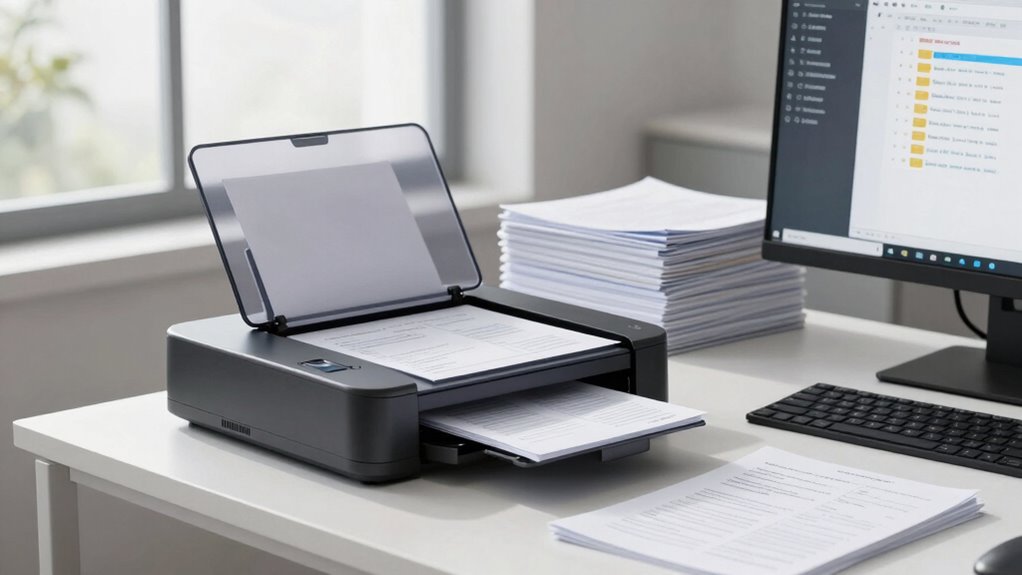

After scanning your documents, it’s smart to implement a clear retention strategy to keep your digital system organized, compliant, and secure. Use reliable storage solutions, like cloud platforms, to make records easily accessible and protected. Regularly review and update your retention policies to stay aligned with legal requirements, balancing security and accessibility. Building a disciplined, automated retention process helps prevent clutter, reduce risks, and guarantees you’re prepared for audits or legal needs—browse further to learn how to perfect your approach.

Get business pricing on office and shipping supplies
- Business-only prices and quantity discounts
- Tax-exempt purchasing
- Multiple users, one account, clear invoices
Key Takeaways
- Implement automated retention schedules to ensure timely deletion of outdated digital documents.
- Establish clear policies for retaining scanned documents based on legal and operational requirements.
- Use secure, organized digital repositories to improve document accessibility and compliance.
- Regularly review and update retention policies to adapt to changing laws and business needs.
- Leverage cloud storage solutions for scalable, secure, and efficient document archiving and retention management.
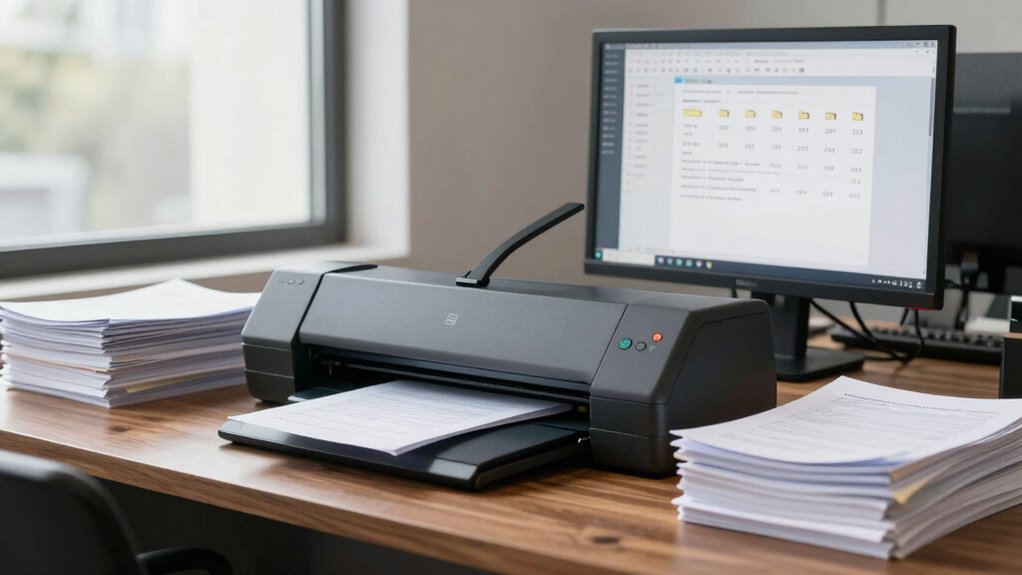
In today’s digital age, scanning documents has become a common way to manage records efficiently, but knowing how long to keep those digital copies is essential. Proper document retention ensures you stay organized, compliant, and ready for any audits or legal inquiries. When you adopt digital archiving practices, you create a streamlined system that reduces clutter and improves access to your records. However, it’s crucial to understand the legal requirements that govern how long you should retain different types of documents to avoid potential penalties or legal issues. Implementing best practices for digital storage can help you maintain an effective and compliant document management system.
Digital archiving isn’t just about converting paper files into digital formats; it’s about establishing a reliable system for storing, securing, and retrieving important records. This process helps you maintain a clear, organized repository where documents are preserved in a way that’s both accessible and protected. But, to maximize the benefits of digital archiving, you need to know the specific retention periods mandated by law for various documents. For example, financial records often need to be kept for seven years, while employment records might require retention for several years after an employee leaves. These requirements can vary depending on your location and industry, so it’s smart to consult legal guidelines or a compliance expert to create a retention schedule tailored to your needs. Understanding legal compliance is a key part of developing an effective retention strategy. Staying informed about document retention regulations ensures your system remains compliant and minimizes legal risks. Additionally, adopting cloud storage solutions can enhance security and accessibility of your digital archives. Keeping abreast of regulatory updates is essential to adapt your retention policies to evolving legal standards.
Legal compliance is the backbone of effective document retention. If you keep documents longer than necessary, you risk cluttering your digital storage and exposing sensitive information unnecessarily. Conversely, deleting records too soon could mean losing critical evidence in legal disputes or failing to meet regulatory standards. Establishing clear policies on how long to retain different types of documents helps you strike a balance between accessibility and security. Automated retention schedules and secure deletion processes can further support compliance efforts, ensuring you don’t retain records longer than needed or delete them prematurely.
Ultimately, your goal should be to develop a smart, compliant retention system that aligns with legal requirements and your operational needs. Regularly reviewing and updating your policies ensures they stay current with changing laws and industry standards. Proper digital archiving combined with precise retention practices results in a cleaner, more efficient document system that saves time, reduces risk, and keeps you compliant. When you understand how long to keep digital copies and follow best practices for document retention, you’ll build a resilient system that supports your business’s growth and legal standing.
cloud document storage solutions
As an affiliate, we earn on qualifying purchases.
As an affiliate, we earn on qualifying purchases.
Frequently Asked Questions
How Long Should Digital Copies Be Retained Legally?
You should retain digital copies according to legal requirements, which vary by industry and document type. For example, financial records often need to be kept for seven years, while tax documents may require ten years. Using digital archiving and cloud storage helps you manage these retention periods efficiently. Regularly review your retention policies to stay compliant, and confirm your digital copies are securely stored and accessible for the required duration.
What Are the Best Practices for Digital Document Destruction?
Think of digital document destruction like pruning a garden—you remove the dead branches to promote healthy growth. To do this effectively, you should establish clear policies for file organization and access controls. Regularly delete outdated files, securely shred sensitive data, and restrict access to authorized personnel only. This keeps your system lean, secure, and compliant, preventing clutter and potential data breaches.
How Can I Ensure the Security of Scanned Documents?
To guarantee the security of your scanned documents, you should implement strong encryption protocols to protect data both during transmission and storage. Additionally, set up strict access controls so only authorized personnel can view or modify sensitive files. Regularly update security measures, monitor access logs, and train your team on best practices. These steps keep your digital documents safe, confidential, and compliant with data protection standards.
Are There Industry-Specific Retention Regulations?
Yes, industry-specific retention regulations exist, and you need to follow them to guarantee compliance. You should familiarize yourself with relevant laws and incorporate clear retention policies tailored to your industry. These policies help determine how long you keep scanned documents, ensuring you meet legal requirements while maintaining an organized system. Regularly review and update your retention policies to stay aligned with evolving regulations, preventing legal issues or data breaches.
What Tools Assist in Managing Digital Document Lifecycle?
Think of managing your digital documents like tending a flourishing garden. Tools like metadata management help you label and categorize files efficiently, while version control ensures you keep track of changes without chaos. These tools act as your digital gardener’s toolkit, streamlining the document lifecycle from creation to retention. They keep your system organized, compliant, and easy to navigate, so your digital garden remains healthy and productive.
automated document retention software
As an affiliate, we earn on qualifying purchases.
As an affiliate, we earn on qualifying purchases.
Conclusion
By embracing smarter document retention practices after scanning, you streamline your system and reduce clutter effortlessly. When you implement these strategies, you’ll find your digital and physical files align more seamlessly—almost as if it was meant to be. Coincidentally, this harmony not only saves time but also boosts your productivity. So, when you think about organizing, remember: a smarter retention approach might just be the coincidence your business needs for a cleaner, more efficient future.
As an affiliate, we earn on qualifying purchases.
As an affiliate, we earn on qualifying purchases.
Halloween Picks
halloween
As an affiliate, we earn on qualifying purchases.