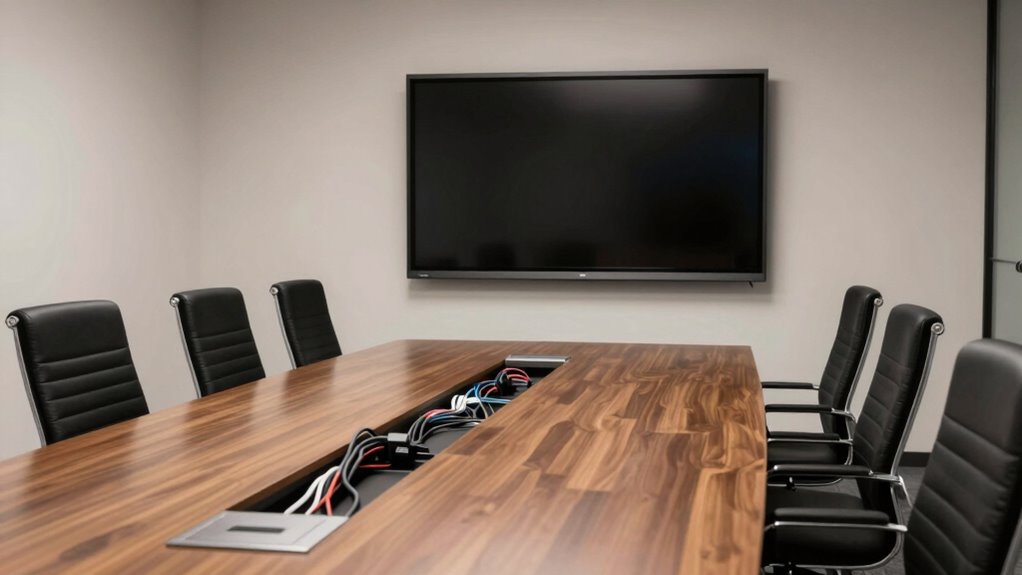

Effective cable management in your conference room reduces clutter, minimizes tripping hazards, and creates a professional look. By hiding or neatly routing cables, you’ll prevent tangles and make setups quicker. Pair this with wireless tech for seamless device connections and an ergonomic layout for comfort and focus. This clean, organized environment makes hybrid meetings smoother and more productive. Keep exploring how these simple fixes can transform your space and elevate your meetings.

Get business pricing on office and shipping supplies
- Business-only prices and quantity discounts
- Tax-exempt purchasing
- Multiple users, one account, clear invoices
Key Takeaways
- Implement cable trays and covers to conceal and organize wires, reducing clutter and tripping hazards.
- Use wireless devices for projectors, microphones, and laptops to eliminate excess cables.
- Strategically position power outlets and charging stations to minimize cable stretching and mess.
- Incorporate ergonomic furniture and adjustable setups to promote comfort and effective communication.
- Regularly inspect and maintain cable management solutions to ensure safety and ease of troubleshooting.
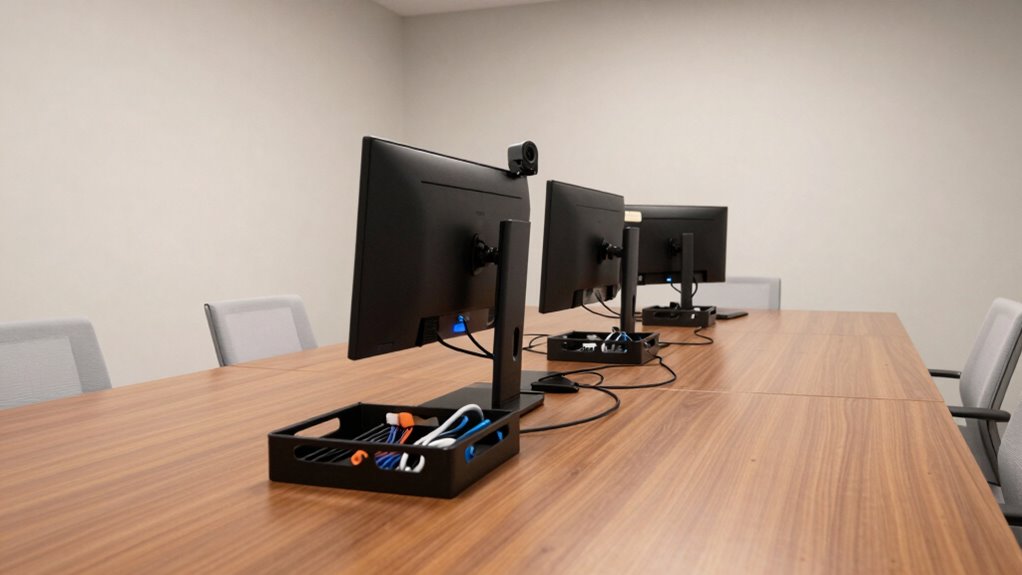
Have you ever wondered how a cluttered conference room can disrupt meetings and decrease productivity? When cables snake across the floor or clutter surfaces, it’s easy to get distracted or frustrated. This chaos doesn’t just look unprofessional; it hampers smooth communication and collaboration. The good news is that effective conference room cable management can transform your space into a streamlined, efficient environment. By focusing on wireless connectivity and ergonomic layouts, you can eliminate tangled cords and create an atmosphere that encourages focus and engagement.
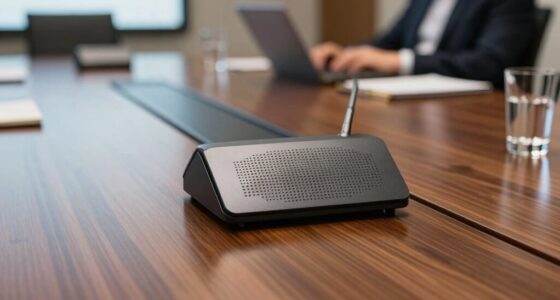
Wireless connectivity plays a vital role in reducing cable clutter. Instead of relying on numerous wires for projectors, microphones, or laptops, you can invest in wireless devices that connect seamlessly. Wireless screens, microphones, and presentation tools allow you to free up valuable space and minimize tripping hazards. They also give you the flexibility to move around during meetings without being tethered to a specific spot. This setup makes hybrid meetings—where some participants are in person and others virtual—much less cumbersome. When everyone connects wirelessly, it’s easier to share content, switch between devices, and keep the flow of the meeting smooth. Incorporating wireless technology can further streamline your setup and reduce the need for excessive cables. Additionally, integrating wireless connectivity can help future-proof your conference room as technology continues to evolve.
Wireless devices streamline meetings, reduce hazards, and enhance flexibility for seamless hybrid collaboration.
Alongside wireless tech, designing ergonomic layouts is essential for an effective conference room. An ergonomic setup involves arranging furniture and equipment in a way that promotes comfort and efficiency. For example, positioning tables and chairs to facilitate eye contact and easy communication helps keep everyone engaged. Incorporating adjustable height desks and comfortable seating ensures participants stay focused without physical discomfort. When cables are hidden or neatly routed, your space looks cleaner and more inviting, boosting morale and professionalism. Additionally, placing power outlets and charging stations strategically guarantees devices stay powered without cluttering surfaces with extension cords and power strips. Proper cable management solutions like cable trays, under-desk organizers, and cable covers can prevent wires from tangling and slipping onto walkways. Implementing these solutions can also enhance safety by reducing tripping hazards and accidental disconnections.
Proper cable routing not only enhances safety but also improves the overall aesthetic appeal of your conference room. When cables are properly routed and secured, it’s easier to maintain a tidy environment and troubleshoot issues quickly. Combining this with a wireless setup minimizes the number of cables needed overall, which simplifies maintenance and enhances safety. Furthermore, adopting cable management accessories can prolong the lifespan of your equipment by preventing unnecessary wear and tear caused by tangled or strained cables. As a result, a well-organized space fosters a more professional atmosphere and can even contribute to a positive impression on clients or visitors.
Ultimately, the key to less painful hybrid meetings lies in adopting a thoughtful approach to cable management, emphasizing wireless connectivity and ergonomic layouts. This approach not only improves the aesthetic of your conference room but also boosts productivity, fosters better communication, and creates a more comfortable experience for everyone involved. When your space is free of clutter and designed with purpose, you’ll find meetings run more efficiently—and everyone leaves feeling more satisfied.
conference room cable management tray
As an affiliate, we earn on qualifying purchases.
As an affiliate, we earn on qualifying purchases.
Frequently Asked Questions
How Often Should Cable Management Systems Be Inspected or Maintained?
You should inspect and maintain your cable management systems monthly to guarantee ideal cable organization and visual clarity. Regular checks help spot loose connections, frayed cables, or clutter that could disrupt hybrid meetings. Maintaining a tidy setup prevents potential technical issues, keeps cables secure, and preserves a professional appearance. By staying proactive, you ensure smooth, uninterrupted meetings, and a clean, organized conference room environment.
What Are the Best Cable Types for Different Conference Room Setups?
You should choose HDMI cables for high-quality video and audio, thanks to their excellent connector compatibility and durability. For longer runs, consider Cat6 Ethernet cables, which support high-speed internet and are built to last. If your setup involves power delivery, use sturdy, shielded power cables to prevent interference. Selecting cables with strong durability and ensuring compatibility with your devices guarantees reliable, seamless hybrid meetings.
How Can Cable Management Improve Security in Hybrid Meetings?
Cable management enhances security in hybrid meetings by preventing physical tampering and unauthorized access. You can implement access control measures, like locked cable enclosures, to restrict who handles the cables. Additionally, using data encryption for connected devices guarantees sensitive information stays protected during transmission. Proper cable organization reduces clutter, making it easier to monitor connections and quickly identify any security issues, ultimately safeguarding your meeting environment.
Are Wireless Solutions a Viable Alternative to Traditional Cable Management?
Wireless solutions are a viable alternative to traditional cable management, especially with advancements in wireless technology. They reduce clutter and make setup quicker. However, you need to take into account potential signal interference, which can disrupt connections during meetings. To guarantee smooth hybrid meetings, choose devices with strong signal stability and interference mitigation. This way, you can enjoy a cleaner space without sacrificing reliable connectivity.
What Budget Considerations Are Involved in Upgrading Conference Room Cabling?
When upgrading your conference room cabling, consider your budget allocation carefully to guarantee cost-effective upgrades. You’ll want to balance quality and affordability, choosing solutions that meet your current needs without overspending. Look for scalable options that can grow with your organization, and prioritize essential cabling improvements first. By planning wisely, you can enhance your conference room’s connectivity and hybrid meeting experience without exceeding your budget constraints.
wireless presentation microphone
As an affiliate, we earn on qualifying purchases.
As an affiliate, we earn on qualifying purchases.
Conclusion
Now that you’ve tidied up your conference room cables, you’ll find hybrid meetings run smoother than a well-oiled machine. No more tangled messes or frantic searches for the right port — just seamless collaboration. Think of it as your modern-day equivalent of a knight’s trusty sword, ready for battle. With these fixes, your setup becomes a true game-changer, making every meeting feel like a victory. So, go forth and conquer your space—your future self will thank you!
adjustable height conference table
As an affiliate, we earn on qualifying purchases.
As an affiliate, we earn on qualifying purchases.
power outlet strip for conference room
As an affiliate, we earn on qualifying purchases.
As an affiliate, we earn on qualifying purchases.
Halloween Picks
halloween
As an affiliate, we earn on qualifying purchases.