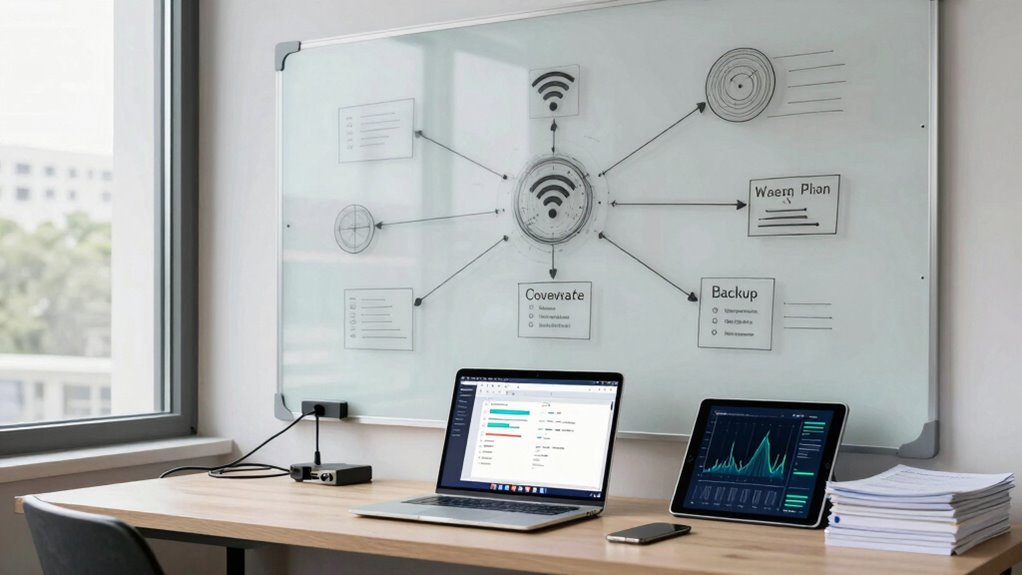

When you plan your Wi-Fi coverage carefully, you guarantee reliable access to files and backups across your entire network. Good coverage avoids dead zones, preventing delays or failures in file transfers and data backup. Optimizing device placement and minimizing interference keeps your connection stable during critical tasks. Continuous monitoring and adjustments help maintain performance. If you want to make sure your network supports your data needs seamlessly, there’s more to discover about effective planning strategies.

Get business pricing on office and shipping supplies
- Business-only prices and quantity discounts
- Tax-exempt purchasing
- Multiple users, one account, clear invoices
Key Takeaways
- Reliable Wi-Fi coverage ensures uninterrupted access to files and backups, preventing data corruption or transfer failures.
- Coordinated planning minimizes dead zones, enabling seamless file sharing and backup processes across all areas.
- Optimized placement of routers and extenders supports high data transfer speeds essential for backup efficiency.
- Managing interference and channel congestion enhances network stability, crucial during large file uploads or backups.
- Continuous monitoring allows adjustments to maintain optimal coverage, ensuring consistent access for file management.
Planning effective Wi-Fi coverage is essential to guarantee reliable internet access across your space. When you’re setting up or optimizing your network, you need to consider how various factors can impact signal strength. Device interference is one of the main issues you’ll face. Multiple electronic devices—cordless phones, microwaves, Bluetooth gadgets—all emit signals that can disrupt your Wi-Fi, causing dead zones or slow connections. To combat this, you should strategically position your router away from these sources and use dual-band Wi-Fi that minimizes interference on crowded frequencies. Signal amplification, or using range extenders and mesh networks, helps extend coverage, but it’s imperative to plan their placement carefully. Placing amplifiers too close or too far from the main router can weaken the overall signal or create overlapping zones that cause additional interference. It’s a balancing act: you want to maximize coverage without introducing new problems. Additionally, understanding Wi-Fi interference factors can help you better anticipate and mitigate potential issues. Being aware of network congestion and how it impacts your connection can further improve your setup. Regularly updating your network hardware can also help maintain optimal performance and security.
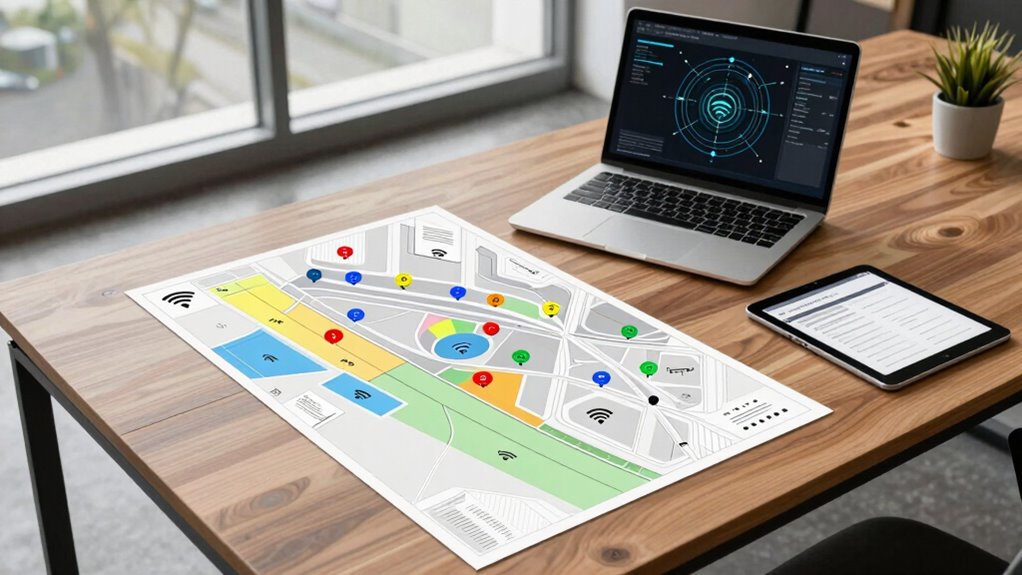
When you think about file access and backup, it’s essential to understand that both require consistent, high-quality connectivity. If your Wi-Fi coverage isn’t well-planned, your devices may struggle to access files stored on a network drive or cloud service, leading to frustrating delays or failures. This becomes especially critical when you’re performing backups, which often involve transferring large files over the network. Interruptions caused by poor coverage or interference can corrupt backups or prolong the process unnecessarily. To avoid this, you should map out your space to identify dead zones and ensure your signal reaches all critical areas. Incorporate signal amplification devices where needed, but also consider their placement carefully to prevent creating interference hotspots. Using a mesh Wi-Fi system can streamline this process, providing seamless coverage that supports both file access and backups without dead zones. Additionally, considering network channel management can help reduce congestion and interference, further improving performance during data transfers. Understanding interference mitigation strategies can also assist in maintaining a stable connection during file transfers. Regularly updating your network hardware can also help maintain optimal performance and security.
Furthermore, planning your Wi-Fi layout with your backup and file access needs in mind allows you to prioritize where to strengthen your network. For instance, placing routers or extenders in central locations can ensure all devices—whether used for work, storage, or backups—maintain strong, reliable connections. This proactive approach minimizes the risk of data corruption or access issues during backups and file sharing. It’s also wise to regularly monitor your network’s performance, adjusting device placement or upgrading hardware if you notice persistent interference or weak signals. Taking these steps helps create a resilient, efficient network that supports your data needs and keeps your devices connected without interruption, ensuring smooth file access and reliable backups every time.
As an affiliate, we earn on qualifying purchases.
Frequently Asked Questions
How Often Should Wi-Fi Coverage Be Reassessed?
You should reassess your Wi-Fi coverage at least every six months or whenever you notice issues like weak signal strength or coverage gaps. Changes in your environment, new devices, or layout adjustments can impact performance. Regular evaluations help you identify and address coverage gaps early, ensuring reliable file access and backups. Staying proactive keeps your network optimized for seamless connectivity, preventing disruptions and maintaining smooth operations.
What Are the Best Tools for Wi-Fi Coverage Mapping?
You should use tools like Ekahau, NetSpot, or inSSIDer to map Wi-Fi coverage effectively. These tools help you visualize signal strength and identify coverage gaps in your network. By analyzing the heatmaps they generate, you can pinpoint weak spots and optimize placement. Regularly updating your maps guarantees consistent performance, helping you avoid dead zones and ensuring reliable file access and backups across your entire coverage area.
How Does Wi-Fi Interference Affect Backup Speeds?
Think of Wi-Fi interference as a noisy highway, causing your backup speeds to slow down like traffic jams. Signal interference disrupts the smooth flow of data, reducing bandwidth optimization and making backups sluggish or unreliable. When interference peaks, it’s as if lanes close suddenly, forcing your files to crawl. To keep backups swift and steady, you must minimize interference, ensuring your Wi-Fi’s bandwidth stays clear for quick, efficient data transfers.
Can Wi-Fi Planning Improve File Access Security?
Yes, Wi-Fi planning can improve your file access security. By strategically positioning access points, you guarantee stronger signals and reduce dead zones. Implement network encryption to protect data during transfer, and set up access control to restrict who can connect. This way, you minimize unauthorized access, enhance overall security, and ensure that your file access remains safe and reliable across your network.
What Are Common Mistakes in Wi-Fi Coverage Planning?
Ever considered how poor planning leads to signal strength issues or coverage gaps? Common mistakes include underestimating the importance of thorough site surveys, which can cause dead zones. Overlooking the placement of routers and access points often results in weak signals. Failing to account for interference from other devices or physical barriers also hampers coverage. To avoid these, plan your Wi-Fi network carefully, ensuring consistent signal strength and eliminating coverage gaps.
mesh Wi-Fi system for seamless coverage
As an affiliate, we earn on qualifying purchases.
As an affiliate, we earn on qualifying purchases.
Conclusion
Now that you understand the importance of planning your Wi-Fi coverage alongside file access and backup, are you ready to take the next step? Imagine a network that seamlessly supports your needs, preventing surprises and data loss. But there’s one vital aspect you haven’t considered yet—something that could make or break your entire setup. Stay tuned, because the real key to flawless connectivity and data security is closer than you think. Don’t miss it.
As an affiliate, we earn on qualifying purchases.
As an affiliate, we earn on qualifying purchases.
Evergreen bestsellers Picks
bestsellers
As an affiliate, we earn on qualifying purchases.