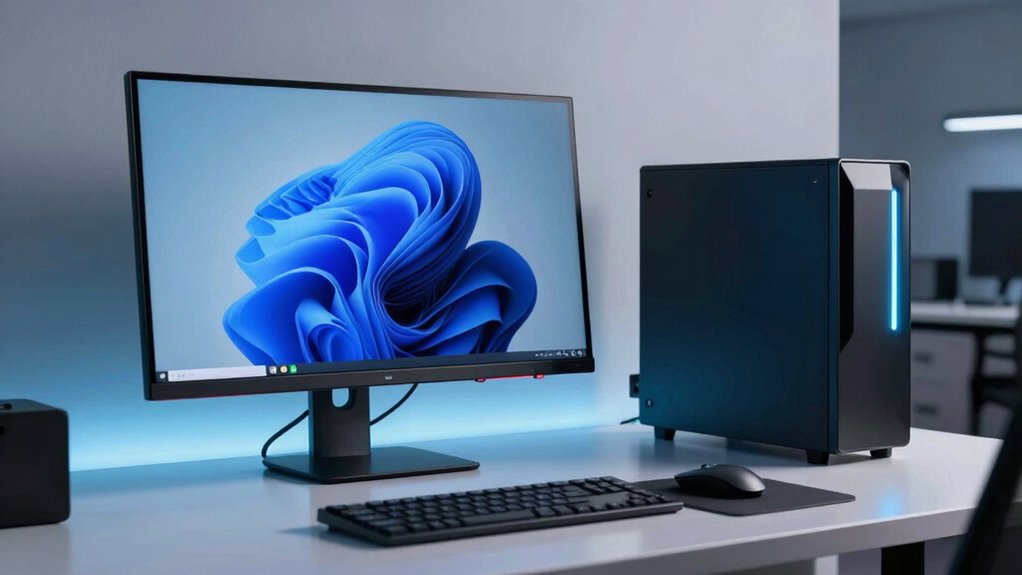

To make your workstation feel fast in real life, focus on upgrading key hardware components like RAM, SSDs, and modern processors, which boost responsiveness and multitasking. Keeping your system updated and properly maintained prevents slowdowns from software bloat or malware. Ensuring reliable connectivity and compatibility also plays a role. By optimizing these areas, your workstation will perform better during demanding tasks. Keep exploring how these improvements can transform your workflow even further.

Get business pricing on office and shipping supplies
- Business-only prices and quantity discounts
- Tax-exempt purchasing
- Multiple users, one account, clear invoices
Key Takeaways
- Upgrading RAM and SSDs improves responsiveness and reduces load times, making the workstation feel faster.
- Modern CPUs with higher core counts and speed enhance application launch times and multitasking.
- Regular system updates and maintenance prevent slowdowns caused by software bloat or malware.
- Ensuring fast and reliable connectivity supports seamless cloud access and large file transfers.
- Optimized system architecture with adequate hardware prevents lag during intensive tasks.
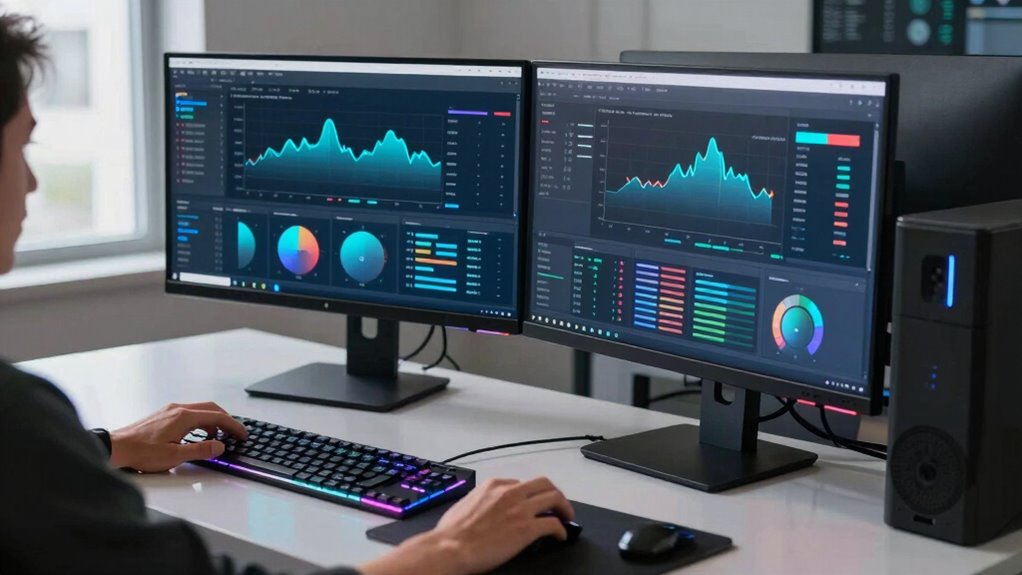
Ensuring your workstations run efficiently depends on timely computer replacements, as outdated hardware can slow productivity and increase maintenance costs. When your hardware becomes sluggish or unreliable, it hampers your ability to work quickly and effectively. To keep user productivity high, you need to understand what makes a workstation feel fast in real life. One key factor is hardware upgrades. Upgrading components like RAM, solid-state drives (SSDs), or graphics cards can dramatically improve performance, making your system more responsive and capable of handling demanding tasks. These upgrades ensure your workstation isn’t bottlenecked by aging technology, which often struggles with multitasking or resource-heavy applications. Additionally, understanding hardware obsolescence helps you plan timely replacements before performance declines significantly. Beyond hardware upgrades, the overall system architecture plays a crucial role. Modern computers are built to process data faster, thanks to advancements in CPU speed and core counts. When you opt for newer CPUs, you experience quicker application launches, smoother multitasking, and less lag during intensive work sessions. These improvements directly translate into better user productivity because you spend less time waiting for programs to load or files to transfer. This efficiency boost becomes even more noticeable when your workstation is optimized with sufficient RAM and fast storage solutions like SSDs, which reduce loading times and improve data access speeds. Regular hardware maintenance and system updates also help maintain optimal performance, preventing gradual slowdowns caused by software bloat or security vulnerabilities. A fast, responsive workstation also relies on good maintenance habits. Regular updates to your operating system and software keep your system running smoothly and secure. Clean and optimized systems prevent slowdowns caused by background processes or malware. Proper hardware maintenance can also extend the lifespan of your components, ensuring sustained performance over time. Investing in performance monitoring tools can help identify bottlenecks early and guide effective upgrades. Hardware upgrades are often the most impactful step you can take. Upgrading your workstation’s hardware not only improves speed but also extends its lifespan, delaying the need for complete replacements and saving costs in the long run. Additionally, your workstation’s connectivity components, such as network cards and peripherals, influence perceived speed. Faster Wi-Fi modules or Ethernet connections reduce data transfer times, which is especially important if you work with cloud-based applications or large files. When your hardware is current, these elements work seamlessly, avoiding frustrating delays. Keeping your hardware up-to-date is essential because it ensures compatibility with new software and security standards, further enhancing overall performance. Ultimately, what makes a workstation feel fast in real life boils down to a combination of strategic hardware upgrades, modern system architecture, and good maintenance. Keeping your hardware up-to-date ensures your system can handle today’s demanding tasks efficiently, boosting user productivity and minimizing downtime. When you invest in the right upgrades at the right time, your workstation becomes a powerful tool that supports your work goals instead of hindering them.
Popular right now

DeLonghi Rivelia Automatic Espresso Machine Bundle with Grinder and Frother, Beige

Dreame L50 Ultra Robot Vacuum and Mop

Samsung 42-Inch Class OLED S90F 4K Smart TV (2025)
As an affiliate, we earn on qualifying purchases.
Frequently Asked Questions
How Do Network Speeds Affect Workstation Performance?
Network speeds directly impact your workstation’s performance by affecting data transfer times. High network latency causes delays, making tasks like file sharing and cloud access feel sluggish. Bandwidth constraints limit how much data can move at once, slowing down large downloads or uploads. To keep your workstation feeling fast, guarantee your network has low latency and ample bandwidth, reducing bottlenecks and improving overall responsiveness during network-dependent tasks.
What Hardware Upgrades Can Improve Workstation Responsiveness?
To boost your workstation’s responsiveness, consider upgrading your RAM capacity to handle multitasking smoothly. Adding graphics acceleration can also improve rendering and visual performance, especially for graphics-intensive tasks. These hardware upgrades reduce lag and make your system feel faster during demanding applications. Ensuring these components are optimized for your workflow will give you a noticeable boost in overall responsiveness and efficiency.
How Does Software Optimization Impact Perceived Workstation Speed?
Software optimization directly impacts how fast your workstation feels by reducing software bottlenecks and improving efficiency. When you perform system tuning, you streamline processes, eliminate unnecessary background tasks, and optimize startup programs. These actions make your workstation more responsive, ensuring applications run smoothly without lag. By regularly updating software and fine-tuning settings, you create a seamless experience, making your workstation feel faster and more productive day-to-day.
What Role Does Storage Type Play in Workstation Performance?
Think of your workstation as a busy highway. The storage type is like the road’s quality—faster SSDs reduce storage bottlenecks and disk latency, allowing data to flow smoothly. HDDs, resembling rougher roads, slow everything down. Upgrading to SSDs minimizes delays, making your workstation feel snappy and responsive, especially during data-heavy tasks. Choosing the right storage guarantees your system’s speed doesn’t get stuck in traffic.
How Can User Workload Influence Workstation Replacement Decisions?
Your user workload directly influences workstation replacement decisions because higher productivity demands require faster, more capable hardware. If your tasks involve intensive processing, large data sets, or multitasking, you’ll need a workstation that handles these efficiently to avoid slowdowns. Regularly evaluating your workload helps determine when an upgrade is necessary, ensuring your workstation keeps pace with your evolving demands and maintains ideal performance for your productivity.
Conclusion
So, next time your workstation feels like molasses in winter, just imagine it as a sluggish snail at a race. With smarter replacement planning, you’ll swap that snail for a cheetah, leaving slowpoke tasks in the dust. Remember, a fast workstation isn’t just about specs; it’s about making your day smoother than butter. Don’t settle for a turtle—upgrade and watch your productivity sprint ahead like it’s chasing lunch!